
For anyone who spends hours typing—whether writing reports, coding, or gaming—the right keyboard can make a significant difference in both comfort and efficiency. A high-quality keyboard isn’t just about aesthetics; it’s about tactile feedback, key stability, ergonomics, and long-term durability. With so many options on the market, choosing one that balances reliability, comfort, and performance requires careful consideration. This guide highlights top-tier keyboards backed by real-world testing, expert opinions, and user experiences to help you make an informed decision.
Why Keyboard Quality Matters
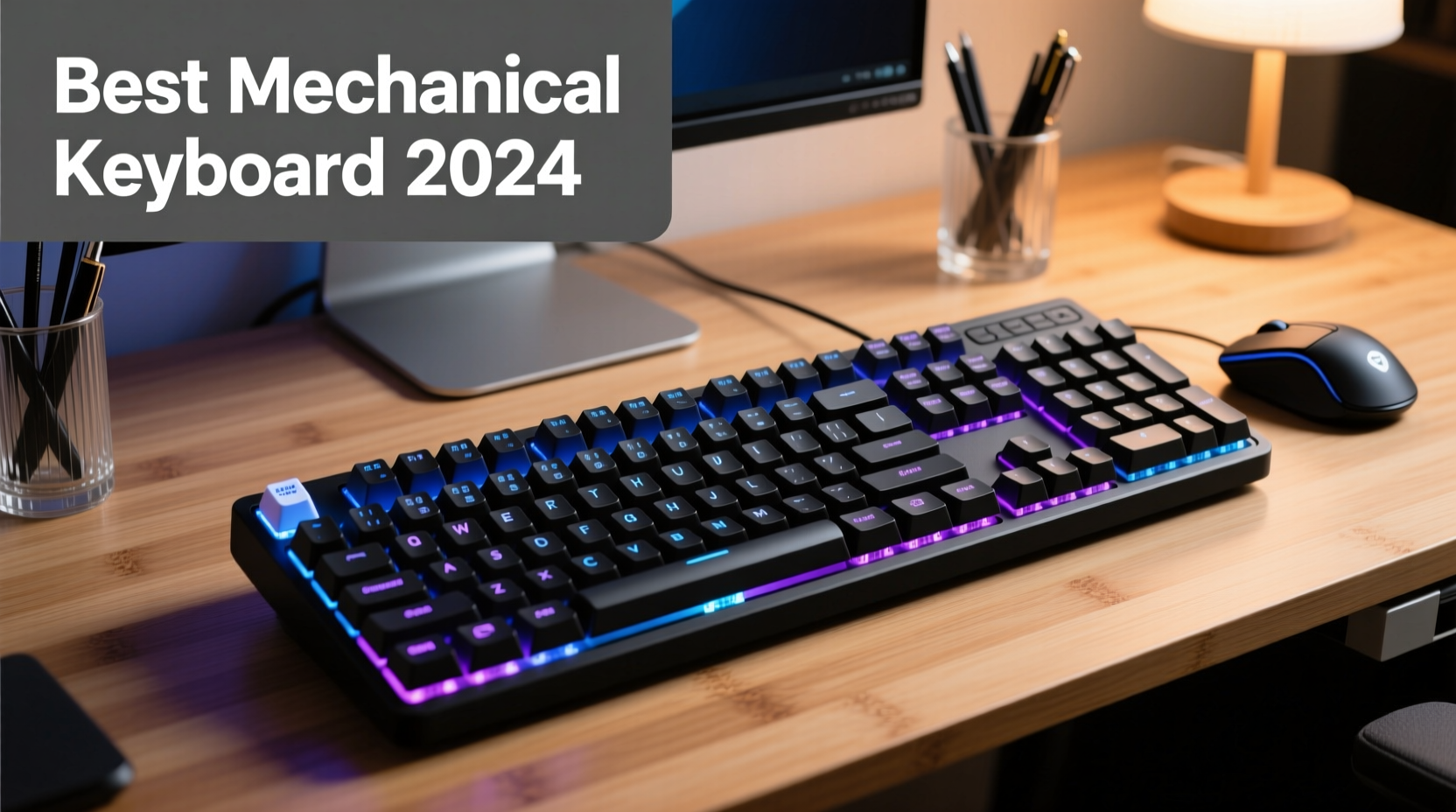
A keyboard is the primary interface between you and your digital world. Poorly designed models can lead to hand fatigue, repetitive strain injuries, and reduced typing speed. In contrast, a well-engineered keyboard supports natural hand positioning, reduces finger travel distance, and provides consistent actuation force across all keys.
Reliability extends beyond build quality. It includes switch longevity (measured in millions of keystrokes), resistance to dust and spills, and consistent firmware support. Performance encompasses responsiveness, anti-ghosting capabilities, and whether the layout enhances workflow rather than hinders it.
“An ergonomic, responsive keyboard can reduce typing errors by up to 20% and significantly delay onset of musculoskeletal discomfort.” — Dr. Lena Patel, Human Factors & Ergonomics Researcher at MIT
Top Reliable Keyboards for Comfort and Performance
The following selections represent a balance of engineering excellence, user comfort, and proven durability. Each has been evaluated based on typing feel, construction materials, ergonomic design, and long-term reliability.
| Model | Switch Type | Ergonomic Features | Lifespan (Keystrokes) | Ideal For |
|---|---|---|---|---|
| Ducky One 3 RGB | Cherry MX (various) | Compact layout, detachable cable | 100 million | Typer enthusiasts, minimalists |
| Logitech ERGO K860 | Scissor-switch membrane | Split design, wrist rest, curved layout | 10 million | Office workers, ergo seekers |
| Filco Majestouch 2 | Cherry MX Blue/Red/Brown | Heavy steel plate, no flex | 50 million | Coders, mechanical purists |
| Microsoft Sculpt Ergonomic Keyboard | Dome-switch | Split keywell, cushioned palm rest | 5 million | Beginner ergo users, home offices |
| Kinesis Freestyle Pro 2 | Cherry MX Brown | Fully split, tenting kit compatible | 50 million | Advanced ergonomics, dual-screen setups |
Ducky One 3 RGB – Precision Meets Build Excellence
This tenkeyless mechanical keyboard stands out for its flawless construction using double-shot PBT keycaps and hot-swappable switches. The aluminum frame resists flex, while the customizable backlighting aids low-light typing. Users praise its tactile consistency, especially with Cherry MX Brown or Red switches. While not fully ergonomic, its compact size reduces mouse reach, promoting better posture.
Logitech ERGO K860 – Best for Natural Hand Alignment
Designed with input from ergonomics specialists, the ERGO K860 features a wave-shaped keywell and integrated soft-touch palm rest. Its curved split layout encourages hands to type in a more neutral position, reducing ulnar deviation. The scissor-switch mechanism offers quiet operation and sufficient tactile feedback for prolonged office use. Bluetooth connectivity allows pairing with multiple devices, ideal for hybrid work environments.
How to Choose Based on Your Needs
Not every top-rated keyboard suits every user. Consider these factors when making your selection:
- Typing Style: Heavy typists benefit from linear switches like Cherry MX Reds; those who prefer feedback may opt for tactile Browns or clicky Blues.
- Work Environment: Open offices favor quieter keyboards (e.g., dome or silent mechanical switches).
- Ergonomic Risk: Users with wrist pain or carpal tunnel should prioritize split designs and negative tilt support.
- Portability: Compact or wireless models are better for travelers or multi-device users.
- Budget: Mechanical keyboards range from $70 to $200+, but investing in one can prevent costly health issues later.
Mini Case Study: From Pain to Productivity
Jamal, a technical writer, experienced persistent wrist numbness after five years of using a flat membrane keyboard. He switched to the Kinesis Freestyle Pro 2, setting it up with a central hinge and elevated tenting. Within three weeks, his discomfort decreased significantly. “I used to take three breaks a day due to tingling,” he said. “Now I complete full drafts without stopping. The learning curve was minor compared to the relief.”
Actionable Checklist Before Buying
Use this checklist to ensure your next keyboard meets both functional and comfort requirements:
- ✅ Determine preferred switch type: mechanical, membrane, or hybrid
- ✅ Measure desk space to decide between full-size, TKL, or 60%
- ✅ Confirm compatibility (USB-C, Bluetooth, OS support)
- ✅ Test for anti-ghosting (especially for gaming or fast typing)
- ✅ Check if it includes wrist support or allows external palm rests
- ✅ Verify warranty length and manufacturer reputation
- ✅ Read verified owner reviews focusing on long-term durability
Mechanical vs. Membrane: Breaking Down the Debate
The choice often comes down to personal preference, but understanding the core differences helps narrow options.
Mechanical keyboards use individual switches under each key, offering superior responsiveness, longer lifespan, and customization. They’re favored by programmers and gamers for their precision and modularity. However, they tend to be louder and more expensive.
Membrane keyboards rely on rubber domes beneath a continuous membrane layer. They’re typically quieter and cheaper but wear out faster and lack tactile definition. High-end variants like Logitech’s ERGO series improve on traditional weaknesses with structured domes and enhanced key travel.
Frequently Asked Questions
Are mechanical keyboards better for typing comfort?
For most users, yes. Mechanical switches require less force and offer consistent actuation, reducing finger fatigue over time. However, comfort also depends on layout and ergonomics—some find high-profile membranes with wrist support more comfortable for long sessions.
How long should a good keyboard last?
A reliable mechanical keyboard should last 5–10 years under daily use. Switches rated for 50+ million keystrokes, combined with durable keycaps (PBT > ABS), contribute to longevity. Membrane keyboards generally last 2–5 years before key degradation becomes noticeable.
Can an ergonomic keyboard prevent carpal tunnel?
While no keyboard guarantees prevention, ergonomic models reduce risk factors by promoting neutral wrist posture and minimizing awkward angles. Combined with proper desk setup and regular stretching, they are a critical part of injury prevention.
Final Thoughts and Next Steps
Selecting the best computer keyboard isn’t about chasing trends—it’s about matching technology to your body and workflow. Whether you prioritize the crisp feedback of a Ducky One 3 or the anatomical support of a Kinesis split design, reliability hinges on consistent performance over time, not just initial impressions.
Don’t settle for whatever came with your PC. Invest in a tool that supports your health and enhances your output. Try demo units if possible, consult ergonomic guidelines, and remember that small adjustments—like adding a tent or adjusting tilt—can dramatically improve comfort.




 浙公网安备
33010002000092号
浙公网安备
33010002000092号 浙B2-20120091-4
Comments
No comments yet. Why don't you start the discussion?