
For users with larger hands, finding a mouse that fits naturally can make the difference between all-day comfort and persistent wrist fatigue. Many standard mice are designed with average hand sizes in mind, leaving those with broader palms or longer fingers struggling with awkward grips, cramped postures, and potential long-term strain. The right mouse not only enhances comfort but also improves precision, reduces muscle tension, and supports better ergonomics during extended use—whether you're working, designing, or gaming.
This guide evaluates the best computer mice tailored for large hands, focusing on shape, weight distribution, button layout, grip compatibility, and build quality. Each recommendation is backed by real-world performance, user feedback, and ergonomic principles to help you make an informed decision.
Ergonomic Needs of Users with Large Hands
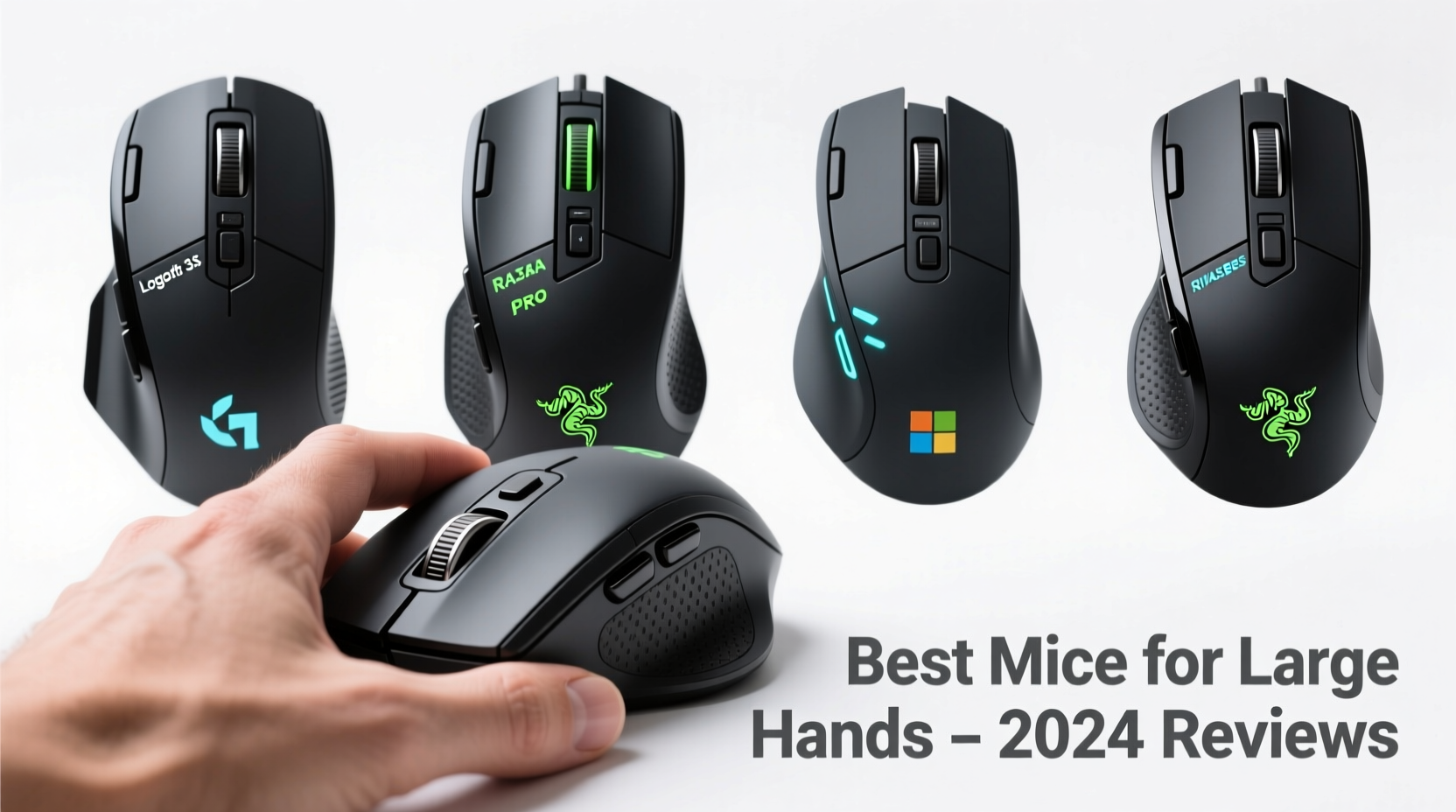
Hand size significantly influences how comfortably you can interact with a mouse. Individuals with palm widths exceeding 3.5 inches or finger lengths over 4 inches often find smaller mice too cramped, forcing them into claw or fingertip grips that increase pressure on tendons and joints. A well-fitting mouse should support a full palm grip, where the entire hand rests gently on the device without overreaching or curling.
Key ergonomic considerations include:
- Length: Mice over 4.7 inches accommodate longer fingers.
- Height: Higher arches support natural palm curvature.
- Width: Broad bodies prevent pinky finger drag and improve stability.
- Button placement: Side buttons should be reachable without stretching.
“An ill-fitting mouse forces compensatory movements that accumulate into repetitive strain injuries over time.” — Dr. Lena Torres, Occupational Ergonomist
Top 5 Mice for Large Hands: In-Depth Reviews
1. Logitech MX Master 3S
A premium choice for professionals, the MX Master 3S combines a sculpted right-handed design with advanced features. Its contoured thumb rest, high back hump, and textured rubber side grips provide excellent support for large palms. With silent clicks and 8K DPI tracking, it excels in both office and creative workflows.
The customizable scroll wheel and six programmable buttons enhance productivity, while Bluetooth and USB receiver options ensure reliable connectivity across multiple devices.
2. Microsoft Sculpt Ergonomic Mouse
Distinctive for its tilted design, the Sculpt positions the hand in a natural handshake posture, reducing ulnar deviation. While slightly bulkier, its wide base and elevated thumb shelf suit broad hands exceptionally well. Ideal for users seeking relief from wrist pain caused by traditional horizontal mice.
Note: It’s exclusively designed for right-hand use and may feel unusual at first due to the 40-degree angle.
3. Razer DeathAdder V3 Pro
Tailored for gamers with large hands, this lightweight (63g) wireless mouse features a right-handed ergonomic shape extending 4.8 inches. The soft-touch coating and precise optical sensor deliver speed and comfort during intense sessions. Its responsive switches handle over 90 million clicks, making it durable for heavy daily use.
The absence of onboard memory is a minor drawback, but cloud-based profile syncing via Razer Synapse compensates effectively.
4. Anker Vertical Ergonomic Mouse
An affordable alternative, this vertical mouse keeps the forearm in a neutral position, minimizing strain. At 4.6 inches tall, it fits most large hands comfortably. The simple plug-and-play setup and symmetrical design make it accessible for both left- and right-handed users.
While not as refined as higher-end models, its $30 price point makes it an excellent entry-level ergonomic option.
5. Logitech Lift Wireless Ergonomic Mouse
Engineered with a 54-degree tilt and compact vertical orientation, the Lift supports a relaxed arm posture. Despite being marketed toward medium hands, its design accommodates larger users when used with a wider desk or wrist pad. Available in both right- and left-handed versions, it's one of the few truly inclusive ergonomic mice.
Built with 50% recycled plastic, it also appeals to environmentally conscious buyers.
Comparison Table: Key Features at a Glance
| Model | Length | Weight | Ergo Type | Connectivity | Price Range |
|---|---|---|---|---|---|
| Logitech MX Master 3S | 4.9\" | 141g | Palm (Right-Handed) | Bluetooth, USB-C | $99 |
| Microsoft Sculpt Ergonomic | 4.7\" | 130g | Tilted Neutral | USB Transceiver | $60 |
| Razer DeathAdder V3 Pro | 4.8\" | 63g | Gaming Palm | Wireless 2.4GHz, Bluetooth | $150 |
| Anker Vertical Mouse | 4.6\" | 100g | Vertical | USB Receiver | $30 |
| Logitech Lift | 4.5\" | 91g | Vertical Tilt | Bluetooth, USB-C | $70 |
How to Choose: Step-by-Step Selection Guide
Selecting the ideal mouse involves more than just size—it's about matching form to function based on your usage patterns. Follow these steps:
- Measure your hand: Use a ruler to determine palm length and width. Focus on models exceeding these dimensions.
- Determine your grip style: Palm, claw, or fingertip? Large-handed users typically benefit most from palm grip designs.
- Assess your primary use: Office work favors smooth tracking and quiet buttons; gaming demands responsiveness and low latency.
- Test connectivity preferences: Prefer fewer cables? Prioritize Bluetooth or wireless dongle compatibility.
- Check software customization: Advanced users may want macro programming, DPI shifting, or gesture controls.
- Try before you buy (if possible): Visit electronics stores or borrow models to evaluate comfort firsthand.
Real-World Example: Reducing Discomfort in Remote Work
James, a freelance graphic designer from Portland, spent eight hours daily editing photos using a compact optical mouse. After six months, he developed persistent numbness in his right wrist. Upon consulting an ergonomic specialist, he switched to the Logitech MX Master 3S. Within two weeks, his discomfort diminished significantly. “It felt strange at first,” he said, “but now I can’t go back. My hand doesn’t ache anymore, and I’m actually faster in Photoshop.”
This case illustrates how proper fit directly impacts both health and efficiency—especially for those with larger hands who rely heavily on digital tools.
Essential Buying Checklist
Before purchasing, confirm the following:
- ✅ Length exceeds 4.7 inches for full palm support
- ✅ Contoured shape matches your dominant grip type
- ✅ Thumb rest or side grip prevents slippage
- ✅ Adjustable DPI settings (800–1600 recommended for general use)
- ✅ Wired or wireless option aligns with workspace setup
- ✅ Compatible with your operating system (Windows/macOS/Linux)
- ✅ Positive long-term durability reviews
Frequently Asked Questions
Can a mouse really cause wrist pain?
Yes. A poorly fitting mouse forces unnatural hand positions, leading to compression of the median nerve and contributing to conditions like carpal tunnel syndrome. Choosing a properly sized, ergonomically shaped mouse reduces this risk significantly.
Are vertical mice good for large hands?
Many vertical mice, such as the Anker model or Logitech Lift, offer sufficient height and tilt to support larger hands. However, some users find them less stable for precise tasks. It’s best to try one if possible, especially if you experience forearm fatigue.
Is a heavier or lighter mouse better?
It depends on preference and use. Heavier mice (120g+) offer stability and reduce jitter, beneficial for drafting or browsing. Lighter mice (under 80g) allow quicker movements, favored by gamers. For large hands, moderate weight (90–110g) often strikes the best balance.
Final Thoughts and Recommendation
Investing in the right mouse isn’t a luxury—it’s a necessity for sustained comfort and performance. For most users with large hands, the Logitech MX Master 3S stands out as the top overall pick, combining superior ergonomics, smart features, and proven reliability. Gamers will appreciate the precision of the Razer DeathAdder V3 Pro, while budget-conscious individuals can start with the Anker Vertical Mouse to ease into ergonomic design.
No matter your needs, prioritize fit over features. A sleek, high-tech mouse means little if it causes discomfort after 30 minutes of use. Take the time to assess your hand size, usage habits, and workspace setup. Your hands—and your long-term health—will thank you.




 浙公网安备
33010002000092号
浙公网安备
33010002000092号 浙B2-20120091-4
Comments
No comments yet. Why don't you start the discussion?