
For competitive players, precision is everything. In fast-paced shooter games like Call of Duty, Apex Legends, or Fortnite, the difference between a first-place finish and an early elimination often comes down to milliseconds—and millimeters. While skill and game sense matter, your controller settings can make or break your ability to track enemies, land headshots, and react under pressure. The right configuration doesn’t just improve performance; it creates muscle memory that turns instinct into victory.
Yet, many players rely on default presets or copy popular streamers’ setups without understanding how each setting impacts control. This article breaks down the science and strategy behind optimal controller configurations for precise aiming. From sensitivity curves to input lag reduction, every element is dissected to help you build a setup tailored to your playstyle and hardware.
Understanding Input Sensitivity and Dead Zones
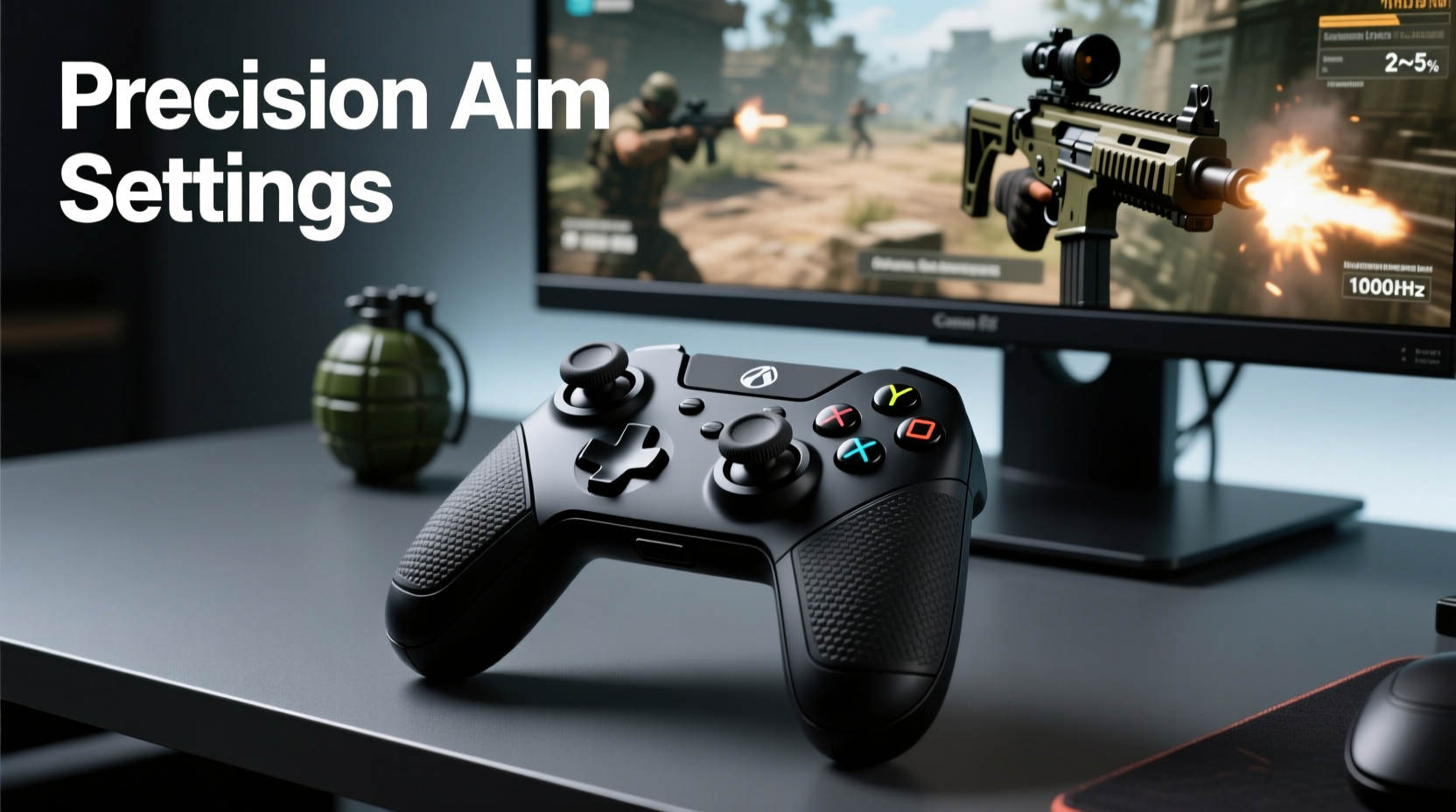
The foundation of accurate aiming starts with how your controller interprets stick movement. Analog sticks don’t respond linearly by default—small movements near the center may not register at all due to built-in dead zones, while larger motions can feel too abrupt. Fine-tuning these parameters ensures smoother tracking and eliminates unintended inputs.
A dead zone is the small area around the center of the stick where no input is registered. This prevents drift caused by imperfect hardware calibration. However, too large a dead zone makes it harder to make micro-adjustments during close-range fights or long-range sniping. A sweet spot exists—typically between 5% and 10%—that filters out noise while preserving responsiveness.
Additionally, consider adjusting the inner and outer dead zones separately if your device supports it. The inner dead zone filters minor stick wobble, while the outer dead zone caps maximum deflection to avoid over-sensitivity at full tilt. Balancing both allows for fluid motion without sacrificing control.
Optimizing Sensitivity Settings for Precision
Sensitivity determines how far your reticle moves in response to stick rotation. Too high, and fine adjustments become impossible. Too low, and you’ll struggle to turn quickly. The key is finding a balance that allows both rapid flicks and pixel-perfect tracking.
Many professionals use a dual-sensitivity approach: one setting for horizontal/vertical aim and another specifically for scoped weapons. For example, a base sensitivity of 7–8 (in most console shooters) might be paired with a 30–40% reduction when aiming down sights (ADS). This gives flexibility—broad movement for hip-firing and tighter control for long-range engagements.
“High sensitivity lets you spin faster, but only if you can still control recoil and track moving targets. It’s not about speed—it’s about usable speed.” — Marcus “Shrike” Tran, Pro Apex Legends Controller Player
Consider this real-world scenario: During a ranked match in Warzone, a player spots an enemy peeking from behind cover at 50 meters. With overly sensitive sticks, their aim overshoots, requiring corrective swings that waste time and expose them. But with properly tuned sensitivity, they smoothly drag from center mass to head, securing the kill cleanly.
To test your current sensitivity:
- Enter a private match or training ground.
- Face a wall and perform a full 180-degree turn using one swift motion.
- Adjust until this takes between 0.4 and 0.6 seconds—fast enough to react, slow enough to correct.
Button Mapping and Layout Efficiency
Even perfect aim means little if you’re fumbling for buttons during critical moments. Customizing your button layout reduces finger travel, minimizes mispresses, and keeps your hands stable during intense sequences.
Most modern controllers allow remapping via system-level software or in-game options. Common upgrades include:
- Moving crouch or slide to rear paddles (if available).
- Assigning jump to a thumb paddle for easier mobility.
- Swapping sprint to a shoulder trigger for quicker activation.
Paddle-equipped controllers like the Xbox Elite Series 2 or DualSense Edge let you maintain grip stability while executing complex actions. For instance, instead of lifting your thumb to press X for jump, you assign it to Paddle 3, keeping your thumb on the left stick for continuous movement control.
| Function | Default Button | Recommended Alternative | Rationale |
|---|---|---|---|
| Jump | X / A | Bottom Paddle | Reduces hand shift; improves strafe-jump consistency |
| Crouch | B / Circle | Top Paddle | Enables tap-crouch without losing aim stability |
| Sprint | Left Stick Press | Back Trigger Half-Pull | Allows sprint + movement combo without stick release |
| Reload | R1 / RB | Right Paddle | Frees up index finger for shooting/recoil control |
Stick Tension and Physical Modifications
Hardware matters as much as software. Over time, analog sticks wear down, leading to drift and inconsistent input registration. But even new controllers benefit from physical tuning. Adjusting stick tension changes how freely the stick moves, directly affecting precision.
Some elite players use rubber O-rings or aftermarket kits to increase resistance slightly, reducing jitter and improving centering. Others prefer looser tension for faster flick shots. There's no universal standard—only what feels natural after extended use.
Another often-overlooked factor is stick height. Tall concave sticks (like those on the Xbox Adaptive Controller or some third-party mods) offer better fingertip leverage, allowing finer control than flat or short sticks. Players who rely on subtle corrections—sniper users, for example—often report improved ADS stability with raised sticks.
If you're serious about performance, consider investing in a programmable controller designed for competitive play. Devices like the Victrix Pro BFG or Razer Wolverine V2 Chroma offer modular components, adjustable triggers, and swappable sticks—all engineered to reduce input variance.
Step-by-Step Guide to Tuning Your Controller
Follow this sequence to systematically optimize your setup for maximum aiming precision:
- Reset to Defaults – Begin with factory settings to eliminate unknown variables.
- Calibrate Dead Zones – Use diagnostic tools to set inner dead zone to 7%, outer to 95%. Adjust based on observed drift or lag.
- Set Base Sensitivity – Choose a middle-ground value (e.g., 6–8 in CoD). Test in a controlled environment.
- Adjust ADS Multiplier – Reduce sensitivity by 30–50% when aiming. Fine-tune until tracking feels smooth.
- Remap Buttons – Assign core actions (jump, crouch, reload) to paddles or accessible triggers.
- Test Recoil Control – Fire a full magazine on automatic while trying to keep reticle on target. Adjust sensitivity or stick tension if uncontrollable.
- Practice Tracking – Follow moving bots or drones across the screen. Aim should feel responsive but not twitchy.
- Play Live Matches – Apply settings in real matches. Note situations where input fails you—overturning, sluggish turns, accidental presses.
- Iterate Weekly – Make small adjustments weekly. Avoid drastic changes mid-competition.
This process isn't instant. It requires deliberate practice and honest self-assessment. But over two to four weeks, most players see measurable improvement in K/D ratios and shot accuracy.
Common Mistakes That Hurt Aiming Accuracy
Even experienced players fall into traps that undermine their mechanical edge:
- Copying Pro Settings Blindly: Just because a top player uses 12 sensitivity doesn’t mean it suits your motor skills or monitor distance.
- Ignoring Stick Drift: Delaying maintenance leads to inconsistent input, especially noticeable during slow pans.
- Using High Acceleration: Input acceleration makes small movements slower and large ones faster—a disaster for muscle memory development.
- Over-Tightening Thumbsticks: Excessive tension causes fatigue and reduces fine motor control during prolonged sessions.
- Neglecting Grip Stability: Sweaty palms or loose grips lead to micro-movements that throw off aim alignment.
“Your controller should feel like an extension of your body—not something you’re fighting against.” — Lena Park, Esports Performance Coach
Checklist: Optimize Your Controller in Under 30 Minutes
Use this quick-reference checklist to audit and upgrade your setup efficiently:
- ✅ Check for stick drift in menu navigation
- ✅ Set inner dead zone to 6–8%
- ✅ Disable input acceleration (if available)
- ✅ Lower ADS sensitivity by 30–50%
- ✅ Map jump/crouch to rear paddles
- ✅ Clean analog sticks with isopropyl alcohol
- ✅ Replace worn thumb caps with textured or taller variants
- ✅ Test flick shots and tracking in training mode
- ✅ Save profile and label it “Competitive – Final”
Frequently Asked Questions
Should I use gyro aiming?
Gyro aiming adds micro-adjustments via controller motion, commonly used on Nintendo Switch and supported in some PS5/Xbox titles through third-party adapters. When calibrated correctly, it enhances precision beyond stick limits. However, it introduces latency if poorly implemented and requires additional setup. Competitive players in Fortnite and Call of Duty increasingly adopt it—but only after mastering baseline stick control.
Is lower sensitivity always better for accuracy?
Not necessarily. Lower sensitivity allows finer control but sacrifices turning speed. The goal is *effective* sensitivity—the range where you can both track targets accurately and rotate quickly when needed. Many top players use medium-low settings (4–7 in most games) with slight boost on 180-degree turns.
How often should I recalibrate my controller?
Recalibrate monthly if used daily. More frequent checks are wise if you notice drifting, unresponsive inputs, or inconsistent recoil patterns. Most consoles offer built-in calibration tools under accessibility or controller settings.
Conclusion: Precision Starts With Intentional Setup
Great aiming isn’t just reflexes—it’s engineering your tools to support peak performance. The best controller settings for precise aiming aren’t found in a single preset download or copied config. They emerge from deliberate experimentation, iterative refinement, and honest feedback from gameplay.
You don’t need expensive gear to start. Even a standard DualShock or Xbox Wireless Controller can deliver pro-level results with the right tuning. What matters is consistency: applying smart adjustments, practicing with purpose, and treating your setup as a living system that evolves with your skill.




 浙公网安备
33010002000092号
浙公网安备
33010002000092号 浙B2-20120091-4
Comments
No comments yet. Why don't you start the discussion?