
Fusion 360 by Autodesk is a demanding CAD, CAM, and CAE tool used by product designers, mechanical engineers, and makers. It combines 3D modeling, simulation, rendering, and collaboration into one cloud-based platform. While it's more optimized than some traditional CAD software, running it smoothly—especially on complex assemblies or large render jobs—requires careful hardware selection. Finding the best laptop for Fusion 360 means balancing raw performance, graphics capability, and cost without overspending on unnecessary specs.
The ideal machine should handle real-time manipulation of intricate models, support GPU-accelerated rendering, and remain responsive during multitasking. This guide focuses on laptops that deliver strong performance in Fusion 360 while offering long-term value—whether you're a student, freelancer, or professional working from home or on-site.
Key Hardware Requirements for Fusion 360
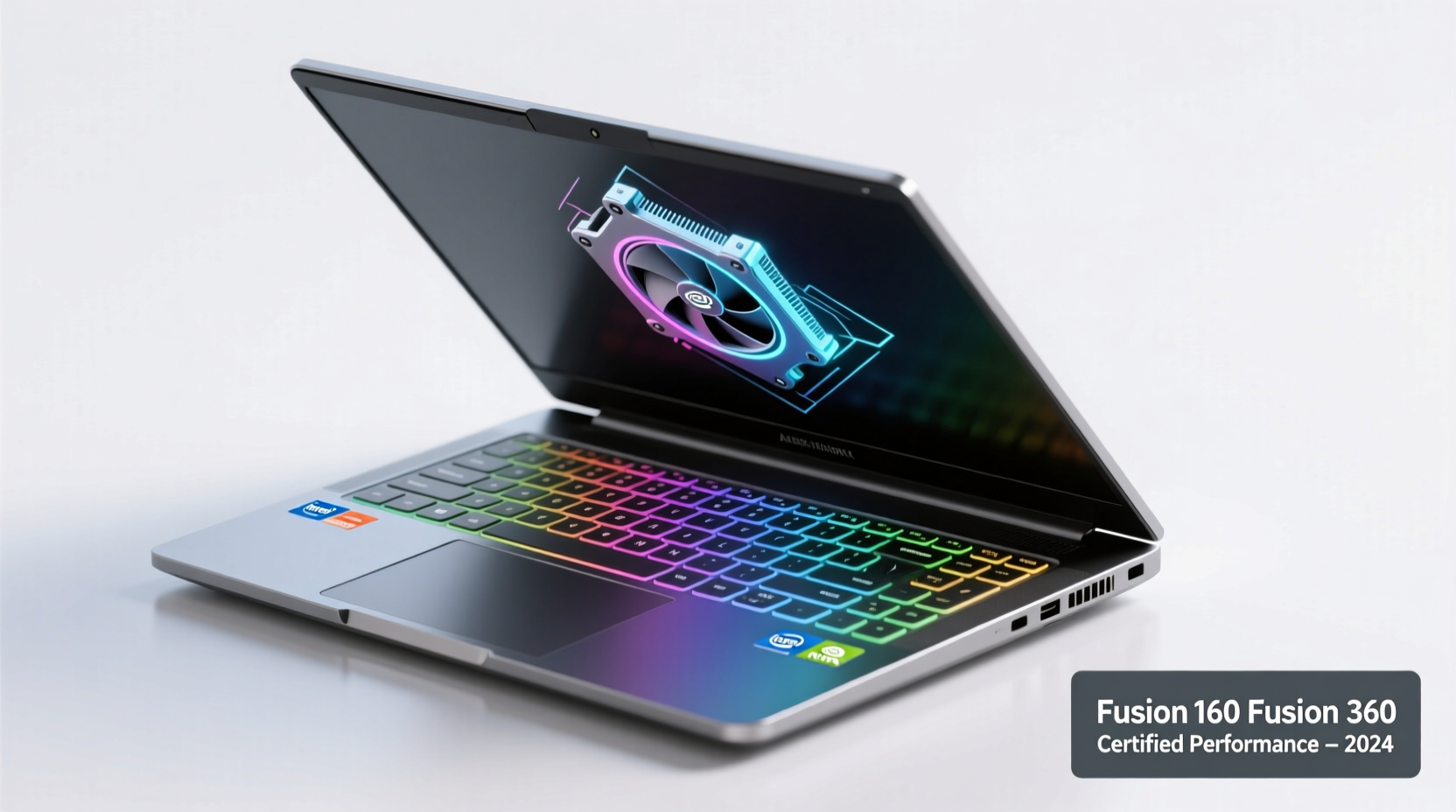
Fusion 360 runs on both Windows and macOS, but performance varies significantly based on hardware configuration. Autodesk provides minimum and recommended specs, but real-world usage often demands more than the baseline.
- CPU: A modern multi-core processor (Intel Core i7/i9 or AMD Ryzen 7/9) is essential. Fusion 360 benefits from high single-thread performance for modeling tasks and multi-core efficiency during simulations.
- GPU: A dedicated graphics card with at least 4GB VRAM is strongly advised. NVIDIA Quadro or GeForce RTX series are preferred due to certified drivers and CUDA acceleration.
- RAM: 16GB is the practical minimum; 32GB is recommended for large assemblies or rendering workloads.
- Storage: An SSD (NVMe preferred) of at least 512GB ensures fast load times and smooth operation, especially when accessing cloud-stored projects.
- Display: A Full HD (1920x1080) screen with good color accuracy helps visualize designs clearly. A larger 15.6” or 17” display improves workspace usability.
“Fusion 360 isn’t just about processing power—it’s about system balance. A fast CPU paired with a capable GPU and sufficient RAM eliminates bottlenecks during design iterations.” — David Lin, Senior Mechanical Designer at ProtoForm Labs
Top Laptops That Excel in Fusion 360 Performance and Value
Not all high-end laptops are suited for CAD work. Some prioritize gaming aesthetics over driver stability, while others lack thermal headroom for sustained loads. The following models stand out for their proven performance in professional workflows, build quality, and price-to-performance ratio.
| Laptop Model | CPU | GPU | RAM | Storage | Price Range (USD) |
|---|---|---|---|---|---|
| Dell Precision 5570 | Intel Core i7-12800H | NVIDIA RTX A2000 (16GB) | 32GB DDR5 | 1TB NVMe SSD | $2,100–$2,600 |
| Lenovo ThinkPad P1 Gen 5 | Intel Core i7-12700H | NVIDIA RTX A2000 (16GB) | 32GB DDR5 | 1TB NVMe SSD | $2,200–$2,800 |
| ASUS ProArt Studiobook 16 | AMD Ryzen 9 5900HX | NVIDIA RTX 3070 | 32GB DDR4 | 1TB PCIe SSD | $1,900–$2,400 |
| Apple MacBook Pro 16” (M2 Max) | Apple M2 Max (12-core) | 38-core GPU | 32GB Unified | 1TB SSD | $3,500+ |
| HP ZBook Firefly 16 G10 | Intel Core i7-1360P | NVIDIA T550 | 16GB DDR5 | 512GB NVMe | $1,500–$1,800 |
The Dell Precision and Lenovo ThinkPad P1 are certified mobile workstations with ISV (Independent Software Vendor) certification from Autodesk, meaning they’ve been tested and optimized for Fusion 360. The ASUS ProArt offers exceptional value with its color-accurate display and robust GPU, ideal for designers who also do rendering. Apple’s M2 Max MacBook Pro performs well in native ARM-compatible workflows but may face compatibility issues with certain plugins or third-party tools.
Real-World Example: Freelance Industrial Designer Workflow
Jessica Tran, a freelance industrial designer based in Portland, transitioned from a mid-tier consumer laptop to a Lenovo ThinkPad P1 Gen 5 after experiencing constant lag during client project reviews. Her previous setup—an Intel i5 with integrated graphics—struggled with assemblies exceeding 100 parts.
After switching, she reported a 70% reduction in viewport lag and was able to run stress simulations directly on her laptop without needing desktop access. “I can now take my full workflow on-site,” she said. “Presenting real-time design changes to clients using Fusion 360 has become seamless. The investment paid off within three months through faster turnaround and fewer reworks.”
This case illustrates how choosing a capable machine directly impacts productivity, client satisfaction, and professional credibility.
Step-by-Step Guide to Choosing Your Ideal Fusion 360 Laptop
Selecting the right laptop doesn't have to be overwhelming. Follow this logical sequence to make an informed decision:
- Assess Your Use Case: Are you a student doing simple models? A professional handling large assemblies? Or a maker integrating electronics and mechanics? Match complexity to hardware needs.
- Set a Realistic Budget: Aim for $1,500–$2,500 for optimal value. Avoid sub-$1,000 machines unless strictly for light use.
- Prioritize Certified Workstations: Look for Dell Precision, HP ZBook, or Lenovo ThinkPad P-series models with ISV certifications.
- Check GPU Compatibility: Visit Autodesk’s official site to confirm GPU support. NVIDIA RTX/A-series cards are most reliable.
- Verify Upgradability: Choose a model that allows RAM and storage expansion. Soldered components limit future flexibility.
- Test Before Buying (If Possible): Rent or demo units if available. Run your typical project files to assess responsiveness.
- Consider Portability vs. Power: Larger laptops offer better cooling and bigger screens but reduce mobility. Balance based on your work environment.
Frequently Asked Questions
Can I run Fusion 360 on a gaming laptop?
Yes, many gaming laptops with NVIDIA RTX GPUs perform well in Fusion 360. However, ensure the GPU has certified drivers installed—gaming drivers may cause instability. Also, workstation GPUs like the RTX A-series are tuned for precision tasks over frame rates.
Is 16GB RAM enough for Fusion 360?
For basic to moderate modeling, 16GB is acceptable. However, if you work with complex assemblies, simulations, or rendering, upgrading to 32GB prevents slowdowns and system swapping, especially when multitasking with browsers or communication tools.
Do MacBooks run Fusion 360 well?
Apple’s M2 and M2 Max chips handle Fusion 360 efficiently thanks to strong single-core performance and unified memory architecture. However, some third-party add-ins may not be compatible yet, and external GPU support is absent. For pure Fusion 360 use, MacBooks are viable—but verify plugin compatibility first.
Final Checklist Before Purchase
- ✅ Confirmed ISV certification for Fusion 360
- ✅ Minimum 16GB RAM (32GB recommended)
- ✅ Dedicated GPU with at least 4GB VRAM (NVIDIA RTX or Quadro)
- ✅ NVMe SSD storage (512GB minimum)
- ✅ High-resolution, color-accurate display (1920x1080 or higher)
- ✅ Reliable thermal design (avoid ultra-thin models under heavy load)
- ✅ Access to technical support and warranty options
Conclusion: Invest Smart, Design Better
The best laptop for Fusion 360 with powerful performance and value isn’t necessarily the most expensive—it’s the one that aligns with your workflow, scales with your ambitions, and avoids costly compromises. Whether you choose a certified workstation like the Dell Precision 5570 or a balanced performer like the ASUS ProArt Studiobook 16, the goal is consistent, reliable operation that keeps creativity flowing.
Don’t let hardware limitations slow down innovation. Evaluate your needs honestly, prioritize stability and support, and invest in a machine that empowers your design journey. The right laptop won’t just run Fusion 360—it will elevate what you can achieve with it.




 浙公网安备
33010002000092号
浙公网安备
33010002000092号 浙B2-20120091-4
Comments
No comments yet. Why don't you start the discussion?