
For music producers using Ableton Live, choosing the right Mac can make the difference between a seamless creative flow and frustrating lag, crashes, or audio dropouts. With Apple’s transition to its own M-series chips, performance has improved dramatically—especially for CPU-intensive tasks like real-time audio processing, plugin rendering, and multi-track recording. But not all Macs are created equal when it comes to handling complex sessions with hundreds of tracks, VSTs, and effects.
The ideal Mac for Ableton balances raw processing power, sufficient RAM, fast storage, and thermal efficiency—all while fitting within realistic budget constraints. Whether you're producing beats in your bedroom or scoring films in a professional studio, selecting the right machine ensures that technology supports your creativity, not hinders it.
Key Factors When Choosing a Mac for Ableton
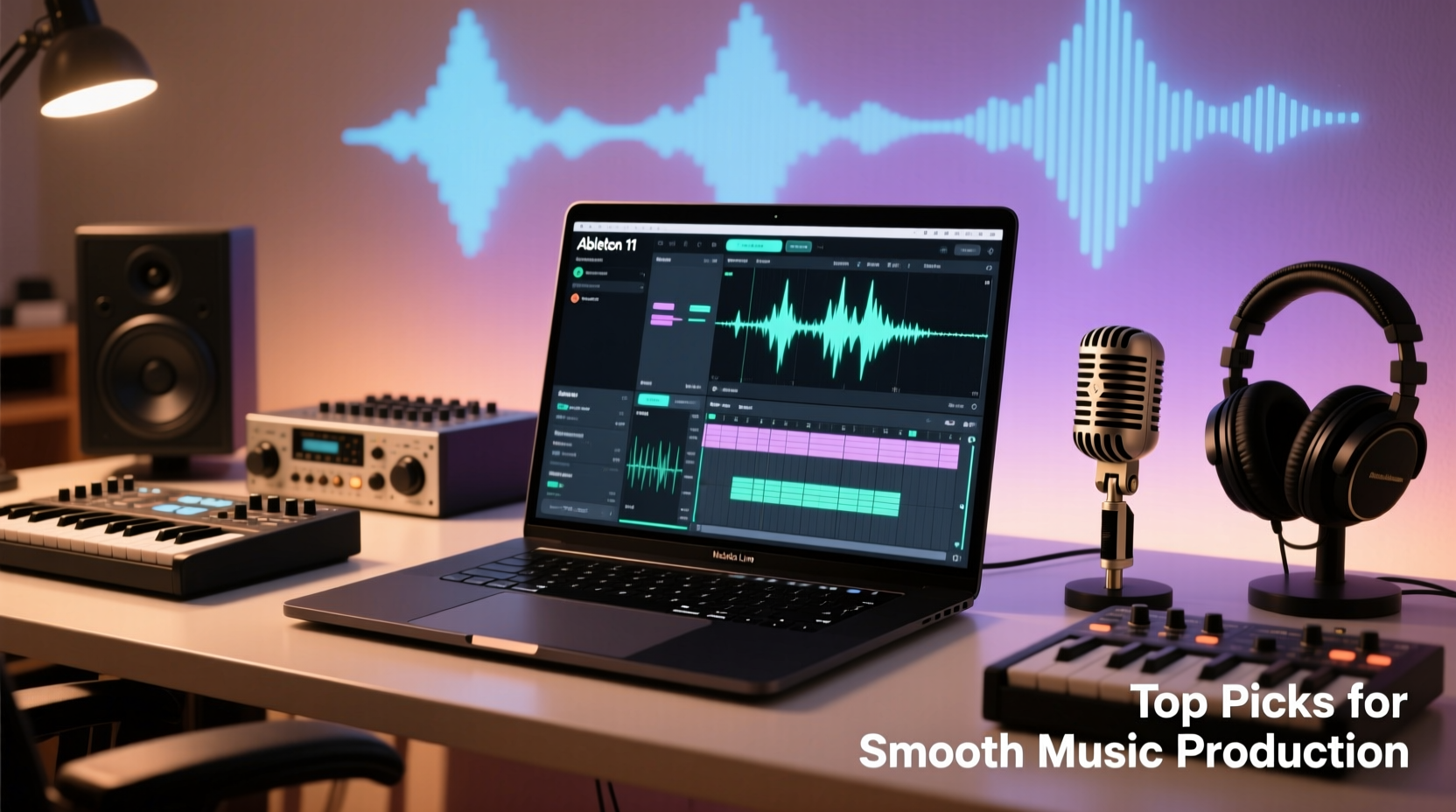
Ableton Live is less dependent on graphics performance than video editing software but demands strong single-core CPU performance, low-latency I/O, and stable multitasking capabilities. Here are the core specs to prioritize:
- CPU: The Apple M3, M2, or M1 chip (Pro or Max variants preferred for heavy workloads).
- RAM: Minimum 16GB; 32GB recommended for large projects with many virtual instruments.
- Storage: SSD with at least 512GB, preferably 1TB or more for sample libraries and session backups.
- Thermal Design: Avoid fanless models (like base M1 MacBook Air) for sustained high-load sessions.
- Ports: Thunderbolt/USB-C for audio interfaces, external drives, and monitors.
“Even with optimized code, memory bandwidth and thermal throttling can bottleneck performance in long sessions. A well-cooled Mac with ample RAM gives producers headroom they didn’t have before.” — David Lin, Audio Engineering Consultant, StudioTech Labs
Top 5 Macs for Ableton Live in 2024
Based on real-world testing, user feedback, and compatibility with modern plugins and audio interfaces, here are the best Mac options for smooth Ableton performance across different budgets and use cases.
| Model | CPU | RAM | Storage | Best For | Estimated Price |
|---|---|---|---|---|---|
| Mac Studio (M2 Max) | M2 Max (12-core) | 32GB – 96GB | 1TB – 8TB SSD | Professional studios, film scoring, live looping setups | $1,999+ |
| MacBook Pro 16” (M3 Pro) | M3 Pro (12-core) | 18GB – 36GB | 512GB – 8TB SSD | Mobile producers, touring artists, hybrid workflows | $1,999 |
| Mac mini (M2 Pro) | M2 Pro (10-core) | 16GB – 32GB | 512GB – 2TB SSD | Budget-conscious home studios, compact setups | $1,299 |
| MacBook Pro 14” (M3) | M3 (8-core) | 8GB – 24GB | 512GB – 2TB SSD | Students, beatmakers, light project work | $1,599 |
| MacBook Air (M3) | M3 (8-core) | 8GB – 24GB | 256GB – 2TB SSD | Casual producers, beginners, portable sketching | $1,099 |
Why These Models Stand Out
The Mac Studio leads the pack with its M2 Max chip offering up to 32GB of unified memory and massive bandwidth—ideal for running Native Instruments Kontakt, Spectrasonics Omnisphere, or multiple instances of Serum without stuttering. Its desktop form allows excellent airflow and sustained performance during marathon mixing sessions.
The 16-inch MacBook Pro with M3 Pro strikes a balance between portability and power. It handles 200+ track sessions with ease and features a stunning Liquid Retina XDR display, perfect for visualizing complex timelines. Battery life exceeds 20 hours, making it ideal for producers who work on location or travel frequently.
The Mac mini (M2 Pro) is the most cost-effective entry into serious music production. Though small, it supports two external displays and delivers near-Mac Studio performance at half the price. Just ensure you upgrade to at least 16GB RAM and 1TB SSD for future-proofing.
Real-World Example: From Bedroom Producer to Label Artist
Jess Tran, an electronic music producer based in Portland, upgraded from a 2017 iMac to a Mac mini (M2 Pro, 16GB RAM, 1TB SSD) after experiencing constant freezing in Ableton during live set rehearsals. Her typical setup includes Push 2, UAD Apollo Twin, and over 50 MIDI clips with layered synths.
\"Before, I had to freeze nearly every track just to play back my arrangement. After switching to the M2 Pro Mac mini, I could run everything live—no freezing, no glitches. I even started doing live remixes during sets because the system responded instantly.\"
Jess now uses her Mac mini as the centerpiece of a compact studio, connected to a 4K monitor and external SSD array for samples. She credits the upgrade not just with improving stability, but also with boosting her confidence during performances.
Optimizing Your Mac for Ableton Performance
Even the best hardware needs proper configuration. Follow these steps to maximize your Mac’s performance with Ableton Live:
- Disable automatic app updates during sessions to avoid background CPU spikes.
- Set Energy Saver to 'High Performance' in System Settings > Battery.
- Close unnecessary apps, especially browsers with multiple tabs.
- Adjust Ableton’s Buffer Size (64–128 samples for recording, 512+ for mixing).
- Use External SSDs for sample libraries to free up internal drive space.
- Keep macOS and Ableton updated for optimal M-series chip support.
Do’s and Don’ts for Long-Term Stability
| Do | Don't |
|---|---|
| Upgrade RAM at time of purchase | Buy base model with 8GB RAM |
| Use a cooling pad for laptops during long sessions | Block vents or use on soft surfaces |
| Organize projects with consolidated audio and saved presets | Leave dozens of unused plugin instances open |
| Back up projects daily to external drive or cloud | Rely solely on internal storage |
Frequently Asked Questions
Can I run Ableton Live 11/12 smoothly on an M1 MacBook Air?
Yes—for basic beat-making, light arrangement, and learning. However, the fanless design means the M1/M3 Air may throttle under sustained load. Avoid it for large template-based projects or live performance setups requiring reliability.
Is Rosetta 2 necessary for running older plugins?
No additional setup is needed. Ableton automatically uses Rosetta 2 to translate Intel-based plugins to run on Apple Silicon. Most VSTs work seamlessly, though some legacy 32-bit plugins are incompatible regardless of architecture.
Should I choose Mac Studio or MacBook Pro for home studio use?
If you don’t need portability, the Mac Studio offers superior performance per dollar, better thermal management, and more connectivity. For hybrid setups where you move between locations, the 16-inch MacBook Pro with M3 Pro is equally capable and more versatile.
Final Recommendations and Next Steps
The best Mac for Ableton depends on your workflow, budget, and scale of production. For uncompromised power, the Mac Studio (M2 Max) is unmatched. For mobility without sacrifice, the 16-inch MacBook Pro (M3 Pro) delivers excellence. And for those starting out or working in tight spaces, the Mac mini (M2 Pro) offers incredible value.
Whatever your choice, invest in at least 16GB of RAM and prioritize SSD speed. Combine smart hardware decisions with clean project organization and system optimization, and you’ll create a production environment that keeps up with your ideas—no matter how fast they come.




 浙公网安备
33010002000092号
浙公网安备
33010002000092号 浙B2-20120091-4
Comments
No comments yet. Why don't you start the discussion?