
Your Wi-Fi network’s name—technically known as the Service Set Identifier (SSID)—is more than just a label. It's often the first digital footprint visitors and even passersby encounter when near your home. While many users choose whimsical or personal names, few consider how much information they may be broadcasting with every broadcast of their SSID. A poorly chosen network name can inadvertently expose personal details, attract unwanted attention, or even assist attackers in crafting targeted exploits.
Choosing a secure yet practical Wi-Fi name requires balancing anonymity, usability, and a bit of creativity. The goal is to avoid revealing anything that could be used to identify you, your location, or your devices—while still making it easy to recognize your network among dozens of others.
Why Your Wi-Fi Name Matters More Than You Think
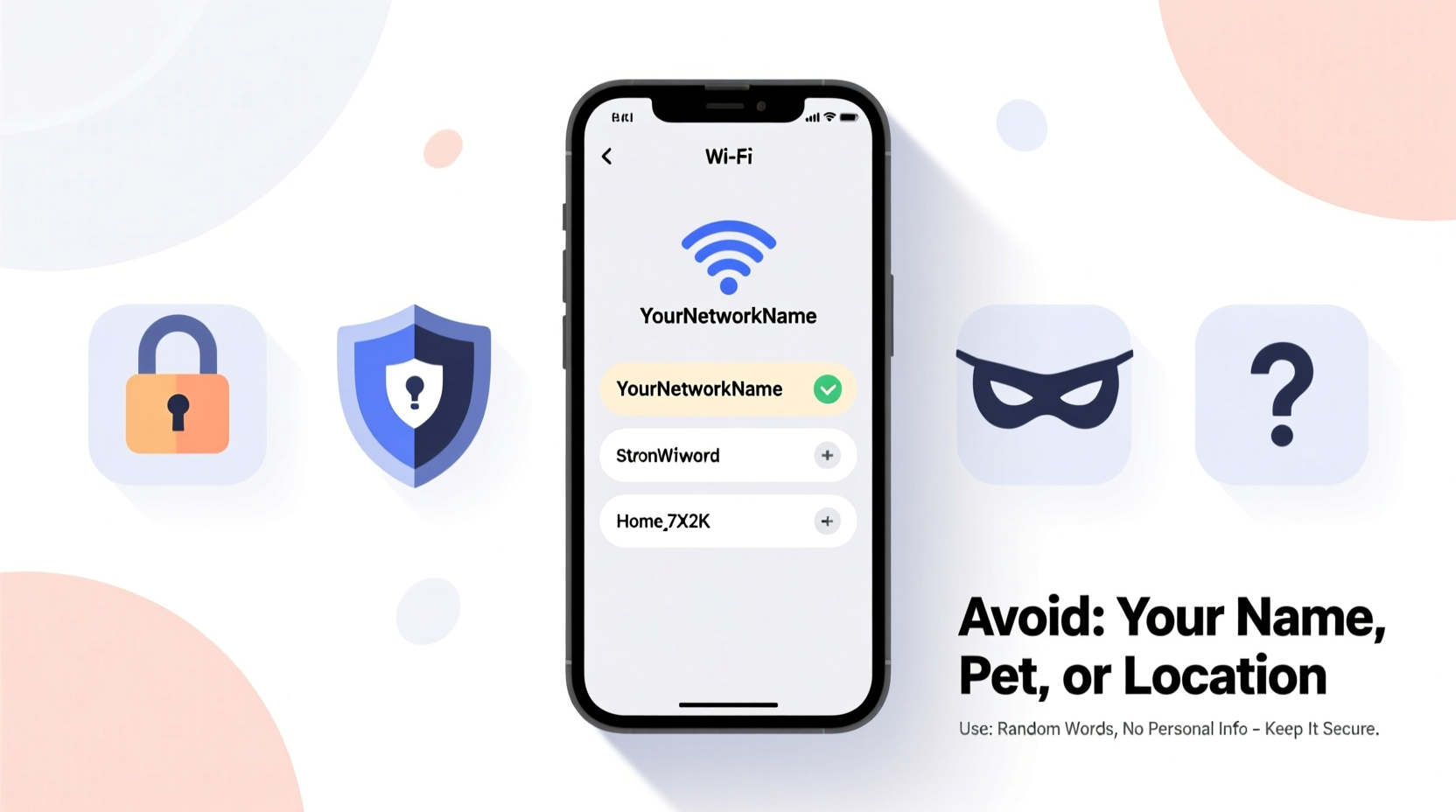
Every wireless router continuously broadcasts its SSID unless configured otherwise. This signal can travel beyond your walls, reaching sidewalks, neighboring homes, or nearby parking lots. Cybersecurity researchers have demonstrated how seemingly harmless SSIDs can be exploited in social engineering attacks or used to build profiles about homeowners.
For example, a network named “SmithFamily_Guest” reveals a surname and suggests the presence of a guest network—information that could be leveraged by someone attempting to guess default passwords or impersonate a legitimate access point. Similarly, names like “John’s iPhone Hotspot” or “BackyardCam_Network” expose device types and usage patterns.
“An SSID is a passive data leak. Even if encrypted, it tells attackers who might be worth targeting.” — Dr. Lena Torres, Network Security Researcher at CyberShield Labs
Moreover, some routers automatically include the manufacturer name in the default SSID (e.g., “Linksys01234”), which can help attackers identify known vulnerabilities associated with that brand or model. Default credentials are often publicly documented, increasing risk if the admin interface is accessible remotely.
Common Naming Mistakes That Compromise Security
Avoiding these common pitfalls is essential to maintaining digital privacy at home:
- Using personal identifiers: Names like “The Rodriguez Home,” “Mike’s Apartment,” or “Dr. Patel’s Office” reveal identities and potentially occupancy status.
- Including your address: “123_Main_St” or “Apt_4B_WiFi” makes it trivial for someone scanning networks to map physical locations.
- Advertising guest access: While convenient, names like “Guest_Network” or “Free_WiFi_Here” invite unauthorized use and increase attack surface.
- Revealing device brands: “NetgearExtender” or “GoogleMesh_5G” helps attackers fingerprint hardware and exploit known weaknesses.
- Using offensive or attention-grabbing names: These may draw curiosity from tech-savvy individuals who probe deeper out of interest or malice.
Secure and Smart Naming Strategies
The most effective Wi-Fi names achieve invisibility through randomness or abstraction while remaining distinguishable to household members. Consider these proven approaches:
Use Random Words or Phrases
Select two unrelated words that are easy to remember but meaningless to outsiders. For example: “BlueTeapot,” “SilentPenguin,” or “VelvetThunder.” Avoid dictionary-only combinations that are vulnerable to brute-force discovery.
Leverage Pop Culture (Without Revealing Preferences)
You can reference movies, books, or games subtly—without giving away personal tastes. Instead of “StarWars_FanZone,” try “Tatooine_Outpost” or “Hyperspace_Relay.” The reference is there for you, but not obvious to scanners.
Adopt a Thematic Approach
Create a theme that changes periodically—such as constellations (“Orion_Link”), weather phenomena (“Cumulonimbus_Network”), or mythical creatures (“Griffin_Gateway”). Rotate themes quarterly to reduce pattern recognition over time.
Implement Alphanumeric Codes
Use non-predictable codes such as “NET-XK72” or “WLAN_AEON.” Avoid using serial numbers, zip codes, or birth years. Generate them once and store securely.
Hide the SSID (With Caution)
Some advanced users disable SSID broadcasting entirely, requiring manual entry of the network name to connect. While this adds a layer of obscurity, it also creates usability issues and does not prevent detection via packet analysis. Only recommended for technically proficient households.
| Strategy | Pros | Cons |
|---|---|---|
| Random Word Pair | Memorable, neutral, secure | Limited uniqueness in dense areas |
| Themed Names | Fun, changeable, distinctive | Potential pattern exposure over time |
| Alphanumeric Code | Highly secure, machine-like | Harder to recall for guests |
| Hidden SSID | Reduces visibility | Compatibility issues, false sense of security |
Step-by-Step Guide to Renaming Your Wi-Fi Network Securely
Follow this process to update your SSID safely and effectively:
- Access your router settings: Open a browser and enter your router’s IP address (commonly 192.168.1.1 or 192.168.0.1). Log in with admin credentials.
- Navigate to wireless settings: Look for “Wireless,” “Wi-Fi,” or “Network Name (SSID)” under the configuration menu.
- Choose a new name: Apply one of the strategies above. Ensure it doesn’t contain spaces or special characters unless your devices support them reliably.
- Update both bands (if applicable): If you have dual-band (2.4 GHz and 5 GHz), assign consistent but distinguishable names (e.g., “Nebula_Core” and “Nebula_Core_5G”).
- Save and reboot: Confirm changes and restart the router. All connected devices will disconnect temporarily.
- Reconnect all devices: Manually reconnect phones, tablets, smart home gadgets, and computers using the new SSID and password.
- Test connectivity: Verify that all critical devices maintain stable connections and that guest access functions properly if enabled.
Real-World Example: How a Clever Name Prevented Targeted Scanning
In suburban Denver, a cybersecurity consultant noticed unusual activity on her network during a routine audit. Packet logs showed repeated probing attempts from unknown sources. Upon investigation, she realized her old SSID—“Chen_Family_Network”—was easily linked to public property records via reverse lookup.
She changed the name to “IoT_Transit_Node_7,” mimicking an industrial IoT device. Within days, probing ceased. When interviewed later, she noted: “Attackers look for low-hanging fruit. Making my network appear either corporate or uninteresting removed the incentive to dig deeper.”
This case illustrates how perception influences targeting. An ordinary residential network rebranded as technical infrastructure became statistically less appealing to opportunistic hackers.
Checklist: Secure Wi-Fi Naming Best Practices
Before finalizing your new SSID, review this checklist:
- ☐ No personal names, addresses, or family references
- ☐ No indication of guest access or open networks
- ☐ Not based on router brand or model number
- ☐ Not offensive, humorous, or attention-seeking
- ☐ Uses uppercase/lowercase consistently (some devices are case-sensitive)
- ☐ Avoids special characters like !, @, #, $, %, &, ?
- ☐ Tested across devices (smart speakers, thermostats, cameras)
- ☐ Paired with a strong WPA3 or WPA2-PSK password
Frequently Asked Questions
Can someone hack my Wi-Fi just by knowing the network name?
No—knowing the SSID alone is not enough to gain access. However, it can aid reconnaissance. Attackers combine SSID clues with other tactics, such as phishing, brute force, or exploiting weak passwords. A neutral name reduces your profile as a target.
Should I use the same name for 2.4 GHz and 5 GHz bands?
It’s safer to differentiate them slightly (e.g., “SkyNet” and “SkyNet_5G”) so you can manually select the optimal band per device. Using identical names may cause older devices to switch unpredictably between bands, affecting performance.
Is it safe to name my network after my pet or favorite team?
No. While seemingly harmless, such names contribute to profiling. Combined with other publicly available data (social media posts, etc.), they can help attackers craft convincing phishing messages or guess security questions (e.g., “What is your pet’s name?”).
Final Recommendations for Long-Term Security
Your Wi-Fi network name should evolve as part of your broader home cybersecurity hygiene. Just as you update passwords and firmware, consider rotating your SSID annually or after major life changes (e.g., moving, changing jobs).
Pair your secure naming strategy with other protections: enable WPA3 encryption, disable WPS (Wi-Fi Protected Setup), update router firmware regularly, and segment smart devices onto a separate VLAN or guest network.
Remember: invisibility is not about paranoia—it’s about reducing unnecessary exposure. In a world where digital footprints accumulate silently, controlling what you broadcast starts with something as simple as a name.




 浙公网安备
33010002000092号
浙公网安备
33010002000092号 浙B2-20120091-4
Comments
No comments yet. Why don't you start the discussion?