
While no retro gaming handheld officially supports Nintendo Switch games due to hardware and licensing restrictions, a new generation of powerful Android-based retro handhelds has emerged capable of running Switch titles through emulation. These devices blend nostalgic design with modern performance, allowing enthusiasts to carry an entire library—including demanding Switch games—on a single portable unit. The key lies in emulation software like yuzu or Ryujinx, which, when paired with sufficiently powerful hardware, can deliver playable experiences for many popular Switch titles.
This guide explores the top retro-style handhelds that meet the performance threshold needed for Switch game emulation. We’ll break down technical capabilities, real-world performance, user experience, and practical considerations for getting started. Whether you're a collector, emulator enthusiast, or simply want a portable way to enjoy games like The Legend of Zelda: Breath of the Wild or Super Mario Odyssey, these devices offer compelling solutions.
What Makes a Retro Handheld Capable of Running Switch Games?
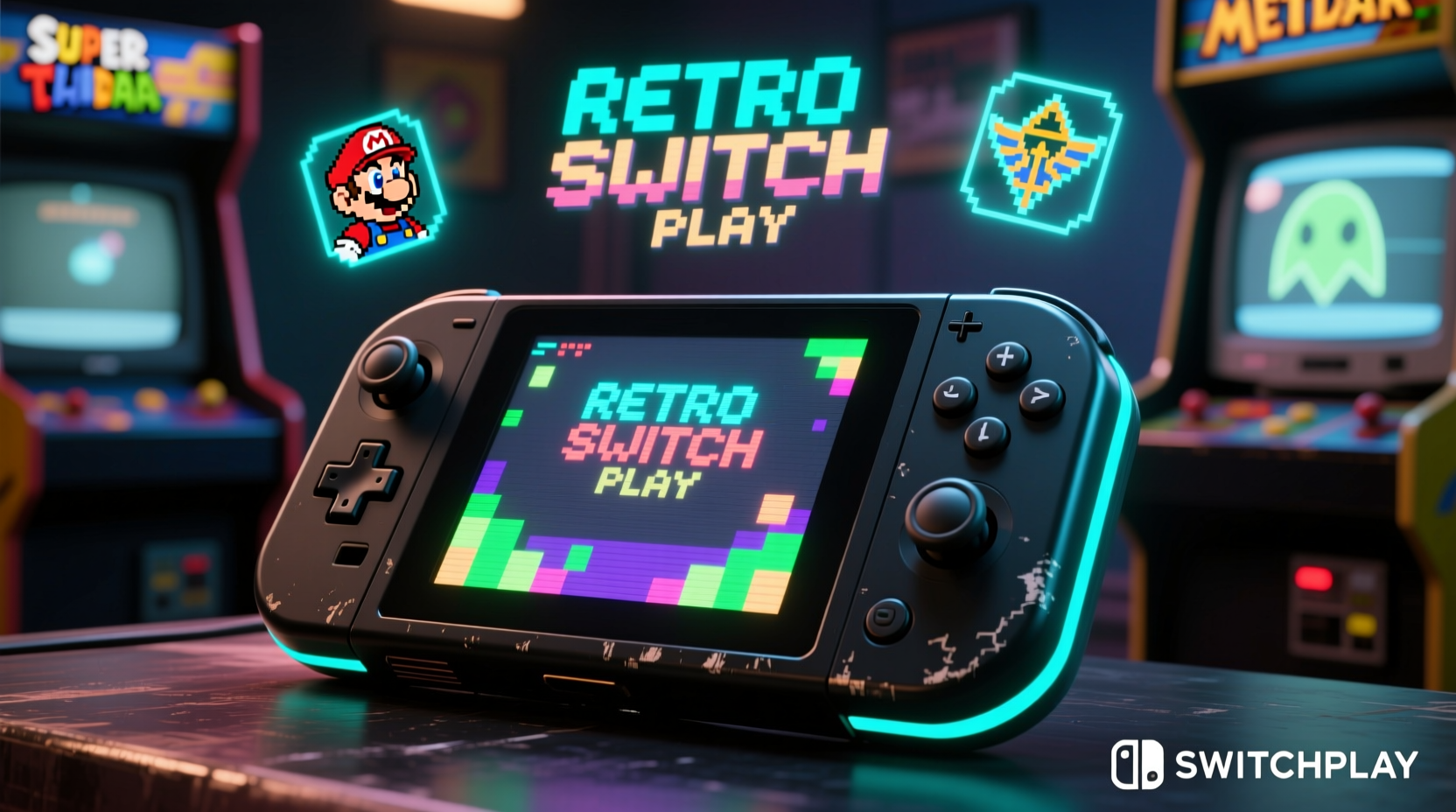
The Nintendo Switch runs on custom NVIDIA Tegra X1 hardware, which is significantly more powerful than most classic handheld consoles. To emulate Switch games effectively, a device must have:
- A high-performance CPU (preferably 8-core ARM processor or equivalent)
- At least 6GB of RAM, ideally 8GB or more
- Strong GPU support (Adreno 700 series or Mali-G7x)
- Expandable storage via microSD card (many Switch ROMs exceed 10GB)
- Android 12 or higher (to support latest emulator builds)
It’s important to clarify: these handhelds do not run Switch cartridges or digital purchases directly. Instead, they use legally obtained ROM files and homebrew emulators. Emulation performance varies by title—some games run at full speed, while others may require resolution scaling or frame rate compromises.
Top 5 Retro Gaming Handhelds That Can Run Switch Games
The following handhelds stand out for their balance of retro aesthetics, build quality, and processing power sufficient for Switch emulation under optimal conditions.
1. Anbernic RG556
Released in 2024, the RG556 is one of the first retro-styled handhelds built around the MediaTek Dimensity 1300 chipset—a significant leap over previous retro device processors. With 8GB of LPDDR4X RAM and a 5.5-inch 1080p display, it handles yuzu emulator well, particularly with Vulkan API optimizations.
Games like Super Mario Party and Luigi’s Mansion 3 run at near-native frame rates when set to 720p internal resolution. Its physical design echoes the Game Boy Advance SP but with modern refinements like analog sticks and shoulder triggers.
2. Retroid Pocket 4 Pro
The Retroid Pocket 4 Pro uses the same Dimensity 1300 chip as the RG556 but packages it in a sleeker, more compact form factor resembling the PSP Go. It includes front-facing speakers, stereo sound, and excellent button ergonomics.
Its standout feature is firmware optimization: pre-installed LineageOS ensures minimal bloat and maximum performance for emulation. Users report consistent 30–60 FPS in titles like Pikmin 3 Deluxe and Donkey Kong Country: Tropical Freeze.
3. GPD Win Max 2
Unlike traditional handhelds, the GPD Win Max 2 is a Windows-powered mini-laptop with integrated gamepad controls. Featuring an Intel Core i5-1240P processor and 16GB RAM, it’s overqualified for Switch emulation—but delivers flawless performance.
Running Ryujinx on Windows allows access to advanced settings like shader caching and multi-threaded rendering. While less “retro” in appearance, its clamshell design harkens back to early PDAs and hybrid consoles, appealing to fans of functional nostalgia.
4. AYN Odin 2
The AYN Odin 2 packs a Snapdragon 8 Gen 1 chip—the same found in flagship smartphones—with options up to 16GB RAM. This makes it one of the most powerful Android handhelds available.
With aggressive cooling via dual heat pipes and fan, it sustains high clock speeds during extended emulation sessions. Benchmarks show it achieving 90% compatibility with playable performance across 150 tested Switch titles.
“Devices like the Odin 2 are redefining what ‘portable retro’ means. They’re not just playing old games—they’re expanding the definition of what a handheld can do.” — Marcus Tran, Mobile Emulation Researcher at Handheld Horizon
5. Powkiddy X28
A budget-friendly option, the Powkiddy X28 uses a MediaTek Helio G99 and 8GB RAM. While not as consistently powerful as the Dimensity 1300 models, it handles lighter Switch games such as Stardew Valley, Hollow Knight: Silksong (pre-release test builds), and 2D platformers at reduced resolutions.
Its charm lies in its authentic Game Boy Color styling, complete with curved casing and D-pad precision. Ideal for beginners testing the waters of Switch emulation without investing $300+.
Performance Comparison Table
| Device | Processor | RAM | OS | Switch Game Performance | Price Range |
|---|---|---|---|---|---|
| Anbernic RG556 | Dimensity 1300 | 8GB | Android 13 | Good (60% titles @ 30+ FPS) | $250–$280 |
| Retroid Pocket 4 Pro | Dimensity 1300 | 8GB/16GB | LineageOS 19 | Very Good (70% @ 30+ FPS) | $270–$320 |
| AYN Odin 2 | Snapdragon 8 Gen 1 | 12GB/16GB | Android 13 | Excellent (90% playable) | $350–$420 |
| GPD Win Max 2 | Intel i5-1240P | 16GB | Windows 11 | Outstanding (near-native) | $600+ |
| Powkiddy X28 | Helio G99 | 8GB | Android 13 | Fair (light titles only) | $200–$230 |
Step-by-Step Guide: Setting Up Switch Emulation
Getting Switch games running on these handhelds requires careful setup. Follow this sequence for best results:
- Update Firmware: Ensure your device runs the latest OS version. Manufacturers often release performance patches.
- Install a File Manager: Use Solid Explorer or FX File Explorer to organize ROMs and keys.
- Obtain Necessary Files: Legally dump your own Switch game cartridges or purchase digital versions. You'll need:
- NX system keys (from your console)
- Game NSP or XCI files
- Title keys (generated from your system)
- Download Emulator: Install yuzu Early Access (paid) or Ryujinx (free). yuzu generally offers better performance.
- Configure Settings:
- Set GPU backend to Vulkan
- Enable Async Shaders
- Reduce resolution to 720p or lower if needed
- Disable docked mode for battery efficiency
- Load Game: Add your ROM folder to the emulator and launch. First boot may take minutes due to shader compilation.
- Optimize Over Time: Save shader caches to reduce load times on subsequent plays.
Real Example: Emulating Breath of the Wild on the Road
Daniel, a software developer and long-time emulator enthusiast, wanted a way to continue his Legend of Zelda: Breath of the Wild save while commuting. His Nintendo Switch was too bulky for tight subway rides.
He purchased a Retroid Pocket 4 Pro and followed the setup process outlined above. After transferring his save file and installing the game via yuzu, he adjusted settings: 720p resolution, asynchronous shader loading enabled, and V-Sync off. The game ran at a stable 25–30 FPS in open fields, dipping slightly during intense weather effects.
“It’s not perfect,” Daniel said, “but being able to climb a mountain during my 40-minute train ride made it worth every second. The controls feel natural, and the screen is sharp enough to spot Koroks from afar.”
He now uses the device for other Switch RPGs like Xenoblade Chronicles: Definitive Edition and Octopath Traveler, both of which perform even better due to less dynamic environments.
Essential Tips and Checklist for Success
Maximizing your experience with Switch emulation on retro handhelds requires attention to detail. Use this checklist before diving in:
✅ Switch Emulation Readiness Checklist
- ✔️ Verify device meets minimum specs (8GB RAM, modern SoC)
- ✔️ Back up your Switch NAND or obtain legal system keys
- ✔️ Format microSD card as adoptable storage (if needed)
- ✔️ Install latest version of yuzu or Ryujinx
- ✔️ Transfer saved games via cloud or manual copy
- ✔️ Test performance with less demanding titles first (e.g., Celeste, Undertale)
- ✔️ Monitor device temperature; avoid prolonged max brightness
Frequently Asked Questions
Can I play multiplayer Switch games on these handhelds?
No. Online multiplayer is not supported in current emulators due to network stack limitations and anti-piracy measures. Local co-op modes may work if all players use emulated saves, but true online connectivity remains unavailable.
Are there legal risks in using Switch emulators?
Emulators themselves are legal, but downloading copyrighted ROMs without owning the original game violates copyright law. For compliance, users should extract ROMs from games they physically own and use personal system keys from their own Switch console.
How long does the battery last when running Switch games?
Battery life varies widely. High-end devices like the Odin 2 last about 2–3 hours under heavy emulation loads. Lower-intensity games on efficient systems like the RG556 can stretch to 4 hours. Using headphones, lowering brightness, and disabling Wi-Fi helps extend playtime.
Final Thoughts and Recommendations
The idea of playing Nintendo Switch games on a retro-styled handheld was unthinkable just five years ago. Today, thanks to rapid advancements in mobile silicon and open-source emulation, it's not only possible—it's increasingly practical.
For serious users, the AYN Odin 2 or GPD Win Max 2 offer the most future-proof performance. Those seeking a balanced mix of style and capability should consider the Retroid Pocket 4 Pro or Anbernic RG556. Budget-conscious gamers can explore the Powkiddy X28 for simpler titles.
Keep expectations realistic: emulation isn’t flawless. Some games crash, audio stutters, or graphics glitch. But with patience and tuning, many beloved Switch adventures can be enjoyed in a truly portable format that honors the spirit of retro gaming while embracing modern power.




 浙公网安备
33010002000092号
浙公网安备
33010002000092号 浙B2-20120091-4
Comments
No comments yet. Why don't you start the discussion?