
Transforming your home into a winter wonderland doesn’t have to mean manual switch flipping or unreliable timers. With the right smart plug, you can schedule, remote-control, and even sync your Christmas lights to music—effortlessly. Whether you're aiming for a simple daily on-off cycle or a dazzling animated sequence, modern smart plugs offer seamless integration with voice assistants, smartphone apps, and holiday lighting ecosystems.
The key is choosing a smart plug that balances reliability, compatibility, scheduling precision, and outdoor durability. Not all smart plugs are created equal—especially when exposed to winter weather or tasked with handling high-wattage light strings. This guide cuts through the noise, highlighting top-performing models, real-world applications, and expert-backed strategies to ensure your holiday display runs smoothly from Thanksgiving through New Year’s Day.
Why Smart Plugs Are Essential for Holiday Lighting
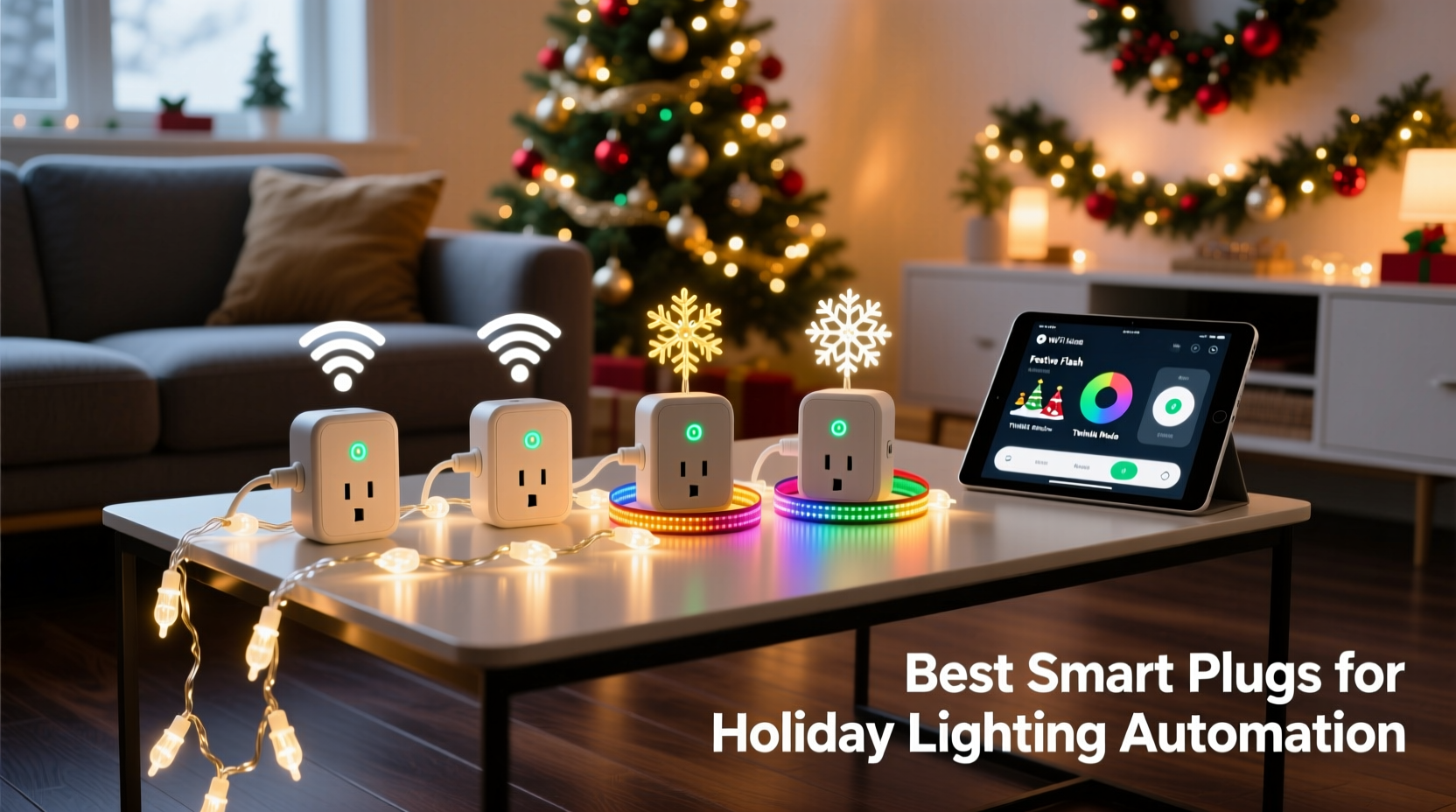
Traditional mechanical timers are prone to drift, lack flexibility, and offer no remote access. In contrast, smart plugs provide granular control over your Christmas lights using Wi-Fi, Zigbee, or Z-Wave connectivity. You can turn lights on or off from anywhere, set dynamic schedules based on sunrise/sunset, and integrate them into broader smart home scenes—like “Cozy Night In” or “Holiday Mode.”
Smart plugs also reduce energy waste by ensuring lights aren’t left on unintentionally. Many models include usage monitoring, letting you track how much power your display consumes over the season. For homeowners with extensive outdoor setups, this level of oversight is not just convenient—it’s cost-effective.
“Automation isn’t just about convenience during the holidays—it’s about consistency and safety. A smart plug ensures your lights come on every evening without fail, enhancing curb appeal and security.” — Jordan Lee, Smart Home Integration Specialist
Top 5 Smart Plugs for Christmas Light Automation
After evaluating performance, weather resistance, app functionality, and user feedback, these five smart plugs stand out as ideal for automating Christmas light displays.
| Model | Weather Resistant | Max Load (Watts) | Connectivity | Key Feature |
|---|---|---|---|---|
| Kasa Smart Plug Outdoor (KP400) | Yes (IP64 rated) | 3680W | Wi-Fi (2.4 GHz) | Dual outlets, individual scheduling |
| TP-Link Tapo P125 | No (indoor use only) | 1875W | Wi-Fi (2.4 GHz) | Energy monitoring, compact design |
| Wemo Mini Smart Plug | No | 1800W | Wi-Fi (2.4 GHz) | Alexa/Google/HomeKit support |
| Meross MSS620 Outdoor Smart Plug | Yes (weatherproof casing) | 1875W | Wi-Fi (2.4 GHz) | Affordable, reliable app |
| Aeotec Smart Switch 6 (Z-Wave) | Yes (with enclosure) | 3600W | Z-Wave Plus | Highest load capacity, professional-grade |
Kasa Smart Plug Outdoor (KP400)
This is the gold standard for outdoor holiday automation. With an IP64 rating, it resists dust and splashing water, making it suitable for porch, tree, or roofline installations. The dual outlets allow independent control—one for icicle lights, another for inflatables. Its companion app supports sunrise/sunset scheduling, randomization modes (to simulate occupancy), and integration with Alexa and Google Assistant.
Meross MSS620
A budget-friendly option that doesn’t skimp on features. While its weather protection relies on a sealed cover rather than full IP certification, users consistently report success in snowy climates when installed under eaves. The Meross app allows group control of multiple plugs, useful if you’re managing several light zones. It also supports IFTTT, enabling creative triggers like turning lights on when your phone arrives home.
Aeotec Smart Switch 6
For advanced users with a Z-Wave hub (like Samsung SmartThings or Hubitat), this hardwired switch offers industrial-level reliability. Unlike plug-in models, it replaces a standard wall switch and can handle heavy loads—perfect for powering entire circuits of lights. It includes built-in surge protection and energy metering accurate to within 2%. While installation requires basic electrical work, the payoff is a clean, permanent setup.
Step-by-Step Guide to Automating Your Christmas Lights
Setting up automated lighting is straightforward if you follow a structured approach. Use this timeline to prepare and deploy your system before the first snowfall.
- Inventory Your Lights (Early November)
Count how many strands, inflatables, and spotlights you plan to use. Note their wattage (usually printed on the plug or label). Add them up per outlet zone. - Select Compatible Smart Plugs
Choose models rated for outdoor use if placing outside. Ensure they support your home network (most require 2.4 GHz Wi-Fi). - Test Indoors First
Plug each smart device into an indoor outlet and connect it to your app. Confirm it responds to commands and appears in your dashboard. - Install Outdoors with Protection
Use weatherproof covers or enclosures. Elevate plugs off the ground and avoid pooling water. Seal connections with electrical tape if needed. - Create Schedules
In the app, set lights to turn on at sunset and off at 11 PM. Use geofencing to activate early if you’re coming home late. - Add Voice & Scene Integration
Link to Alexa or Google Assistant. Create routines like “Holiday Mode” that trigger lights, music, and thermostat adjustments. - Monitor and Adjust
Check performance weekly. Replace any malfunctioning units immediately to prevent circuit issues.
Real Example: A 3,000-Square-Foot Home Display
Mark T., a homeowner in Minnesota, manages a sprawling Christmas display featuring 12 light trees, rooftop snowflakes, driveway reindeer, and synchronized music. He uses six Kasa KP400 plugs, grouped by zone: front yard, roofline, porch, and driveway.
Each plug controls between two and four light strings, totaling approximately 2,800 watts at peak. Using the Kasa app, he created a schedule that activates lights at local sunset and deactivates at midnight. During weekends, he enables a “Party Mode” scene via Alexa that brightens all zones and syncs to a playlist.
When a storm knocked out power one evening, the system automatically resumed once electricity returned—no manual reset required. “I used to spend 20 minutes every night plugging things in,” Mark said. “Now it’s completely hands-off. My neighbors think I’m magic.”
Expert Tips for Reliable Performance
- Use Surge Protectors: Even weather-rated smart plugs can be damaged by lightning-induced surges. Plug them into outdoor-rated surge protectors.
- Avoid Daisy-Chaining: Never plug one smart plug into another. This violates electrical codes and increases fire risk.
- Label Each Plug: If using multiple devices, assign names like “Front Roof Lights” or “Garage Inflatable” for easy identification in the app.
- Update Firmware Regularly: Manufacturers release updates to improve stability and security. Enable auto-updates where possible.
- Consider Battery Backup: For critical displays, use a UPS (uninterruptible power supply) to maintain Wi-Fi and plug operation during short outages.
Checklist: Preparing Your Smart Plug Setup
✅ Calculate total wattage of connected lights ✅ Verify smart plug compatibility with your router (2.4 GHz band) ✅ Test each plug indoors before outdoor installation ✅ Install in a sheltered location or use a weatherproof enclosure ✅ Set up sunset/sunrise scheduling in the app ✅ Integrate with voice assistant for hands-free control ✅ Share access with family members who help manage the display ✅ Plan for a backup power source if applicable
Frequently Asked Questions
Can I use indoor smart plugs outdoors?
No. Indoor-only smart plugs lack weather resistance and can short-circuit or become hazardous when exposed to moisture. Always use models specifically rated for outdoor use, or place indoor units inside a waterproof junction box with cord grommets.
Will smart plugs work during a power outage?
Most smart plugs will restore their schedule once power returns, but they cannot function during the outage itself unless connected to a UPS. Some models with battery backup (rare) may retain settings but still require power to deliver electricity to devices.
Can I sync my Christmas lights to music using a smart plug?
Basic on/off smart plugs cannot create rapid flickering effects needed for music synchronization. For that, you’ll need dedicated RGB controllers (like those from Govee or Twinkly) or advanced relays such as the Shelly 1PM with external firmware. However, smart plugs can trigger whole-lighting scenes in sync with audio cues via platforms like IFTTT or Node-RED.
Conclusion: Make Your Holidays Brighter and Smarter
Automating your Christmas light display with smart plugs is more than a novelty—it’s a practical upgrade that saves time, enhances safety, and adds a touch of modern elegance to your traditions. From the durable Kasa KP400 to the powerful Aeotec Smart Switch 6, today’s technology makes it easier than ever to achieve a flawless, consistent display without stepping outside.
The investment pays for itself in peace of mind and reduced energy bills. More importantly, it lets you focus on what truly matters: sharing joy with family, welcoming neighbors, and celebrating the season. Don’t let tangled cords and forgotten switches dim your holiday spirit. Choose the right smart plug, set it up once, and enjoy a brilliantly lit December—all at the tap of a screen or sound of your voice.




 浙公网安备
33010002000092号
浙公网安备
33010002000092号 浙B2-20120091-4
Comments
No comments yet. Why don't you start the discussion?