
In a world where smartphones are extensions of our lives, the right smartwatch can amplify convenience, health tracking, and connectivity—especially for Android users. Unlike iOS users who are largely confined to Apple’s ecosystem, Android offers broader device flexibility. But with that freedom comes complexity: not all smartwatches integrate smoothly with Android phones, support key apps, or deliver reliable battery performance. The ideal companion should sync seamlessly, last beyond a single day, and run essential applications without lag or compromise.
The market is crowded with options—from budget fitness bands to premium wearables—but only a few strike the right balance between longevity, functionality, and compatibility. This guide cuts through the noise by evaluating real-world performance across three critical areas: battery efficiency, app integration, and overall synergy with Android devices.
Battery Life: Why It Matters More Than You Think
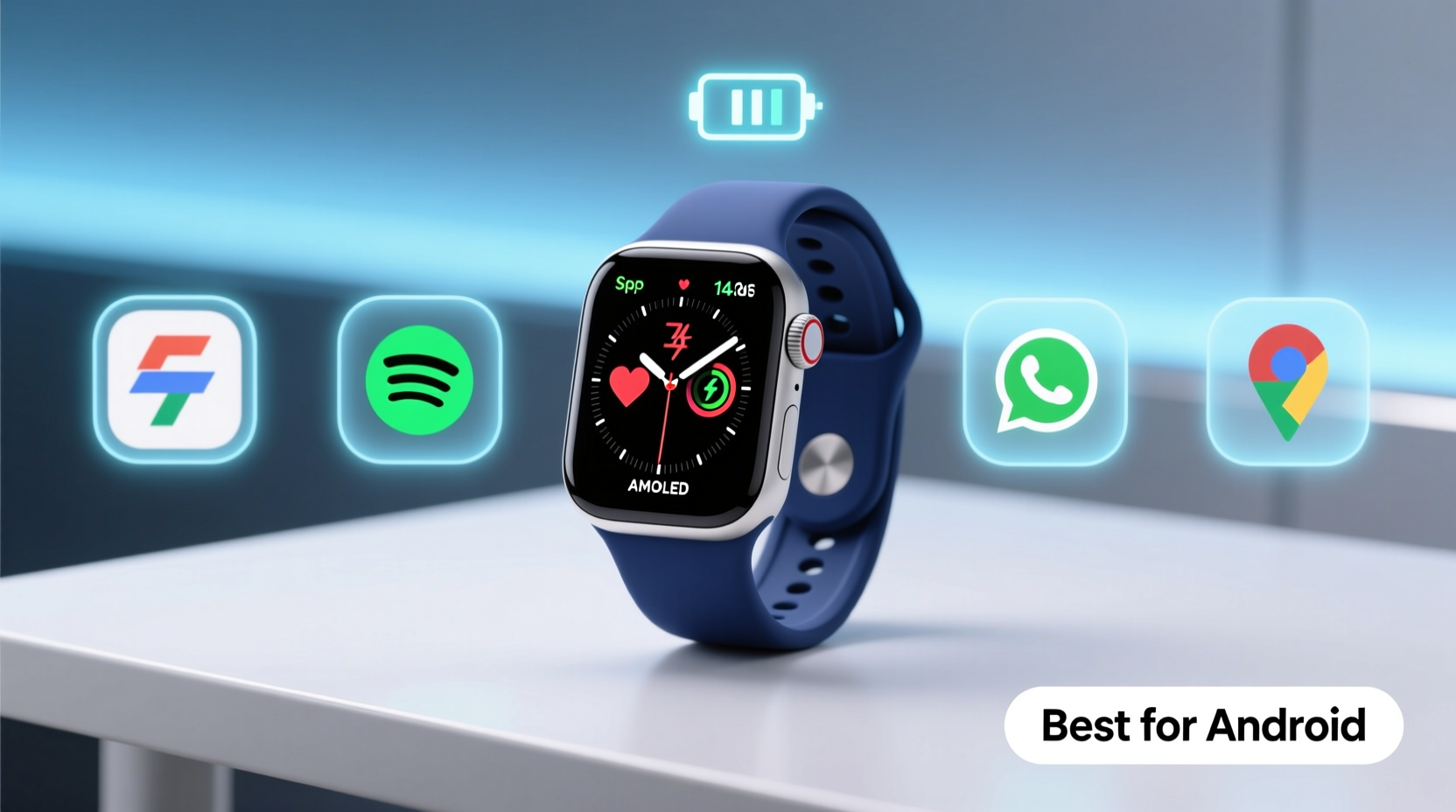
Smartwatch battery life isn’t just about convenience—it's about usability. A device that dies before bedtime fails as both a sleep tracker and emergency notifier. Most flagship models offer 1–2 days of use under typical conditions, but usage patterns vary widely. GPS tracking, frequent notifications, always-on displays, and third-party apps can drain power rapidly.
For Android users, extended battery life often means fewer compromises. Models like the Samsung Galaxy Watch series and certain Wear OS watches with optimized processors (such as the Qualcomm Snapdragon W5) now reach up to 4–5 days. Some rugged or hybrid smartwatches, such as those from Withings or Garmin, push this further—offering weeks of operation at the cost of full smart features.
However, true value lies in sustained performance over time. Lithium-ion batteries degrade after repeated charging cycles. A watch that starts strong but loses 30% capacity within a year undermines its own utility. Look for brands offering battery health indicators or adaptive charging modes that slow degradation.
App Compatibility: The Hidden Gatekeeper of Functionality
A sleek design means little if your favorite apps don’t work properly—or at all. App compatibility determines whether you can reply to messages, control music, track workouts accurately, or access payment systems like Google Wallet. For Android users, the operating system layer plays a decisive role.
Wear OS by Google—now co-developed with Samsung—is the primary platform for most high-end Android-compatible smartwatches. It supports the Google Play Store directly on the watch, allowing users to install apps independently. However, not every phone-connected feature works flawlessly across all manufacturers. For example, while WhatsApp notifications appear universally, direct voice replies may only function reliably on Samsung or Pixel devices.
Critical considerations include:
- Native Integration: Does the watch support core Google services like Assistant, Maps, Gmail, and Calendar?
- Third-Party Support: Are popular apps like Spotify, Strava, Uber, and Slack available and stable?
- Developer Activity: Is the platform actively updated? Abandoned platforms (e.g., older LG or Huawei watches post-Google ban) quickly become obsolete.
“App stability and update cadence are stronger predictors of long-term satisfaction than screen resolution or processor speed.” — Rajiv Mehta, Senior Analyst at MobileEcosystem Review
Samsung’s Galaxy Watch line benefits from deep integration with both Wear OS and proprietary health frameworks like Samsung Health. Meanwhile, Fitbit-based Wear OS devices prioritize wellness ecosystems but sometimes lack robust third-party customization.
Top Contenders Compared: Features at a Glance
Below is a comparison of leading smartwatches optimized for Android users, evaluated across battery life, app support, and additional features critical to daily use.
| Model | Battery Life | App Compatibility | Key Strengths | Limitations |
|---|---|---|---|---|
| Samsung Galaxy Watch6 Classic | Up to 4 days | Excellent (Google Play on watch) | Rotating bezel, advanced health sensors, seamless Android pairing | Expensive; limited value for non-Samsung phone owners |
| Pixel Watch 2 | 2–3 days | Very Good (tight Google integration) | Clean UI, superior Google Assistant, fast heart rate alerts | Small display; no expandable storage |
| Fossil Gen 6 | About 2 days | Good (Wear OS with minor bugs) | Stylish design, interchangeable bands, fast charging | Inconsistent GPS accuracy; average fitness algorithms |
| Garmin Venu 3 | Up to 14 days | Moderate (limited third-party apps) | Outstanding battery, detailed sleep analysis, durable build | Fewer smart features; less polished messaging |
| Amazfit GTR 4 | Up to 10 days | Fair (proprietary OS, limited app store) | Affordable, excellent battery, built-in GPS | No native Google apps; delayed notifications |
This table underscores a fundamental trade-off: longer battery life typically correlates with reduced smart functionality. Devices like the Garmin Venu 3 excel in endurance and health monitoring but fall short when replying to messages or streaming music offline. Conversely, the Galaxy Watch6 delivers a full smartphone-like experience but demands near-daily charging for heavy users.
Real-World Example: How One User Optimized Her Setup
Sophia, a project manager in Denver, uses her Samsung Galaxy S24 Ultra daily for emails, calendar sync, and video calls. She previously owned an Apple Watch but switched after moving to Android and found early alternatives disappointing. Her first Android-compatible watch—a budget model from a lesser-known brand—lasted barely a day and failed to sync with Google Meet reminders.
She upgraded to the Galaxy Watch6 Classic and immediately noticed improvements. Calendar events appeared instantly, she could dictate responses to Slack messages during commutes, and the rotating bezel made navigation intuitive. More importantly, the battery consistently lasted four days even with continuous heart rate monitoring and morning workouts tracked via Strava.
After three months, Sophia adjusted settings based on usage: disabling ambient mode at night, limiting background app refresh, and enabling power-saving mode on low-stress days. These tweaks extended effective battery life to five days without sacrificing core functions. Her experience highlights how combining hardware capability with smart configuration leads to lasting satisfaction.
Action Plan: Choosing and Setting Up Your Ideal Smartwatch
Selecting the best smartwatch isn't just about reading reviews—it's about aligning technology with lifestyle. Follow this step-by-step process to make an informed decision tailored to your needs.
- Assess Your Daily Needs: Do you need voice replies, music control, or just fitness tracking? Prioritize features accordingly.
- Check OS Compatibility: Confirm the watch officially supports your Android version (Android 8.0+ recommended).
- Evaluate Battery Expectations: If you travel frequently or dislike nightly charging, aim for at least 3-day battery life.
- Test App Availability: Search the Google Play Store (on mobile) for \"apps for [watch model]\" to verify key tools are supported.
- Pair and Customize: After purchase, pair the watch, disable unused widgets, and configure only essential notifications.
- Monitor Performance Weekly: Track battery drain sources in the companion app and adjust settings monthly.
This structured approach prevents buyer’s remorse and ensures the device evolves with your habits rather than constraining them.
Essential Checklist Before Buying
Before finalizing your purchase, verify these points to avoid compatibility pitfalls:
- ✅ Officially supports Wear OS 3 or later (for full Google service access)
- ✅ Works with your specific Android phone model (check manufacturer website)
- ✅ Includes Google Wallet, Assistant, and Maps
- ✅ Offers firmware updates for at least two years
- ✅ Has a responsive touchscreen and readable display in sunlight
- ✅ Supports Bluetooth calling (if needed)
- ✅ Waterproof rating of at least 5 ATM for swim tracking
Frequently Asked Questions
Can I use an iPhone-oriented smartwatch with Android?
No. Watches designed exclusively for iOS, such as Apple Watch or older Pebble models, do not pair with Android phones. Similarly, Android-focused watches won’t work with iPhones. Always match the ecosystem.
Does more RAM mean better performance on a smartwatch?
Not necessarily. While 1.5GB+ RAM helps multitasking, software optimization matters more. A well-coded app on 1GB RAM often outperforms a bloated interface on higher specs. Focus on user reviews regarding lag and app crashes instead.
Why does my smartwatch disconnect from my phone randomly?
This usually stems from Bluetooth interference, outdated firmware, or aggressive battery-saving modes on the phone. Ensure both devices are updated, disable battery optimization for the companion app (e.g., Samsung Wearable or Fitbit), and keep the phone within 10 meters.
Final Thoughts: Matching Device to Lifestyle
The best smartwatch for Android users isn’t defined by specs alone—it’s the one that disappears into your routine while enhancing it. Battery life sets the foundation: without reliability, even the most advanced features become irrelevant. App compatibility builds upon that, transforming the watch from a passive tracker into an active assistant.
For most users, the Samsung Galaxy Watch6 Classic represents the current sweet spot—offering strong battery life, comprehensive app support, and deep Android integration. Power users needing extended off-grid operation might prefer the Garmin Venu 3, accepting fewer smart features for endurance. Budget-conscious buyers can consider the Amazfit GTR 4, provided they accept limitations in Google service parity.
Technology should serve people, not the other way around. Take the time to assess what you truly need, test configurations, and optimize settings. A smartwatch shouldn’t add complexity—it should simplify life.




 浙公网安备
33010002000092号
浙公网安备
33010002000092号 浙B2-20120091-4
Comments
No comments yet. Why don't you start the discussion?