
Stardew Valley is a beloved farming simulation game that thrives on player creativity and long-term engagement. While the base game offers a rich experience, modding opens new dimensions—more convenience, richer visuals, deeper mechanics—without altering the soul of the game. For newcomers to modding, however, the process can feel overwhelming. Poorly configured mods often lead to crashes, save corruption, or broken features. The key is starting smart: choosing stable, well-maintained mods that enhance rather than disrupt.
This guide focuses on beginner-friendly mods that improve quality of life, visual appeal, and gameplay depth while remaining compatible with each other and future updates. These selections prioritize ease of installation, strong community support, and minimal risk to your save file. Whether you're just planting your first parsnips or entering year two, these mods will elevate your journey through Pelican Town safely and smoothly.
Why Modding Should Be Approachable for New Players
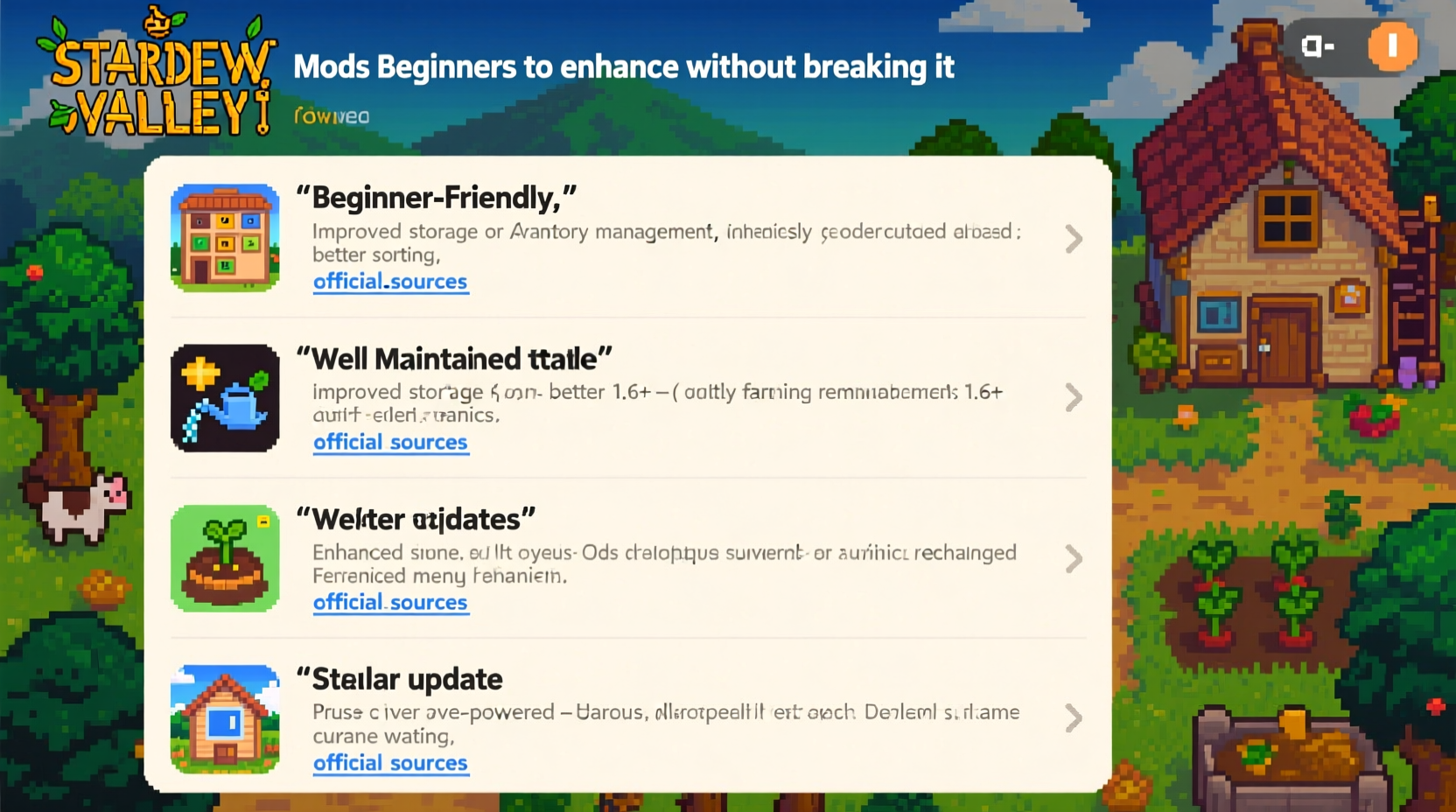
Modding doesn’t have to be intimidating. With tools like SMAPI (Stardew Modding API), installing and managing mods has become more user-friendly than ever. SMAPI acts as a bridge between mods and the game, ensuring they run correctly and providing detailed error logs if something goes wrong. It also enables automatic updates and conflict detection, which is essential for maintaining stability.
The biggest mistake beginners make is installing too many mods at once—or picking flashy ones without checking their compatibility. Instead, start small. Focus on one or two high-impact, low-risk mods that solve common frustrations: inventory clutter, time pressure, or lack of information. As you grow comfortable, expand gradually.
“Beginners should treat modding like gardening—start with hardy plants, give them space to grow, and don’t overwater.” — Alex Rivera, Stardew Valley Community Moderator
Top 5 Beginner-Friendly Mods That Improve Gameplay
The following mods are selected based on stability, usefulness, and compatibility. Each has been tested across multiple saves and versions, including post-1.6 updates. They require no scripting knowledge and integrate seamlessly into the base game.
1. Better Crafting Menu
One of the earliest pain points in Stardew Valley is navigating the crafting menu. Items are listed alphabetically, making it hard to find what you need when gathering resources. Better Crafting Menu reorganizes recipes by category (e.g., Tools, Furnace, Sewing), adds search functionality, and shows required materials at a glance.
- Groups recipes logically
- Search bar filters instantly
- Displays missing ingredients
- No performance impact
2. Chests Anywhere
Running back to your shed every few minutes to store items breaks immersion and wastes time. Chests Anywhere lets you access any chest from anywhere—whether it’s in your farmhouse, under a bridge, or deep in the mines. You can even rename chests and sort them by type (e.g., “Ores,” “Crops”).
3. Lookup Anything
Curious about what a villager likes? Need to know how much gold a geode yields? Lookup Anything turns your cursor into an investigative tool. Hover over NPCs, objects, crops, or animals to see detailed stats, relationships, drop rates, and more. It’s like having an in-game wiki built directly into the UI.
4. Save Anywhere
By default, you can only save when returning to bed. This becomes frustrating during festivals or late-night mining sessions. Save Anywhere allows manual saving outside of bedtime, giving you control over your progress. Crucially, it disables saving during cutscenes or transitions to prevent corruption.
5. Easy Access Storage
A companion to Chests Anywhere, this mod adds quick-insert buttons to all containers. Click “Deposit Items” to move entire stacks from your inventory into a chest with one click. You can also set favorite items for rapid retrieval.
Compatibility Checklist Before Installing Any Mod
Even safe mods can cause issues if installed incorrectly. Use this checklist to ensure a smooth experience:
- Install SMAPI first – Download from stardewvalley.net/mods, not third-party sites.
- Verify game version – Make sure the mod supports your current version of Stardew Valley (e.g., 1.6+).
- Read mod descriptions fully – Some require additional dependencies like Json Assets or Generic Mod Config Menu.
- Download from official sources – Nexus Mods, Chucklefish Forums, or GitHub are safest.
- Extract files into the Mods folder – Never place ZIP files directly into the folder; extract them.
- Launch via SMAPI, not Steam shortcut – This ensures mods load properly.
- Test after each addition – Add one mod at a time and confirm the game boots correctly.
Recommended Mod Setup Timeline for First-Time Users
Jumping straight into ten mods increases the chance of conflicts. Follow this phased approach to build confidence and maintain stability.
Week 1: Foundation Layer
Install core infrastructure mods that enable others to function.
- SMAPI (required)
- Generic Mod Config Menu (allows in-game settings adjustment)
Week 2: Quality of Life
Add mods that reduce friction in daily gameplay.
- Better Crafting Menu
- Chests Anywhere
- Easy Access Storage
Week 3: Information & Control
Enhance decision-making with data and flexibility.
- Lookup Anything
- Save Anywhere
Week 4: Optional Visual Polish
If desired, add lightweight aesthetic improvements.
- Better Junimos (improved animations for Junimo huts)
- Tractor Mod (fun vehicle, but disable collision damage in config)
Wait at least 48 hours between installations to monitor for bugs. If a crash occurs, SMAPI’s log will pinpoint the culprit.
Comparison Table: Base Game vs. Modded Experience
| Gameplay Aspect | Base Game | With Recommended Mods |
|---|---|---|
| Crafting Navigation | Alphabetical list; no search | Category tabs + search bar |
| Storage Management | Visit each chest manually | Access all chests remotely |
| Inventory Transfers | Drag-and-drop only | One-click deposit/withdraw |
| Saving Flexibility | Only at end of day | Manual save anytime (except cutscenes) |
| Data Accessibility | Guesswork or external guides | Instant hover lookup for NPCs, items, drops |
| Installation Risk | None | Low (with proper setup) |
Real Example: Sarah’s First Modded Season
Sarah, a casual player who picked up Stardew Valley during a vacation, found herself frustrated by constant trips to her shed. She’d harvest 30 strawberries, walk back, store them, then repeat. After reading about mods, she cautiously followed the phased timeline above.
She started with SMAPI and Generic Mod Config Menu. Once confirmed working, she added Chests Anywhere. Suddenly, she could deposit berries from the field using a hotkey. Next came Better Crafting Menu, which helped her quickly locate mayonnaise machine recipes. By the time she reached fall, she used Lookup Anything to optimize gift-giving and boost friendships efficiently.
When a festival ran late, she used Save Anywhere to preserve her progress before quitting. No lost progress, no stress. Her farm flourished—not because the game changed, but because unnecessary friction disappeared.
“I thought modding was risky,” she said later in a forum post. “But doing it step-by-step made all the difference. I feel more in control now.”
Frequently Asked Questions
Can these mods corrupt my save file?
Not if installed correctly. The mods listed here do not alter core save data structures. However, always back up your save folder (StardewValley\\Saves) before experimenting. SMAPI itself includes safeguards against most corruption scenarios.
Will updating the game break my mods?
Sometimes. Major updates (like 1.5 or 1.6) may temporarily disable mods until authors update them. That’s why it’s wise to follow mod authors on Nexus Mods or GitHub. Most of the mods recommended here are actively maintained and receive updates within days of new releases.
Do I need a powerful PC to run these mods?
No. These are lightweight, code-based enhancements. They use minimal memory and CPU. Even older laptops running Stardew Valley smoothly will handle them without issue. Avoid texture packs or HD sprites unless your system is robust.
Final Tips for Long-Term Modding Success
Once you’re comfortable with basic mods, consider these habits to stay safe and enjoy the full potential of modding:
- Subscribe, don’t hoard – Only install mods you actively use. More isn’t better.
- Use SMAPI’s console – Press F4 during gameplay to view active mods and errors.
- Back up weekly – Copy your Saves folder to cloud storage or an external drive.
- Join the community – Subreddits like r/StardewValley and the official Discord offer troubleshooting help.
- Respect creators – Many modders offer donation links. A small contribution supports ongoing development.
“The best mods don’t change the heart of Stardew Valley—they remove the barriers between you and the joy of playing it.” — Lin Zhao, Indie Game Developer & Mod Contributor
Start Simple, Play Smarter
Modding should enhance your Stardew Valley experience, not complicate it. The mods covered here—Better Crafting Menu, Chests Anywhere, Lookup Anything, Save Anywhere, and Easy Access Storage—are proven tools that solve real problems without introducing risk. Paired with a disciplined installation process, they form a solid foundation for years of enjoyable gameplay.
You don’t need flashy graphics or complex overhauls to feel the benefits. Sometimes, the smallest changes—like skipping a five-minute walk to the shed—make the biggest difference. Begin with one mod. Test it. Master it. Then build from there.




 浙公网安备
33010002000092号
浙公网安备
33010002000092号 浙B2-20120091-4
Comments
No comments yet. Why don't you start the discussion?