
Creating a synchronized holiday lighting display that spans porches, trees, rooftops, and walkways has become more accessible—and more impressive—than ever. At the heart of every professional-grade light show is a reliable wireless controller capable of managing multiple zones in perfect harmony. Whether you're coordinating color shifts, choreographing music, or simply turning lights on and off remotely, choosing the right wireless Christmas light controller makes all the difference.
The market offers a range of options from plug-and-play smart plugs to advanced DMX-compatible systems. But not all devices are built to handle multi-zone synchronization with precision, reliability, and scalability. This guide breaks down the top-performing wireless controllers, explains key features to look for, and provides practical advice for building a seamless, responsive lighting network.
Key Features of High-Performance Wireless Controllers
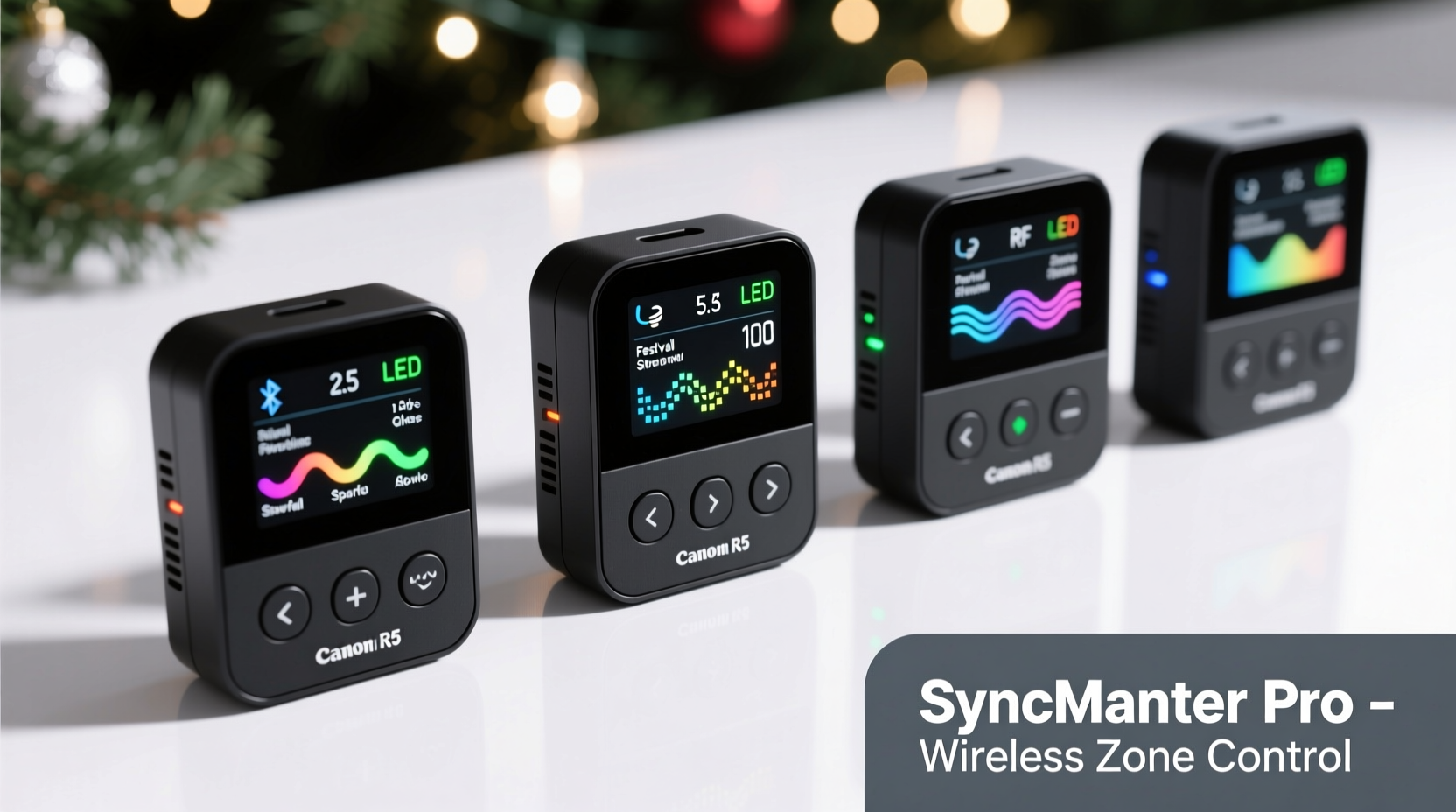
Before diving into specific models, it’s essential to understand what separates a good controller from a great one when managing multiple zones. A zone refers to a distinct section of your display—such as front eaves, garage lights, tree strands, or pathway markers—that can be controlled independently or in coordination with others.
For true synchronization across zones, consider these critical factors:
- Wireless Protocol: Wi-Fi, Zigbee, Z-Wave, or proprietary RF (radio frequency). Wi-Fi is most common due to ease of integration with apps and voice assistants.
- Latency: The delay between sending a command and the lights responding. Lower latency ensures tighter sync, especially during music shows.
- Range: How far the signal travels reliably. Outdoor setups may require extenders or mesh networking.
- Number of Channels/Zones: Each channel controls a separate circuit. More channels mean finer control over complex displays.
- App Integration: Mobile apps allow scheduling, effects selection, and remote operation. Look for user-friendly interfaces with customization options.
- Power Handling: Ensure the controller can support the total wattage of connected lights without overheating.
- Weather Resistance: Outdoor-rated enclosures protect against moisture and temperature extremes.
“Synchronization isn’t just about timing—it’s about consistency. A controller must deliver the same response across all zones, every time.” — Marcus Lin, Holiday Lighting Engineer & Display Designer
Top 5 Wireless Christmas Light Controllers for Multi-Zone Sync
Based on performance, scalability, and real-world reliability, the following controllers stand out for synchronizing large, multi-zone holiday displays.
| Controller | Zones/Channels | Protocol | Max Range | Special Features |
|---|---|---|---|---|
| Shelly RGBW2 | 4 Zones | Wi-Fi | 100 ft (with extender) | Color mixing, music sync via app, neutral wire required |
| Tuya Smart RGB Controller | 1 Zone (RGBW) | Wi-Fi / Tuya App | 150 ft (ideal) | Voice control, music-reactive modes, affordable |
| ESPHome + WLED (DIY) | Up to 8+ Zones | Wi-Fi (custom firmware) | Variable (mesh possible) | Open-source, ultra-low latency, customizable effects |
| Holiday Coro Pixel Controllers (e.g., Coro S3) | 1–4 Zones (per unit) | DMX over Wi-Fi | 300+ ft (with antenna) | Professional-grade sync, E1.31 support, ideal for music shows |
| Philips Hue Play HDMI Sync Box | Limited (Hue ecosystem only) | Zigbee + Bridge | 30 ft per bridge | Real-time screen mirroring, ambient lighting, not power-heavy |
While consumer-grade smart plugs like Kasa or LIFX offer basic scheduling and color control, they often fall short in precise synchronization due to higher latency and limited zone granularity. For truly dynamic, music-synchronized displays, dedicated pixel controllers or DIY open-source solutions provide superior responsiveness.
Setting Up a Synchronized Multi-Zone System: Step-by-Step
Building a cohesive lighting experience requires more than just buying controllers—it demands strategic planning and calibration. Follow this sequence to ensure flawless synchronization.
- Map Your Zones: Sketch your property and label each lighting area (e.g., roofline, tree, stairs). Assign each a unique identifier.
- Select Compatible Hardware: Choose controllers that use the same protocol or can be integrated via a central hub (e.g., Home Assistant).
- Install Controllers Near Power Sources: Mount weatherproof units close to outlets, ensuring wires are secured and protected.
- Connect Lights to Channels: Wire each zone to a designated channel. Label everything clearly.
- Test Individual Zones: Turn on each zone separately to verify connections and brightness.
- Sync via Central Software: Use an app like Glediator, xLights, or MagicHome to program sequences and broadcast commands simultaneously.
- Calibrate Timing: Run a simple pulse effect across all zones. Adjust delays if any zone lags by even 100ms.
- Run Full Sequence Test: Play a music-synced animation to confirm uniform response.
Real-World Example: A Suburban Light Show Upgrade
Daniel Reyes, a homeowner in Colorado, transformed his modest holiday display into a neighborhood attraction using a multi-controller setup. Previously, he used standalone timers and colored bulbs with no coordination. After investing in two Shelly RGBW2 units and a single ESP32-based WLED controller, he segmented his home into five zones: front eaves, garage outline, two porch trees, and driveway markers.
Using the WLED app, Daniel programmed a holiday playlist with timed fades and chases. He discovered that one tree lagged slightly due to weak Wi-Fi in the backyard. By adding a mesh Wi-Fi node near the garage, he eliminated the delay. Now, his entire display pulses in rhythm with classic carols, drawing families nightly during December.
“It wasn’t expensive,” Daniel said, “but the impact was huge. People stop their cars just to watch. The sync made it feel professional.”
Pro Tips for Reliable Wireless Sync
Even the best hardware can underperform without proper configuration. These strategies help maintain consistent, glitch-free operation across all zones.
- Use a dedicated 2.4 GHz Wi-Fi network for lighting only—avoid congestion from streaming devices.
- Assign static IP addresses to controllers to prevent connection drops during reboots.
- Update firmware regularly; manufacturers often improve sync algorithms and stability.
- Group controllers under a single automation platform like Home Assistant or Node-RED for unified control.
- Avoid daisy-chaining too many strings on one channel—stay within 80% of the controller’s rated load.
“The biggest mistake people make is treating holiday lighting like seasonal décor. With the right tech, it’s a year-round hobby that grows smarter every season.” — Lena Park, Smart Home Lighting Consultant
Checklist: Pre-Launch Review for Multi-Zone Displays
Before unveiling your synchronized light show, run through this checklist to avoid last-minute issues.
- All controllers are powered and connected to Wi-Fi.
- Each zone responds individually in the control app.
- No flickering or dimming under full load.
- Music sync mode tested with actual audio tracks.
- Backup schedule set (in case internet fails).
- Physical wiring secured and protected from snow or foot traffic.
- Neighbors notified (optional but courteous for bright displays).
Frequently Asked Questions
Can I mix different brands of controllers in one display?
Yes, but only if they integrate through a common platform like Home Assistant, OpenRGB, or xLights. Mixing brands without a unifying software layer often leads to inconsistent timing and limited control.
Do I need a hub or bridge for wireless controllers?
It depends. Wi-Fi-based controllers (like Shelly or Tuya) connect directly to your router. Zigbee or Z-Wave devices require a hub (e.g., Philips Hue Bridge, SmartThings). For maximum flexibility, a hub allows local control even during internet outages.
How do I reduce lag during music synchronization?
Use low-latency protocols like E1.31 (sACN) over Wi-Fi or wired Ethernet. Avoid cloud-dependent apps for real-time sync. Open-source firmware like WLED typically responds faster than commercial apps.
Conclusion: Elevate Your Holiday Display with Precision Sync
Today’s wireless Christmas light controllers make it possible to create dazzling, professionally synchronized displays from the comfort of your smartphone. Whether you’re starting small with two zones or orchestrating a 10-channel symphony across your property, the right controller transforms blinking lights into storytelling.
Focus on low-latency performance, robust wireless connectivity, and scalable design. Invest time in planning and testing—your audience will notice the difference in smooth transitions, tight beats, and immersive effects. As technology evolves, so do your options: future-proof your setup with open-source tools and modular components that grow with your vision.




 浙公网安备
33010002000092号
浙公网安备
33010002000092号 浙B2-20120091-4
Comments
No comments yet. Why don't you start the discussion?