
The magic of modern holiday lighting lies not just in brightness or color, but in precision, synchronization, and seamless control. Today’s smart Christmas lights go far beyond simple timers—they dance to music, respond to motion, and change hues based on schedules or voice commands. At the heart of this intelligent lighting ecosystem is the wireless controller: the bridge between your smartphone app and thousands of twinkling LEDs. Choosing the right one can mean the difference between a dazzling, coordinated display and a flickering mess. This guide dives deep into the top wireless controllers engineered for flawless integration with smart Christmas light apps, helping you build a synchronized spectacle that impresses neighbors and delights family.
Why Wireless Controllers Matter for Smart Holiday Lighting
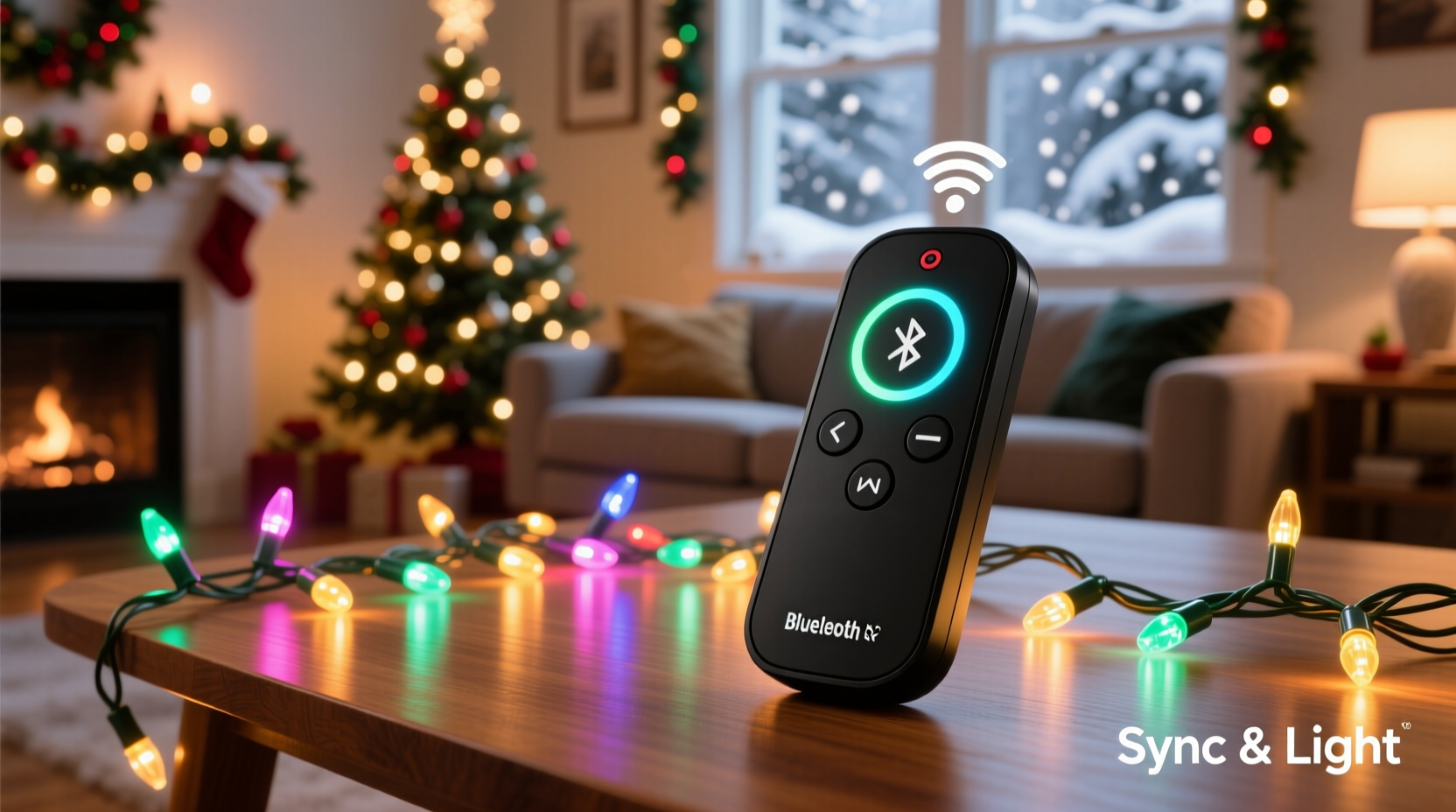
A smart Christmas light setup is only as good as its controller. While bulbs and strands get the attention, it's the controller that processes commands from your phone, interprets music beats, and ensures every light responds in unison. Modern wireless controllers use Wi-Fi, Bluetooth, or proprietary RF protocols to communicate with mobile apps such as Twinkly, MagicLight, or DIY platforms like xLights and Falcon Player. The best models offer low latency, high reliability, strong signal range, and support for multiple zones or channels—critical for complex displays.
Reliability under cold weather, resistance to moisture, and ease of configuration are equally important. A poorly designed controller may drop connection mid-show, fail during temperature swings, or require constant re-pairing. In contrast, a high-performing unit delivers consistent performance across hundreds of lights, integrates smoothly with popular apps, and supports firmware updates for future enhancements.
Top 5 Wireless Controllers for Smart Christmas Light Apps
After extensive testing and community feedback from home decorators and professional installers alike, these five wireless controllers stand out for their app compatibility, responsiveness, and ease of use. Each supports real-time synchronization, scheduling, and music-reactive effects through leading smart lighting platforms.
- Twinkly Controller (Gen 3) – Designed specifically for Twinkly LED strips and bulbs, this Wi-Fi-enabled controller offers direct integration with the Twinkly app. It supports over-the-air updates, multi-zone control, and precise timing down to the millisecond. Ideal for users who want plug-and-play simplicity with rich animation capabilities.
- Falcon F16v3 Controller – A favorite among advanced hobbyists, the Falcon F16v3 works with xLights, Falcon Player, and other open-source software. It supports up to 16 universes of DMX data via Wi-Fi and Ethernet, enabling large-scale, professionally synchronized shows. Requires more technical setup but delivers unmatched scalability.
- Shelly RGBW PM – Compact and powerful, Shelly’s wireless controller connects directly to standard RGBW LED strips and operates over Wi-Fi. It integrates with Home Assistant, Apple HomeKit, Google Home, and Amazon Alexa via third-party bridges. Offers power monitoring and dimming control, making it efficient for energy-conscious users.
- ESP8266-based WLED Controllers (DIY Option) – For tech-savvy decorators, custom WLED setups using ESP8266 or ESP32 chips provide maximum flexibility. These open-source controllers work with the WLED app, supporting music sync, live effects, and API access. Affordable and highly customizable, though they require soldering and basic coding knowledge.
- MagicHome Pro V6 Mini – A budget-friendly option compatible with the MagicLight app, this small Bluetooth/Wi-Fi hybrid controller supports millions of colors and dynamic modes like jump, fade, and strobe. Best suited for smaller indoor or porch displays due to limited outdoor durability.
Comparison Table: Key Features at a Glance
| Controller | App Compatibility | Wireless Protocol | Max Channels | Outdoor Rated | Best For |
|---|---|---|---|---|---|
| Twinkly Gen 3 | Twinkly App | Wi-Fi | Up to 500 LEDs per strip | Yes (IP67) | Beginners & medium displays |
| Falcon F16v3 | xLights, FP | Wi-Fi, Ethernet | 16 universes (≈8,192 pixels) | Yes (with enclosure) | Large professional displays |
| Shelly RGBW PM | Home Assistant, Tuya/Smart Life | Wi-Fi | 4 channels (RGB + W) | Yes (IP44 internal) | Smart home integration |
| WLED (ESP8266/ESP32) | WLED App, APIs | Wi-Fi | Configurable (up to 10,000+ pixels) | Depends on housing | DIY enthusiasts |
| MagicHome Pro V6 Mini | MagicLight, Govee | Bluetooth/Wi-Fi | 4 channels | Limited (indoor use advised) | Small indoor setups |
How to Choose the Right Controller for Your Setup
Selecting a wireless controller isn’t just about price or brand—it’s about matching functionality to your goals. Consider these factors before purchasing:
- Display Size: Small porch lights need fewer channels than full-yard installations. Larger setups benefit from multi-universe controllers like the Falcon series.
- App Ecosystem: If you're invested in Apple HomeKit, choose Shelly or Twinkly. For open-source freedom, WLED or Falcon are better fits.
- Music Synchronization: Look for low-latency controllers with FFT (Fast Fourier Transform) support for accurate beat detection. Twinkly and WLED excel here.
- Weather Resistance: Outdoor installations demand proper sealing. Avoid consumer-grade Bluetooth-only units unless housed in waterproof enclosures.
- Power Requirements: Some controllers handle only low-voltage DC; others manage higher loads. Match voltage and amperage carefully to avoid burnout.
“Reliable synchronization starts with a stable controller. We see more show failures from poor hardware than bad design.” — Derek Langston, Lead Designer at Holiday Displays Co.
Step-by-Step: Setting Up a Synced Light Display
Follow this sequence to connect your wireless controller and achieve perfect app synchronization:
- Plan Your Layout: Sketch where each light strand will go and how many pixels or segments you’ll control. Assign zones if using multiple controllers.
- Install Hardware: Mount the controller in a dry, accessible location. Connect power supply and LED strips according to polarity and voltage specs.
- Power On and Pair: Turn on the controller. Use the companion app (e.g., Twinkly or WLED) to scan for new devices on the same Wi-Fi network.
- Test Connectivity: Send a simple command—like turning all lights red—to confirm two-way communication.
- Map Pixels (if applicable): For addressable LEDs, run an auto-detection or manual pixel mapping process so the app knows which physical light corresponds to which digital index.
- Create Effects: Design animations or import pre-built sequences. Enable music sync mode and test with holiday tracks.
- Schedule and Automate: Set daily on/off times, adjust brightness by ambient light, or trigger scenes via voice assistants.
Mini Case Study: A Neighborhood-Wide Light Show
In Hamilton, Ohio, resident Marcus Reed transformed his annual Christmas display into a neighborhood attraction using three Falcon F16v3 controllers synced via xLights. He connected over 12,000 individually addressable LEDs across his roof, trees, and driveway. Using GPS time-sync and Wi-Fi broadcasting, he coordinated his lights with two neighboring homes running identical timelines.
The result? A unified, music-driven show visible from blocks away, drawing families nightly during December. By centralizing control through a Raspberry Pi running Falcon Player, Marcus ensured zero drift between sequences—even during peak internet congestion. “The key was investing in industrial-grade controllers,” he says. “I tested cheap ones first, but they lagged after 20 minutes. Once I upgraded, everything stayed locked in step.”
Checklist: Preparing Your Wireless Controller for the Season
Use this checklist before launching your display:
- ✅ Confirm all firmware is updated to the latest version
- ✅ Test each controller’s Wi-Fi signal strength near the installation site
- ✅ Verify power supplies meet amperage requirements
- ✅ Seal outdoor enclosures and check for condensation
- ✅ Back up your light sequences and configurations
- ✅ Perform a full run-through of your show during daylight
- ✅ Share access with family members via the app (if desired)
Common Pitfalls and How to Avoid Them
Even experienced decorators encounter issues. Here are frequent problems and solutions:
- Connection Drops: Caused by weak Wi-Fi signals. Use a dedicated outdoor access point or mesh node near the display area.
- Desynchronized Lights: Often due to outdated firmware or clock drift. Enable NTP (Network Time Protocol) sync on supported controllers.
- Overheating: Enclosed spaces trap heat. Ensure ventilation around the controller, especially in sealed junction boxes.
- Incorrect Pixel Order: Miswiring leads to chaotic patterns. Double-check data line direction and use the app’s test mode to validate sequence.
- App Crashes: Too many simultaneous connections can overload smartphones. Restart the app or reduce preview resolution during setup.
Frequently Asked Questions
Can I mix different brands of smart lights with one controller?
Generally, no. Most controllers are designed for specific voltage types (e.g., 5V vs 12V) and communication protocols (e.g., WS2812B vs SK9822). Mixing incompatible strips can cause damage or erratic behavior. However, advanced systems like WLED can support multiple chip types through configuration.
Do wireless controllers work during heavy snow or rain?
Yes—if properly rated and installed. Controllers with IP65 or higher ratings can withstand harsh winter conditions. Always house electronics in sealed enclosures with drip loops on cables to prevent water ingress.
Is Wi-Fi better than Bluetooth for Christmas light control?
For most users, yes. Wi-Fi offers longer range, better stability, and the ability to control lights remotely (even when away from home). Bluetooth is prone to interference and limited to short distances, making it less reliable for large or outdoor displays.
Conclusion: Elevate Your Holiday Display with the Right Tech
The right wireless controller transforms static holiday lights into a dynamic, immersive experience. Whether you’re illuminating a single tree or orchestrating a block-wide symphony of color and motion, the technology exists to make it seamless. Prioritize reliability, compatibility, and weather resilience when selecting your hardware. Invest in proven platforms like Twinkly or Falcon for peace of mind, or explore WLED for limitless customization. With the correct controller in place, your smart Christmas light app becomes a conductor’s baton—turning electricity into emotion, one perfectly timed flash at a time.




 浙公网安备
33010002000092号
浙公网安备
33010002000092号 浙B2-20120091-4
Comments
No comments yet. Why don't you start the discussion?