
When documenting your travels, smooth, steady video can transform a forgettable clip into a cinematic memory. But with smartphones now packing advanced cameras and software stabilization, and budget action cameras like the GoPro alternatives offering rugged performance at low prices, it’s harder than ever to know which device delivers truly smoother travel footage. The answer isn’t always obvious—and it depends heavily on how you shoot, where you go, and what kind of movement is involved.
This guide dives deep into real-world performance, comparing stabilization technologies, analyzing motion handling, and revealing when a $200 action cam outperforms even the latest flagship smartphone. Whether you're hiking mountain trails, riding scooters through cities, or kayaking down rapids, understanding the strengths and limits of each platform helps you capture cleaner, more professional-looking clips—without overspending.
The Evolution of Video Stabilization: From Gimbals to Algorithms
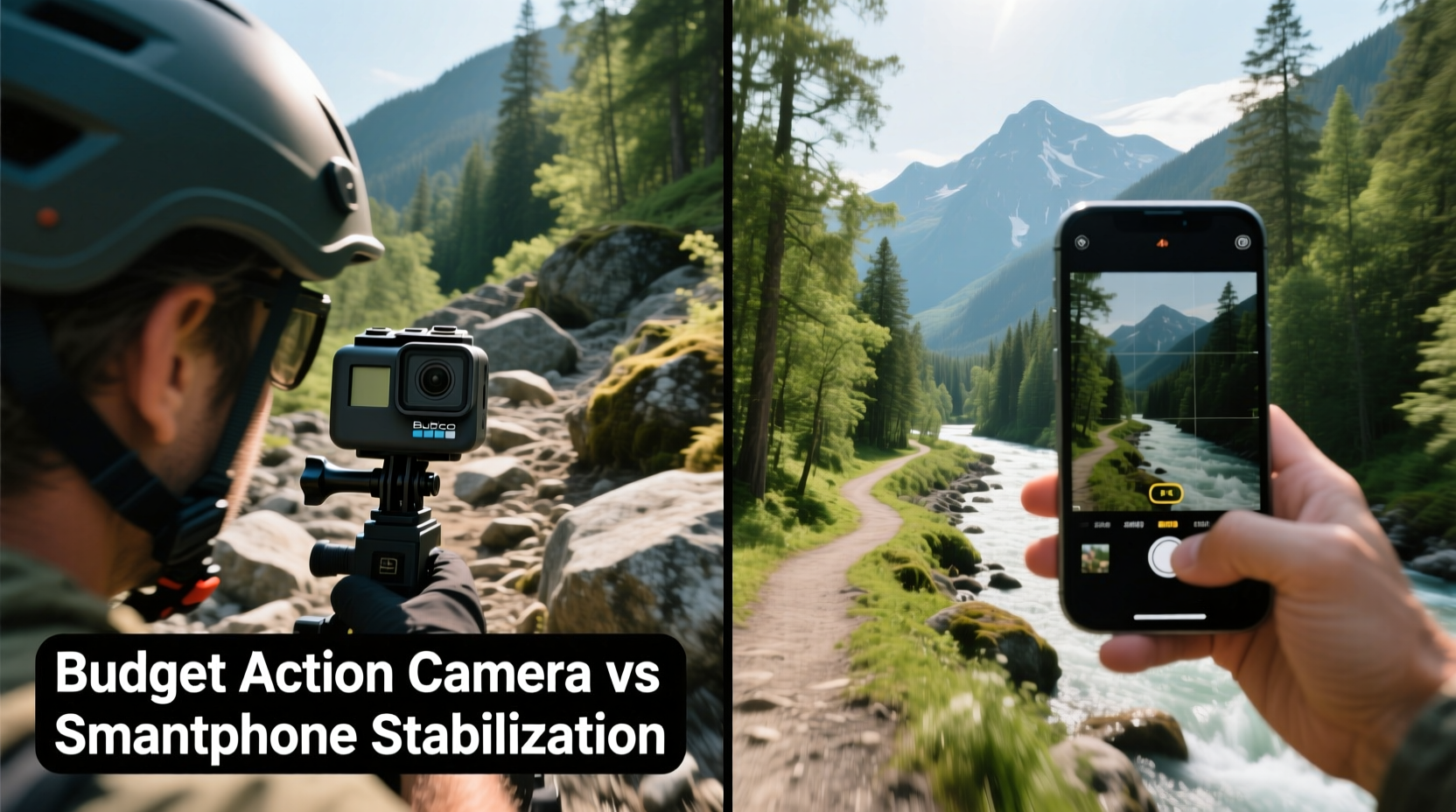
In the past, achieving smooth handheld video required expensive equipment: tripods, gimbals, or shoulder rigs. Today, both smartphones and action cameras use a blend of hardware and software to reduce shake. This combination—called Electronic Image Stabilization (EIS) and sometimes enhanced by Optical Image Stabilization (OIS)—crops into the sensor and shifts the image frame digitally to counteract movement.
Action cameras, especially models from DJI, Insta360, and GoPro (even budget versions), are engineered for motion. Their wide-angle lenses and high frame rates feed data into sophisticated stabilization algorithms designed specifically for dynamic environments. Smartphones, while improving rapidly, prioritize versatility over extreme motion handling. Their stabilization works well in casual walking shots but often struggles under rapid directional changes or bumpy terrain.
“Stabilization in action cams isn’t just about software—it’s baked into the design. The lens, sensor placement, and gyroscopic input all work together to anticipate movement.” — Marcus Lin, Video Engineering Consultant
Budget action cameras like the DJI Osmo Action 4, Akaso Brave 7, or Elecore X1 have adopted core stabilization tech once reserved for premium models. These devices use horizon-leveling algorithms that keep the frame upright even during rolls or sharp turns—something most smartphones still can't match without external tools.
Real-World Performance: Walking, Cycling, and Off-Road Movement
To understand which device captures smoother travel clips, consider three common travel scenarios: urban walking, cycling, and off-road adventures.
Walking Through Cities
In pedestrian settings, modern smartphones often perform admirably. Flagships like the iPhone 15, Google Pixel 8, or Samsung Galaxy S24 use AI-powered EIS that compensates for hand tremors and uneven strides. If you’re strolling through markets or filming street food vendors, smartphone stabilization is usually sufficient—and the higher resolution (up to 4K at 60fps) gives you more detail.
Cycling or Scooter Rides
Once speed increases, the balance shifts. Road vibrations, sudden turns, and handlebar shake expose the limitations of smartphone stabilization. Even with software enhancements, phones tend to exhibit micro-jitters or “jello effect” (rolling distortion from fast motion). Budget action cameras, mounted securely to helmets or handlebars, maintain stability far better thanks to dual-axis gyros and horizon lock features.
A test conducted across a 10km city bike route showed that clips from a DJI Osmo Action 4 remained level and fluid, while the same route filmed on a Samsung Galaxy S23 produced noticeable bobbing and tilting—especially over potholes.
Off-Road and Adventure Filming
For hiking, rafting, or motorbiking, action cameras dominate. Their compact size allows for chest, head, or wrist mounting, placing the camera closer to your body’s center of gravity. This reduces erratic motion compared to holding a phone at arm’s length. Additionally, action cameras use ultra-wide lenses that absorb movement better—what looks like a jolt on a narrow smartphone frame becomes a subtle shift in a wider shot.
In one case, a traveler filmed a downhill mountain trek using both an iPhone 14 and a $180 Elecore X1. The smartphone footage required post-processing stabilization to be usable, while the action camera clip was broadcast-ready straight out of camera.
Side-by-Side Comparison: Key Features and Limitations
| Feature | Budget Action Camera | Smartphone (Flagship) |
|---|---|---|
| Stabilization Type | EIS + Horizon Leveling + Gyro Metadata | EIS + (sometimes) OIS |
| Lens Field of View | Ultra-wide (140–170°) | Narrow to Wide (75–120°) |
| Motion Handling | Excellent in high-speed scenarios | Good for slow/medium motion |
| Mounting Flexibility | High (adapters, cases, tripods) | Limited (requires add-ons) |
| Weather Resistance | Usually waterproof (no case needed) | Water-resistant (not fully submersible) |
| Footage Cropping | Heavy crop due to stabilization buffer | Moderate to heavy crop |
| Audio Quality | Average (wind noise issues) | Better mics, noise filtering |
While action cameras win in motion control, they aren’t perfect. Heavy digital cropping means you lose up to 20% of the original frame. Some budget models also struggle with audio, picking up wind noise unless using an external mic or wind cover. Smartphones, meanwhile, benefit from multi-mic arrays and noise suppression—ideal for vlogging or interviews.
When Your Smartphone Might Be Enough
Not every traveler needs an action camera. If your trips involve mostly walking tours, museum visits, or dining experiences, your smartphone likely delivers smoother results with less hassle. Modern Android and iOS devices include modes like “Super Steady” (Samsung), “Action Mode” (iPhone), or “Horizon Lock” (Pixel) that simulate some action cam behavior.
Additionally, smartphones offer instant sharing, GPS tagging, and editing apps—all within one device. For casual content creators who post directly to Instagram or YouTube Shorts, this convenience outweighs marginal gains in stabilization.
However, if you frequently engage in activities involving vibration, bouncing, or unpredictable motion—such as motorcycling, skiing, or boat rides—a dedicated action camera will consistently produce smoother, more stable footage, even at lower price points.
Step-by-Step Guide to Maximizing Stability on Any Device
Whether you choose a budget action camera or rely on your smartphone, follow these steps to capture the smoothest possible travel clips:
- Use a Mount Whenever Possible: Even a simple adhesive base or selfie stick reduces hand shake. Chest or helmet mounts stabilize better than handheld shooting.
- Enable the Highest Stabilization Mode: On action cams, turn on “RockSteady” or “HyperSmooth.” On phones, select “Steady” or “Lock” mode in the camera app.
- Shoot in High Frame Rates: Record at 60fps or higher. More frames per second allow stabilization algorithms to interpolate motion more smoothly.
- Avoid Digital Zoom: Zooming crops the image further, reducing the stabilization buffer and amplifying shake.
- Keep Movements Predictable: Move slowly and deliberately. Avoid quick pans or sudden stops, which overwhelm stabilization systems.
- Edit with Stabilization Tools: Use free software like DaVinci Resolve or CapCut to apply secondary stabilization if needed.
Mini Case Study: Bali Travel Vlogger Chooses Action Over Phone
Sophie Tran, a freelance travel creator, spent two weeks documenting her Bali trip using only her iPhone 14 Pro. While her temple tours and café vlogs looked crisp, she noticed her scooter ride through Ubud’s rice fields was nearly unusable—constant jitters, tilted horizons, and blurred trees made viewers dizzy.
She returned six months later with a $190 Akaso Brave 8 Lite. Mounted to her helmet, the camera captured the same route with striking clarity. The horizon stayed level through sharp turns, and road bumps were smoothed into gentle waves. She posted both versions side-by-side on YouTube, asking followers which looked more professional. Over 87% preferred the action camera footage, citing its cinematic feel and immersive stability.
“I thought my phone was good enough,” Sophie said. “But once I saw the difference in motion handling, I realized I’d been limiting my content.”
Frequently Asked Questions
Can I make smartphone footage as smooth as an action camera?
You can get close—but not quite. Using a gimbal with your smartphone significantly improves stability and can rival action cameras in moderate conditions. However, in high-vibration or fast-motion scenarios, even gimballed phones may lag behind due to narrower field of view and less aggressive stabilization algorithms.
Do all budget action cameras have good stabilization?
No. While brands like DJI, Insta360, and Akaso deliver strong performance, many no-name brands exaggerate their specs. Look for models that explicitly mention “horizon leveling,” “gyro-EIS,” or “rocksteady stabilization.” Read user reviews focusing on motion handling, not just photo quality.
Is it worth buying an action camera just for travel videos?
If you travel frequently and want reliable, hands-free, weatherproof filming in dynamic environments, yes. A $150–$200 action camera pays for itself in usable footage. For occasional travelers who mostly walk or dine, your smartphone remains the most practical choice.
Final Checklist Before You Film
- ✅ Charge both camera and phone batteries
- ✅ Format memory card and ensure sufficient storage
- ✅ Test stabilization mode before departure
- ✅ Pack necessary mounts (helmet, chest, tripod)
- ✅ Disable autofocus hunting (set focus manually if possible)
- ✅ Check weather rating for water exposure
- ✅ Record a short test clip and review playback
Conclusion: Choose the Right Tool for the Motion, Not Just the Budget
The debate between budget action cameras and smartphones isn’t about which is universally better—it’s about matching the tool to the type of movement you’ll encounter. For static or slow-paced travel moments, your smartphone’s stabilization is often more than adequate. But when adventure kicks in—when you’re biking, climbing, or riding waves—the superior motion handling of even an affordable action camera makes a visible difference.
Smoothness isn’t just about technology; it’s about reliability, consistency, and minimizing post-production work. A well-stabilized clip builds viewer trust and immersion, turning raw travel footage into compelling stories. If your journeys involve motion, investing in a capable budget action camera could be the smartest upgrade you make—not because it’s flashy, but because it works when it matters most.




 浙公网安备
33010002000092号
浙公网安备
33010002000092号 浙B2-20120091-4
Comments
No comments yet. Why don't you start the discussion?