
For many gamers, the mouse is more than just an input device—it’s a critical extension of reflex and precision. As the market floods with options ranging from $20 budget picks to $150+ flagship models, a persistent question arises: does spending more actually translate into better performance? The answer isn’t as straightforward as marketing would have you believe. While premium mice offer advanced features and refined build quality, budget models have closed the gap significantly in recent years. Understanding where the differences truly matter—and where they don’t—can save you money without sacrificing gameplay.
The Evolution of Gaming Mice: From Luxury to Accessibility
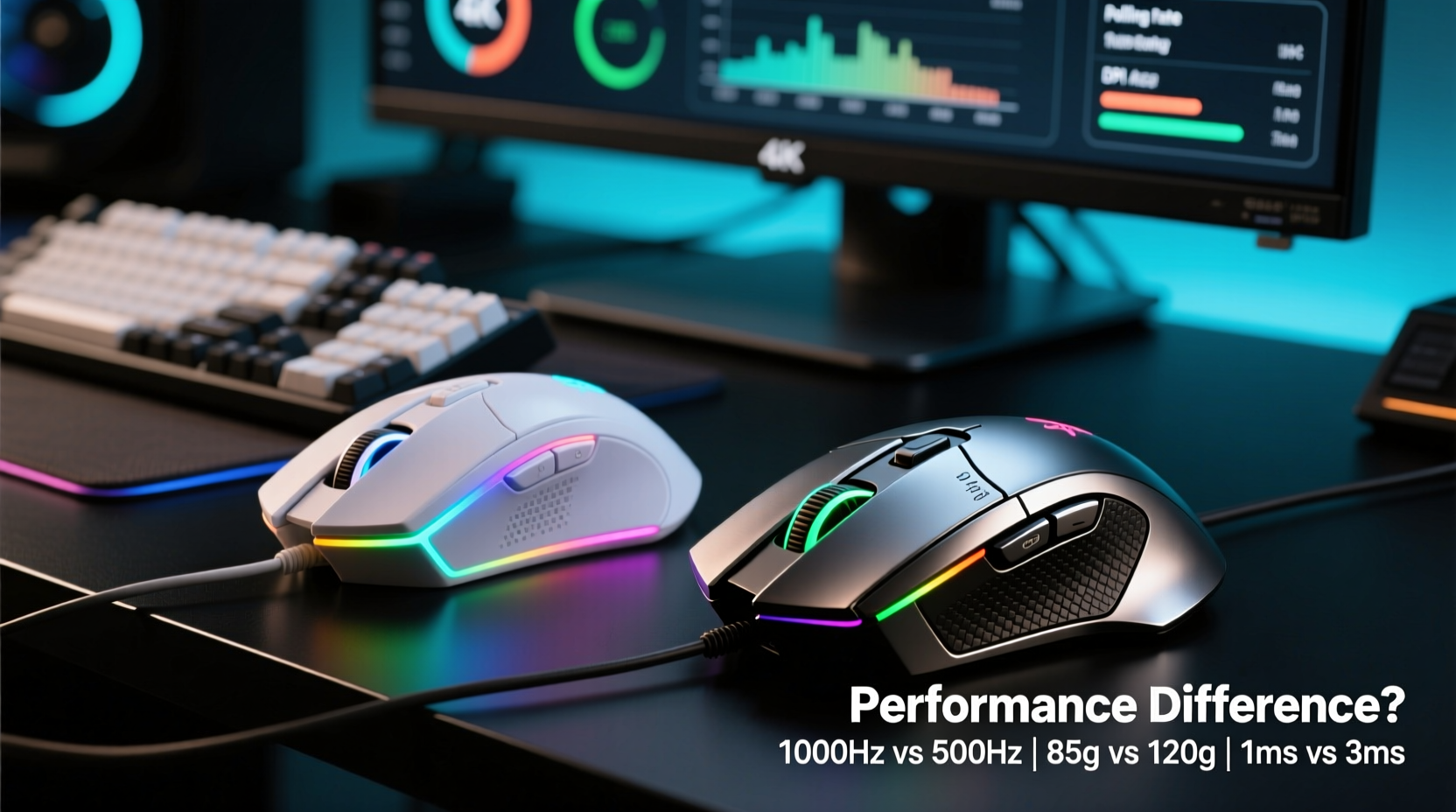
A decade ago, high-performance gaming mice were niche products, often reserved for professional players or enthusiasts with deep pockets. Today, even entry-level gaming mice come equipped with optical sensors, programmable buttons, and RGB lighting. This democratization of technology has been driven by advancements in sensor manufacturing, increased competition among brands like Logitech, Razer, and Glorious, and the rise of Chinese OEMs producing capable hardware at lower price points.
Modern budget mice frequently use the same core components as their premium counterparts—such as PixArt sensors (e.g., PMW3325, PAW3312)—albeit sometimes in slightly downgraded versions. Firmware optimization, build materials, and long-term durability are typically where cost-cutting becomes apparent. But for casual or even competitive gamers, these differences may not be noticeable during actual play.
Performance Breakdown: Where Budget and Premium Diverge
To assess whether premium models justify their price, we need to evaluate key performance metrics: sensor accuracy, switch longevity, ergonomics, software support, and build quality.
Sensor Accuracy and Tracking Consistency
The sensor is the heart of any gaming mouse. High-end models often feature top-tier sensors like the PixArt PAW3395, known for flawless tracking across surfaces, zero acceleration, and minimal spinout at high speeds. These sensors perform exceptionally well on glass or textured pads, making them ideal for fast-paced shooters or MOBAs requiring pixel-perfect control.
Budget mice, however, now commonly use reliable mid-tier sensors such as the PAW3327 or PAW3312. While they lack the extreme DPI ranges and surface adaptability of flagship sensors, they deliver consistent 1:1 tracking up to 6,200–7,200 DPI—more than sufficient for most users. In real-world testing, the difference in tracking fidelity between a $30 Redragon M612 and a $130 Logitech G Pro X Superlight is negligible on standard cloth pads at typical sensitivities (400–1600 DPI).
“Sensor performance plateaus quickly. Once you hit a certain threshold of accuracy, further improvements become marginal for human perception.” — David Lin, Peripheral Hardware Analyst at TechNode Labs
Switch Longevity and Tactile Feedback
Premium mice use branded mechanical switches—like Omron, Kailh, or custom optical units—that are rated for 50–90 million clicks. Budget models often rely on generic clones rated for 10–20 million clicks. Over time, this affects reliability; cheaper switches may develop double-click issues after a year of heavy use.
Additionally, tactile feel varies. Higher-end switches offer crisper actuation, shorter reset points, and less pre-travel, which can benefit rapid-fire scenarios in games like CS2 or Valorant. However, unless you're playing professionally or clicking thousands of times per day, the difference in daily experience is subtle.
Ergonomics and Build Quality
This is where premium models pull ahead decisively. Materials matter: lightweight honeycomb shells, reinforced scroll wheels, and contoured grips enhance comfort during extended sessions. A well-designed shape reduces hand fatigue and improves control over hours of gameplay.
Budget mice often use heavier, denser plastics with less attention to weight distribution. Buttons may creak, side grips can peel, and the overall feel is “hollow” compared to the solid, refined construction of pricier alternatives. For someone using the mouse six hours a day, these small flaws accumulate into discomfort.
Feature Comparison: What You’re Really Paying For
| Feature | Budget Mouse ($20–$40) | Premium Mouse ($100–$150) |
|---|---|---|
| Sensor | PAW3312, 3327 – reliable up to 7,200 DPI | PAW3395, Focus Pro 30K – 26,000+ DPI, superior lift-off distance |
| Switches | Generic microswitches (10–20M clicks) | Omron, Kailh, or optical (50–90M clicks) |
| Weight | 80–100g average | 55–75g (ultra-light designs) |
| Build Materials | Standard ABS plastic, rubberized sides | Honeycomb shell, PTFE skates, braided cable |
| Software Support | Limited customization, basic profiles | Advanced macros, sensitivity stages, cloud sync |
| Durability | 1–2 years under heavy use | 3–5+ years with proper care |
As shown above, the premium segment wins in nearly every technical category. But again, practical impact depends on usage. If you're a weekend gamer who plays a few rounds of Apex Legends or WoW raids, the budget column offers more than enough capability. Only when pushing limits—high-CPI sniping, tournament-level reaction times, or multi-year daily use—does the premium tier prove its worth.
Real-World Example: Two Gamers, Two Choices
Consider two players: Maya and Jordan. Maya is a university student who plays Warzone and League of Legends casually, about 8–10 hours per week. She bought a $28 Jelly Comb JC-M01 mouse. It tracks well, doesn’t skip, and fits her small palm comfortably. After 18 months, one side button began double-clicking, but she replaced it with another budget model for $30.
Jordan is a semi-pro FPS player training for regional tournaments. He uses a Razer Viper V2 Pro daily for 4–6 hours, relying on micro-adjustments and flick shots. His mouse needs sub-millisecond response, flawless drag-clicking, and must survive travel to LAN events. He paid $140 upfront but expects 4+ years of service. For him, the investment prevents edge-case failures during crucial matches.
Their experiences highlight a central truth: value is contextual. Performance differences exist, but relevance depends on individual needs.
When a Budget Mouse Makes Sense
- You play casually or moderately (under 15 hours/week)
- You’re on a tight budget or need a backup mouse
- You have smaller hands and prefer compact designs (many budget options cater to this)
- You’re testing out gaming and unsure about long-term commitment
- You prioritize function over aesthetics and don’t need RGB or complex software
When to Invest in Premium
- Competitive Play: If you compete online or attend tournaments, consistent performance under pressure is non-negotiable.
- Long-Term Use: Spending $130 once every four years beats replacing $30 mice every 18 months.
- Ergonomic Needs: Chronic wrist pain or carpal tunnel may benefit from a precisely engineered shape and ultra-light design.
- Customization Requirements: Advanced macro programming, on-board memory, and multi-profile support are common only in high-end models.
- Peripheral Ecosystem: If you already use a premium keyboard or headset, matching build quality enhances user experience.
Frequently Asked Questions
Can a $30 mouse keep up with a $130 one in games like CS2 or Valorant?
Yes, provided it has a decent sensor and is used on a consistent surface. Many pro players started on budget gear. The limiting factor is usually the player, not the mouse—unless you're demanding pixel-perfect tracking at 1600+ DPI.
Do I need the highest DPI available?
No. Most gamers use 400–1600 DPI. Extremely high DPI (over 10,000) is rarely useful and can reduce control. What matters more is polling rate (1000Hz recommended) and tracking stability.
Are wireless premium mice worth the extra cost?
For desktop-bound users, wired is simpler and cheaper. But modern wireless models (e.g., Logitech Lightspeed, Razer HyperSpeed) offer latency indistinguishable from wired, with added freedom. If desk clutter bothers you or you stream publicly, wireless adds tangible quality-of-life benefits.
Step-by-Step: Choosing the Right Mouse for Your Needs
- Assess your usage: How many hours per week do you game? Is it competitive or casual?
- Determine your grip style: Palm, claw, or fingertip? Match the mouse shape accordingly.
- Set a realistic budget: Decide whether you want short-term savings or long-term investment.
- Check sensor specs: Look for names like PAW3325, 3360, or 3395. Avoid unnamed or proprietary sensors in ultra-cheap models.
- Read real-user reviews: Focus on long-term durability reports, not just first impressions.
- Test if possible: Visit a store or borrow a friend’s mouse to check weight and button placement.
- Make the purchase: Start with a mid-range option ($40–$70) if unsure—it offers a balance of quality and value.
Final Verdict: Performance Isn't Everything
The performance gap between budget and premium gaming mice has narrowed dramatically. At the sensor level, both tiers deliver accurate, responsive tracking suitable for serious gaming. Where premium models excel is in durability, ergonomics, and refinement—qualities that matter over time, not in isolated benchmarks.
If you're looking for a tool to play games effectively, a $30 mouse will serve you well. But if you demand reliability, comfort, and a device built to last through seasons of intense use, investing in a premium model pays off in reduced replacements, fewer frustrations, and a smoother experience.
Ultimately, the best mouse isn’t the most expensive or the cheapest—it’s the one that aligns with how you play, how long you’ll use it, and what kind of experience you want at your desk.




 浙公网安备
33010002000092号
浙公网安备
33010002000092号 浙B2-20120091-4
Comments
No comments yet. Why don't you start the discussion?