
The debate between mechanical and membrane keyboards has raged for years among typists, gamers, and office workers alike. At first glance, budget mechanical keyboards might seem like overkill for everyday use—after all, most people type just fine on their laptop’s built-in membrane keys. But dig a little deeper, and you’ll find that the typing experience isn’t just about functionality; it’s about feedback, rhythm, and even long-term comfort. So yes, the typing feel is genuinely different—and often dramatically so.
This difference isn’t limited to high-end models. Even budget mechanical keyboards deliver a distinct tactile sensation compared to traditional membrane designs. Whether you’re drafting emails, coding, or writing a novel, the way your fingers interact with the keys can shape your productivity and physical well-being. Let’s break down exactly how these two technologies differ, what that means in practice, and whether spending a little extra on a mechanical model is worth it.
How Mechanical and Membrane Keyboards Work
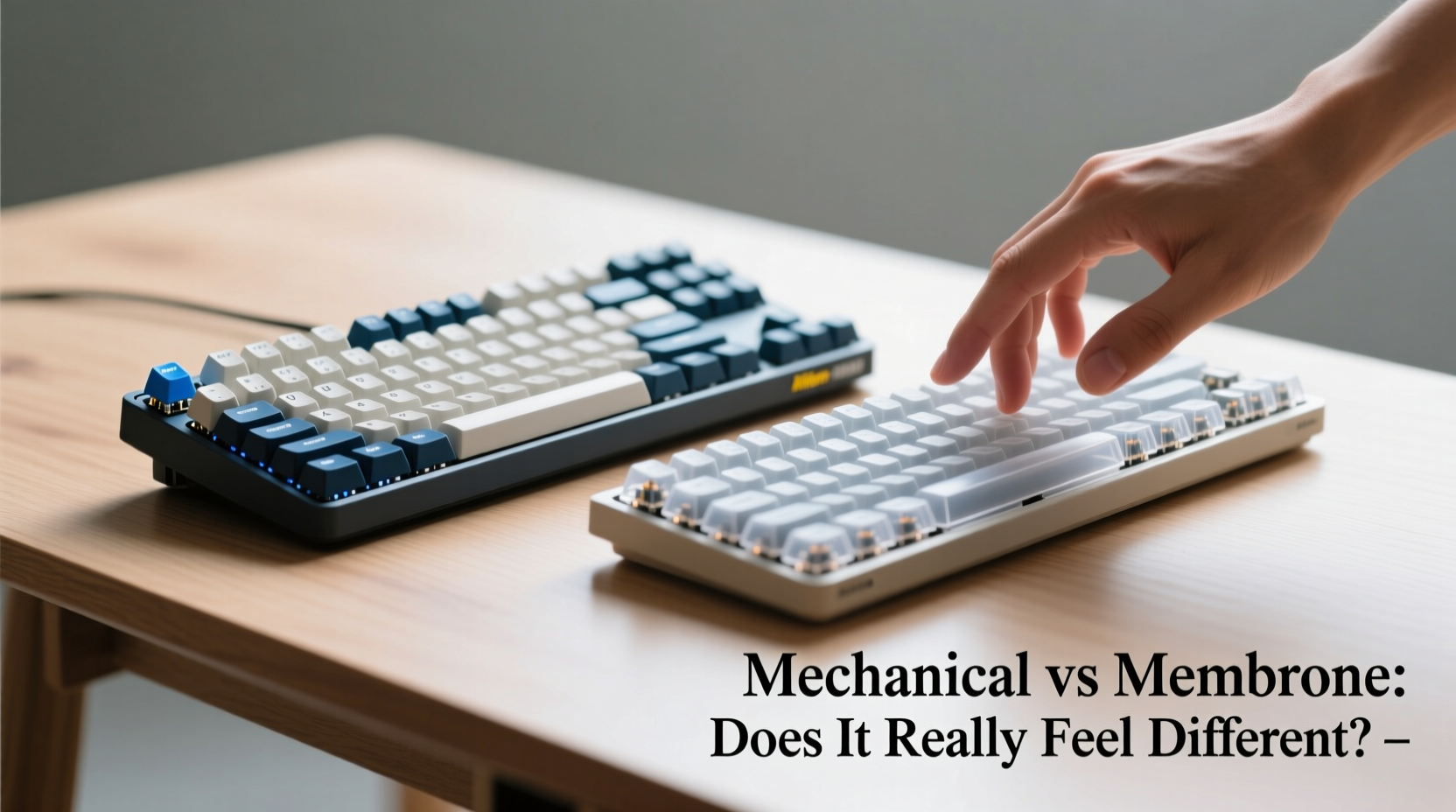
Understanding the core mechanics behind each keyboard type is essential to grasping why they feel so different under your fingertips.
Membrane keyboards rely on a layered rubber or silicone sheet beneath the keycaps. When you press a key, the top layer makes contact with a lower conductive layer, completing a circuit and registering the keystroke. This design is simple, cost-effective, and quiet—but it lacks precision and feedback. Most of the resistance comes from the rubber dome collapsing, which tends to feel mushy and inconsistent across the board.
Mechanical keyboards, on the other hand, use individual mechanical switches for each key. These switches contain metal springs, plastic housings, and sometimes magnets or capacitive sensors. Each switch provides consistent actuation force, travel distance, and tactile or audible feedback. The result is a more responsive, predictable typing experience—even in budget models.
Tactile Differences That Matter in Daily Use
The feel of typing isn’t just subjective—it affects accuracy, speed, and fatigue. Here’s where the real divergence happens:
- Actuation Point: Mechanical switches typically actuate halfway through the keypress, meaning you don’t need to bottom out each key. This reduces finger strain and allows faster typing.
- Feedback: Tactile and clicky switches provide physical bumps or audible clicks when a keystroke registers. This lets you know without looking whether a key was pressed successfully.
- Consistency: Because each switch operates independently, every key feels the same across the board. Membrane keyboards often have dead zones or uneven resistance, especially near the edges.
- Key Rollover: Mechanical keyboards usually support full N-key rollover, allowing multiple simultaneous keypresses—critical for fast typists or gamers. Budget membrane boards may ghost or miss inputs during rapid typing.
Even low-cost mechanical keyboards from brands like Redragon, Royal Kludge, or Anne Pro preserve these core advantages. You won’t get premium switch longevity or sound dampening, but the fundamental typing quality remains superior to most membrane alternatives.
“Switching from a membrane to a mechanical keyboard changed my writing workflow entirely. I noticed fewer typos, less fatigue, and actually started enjoying typing again.” — Daniel Park, freelance technical writer
Real-World Typing Experience: A Mini Case Study
Take Sarah, a paralegal who spends six hours a day drafting legal documents. For years, she used a standard $30 membrane keyboard bundled with her desktop. She often complained of finger fatigue and had to double-check her work due to missed keystrokes.
Last year, she invested $55 in a budget mechanical keyboard with brown tactile switches. Within a week, she reported typing faster with fewer errors. “It’s not louder,” she said, “but I can *feel* when each letter registers. I don’t have to press as hard, and my hands don’t hurt by 3 p.m.”
Her experience mirrors countless others. The shift isn’t about luxury—it’s about ergonomics and efficiency. In tasks requiring prolonged input, the reduced effort and improved feedback of mechanical switches translate directly into comfort and accuracy.
Comparative Breakdown: Budget Mechanical vs. Membrane
| Feature | Budget Mechanical Keyboard | Standard Membrane Keyboard |
|---|---|---|
| Typing Feedback | Clear tactile or auditory response per keystroke | Mushy, inconsistent pressure with no feedback |
| Actuation Force | 45–60g (consistent across switches) | 60–80g (varies by position) |
| Travel Distance | 3.5–4mm with early actuation (~2mm) | 3.5–4mm, but requires full press to register |
| Durability | 50–70 million keystrokes per switch | 5–10 million keystrokes total lifespan |
| N-Key Rollover | Usually supported via USB | Limited to 6-key rollover or less |
| Noise Level | Depends on switch type (clicky, tactile, linear) | Quiet but can produce plastic clatter |
| Average Price (USD) | $40–$80 | $10–$30 |
The data shows that even at the lower end of the market, mechanical keyboards outperform membrane ones in nearly every measurable category related to typing quality. The higher upfront cost pays off in longevity and daily usability.
Common Misconceptions About Budget Mechanical Keyboards
Many assume that “budget” means “inferior feel.” While premium switches (like Cherry MX or Gateron) offer refined smoothness and sound, affordable clones and house-brand switches have closed the gap significantly.
One myth is that mechanical keyboards are too loud for shared spaces. Not true. Linear switches (e.g., Red or Silent Red variants) are designed for quiet operation. Tactile switches (Brown) offer subtle bumps without noise. Only clicky switches (Blue) produce noticeable sound—and many modern budget boards now include foam padding to dampen acoustics.
Another misconception is that mechanical keyboards are only for gamers. In reality, writers, coders, and administrative professionals benefit just as much—if not more—from the precision and reduced fatigue.
Step-by-Step: How to Test the Difference Yourself
You don’t need to buy a new keyboard to experience the contrast. Follow this process to evaluate the typing feel objectively:
- Find a quiet space where you can type without distractions.
- Type the same paragraph (e.g., the quick brown fox jumps...) on both a membrane and a mechanical keyboard.
- Focus on finger pressure: Notice how hard you need to press to register each keystroke.
- Listen and feel: Are there audible or tactile cues when a key actuates?
- Check for errors: After typing, compare accuracy and backspacing frequency.
- Assess fatigue: After five minutes of continuous typing, note any discomfort in fingers or wrists.
- Repeat after 24 hours: Muscle memory plays a role—give yourself time to adjust.
This method reveals subtle but critical differences that specs alone can’t convey. Most people notice improved rhythm and confidence within minutes.
FAQ: Your Top Questions Answered
Do budget mechanical keyboards last longer than membrane ones?
Yes. Most mechanical switches are rated for 50 million+ keystrokes, while membrane keyboards degrade after 5–10 million. Even budget mechanicals use durable components that outlive typical office peripherals.
Can I replace keys or customize a budget mechanical keyboard?
Absolutely. Nearly all budget mechanical keyboards use standard keycap sizes (Cherry MX profile), so you can swap in aftermarket keycaps. Some even support switch replacement if you’re comfortable with soldering.
Is the typing difference noticeable for casual users?
It depends on sensitivity, but most users notice the improvement within a few days. The reduction in finger strain and increased typing confidence tends to stand out during extended sessions, even for non-professionals.
Final Verdict: Is the Upgrade Worth It?
If you type regularly—whether for work, study, or personal projects—a budget mechanical keyboard is one of the most cost-effective upgrades you can make. The typing feel isn’t just “different”; it’s more efficient, sustainable, and enjoyable. You’ll likely type faster, with fewer mistakes, and experience less physical strain over time.
While membrane keyboards still dominate offices and pre-built PCs due to their low cost and quiet operation, they represent outdated technology in an era where ergonomics and user experience matter. Spending an extra $30–$50 today can save you from discomfort, inefficiency, and frequent replacements down the line.
The answer, then, is clear: yes, the typing feel is really different—and for anyone who values their time and comfort, mechanical is the smarter choice.




 浙公网安备
33010002000092号
浙公网安备
33010002000092号 浙B2-20120091-4
Comments
No comments yet. Why don't you start the discussion?