
Smart homes are no longer reserved for tech enthusiasts with deep pockets. Today, a growing number of affordable devices offer meaningful improvements in security, comfort, and efficiency—without demanding a premium price tag. The key is knowing which gadgets genuinely enhance daily life and which are simply flashy novelties. By focusing on functionality, reliability, and integration potential, you can build a smarter home one practical step at a time—all while staying within a modest budget.
Why Value Matters More Than Features
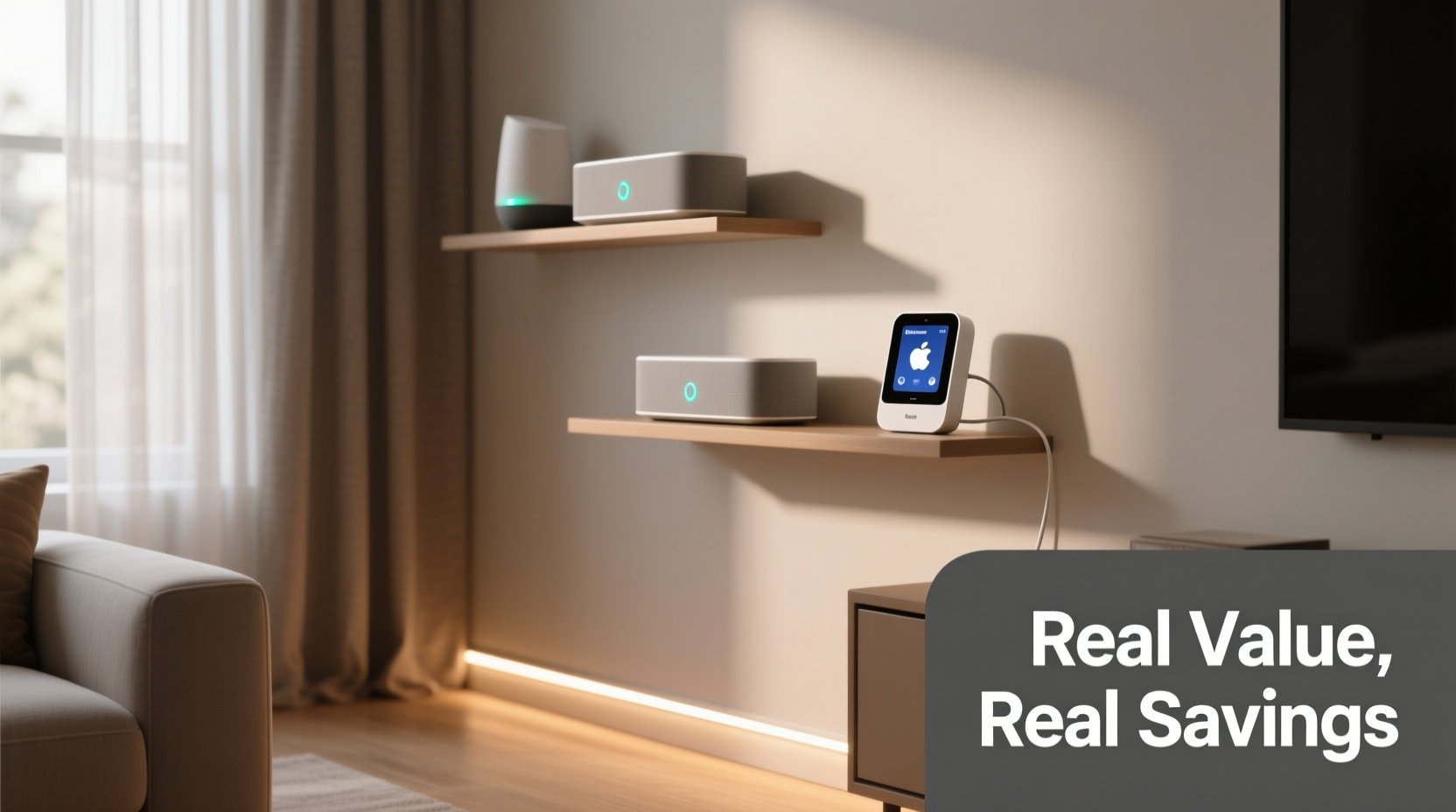
The smart home market is flooded with products promising automation, voice control, and futuristic appeal. But many fall short when it comes to delivering tangible benefits. A device might look impressive on paper, but if it doesn’t solve a real problem or simplify your routine, its value diminishes quickly.
True value lies in consistency, ease of use, and long-term savings. For example, a $25 smart plug that helps you cut phantom energy costs pays for itself in months. A $100 camera with poor night vision and unreliable alerts offers little beyond frustration. Prioritizing function over flash ensures every dollar spent contributes to a safer, more efficient, and comfortable living environment.
“Affordable doesn’t have to mean low quality. Many budget smart devices today perform nearly as well as their high-end counterparts—especially in core functions like lighting, sensing, and power management.” — David Lin, Home Automation Analyst at TechHaven Insights
Top 5 Budget Smart Devices That Deliver Real Impact
Below are five proven, cost-effective devices that consistently earn praise from users and experts alike. Each delivers measurable benefits in energy savings, safety, or convenience—all priced under $50.
1. Smart Plugs (Under $20)
A smart plug turns any ordinary lamp, fan, or coffee maker into a Wi-Fi-enabled device. Schedule lights to turn on before sunset, shut off a space heater remotely, or automate holiday decorations. Beyond convenience, they help eliminate “vampire power”—energy consumed by devices even when off.
2. Smart LED Bulbs (From $10 per bulb)
Replacing traditional bulbs with smart LEDs may seem minor, but the cumulative effect is significant. Adjust brightness for reading or ambiance, set schedules for security lighting, or change colors to match your mood—all via app or voice. Many models now support dimming, color temperature adjustment, and multi-room syncing.
Look for bulbs compatible with Alexa, Google Assistant, or Apple HomeKit to ensure broad usability. While premium brands like Philips Hue lead in features, budget-friendly alternatives from Wyze, Govee, and Feit Electric offer strong performance at half the price.
3. Door & Window Sensors (Under $20 each)
These small magnetic sensors alert you when doors or windows open unexpectedly. Ideal for ground-floor rooms, garages, or monitoring kids’ bedrooms. When paired with a smart hub or alarm system, they trigger lights, sounds, or phone notifications.
They’re especially useful for renters who can’t install full security systems. Most operate on long-life batteries and take minutes to install—no drilling required.
4. Smart Thermostats (Starting at $70–$90 on sale)
While slightly above the sub-$50 threshold, smart thermostats often go on sale and qualify for utility rebates, bringing them into budget range. Models like the Google Nest Thermostat or Ecobee3 Lite learn your schedule and adjust heating and cooling automatically.
According to the U.S. Department of Energy, programmable thermostats can save up to 10% annually on heating and cooling bills—around $100–$150 per year. That means even a $90 thermostat pays for itself in under a year.
5. Entry-Level Security Cameras (Under $50)
Indoor cameras from brands like Wyze, Blink, and TP-Link Tapo provide 1080p HD video, motion detection, night vision, and two-way audio. They integrate with apps that send real-time alerts, record clips to cloud or microSD cards, and allow remote viewing from anywhere.
Unlike subscription-heavy competitors, many budget models offer local storage options, avoiding recurring fees. Place one near your front door, baby’s room, or pet area for peace of mind without privacy trade-offs.
How to Build a Smart Home on a Budget: A Step-by-Step Plan
Going smart doesn’t require an overnight overhaul. A phased approach lets you test technologies, avoid compatibility issues, and stretch your budget further. Follow this timeline to build intelligently:
- Week 1: Audit Your Needs
Walk through your home and note pain points: lights left on, forgotten locks, high energy bills, or security concerns. Prioritize one or two areas where automation could help. - Week 2: Start with Lighting & Power
Install a smart plug in a frequently used lamp or entertainment center. Pair it with a $12 smart bulb in your bedroom or hallway. Test scheduling and voice commands. - Month 1: Add Sensing & Security
Place door sensors on entry points. Set up a budget indoor camera in a common area. Connect everything to a free app platform like Google Home or Amazon Alexa. - Month 2: Optimize Climate
Evaluate your HVAC usage. If you heat or cool more than 6 months a year, research rebates and purchase a smart thermostat on sale. - Month 3+: Expand Thoughtfully
Only add new devices if they solve a documented need. Avoid buying gadgets just because they’re “smart.” Focus on integration—can new devices work with what you already own?
Do’s and Don’ts of Buying Budget Smart Devices
To avoid disappointment, follow these guidelines when shopping for affordable smart home gear.
| Do | Don't |
|---|---|
| Check compatibility with your existing ecosystem (Alexa, Google, HomeKit) | Assume all “smart” devices work together out of the box |
| Read user reviews focused on reliability and app stability | Rely solely on marketing claims or star ratings without reading details |
| Look for local storage options to avoid monthly cloud fees | Sign up for mandatory subscriptions unless absolutely necessary |
| Choose devices with firmware updates and active manufacturer support | Buy obscure brands with no customer service or update history |
| Use guest networks for IoT devices to protect your main Wi-Fi | Connect every smart gadget directly to your primary network |
Real-World Example: How Maria Saved $200 Annually
Maria, a teacher in Austin, Texas, wanted to reduce her electric bill without sacrificing comfort. She started with two smart plugs ($15 each) to control her living room lamps and holiday lights, programming them to turn off at midnight. Next, she installed three smart bulbs ($12 each) in her bedroom and kitchen, using warm tones in the evening to improve sleep hygiene.
After noticing her AC ran constantly during summer afternoons, she invested in a Google Nest Thermostat on sale for $89. Within six weeks, the system learned her schedule and began adjusting temperatures automatically. Combined with better insulation habits, her cooling costs dropped by 18%.
Finally, she added a Wyze Cam Indoor ($35) to monitor her dog while at work. The camera’s motion alerts helped her catch a delivery person leaving a package in the rain—prompting her to later install a door sensor for porch safety.
In total, Maria spent $160 over four months. Her annual energy savings: approximately $200. Plus, she gained peace of mind, improved routines, and greater control over her home environment.
Essential Checklist Before You Buy
Before purchasing any budget smart device, run through this checklist to ensure you’re making a wise investment:
- ✅ Does it solve a specific problem I experience regularly?
- ✅ Is it compatible with my current voice assistant or app platform?
- ✅ Does it require a monthly subscription? Can I disable it or use local storage?
- ✅ Are firmware updates regularly released by the manufacturer?
- ✅ Does it have strong user reviews (especially regarding long-term reliability)?
- ✅ Can it be easily returned or replaced if defective?
- ✅ Is it secured with encryption and allows strong password setup?
Frequently Asked Questions
Are cheap smart home devices secure?
Not all are equally secure, but reputable budget brands like Wyze, TP-Link, and Eufy implement encryption and regular security patches. Always change default passwords, enable two-factor authentication if available, and isolate IoT devices on a separate Wi-Fi network.
Can I mix different brands in one smart home setup?
Yes, as long as they support a common platform like Amazon Alexa, Google Home, or Apple HomeKit. For example, a Govee light bulb and a Wyze plug can both be controlled through the Google Home app if configured properly. Avoid relying on brand-specific hubs unless expanding significantly.
Will these devices still work if my internet goes down?
Most budget devices rely on cloud connectivity, so advanced features like remote access or voice control may fail during outages. However, locally controlled functions (e.g., scheduled on/off times stored on-device) often continue working. Some newer models support Matter protocol, enabling local processing even offline.
Final Thoughts: Smart Spending Leads to Smarter Living
A truly smart home isn’t defined by how many devices you own, but by how well they serve your life. The most valuable upgrades aren’t always the most expensive—they’re the ones that quietly make your days easier, safer, and more efficient. With careful selection, even a $15 smart plug can deliver outsized returns in energy savings and convenience.
The goal isn’t to automate everything, but to enhance what matters. Start small. Test one device. Measure the impact. Then build from there. Over time, these thoughtful additions compound into a cohesive, intelligent living space—one that respects your budget as much as your lifestyle.




 浙公网安备
33010002000092号
浙公网安备
33010002000092号 浙B2-20120091-4
Comments
No comments yet. Why don't you start the discussion?