
For people with ADHD, staying organized isn’t just about productivity—it’s about reducing mental clutter, managing overwhelm, and creating systems that accommodate how the brain works. Traditional planners often fail because they’re rigid or overly complex. That’s why many turn to alternatives like bullet journals or digital planners. But which one actually helps someone with ADHD stay consistent?
The answer isn’t universal. What works depends on individual needs, lifestyle, sensory preferences, and executive function patterns. Some thrive on the tactile creativity of a bullet journal. Others need the automation, reminders, and portability of a digital tool. This article breaks down both options with practical insights, real-world examples, and expert-backed strategies to help you choose—or combine—the right system.
The Core Challenge: Why Organization Fails with ADHD
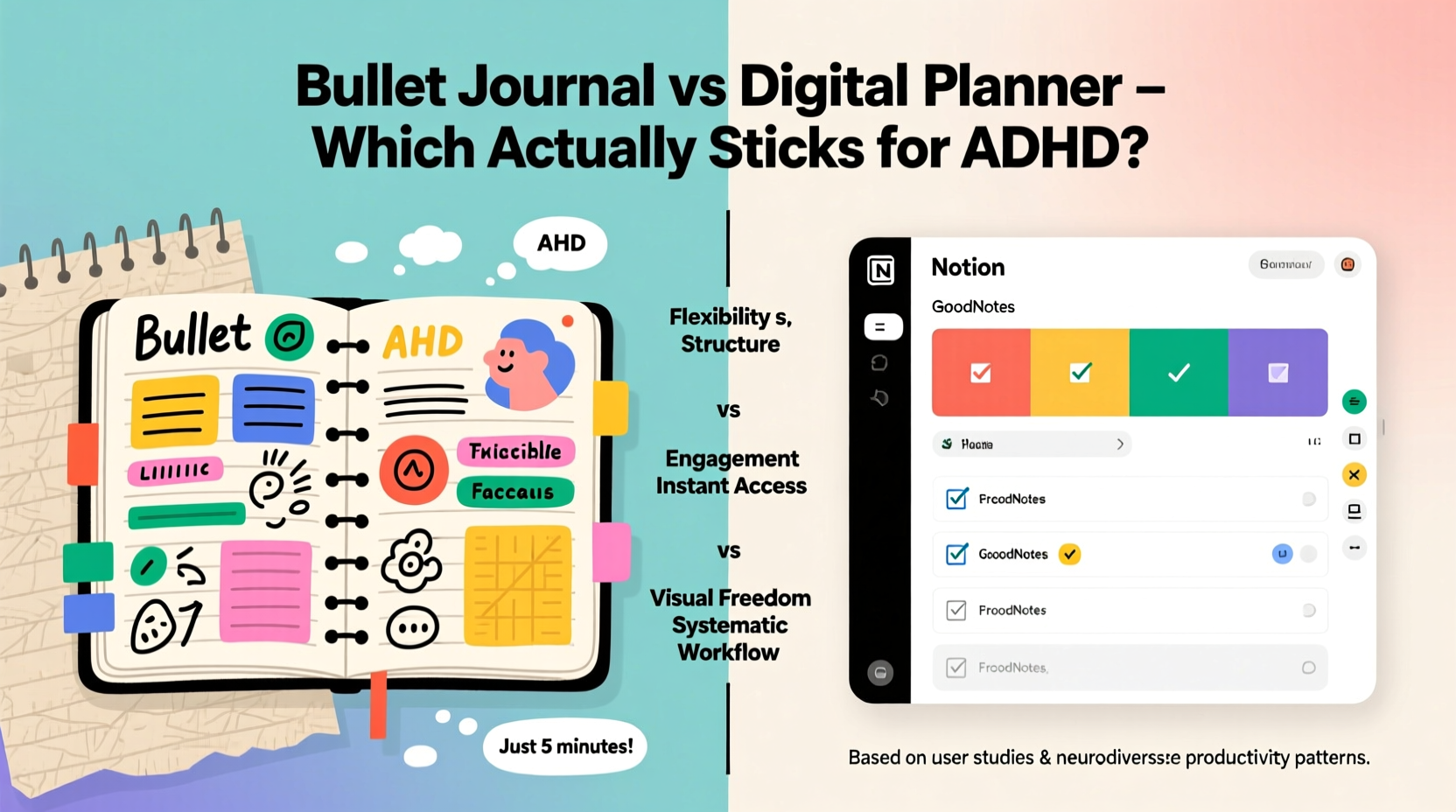
ADHD affects executive function—the mental skills responsible for planning, focus, time management, and task initiation. Even when motivation is high, starting tasks, estimating time, and following through can feel impossible. A planner, whether analog or digital, only works if it reduces friction, not adds to it.
Many people with ADHD abandon planners quickly because:
- Overwhelm from complexity: Too many sections or rules make usage feel like a chore.
- Lack of flexibility: Rigid formats don’t adapt to changing priorities or energy levels.
- Memory gaps: Forgetting to check the planner defeats its purpose.
- Sensory mismatch: The wrong medium (paper vs. screen) can cause discomfort or disengagement.
The best organizational tool isn’t the fanciest—it’s the one you’ll actually use consistently. That’s where bullet journals and digital planners diverge in their strengths.
Bullet Journaling: Structure Meets Creativity
Invented by Ryder Carroll as a “method” rather than a product, the bullet journal combines rapid logging, collections, and future planning into a customizable analog system. It appeals to those who want control over their layout and enjoy hands-on engagement.
For some with ADHD, the physical act of writing, drawing, and coloring can improve memory retention and emotional regulation. The visual nature of spreads—like habit trackers or mood logs—makes progress tangible.
Pros of Bullet Journals for ADHD
- Customizable design: Tailor spreads to your specific challenges (e.g., medication tracker, emotion wheel).
- Tactile feedback: Writing by hand activates motor memory, which may aid recall.
- Creative outlet: Doodling or decorating can reduce anxiety and increase engagement.
- No distractions: Unlike phones, paper doesn’t buzz with notifications.
Cons of Bullet Journals for ADHD
- Setup time: Designing spreads takes effort, which can delay actual usage.
- Maintenance burden: Requires daily discipline to migrate tasks and update logs.
- Portability issues: Carrying a notebook everywhere isn’t always practical.
- Search difficulty: Finding past entries requires flipping pages or meticulous indexing.
“Many of my ADHD clients report feeling calmer after journaling, but only when they keep the system minimal. Overdesigning leads to burnout.” — Dr. Lena Torres, Clinical Psychologist specializing in neurodiversity
Digital Planners: Automation and Accessibility
Digital planners—used via apps like Notion, GoodNotes, or Microsoft OneNote—offer structured templates with the flexibility of technology. They sync across devices, support voice input, and integrate alarms, calendars, and cloud backups.
For individuals with ADHD, these features address key pain points: forgetfulness, impulsivity, and inconsistent routines. A reminder popping up on your phone is harder to ignore than a page left at home.
Pros of Digital Planners for ADHD
- Automated reminders: Notifications prompt action before deadlines are missed.
- Voice-to-text: Dictate tasks instantly without typing or writing.
- Searchable content: Instantly find any note or task using keywords.
- Syncs everywhere: Access your planner on phone, tablet, or computer.
- Templates & integrations: Link to Google Calendar, Trello, or habit-tracking apps.
Cons of Digital Planners for ADHD
- Digital distractions: Notifications from social media can derail focus.
- Learning curve: Setting up workflows in Notion or Obsidian takes time.
- Screen fatigue: Excessive device use may worsen restlessness or sleep issues.
- Less sensory engagement: Typing lacks the grounding effect of handwriting for some users.
Comparative Breakdown: Bullet Journal vs Digital Planner
| Feature | Bullet Journal | Digital Planner |
|---|---|---|
| Customization | High – full creative control | High – templates + scripting |
| Portability | Medium – must carry notebook | High – always on your phone |
| Reminders | None – relies on self-checking | Yes – push notifications |
| Searchability | Low – manual indexing | High – keyword search |
| Setup Time | High – initial design effort | Medium – template setup |
| Sensory Engagement | High – tactile, visual, kinesthetic | Low to medium – screen-based |
| Distraction Risk | Low – no alerts or apps | High – adjacent notifications |
| Long-Term Maintenance | Challenging – requires migration | Easier – auto-sync and archiving |
Real Example: Maya’s Shift from Bullet Journal to Hybrid System
Maya, a freelance graphic designer diagnosed with ADHD at 28, spent years cycling through planners. She loved her bullet journal’s aesthetic—color-coded tasks, floral headers, weekly spreads—but rarely updated it past the first month. “I’d spend hours making it pretty,” she said, “then forget to check it the next day.”
After missing two client deadlines, she switched to a digital planner in GoodNotes. She imported a minimalist monthly calendar and set recurring reminders for bill payments and project milestones. Within weeks, her punctuality improved. But she missed the creative outlet.
Her solution? A hybrid approach. She kept her digital planner for scheduling and reminders, but used a small pocket-sized notebook for daily brain dumps and sketching ideas. At night, she transferred urgent items to her digital system. “It’s not perfect,” she admits, “but it’s the first system I’ve stuck with for over six months.”
Step-by-Step: Building an ADHD-Friendly Planning System
Whether you lean analog, digital, or hybrid, follow this sequence to build a sustainable system:
- Assess your current blockers: Do you forget appointments? Procrastinate on tasks? Lose track of goals? Identify the top 2–3 issues.
- Choose your primary medium: Try each option for one week. Rate them on ease of use, consistency, and emotional response.
- Start with core components only: Daily log, calendar, and task list. Avoid decorative elements until the basics stick.
- Add one feature at a time: After two weeks of consistency, add a habit tracker or goal section.
- Set a daily trigger: Pair planner use with an existing habit (e.g., morning coffee or bedtime routine).
- Review weekly: Reflect on what worked and adjust. Delete unused sections.
- Automate where possible: Use recurring events, templates, or voice notes to reduce effort.
Checklist: Is Your Planner Working for Your ADHD?
Use this checklist weekly for the first month to evaluate effectiveness:
- ✅ Did I open my planner at least once per day?
- ✅ Did I complete more than 50% of planned tasks?
- ✅ Did reminders help me avoid missed deadlines?
- ✅ Did I feel less overwhelmed after using it?
- ✅ Was updating it quick and low-effort?
- ✅ Did I look forward to using it—or at least not dread it?
If three or more answers are “no,” it’s time to simplify or switch tools.
Expert Insight: Matching Tools to Cognitive Style
“The best planner for ADHD isn’t analog or digital—it’s the one aligned with your cognitive rhythm. Some brains respond better to visual, hands-on input. Others need auditory cues and automation. Trial and error isn’t failure; it’s data collection.” — Dr. Alan Finch, Neurodevelopmental Coach
Dr. Finch emphasizes that consistency matters more than format. He recommends his clients assign a “planner score” each week based on usage and stress reduction. Over time, trends emerge that reveal what truly supports their workflow.
FAQ: Common Questions About ADHD Planning Systems
Can I mix bullet journaling and digital planning?
Absolutely. Many people use a digital planner for scheduling and reminders while keeping an analog journal for brainstorming, reflection, or creative tracking. This hybrid model balances efficiency with mindfulness.
Why do I keep abandoning my planner after a few days?
This is common with ADHD. Often, the system is too ambitious. Start with just one page: a daily list of 1–3 critical tasks. Build the habit first, then expand. Also, ensure your planner is visible and accessible at key times (e.g., bedside, wallet, phone home screen).
Are printable digital planners worth it?
For some, yes. Printable PDF planners in apps like GoodNotes offer the look and feel of paper with digital benefits. You can write with a stylus, set reminders, and back up data. They’re ideal for those who want tactile interaction without physical clutter.
Conclusion: Choose Flexibility Over Perfection
There’s no single “best” planner for ADHD. The bullet journal offers creativity and control but demands maintenance. The digital planner provides automation and accessibility but risks distraction. The real win isn’t choosing one over the other—it’s designing a system that adapts to your fluctuating energy, attention, and needs.
Forget perfection. Focus on sustainability. A five-minute daily check-in with a simple list is more valuable than a beautifully crafted journal collecting dust. Test both methods. Combine their strengths. Most importantly, be kind to yourself when you miss a day. Restarting is part of the process.




 浙公网安备
33010002000092号
浙公网安备
33010002000092号 浙B2-20120091-4
Comments
No comments yet. Why don't you start the discussion?