
For anyone stepping into the world of personal organization, the choice between a bullet journal and Notion can feel like picking between two entirely different philosophies. One is rooted in pen and paper, tactile and minimalist; the other lives in the cloud, brimming with features and customization. Both promise clarity, focus, and control—but they deliver it in radically different ways. For beginners, the real question isn’t just about functionality, but about mental load. Which system introduces structure without adding stress? Which one supports growth without spiraling into complexity?
The answer depends not on which tool is objectively “better,” but on how each aligns with a beginner’s cognitive style, lifestyle, and tolerance for learning curves. A beautifully designed Notion dashboard might inspire awe, but if setting it up takes hours and maintaining it feels like a second job, it defeats the purpose. Likewise, a blank bullet journal spread may seem simple, but without guidance, that same blankness can breed paralysis.
The Overwhelm Factor: What Makes a System Feel Heavy?
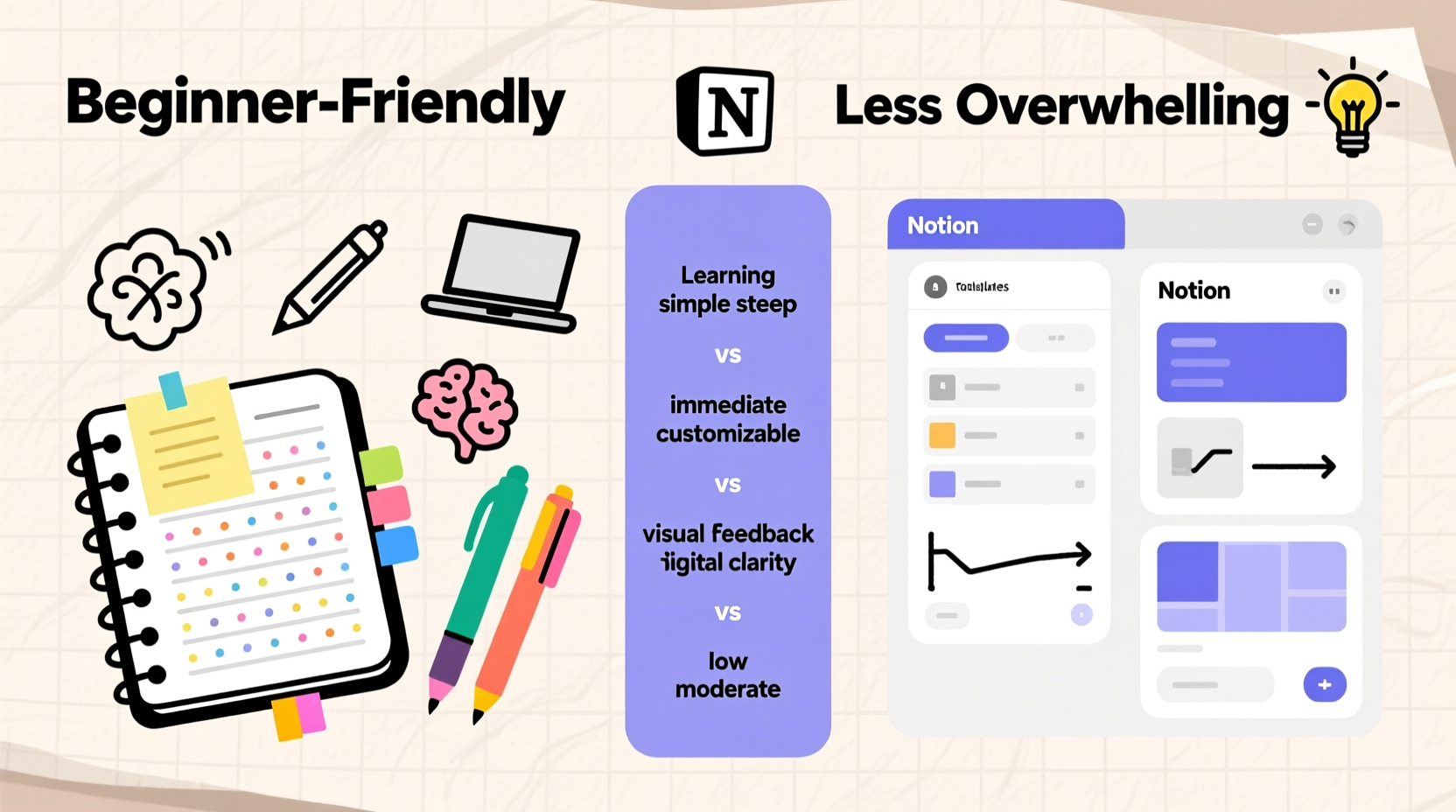
Overwhelm doesn’t come from tools themselves—it comes from expectations, setup time, maintenance demands, and perceived failure. A system becomes overwhelming when:
- You spend more time managing the system than using it.
- New tasks feel like chores because you have to “log” them in multiple places.
- You’re intimidated by an empty page or a complex template you don’t understand.
- There’s pressure to make entries look perfect or follow someone else’s aesthetic.
- Learning how to use the tool feels like taking a course instead of solving a problem.
Both bullet journaling and Notion are powerful, but their paths to mastery diverge sharply. Bullet journaling starts simple and grows with you. Notion starts expansive and requires pruning down to essentials. That distinction is critical for beginners.
Bullet Journal: Simplicity First, Structure Later
Invented by designer Ryder Carroll, the bullet journal (or BuJo) is built on minimalism and intentionality. At its core, it’s a method, not a product—a way to track tasks, events, and notes using rapid logging and collections. You begin with a notebook, a pen, and four basic components: the future log, monthly log, daily log, and task migration.
What makes bullet journaling uniquely accessible to beginners is its low barrier to entry. There’s no app to download, no account to create, no syncing issues. Just open the notebook and start writing. The method encourages iteration—your first daily log will likely be messy, and that’s part of the process. Mistakes stay visible, teaching reflection rather than deletion.
Because the system evolves with your needs, beginners aren’t pressured to get everything right upfront. You can begin with just task tracking and gradually add habit trackers, mood logs, or goal breakdowns as you identify patterns in your life. This organic growth reduces decision fatigue.
However, bullet journaling isn’t immune to overwhelm. Social media has turned BuJo into an art project for many, flooding search results with intricate spreads, calligraphy, and washi tape. Beginners often compare their functional, scribbled logs to these polished versions and feel inadequate. But Carroll himself warns against this: “The bullet journal is meant to help you focus on what matters—not on how pretty your planner looks.”
Notion: Power at a Price
Notion markets itself as an all-in-one workspace for notes, tasks, databases, wikis, and collaboration. Its strength lies in flexibility: you can build anything from a simple to-do list to a full CRM. Templates abound, shared by users across communities, making it easy to import pre-built systems for goal tracking, habit building, or content calendars.
For beginners drawn to digital efficiency, Notion seems like a dream. But its strengths quickly become liabilities when approached without restraint. The moment you open Notion, you’re faced with options: pages within pages, toggle lists, linked databases, properties, views, formulas. Even basic navigation—understanding the difference between a page, a database, and a template—can take days to grasp.
Worse, the abundance of templates creates a trap. New users often import a massive productivity dashboard with Kanban boards, weekly reviews, reading trackers, and finance logs—all before they’ve used any of it. The result? A digital ghost town of abandoned pages and guilt over unused potential.
“Beginners don’t need more features—they need fewer decisions. Notion gives you the whole kitchen, but most people just want to boil water.” — Maya Lin, Digital Minimalism Coach
Unlike bullet journaling, where the physical limits of a page naturally constrain scope, Notion lets you expand infinitely. Without self-imposed boundaries, it’s easy to fall into optimization loops: tweaking layouts, renaming databases, color-coding tags, while actual work stalls.
Head-to-Head Comparison: Key Differences for Beginners
| Feature | Bullet Journal | Notion |
|---|---|---|
| Setup Time | 5 minutes (open notebook, write index) | 30+ minutes (account creation, template selection, customization) |
| Learning Curve | Gentle; core method learned in under an hour | Steep; mastering basics takes days to weeks |
| Maintenance Effort | Low (daily logging takes 2–5 minutes) | High (requires regular updating, organizing, linking) |
| Portability | High (carries in a bag, no battery needed) | Moderate (requires device and internet for full access) |
| Customization | Manual, creative, limited by space | Near-unlimited, but complex to manage |
| Risk of Overwhelm | Low (only what you add exists) | High (temptation to overbuild and overcomplicate) |
| Best For | Mindful tracking, simplicity seekers, analog lovers | Digital natives, visual thinkers, team collaborators |
A Real Beginner’s Journey: From Paralysis to Progress
Sophie, a 27-year-old graduate student, wanted to get organized for her thesis research. She started with Notion after seeing a viral “Ultimate Student Dashboard” on TikTok. Excited, she spent an entire weekend importing templates, linking databases, and color-coding every subject. By Monday, she hadn’t written a single note for her thesis. The system felt so heavy she avoided opening it.
After two weeks of avoidance, she switched to a $10 dotted notebook and tried bullet journaling. Her first month was messy—pages were crammed, some tasks were never migrated, and her index was incomplete. But she wrote every day. She tracked deadlines, meetings, and small wins. After three months, she had developed a rhythm. She began migrating completed tasks, added a simple habit tracker for writing sessions, and even sketched out chapter outlines in her journal.
She didn’t achieve perfection. But she made progress. And importantly, the system never became a barrier to doing the actual work.
Reflecting later, Sophie said: “I thought I needed a sophisticated system to handle a big project. But what I really needed was a way to show up consistently. The bullet journal let me do that—even when I wasn’t ‘good’ at it.”
How to Choose Based on Your Needs
Neither tool is universally better. The key is matching the system to your current capacity and goals. Ask yourself:
- Do you prefer tactile or digital interaction? If writing by hand helps you think, bullet journaling will feel natural. If you live on your laptop and hate paper clutter, Notion may suit you better.
- Are you easily distracted by aesthetics? If Instagram-worthy spreads tempt you to prioritize form over function, Notion’s design flexibility could become a time sink. Bullet journals, while also prone to decoration, are harder to overdesign due to physical constraints.
- Do you collaborate often? Notion excels here. Sharing task lists, research notes, or editorial calendars with others is seamless. Bullet journals are inherently private and solitary.
- Can you tolerate imperfection? Bullet journaling embraces messiness as part of the process. Notion rewards clean data and structured inputs—half-filled databases can feel like failures.
- What’s your time budget for organization? If you can only spare 5 minutes a day, bullet journaling fits. If you enjoy tinkering and have hours to invest upfront, Notion’s long-term payoff may justify the effort.
Step-by-Step: Getting Started Without Overwhelm
Whether you choose bullet journaling or Notion, follow this five-step plan to avoid early burnout:
- Define your primary goal. Is it task management? Habit tracking? Project planning? Pick one focus area.
- Start with the smallest viable version. For bullet journal: daily log + monthly calendar. For Notion: a single to-do list page.
- Use it daily for one week. Don’t customize. Just record tasks and check them off.
- Review after seven days. What worked? What felt tedious? What did you ignore?
- Add one feature only if needed. Example: if you missed deadlines, add a weekly review section. If tasks pile up, introduce migration.
This incremental approach prevents overload and ensures each addition serves a real need, not just a theoretical one.
Frequently Asked Questions
Can I combine bullet journal and Notion?
Yes—and many people do. Use the bullet journal for daily capture and quick notes, then transfer important items to Notion for long-term storage or collaboration. This hybrid approach leverages the speed of handwriting with the power of searchable digital archives.
Is Notion worth learning for a beginner?
Only if you anticipate needing advanced features soon—like team coordination, large knowledge bases, or complex project tracking. For personal use, especially at the start, simpler tools often yield better consistency. Learn Notion later, once you’ve identified specific needs it can address.
Won’t a bullet journal become cluttered over time?
It can, but that’s by design. The physical accumulation of entries reflects your journey. You can keep old journals for reflection or archive key pages digitally. Unlike digital tools that encourage endless scrolling, a finished notebook provides closure and a sense of completion.
Conclusion: Less Is More When Starting Out
The best organizational system for a beginner isn’t the most powerful or the most popular—it’s the one you’ll actually use. Bullet journaling wins for most newcomers because it removes friction, reduces choices, and grows organically. It teaches mindfulness through handwriting and forces prioritization through limited space. Notion, while impressive, demands too much too soon for those still learning how they work best.
Beginners don’t need infinite possibilities. They need a clear, forgiving path to consistency. The bullet journal offers that. It doesn’t dazzle, but it endures. Once you’ve built the habit of tracking, reflecting, and acting, then—and only then—should you consider upgrading to a more complex system like Notion.
Start small. Stay consistent. Let your system evolve from use, not from aspiration.




 浙公网安备
33010002000092号
浙公网安备
33010002000092号 浙B2-20120091-4
Comments
No comments yet. Why don't you start the discussion?