
Choosing a personal organization system isn’t just about efficiency—it’s about sustainability. The best system isn’t the one with the most features or prettiest spreads; it’s the one you can actually use consistently without burning out. Two of the most popular tools today—bullet journaling and Notion—offer powerful ways to track tasks, goals, habits, and projects. But when it comes to long-term maintenance, one might quietly edge ahead in reducing cognitive load and emotional fatigue.
The real question isn’t just which tool does more, but which one asks less of you over time while still delivering results. For many, the answer depends not on functionality alone, but on mental bandwidth, lifestyle rhythm, and personal preferences around simplicity and structure.
The Overwhelm Factor: What Makes a System Feel Heavy?
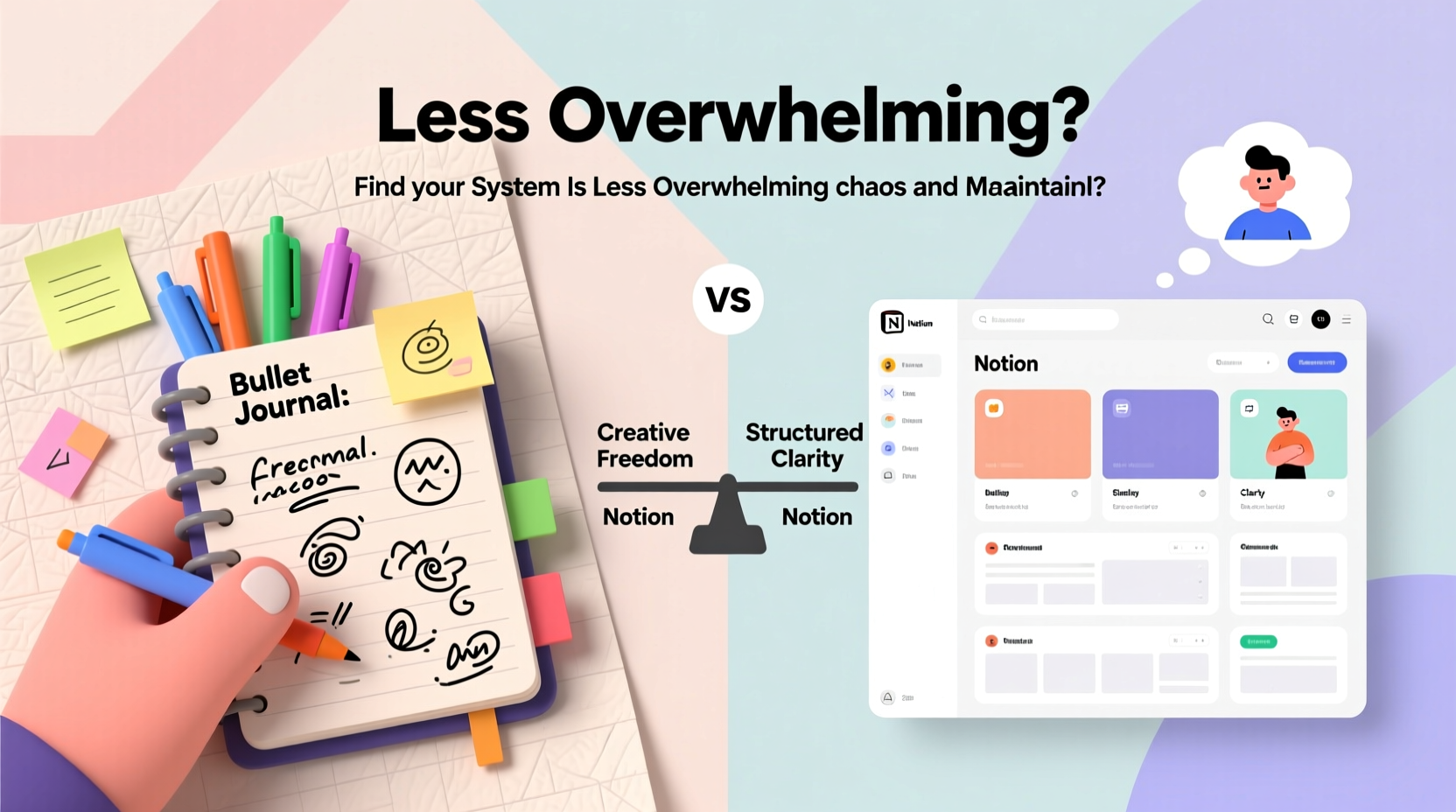
Overwhelm in personal organization systems often doesn’t come from complexity alone—it stems from friction. Friction includes setup time, maintenance effort, visual clutter, decision fatigue, and guilt over incomplete entries. A system that requires constant customization, formatting, or digital navigation may start strong but falter under daily pressure.
Bullet journaling, created by Ryder Carroll, was designed as a minimalist method using rapid logging, migration, and intentional reflection. It emphasizes doing only what’s necessary. Notion, on the other hand, is a digital workspace offering infinite flexibility through databases, templates, integrations, and automation. While both are powerful, their demands differ significantly.
One key difference lies in constraints. The bullet journal operates within the physical limits of a notebook—limited space, linear progression, no undo button. These limitations paradoxically reduce overwhelm by forcing prioritization. Notion, with its endless pages and nested structures, removes those boundaries, which can lead to “template hopping” and perpetual tweaking instead of actual use.
“Clarity comes from engagement, not information.” — Ryder Carroll, creator of the Bullet Journal Method
Structure and Flexibility: A Comparative Breakdown
Both systems allow customization, but they approach structure differently. Understanding this helps clarify why one might feel lighter to maintain than the other.
Bullet Journal: Minimalism Through Constraints
A bullet journal thrives on simplicity. At its core, it uses short-form notes (bullets), task trackers, habit grids, and monthly reviews—all handwritten in a blank notebook. There’s no search function, no auto-save, no flashy widgets. What you gain is focus.
The process of writing by hand slows you down in a beneficial way. You’re less likely to over-plan or create elaborate future logs because the effort involved naturally encourages brevity and relevance. Migration—the act of reviewing unfinished tasks—acts as a built-in filter, preventing accumulation of outdated to-dos.
Notion: Power at a Price
Notion offers unmatched versatility. You can build dashboards, link databases, embed calendars, set reminders, and even run simple automations. For teams or complex workflows, this power is invaluable. But for individual use, especially in personal productivity, that same power can become a burden.
Many users fall into the trap of \"system optimization\"—spending hours designing perfect templates, color-coding status tags, or linking unrelated pages. This activity feels productive but rarely translates into real-world progress. Worse, when life changes, updating rigid database schemas can feel like administrative work rather than self-management.
Additionally, Notion lives in the digital ecosystem, competing for attention alongside email, messaging apps, and social media. Opening the app can trigger context switching, pulling you away from focused work instead of supporting it.
Comparative Analysis: Maintenance Effort Over Time
| Factor | Bullet Journal | Notion |
|---|---|---|
| Daily Setup Time | 2–5 minutes (opening notebook, checking previous day) | Variable; 5–20+ minutes if navigating multiple views or syncing across devices |
| Learning Curve | Low; basic symbols and layout take minutes to learn | Moderate to high; understanding databases, relations, rollups takes time |
| Customization Cost | Minimal; changes made manually, limiting scope | High; easy to overbuild, leading to unused complexity |
| Cognitive Load | Low; tactile, focused, limited distractions | Moderate to high; screen fatigue, notification interference, visual clutter |
| Sustainability | High; low-tech, portable, resilient to device failure | Medium; dependent on internet, software updates, subscription access |
| Mental Resilience | Encourages mindfulness and presence | Risk of digital procrastination (\"I’ll fix my dashboard later\") |
This table highlights a central truth: the bullet journal’s limitations are its strengths when minimizing overwhelm. Notion’s flexibility becomes a liability when used without strict boundaries.
Real-Life Scenario: Sarah’s Shift from Notion to Bullet Journal
Sarah, a freelance writer and project manager, spent six months building an elaborate Notion system. She had separate databases for client work, editorial calendars, personal goals, habit tracking, and book ideas. Each had filters, tags, status columns, and linked sub-pages. Initially, she felt empowered. Within weeks, however, she noticed a pattern: she was spending more time maintaining her system than completing actual tasks.
After missing two deadlines due to poor visibility in her overloaded dashboard, she decided to try a bullet journal. Her first month was rough—she missed digital search and reminders—but soon she adapted. She started each morning with a five-minute review of her open bullets and migrated only what mattered. Without the option to hide tasks in nested folders, she confronted them directly.
Three months later, Sarah reported feeling calmer and more in control. “I don’t have a ‘perfect’ system,” she said, “but I actually use mine every single day. That never happened with Notion.”
Step-by-Step Guide to Choosing the Right Low-Overwhelm System
Selecting between bullet journal and Notion shouldn’t be based on trends or aesthetics. Follow this sequence to determine which aligns better with your capacity for consistent maintenance.
- Assess Your Daily Energy Levels: Are you mentally drained by evening? If so, a low-friction analog tool like a bullet journal may suit you better than a digital platform requiring active engagement.
- Evaluate Your Tech Environment: Do you already spend 8+ hours on screens? Adding another digital tool increases cognitive load. Consider going analog to create balance.
- Identify Your Planning Style: Do you prefer quick capture and movement, or detailed categorization? Rapid loggers thrive with bullet journals; data organizers lean toward Notion.
- Test Both for One Week: Try a mini bullet journal in a small notebook and set up a basic Notion page. Use each exclusively for seven days. Note how much time and mental energy each consumes.
- Review Honestly: After testing, ask: Which felt easier to return to? Which left me feeling accomplished, not exhausted? Let experience guide your choice.
When Notion Works Better (And How to Reduce Its Burden)
Notion isn’t inherently overwhelming—it becomes so when misused. For certain users, it remains the superior choice:
- Those managing collaborative projects
- People who rely on cross-device sync (e.g., phone, tablet, desktop)
- Users who benefit from searchable archives or recurring templates
To make Notion less overwhelming:
- Leverage pre-built templates instead of designing from scratch.
- Limit yourself to three core databases (e.g., Tasks, Projects, Notes).
- Turn off non-essential notifications and avoid installing too many integrations.
- Schedule a weekly 15-minute cleanup to delete unused pages and simplify views.
“The best tool is the one you’ll actually use consistently—not the one with the most features.” — Tiago Forte, productivity researcher and author of Building a Second Brain
Frequently Asked Questions
Can I combine bullet journal and Notion?
Yes, many people use a hybrid approach. For example, they keep a bullet journal for daily task management and reflection while using Notion for long-term project planning or reference materials. The key is defining clear roles for each to avoid duplication and confusion.
Which system is better for forgetful people?
If you frequently miss deadlines or appointments, Notion’s reminder and calendar integration may offer better support. However, the bullet journal’s ritual of daily review and migration builds memory and accountability over time. Pairing a bullet journal with a phone-based calendar can bridge this gap effectively.
Is handwriting really less stressful than typing?
Research suggests that writing by hand engages different neural pathways, promoting deeper processing and retention. Psychologically, the permanence of ink (vs. editable text) reduces second-guessing and encourages decisive action. For many, this creates a sense of closure and clarity that digital editing lacks.
Final Recommendation: Choose Sustainability Over Spectacle
In the battle between bullet journal and Notion, the winner isn’t determined by technology or trendiness—it’s decided by longevity. The system that wins is the one you continue using after the novelty fades.
The bullet journal, with its tactile simplicity and enforced minimalism, often proves easier to maintain with lower mental overhead. It doesn’t tempt you with endless customization or distract you with digital noise. It meets you where you are, every day, without judgment or complexity.
Notion excels in scalability and collaboration but demands discipline to avoid becoming a digital graveyard of abandoned templates. If you choose Notion, commit to constraints: limit features, define usage rules, and protect your attention.
Ultimately, reducing overwhelm isn’t about finding the perfect tool. It’s about choosing one that respects your time, energy, and humanity.




 浙公网安备
33010002000092号
浙公网安备
33010002000092号 浙B2-20120091-4
Comments
No comments yet. Why don't you start the discussion?