
In an age where digital tools promise instant organization and seamless syncing across devices, many still reach for a pen and notebook. The debate between bullet journaling and digital productivity apps isn't just about preference—it's about how we process information, manage tasks, and sustain focus over time. While apps offer automation and alerts, bullet journals provide tactile engagement and cognitive reinforcement. But which method truly enhances productivity? The answer depends on individual work styles, goals, and psychological needs.
This article breaks down the strengths and limitations of both systems, backed by behavioral research, user experiences, and expert insight. Whether you're a student, remote worker, creative professional, or someone trying to regain control of your schedule, understanding these tools in depth can help you make an informed choice—or even combine them effectively.
The Cognitive Impact of Writing by Hand
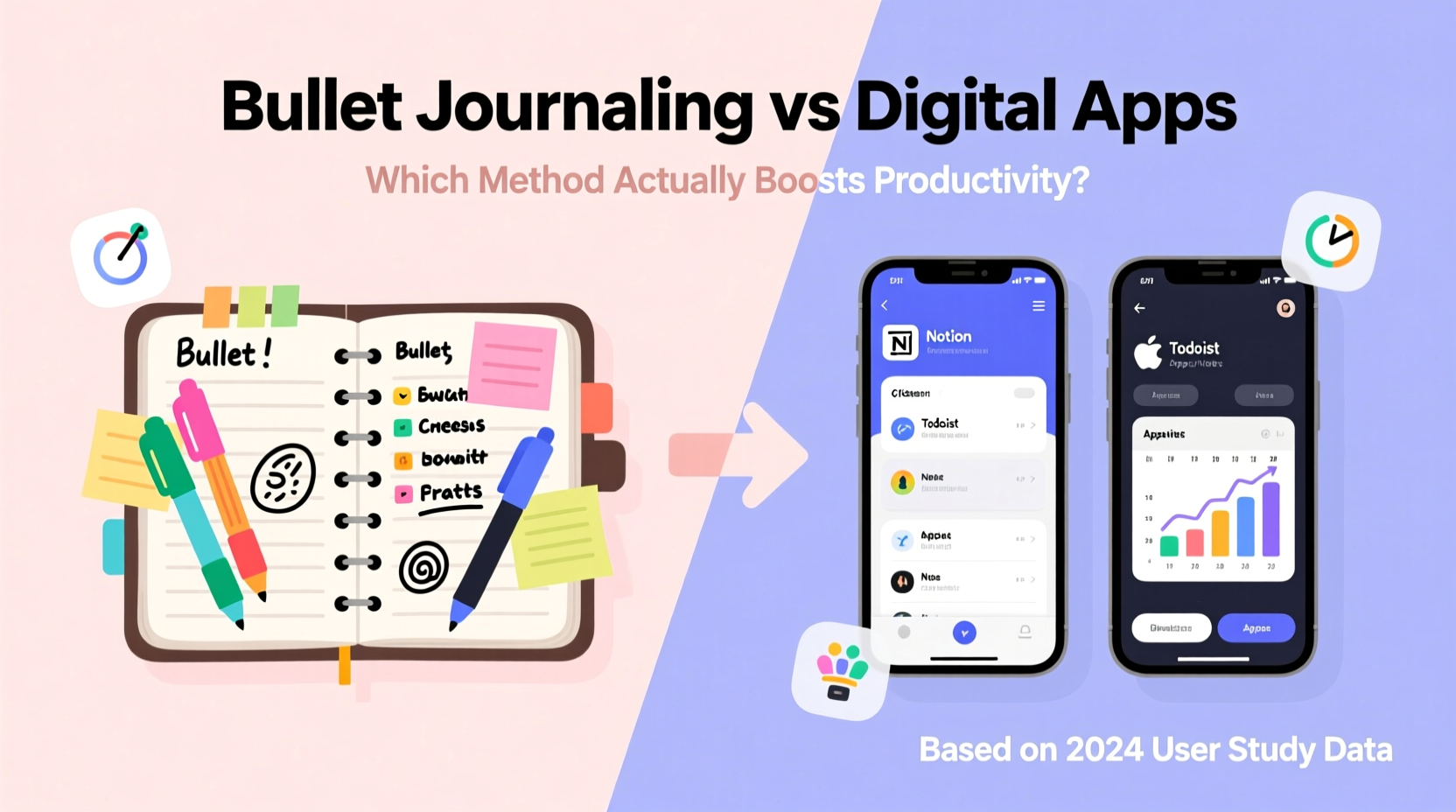
One of the most compelling arguments for bullet journaling lies in neuroscience. Studies have shown that writing by hand activates regions of the brain associated with memory encoding, comprehension, and critical thinking. When you physically write down a task or idea, you’re more likely to remember it and engage with it meaningfully. This phenomenon, known as the \"generation effect,\" suggests that self-generated information—like handwritten notes—is retained better than passively consumed digital content.
Digital apps often encourage rapid input: tap a checkbox, swipe to delete, or auto-fill from templates. These actions are efficient but may bypass deeper cognitive processing. In contrast, bullet journaling requires deliberate action. You must decide what to write, how to categorize it, and where to place it on the page. That small friction introduces intentionality—a crucial ingredient for sustained productivity.
“Writing things down forces you to slow down and think. It’s not about speed; it’s about clarity.” — Dr. Sarah Lin, Cognitive Psychologist at NYU
How Bullet Journaling Builds Mindful Productivity
Bullet journaling, created by designer Ryder Carroll, is more than a planner—it’s a customizable system for tracking the past, organizing the present, and planning for the future. At its core, it uses rapid logging with bullets (• for tasks, – for events, ○ for notes) and collections like habit trackers, mood logs, and goal breakdowns.
What sets it apart is flexibility. Unlike rigid templates in most apps, a bullet journal adapts to your evolving needs. Need a section for project milestones? Draw one. Want to track water intake and meditation? Create a spread in five minutes. This autonomy fosters ownership, making users more committed to maintaining their system.
However, this freedom comes with responsibility. A poorly maintained bullet journal can become cluttered and overwhelming. Success depends on consistency, minimalism, and regular migration—reviewing unfinished tasks and deciding whether to carry them forward or discard them.
Digital Apps: Speed, Sync, and Scalability
Digital productivity apps—such as Notion, Todoist, Microsoft To Do, and Obsidian—offer powerful advantages, especially for those managing complex workflows or collaborating across teams. They allow instant search, cloud backup, recurring reminders, and integration with calendars and email. For professionals juggling deadlines, meetings, and shared responsibilities, these features are indispensable.
Automation is another major benefit. With digital tools, you can set up recurring tasks (e.g., “Submit report every Friday”), create dependencies (“Task B starts after Task A completes”), or filter views by priority, project, or team member. These functions reduce mental load and minimize oversight.
Yet, the convenience of digital tools can also be their downfall. Notifications, pop-ups, and endless customization options often lead to distraction. Users may spend more time tweaking dashboards than completing actual work—a behavior dubbed “productivity theater.” Moreover, the ease of adding tasks without reflection can result in bloated to-do lists that feel unmanageable.
A Real-World Example: The Overwhelmed Freelancer
Consider Maya, a freelance graphic designer using multiple apps: Trello for client projects, Google Calendar for appointments, and a note-taking app for ideas. On paper, her system looks robust. In practice, she finds herself constantly switching tabs, missing deadlines due to notification fatigue, and feeling disconnected from her goals. After six months, she switches to a bullet journal. She draws a simple weekly spread with three columns: Work, Personal, and Creative Goals. Within weeks, she reports improved focus, fewer missed tasks, and a stronger sense of progress—even though her workload hasn’t changed.
Maya’s experience highlights a key truth: productivity isn’t just about efficiency. It’s about presence, clarity, and emotional alignment with your priorities.
Comparative Analysis: Bullet Journal vs Digital Apps
| Feature | Bullet Journal | Digital Apps |
|---|---|---|
| Setup Time | Low (just a notebook and pen) | High (requires onboarding, learning curves) |
| Customization | Unlimited (draw any layout) | Limited by platform constraints |
| Mobility & Backup | Single physical copy (risk of loss) | Cloud-synced, accessible anywhere |
| Cognitive Engagement | High (writing reinforces memory) | Low to moderate (passive input) |
| Collaboration | Poor (not shareable in real-time) | Excellent (team sharing, comments) |
| Search & Retrieval | Manual (index-based) | Instant (keyword search) |
| Distraction Level | Minimal (no notifications) | High (alerts, ads, other apps) |
| Sustainability | Long-term with practice | Dependent on device and subscription |
This table illustrates a fundamental trade-off: analog systems promote mindfulness and ownership, while digital tools excel in scalability and connectivity. Neither is universally superior. The best choice depends on your environment, goals, and personal habits.
Hybrid Approach: Best of Both Worlds
Many high-performing individuals don’t choose one method—they integrate both. A growing trend is using a bullet journal for daily planning, reflection, and goal setting, while relying on digital tools for long-term storage, collaboration, and automated reminders.
For example, a university student might use a bullet journal to map out weekly study sessions, track sleep, and log reflections. Simultaneously, they sync exam dates and group meeting times into Google Calendar. This hybrid model leverages the cognitive benefits of handwriting while ensuring nothing slips through the cracks.
Step-by-Step Guide to Building a Hybrid System
- Define your core purpose: Decide what each tool will handle (e.g., analog for reflection, digital for scheduling).
- Choose your tools: Pick one notebook (e.g., Leuchtturm1917) and one primary app (e.g., Notion or Todoist).
- Create a weekly ritual: Every Sunday, transfer key deadlines from your digital calendar to your bullet journal.
- Use digital for capture, analog for processing: Jot quick ideas in your phone, then review and rewrite them in your journal during planning time.
- Review monthly: Assess what’s working. Are you over-relying on one system? Adjust accordingly.
Expert Insight: Why Balance Matters
Dr. Alan Park, a behavioral scientist specializing in workplace productivity, emphasizes that the most effective systems align with human psychology—not just technological capability.
“The brain doesn’t thrive on constant stimulation. It thrives on rhythm, reflection, and reward. Analog tools give us space to breathe. Digital tools keep us connected. The key is balance.” — Dr. Alan Park, Author of *Focused Output*
He notes that people who exclusively use digital planners often report higher stress levels due to perpetual alert exposure. Conversely, those who rely solely on paper may miss opportunities for automation and collaboration. A balanced approach reduces cognitive overload while maintaining structure.
Frequently Asked Questions
Can bullet journaling really improve productivity?
Yes, but only if used consistently. The act of writing, reviewing, and migrating tasks builds awareness and discipline. However, it’s not a magic solution—its effectiveness depends on your commitment to the process.
Are digital apps better for busy professionals?
They can be, especially for those managing teams, deadlines, or cross-platform workflows. Features like shared task lists, file attachments, and calendar sync make digital tools ideal for collaborative environments. However, professionals should disable non-essential notifications to avoid distraction.
Is it worth switching from digital to analog?
If you’re experiencing digital fatigue, lack of focus, or disconnection from your goals, experimenting with analog methods can be highly beneficial. Start small: try a paper-based daily to-do list for one week and assess how it affects your concentration and satisfaction.
Action Checklist: Choosing Your System
- ✅ Assess your current pain points: Are you overwhelmed, forgetful, or distracted?
- ✅ Identify your primary use case: Personal planning, academic work, team management?
- ✅ Test both methods for one week each. Track focus, completion rate, and emotional response.
- ✅ Consider combining them: Use analog for reflection, digital for logistics.
- ✅ Schedule a monthly review to refine your system based on results.
Conclusion: Productivity Is Personal
There is no single “best” way to stay productive. Bullet journaling excels in promoting mindfulness, reducing distractions, and fostering deep engagement with your goals. Digital apps win in speed, searchability, and teamwork. The most effective approach isn’t about choosing sides—it’s about designing a system that fits your life, not the other way around.
Start by asking: What do I want to achieve? How do I think best? When do I feel most in control? Let those answers guide your tools, not trends or peer pressure. Whether you fill notebooks with ink or organize pixels on a screen, true productivity comes from clarity, consistency, and care.




 浙公网安备
33010002000092号
浙公网安备
33010002000092号 浙B2-20120091-4
Comments
No comments yet. Why don't you start the discussion?