
Purchasing a used graphics card (GPU) can be a smart way to upgrade your gaming rig without breaking the bank—especially during periods of high demand or limited stock. However, the secondhand market is flooded with GPUs that were previously used in cryptocurrency mining farms, where components ran at full load 24/7 under suboptimal conditions. These mining cards often suffer from accelerated wear, poor cooling environments, and lack of maintenance. Distinguishing between a true gamer-used GPU and a former mining card is critical to avoid buying a component already on its last legs.
This guide walks you through the key indicators, inspection methods, and purchasing strategies to help you confidently identify whether a used GPU was built for play or powered by proof-of-work.
Why Mining GPUs Are Riskier Than Gamer Cards
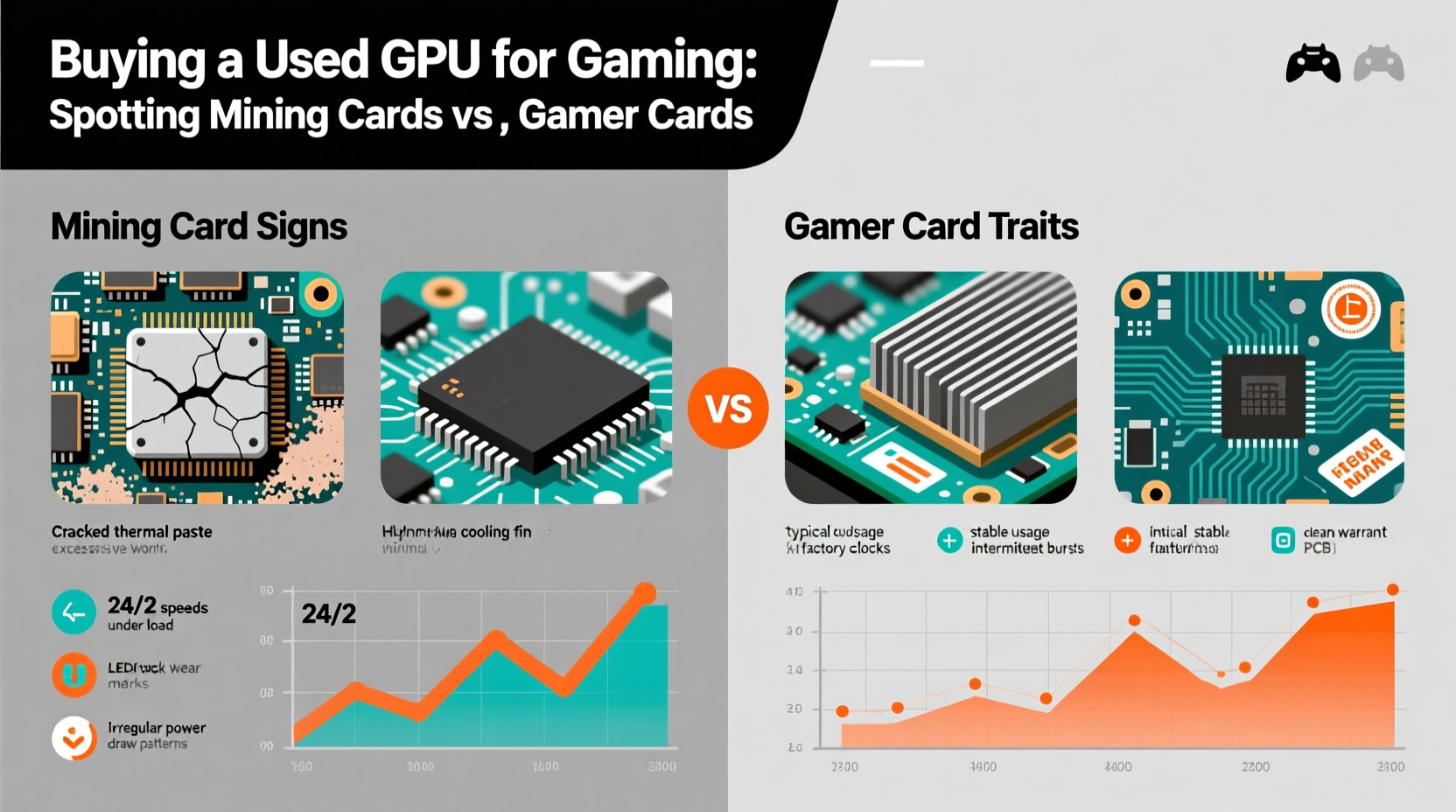
Cryptocurrency mining places extreme stress on a GPU. Unlike gaming, which involves variable workloads, mining runs the GPU at near 100% utilization for days or weeks on end. This constant strain affects several core components:
- Thermal degradation: Sustained high temperatures degrade solder joints, capacitors, and VRMs over time.
- Fan wear: Cooling fans run continuously, leading to bearing wear, dust buildup, and eventual failure.
- Power delivery stress: Mining rigs often overclock GPUs and draw power aggressively, increasing voltage stress on the PCB.
- Poor ventilation: Mining farms prioritize density over airflow, creating hotspots and uneven cooling.
Gamer-used GPUs, in contrast, typically experience intermittent use with natural cooldown periods. Even heavy gamers rarely exceed 10–12 hours per day, allowing components to rest. A well-maintained gaming card may last five years or more; a mining GPU might fail within 18 months.
“GPUs from mining operations are like taxis versus personal cars—one’s driven hard every hour, the other sees mixed, moderate use.” — David Lin, Hardware Reliability Analyst at TechDurability Labs
How to Spot a Mining GPU: Key Red Flags
Not all mining GPUs are obvious, but certain physical and behavioral clues can reveal their past. Here’s what to look for when evaluating a used card.
1. Physical Condition and Build Quality
Mining cards are often stripped down to save cost. Look for:
- Missing backplates: Many miners remove metal backplates to improve airflow in tight racks.
- Aftermarket coolers: Some farms replace stock coolers with cheaper, noisier variants.
- Dust accumulation patterns: Uniform, thick dust across the entire heatsink suggests long-term horizontal mounting typical in mining rigs.
- Warping or discoloration: Heat damage on the PCB or shroud indicates prolonged thermal stress.
2. Seller Description and Usage History
Vague or missing usage details should raise suspicion. Watch for:
- “Used for rendering” or “compute work”—often euphemisms for mining.
- No mention of games or benchmarks.
- Seller lists multiple identical GPUs for sale—common when liquidating a small farm.
- Limited warranty history or no original box/accessories.
3. Benchmark and Thermal Behavior
If possible, request performance data:
- Temperatures above 85°C under gaming load suggest poor cooling or degraded thermal paste.
- Inconsistent frame rates or stutters despite high specs may indicate VRAM or memory controller issues.
- Artifacts or screen tearing during stress tests are signs of failing components.
Comparison: Gamer Card vs. Mining Card Indicators
| Indicator | Gamer Card | Mining Card |
|---|---|---|
| Usage Pattern | Intermittent, 1–6 hrs/day | Continuous, 24/7 operation |
| Fan Wear | Minimal, occasional spin-up | Heavy, often noisy or failing |
| Thermal History | Average temps 60–75°C | Sustained 80–90°C+ |
| Backplate | Usually present | Often removed |
| Seller Profile | Single GPU, gaming setup listed | Multiple GPUs, no system context |
| Price | Market rate or slightly below | Unusually low (too good to be true) |
Step-by-Step Guide to Buying a Safe Used GPU
Follow this sequence before making a purchase to minimize risk and maximize value.
- Research the model: Check forums like Reddit’s r/hardwareswap or Tom’s Hardware to see if the GPU was popular among miners. For example, the NVIDIA RTX 3060 Ti and AMD RX 6700 XT were heavily mined in 2021–2022.
- Vet the seller: Prioritize individuals who provide full system specs, usage history, and clear photos. Avoid bulk sellers unless they’re reputable businesses.
- Request real-world performance: Ask for screenshots of GPU-Z, HWInfo, or MSI Afterburner showing clock speeds, temps, and fan curves during gameplay.
- Inspect physically: If buying locally, examine the card for dust buildup, fan wobble, coil whine, and any visible damage. Plug it into a test system if possible.
- Run a burn-in test: Use FurMark or Unigine Heaven for 30 minutes. Monitor for crashes, excessive heat, or artifacting. Temperatures should stabilize under load without spiking.
- Verify warranty status: Some manufacturers (like ASUS and EVGA) offer transferable warranties. Register the serial number on the manufacturer’s site to check eligibility.
Real Example: A Close Call with a \"Like New\" RTX 3070
Mark, a PC enthusiast in Austin, found a “barely used” RTX 3070 listed for $450—$100 below market price. The seller claimed it was upgraded from a gaming build. Photos showed a clean card with no scratches. But upon closer inspection, Mark noticed the backplate was missing and the fan had visible dust packed deep in the fins. He asked for a gameplay video and spotted consistent 88°C temperatures in Cyberpunk 2077—a red flag for a card only six months old.
He requested a live stress test via video call. Within ten minutes of running FurMark, the GPU throttled from 1800 MHz to 1400 MHz. Further investigation revealed the card had been part of a four-GPU mining rig running Ethereum for five months. Mark declined the purchase. Two weeks later, the same card reappeared on another marketplace—this time with a cracked fan and no buyer interest.
This case illustrates how even convincing listings can hide a damaging past. Attention to detail saved Mark from a premature failure.
Checklist: Before You Buy a Used GPU
- ✅ Confirm the GPU model wasn’t widely used in mining
- ✅ Verify seller’s identity and history (e.g., positive feedback)
- ✅ Request clear photos of both sides of the card
- ✅ Ask about usage: “Was this used for gaming, rendering, or mining?”
- ✅ Check for missing parts (backplate, screws, brackets)
- ✅ Test performance with benchmarking tools if possible
- ✅ Look up the serial number for warranty status
- ✅ Avoid deals that seem too cheap
FAQ: Common Questions About Used GPUs and Mining
Can a mining GPU still be reliable?
Yes, but with caveats. Some mining operations used high-end cooling and proper maintenance, resulting in longer lifespans. However, these cases are rare. Most mining GPUs operate under harsh conditions, making them higher risk than average gamer cards.
Does undervolting extend the life of a used GPU?
Absolutely. Reducing voltage while maintaining stable performance lowers heat output and electrical stress. This is especially beneficial for cards with unknown thermal histories. Tools like MSI Afterburner allow safe undervolting for improved longevity.
Are there GPUs designed for mining that I should avoid?
While no consumer GPU is “designed” solely for mining, some models were optimized for it. NVIDIA’s CMP (Cryptocurrency Mining Processor) series was built exclusively for mining and lacks display outputs—so they won’t work in standard gaming builds. Never confuse a CMP with a GeForce card.
Expert Insight: What Manufacturers Say
Major GPU vendors have taken steps to discourage mining use on consumer cards. NVIDIA introduced lockouts on certain drivers for gaming cards used in mining, while AMD has focused on improving power efficiency across product lines.
“We design our GeForce GPUs for gamers first. When they’re repurposed for 24/7 compute workloads, we see higher RMA rates—especially in regions with poor power stability.” — Lisa Park, Senior Product Manager at NVIDIA
This internal data confirms that non-gaming usage correlates with reduced reliability. While not all used cards are compromised, buyers must remain vigilant.
Conclusion: Make an Informed Decision
Buying a used GPU can be a cost-effective path to better gaming performance—but only if you know what you’re getting. Mining cards may look identical to gamer cards, but their operational history can drastically shorten lifespan and reliability. By learning to recognize warning signs, asking the right questions, and testing thoroughly, you protect your investment and ensure smoother gameplay for years to come.




 浙公网安备
33010002000092号
浙公网安备
33010002000092号 浙B2-20120091-4
Comments
No comments yet. Why don't you start the discussion?