
Sending a gift card via text has become one of the fastest and most convenient ways to share a thoughtful present. Whether it’s for a birthday, holiday, or spontaneous gesture, digital gifting through SMS is increasingly popular. But not all gift cards can be sent this way, and some methods work better than others. Understanding your options—along with their limitations and best practices—ensures your recipient gets the gift smoothly and securely.
How Sending Gift Cards via Text Actually Works
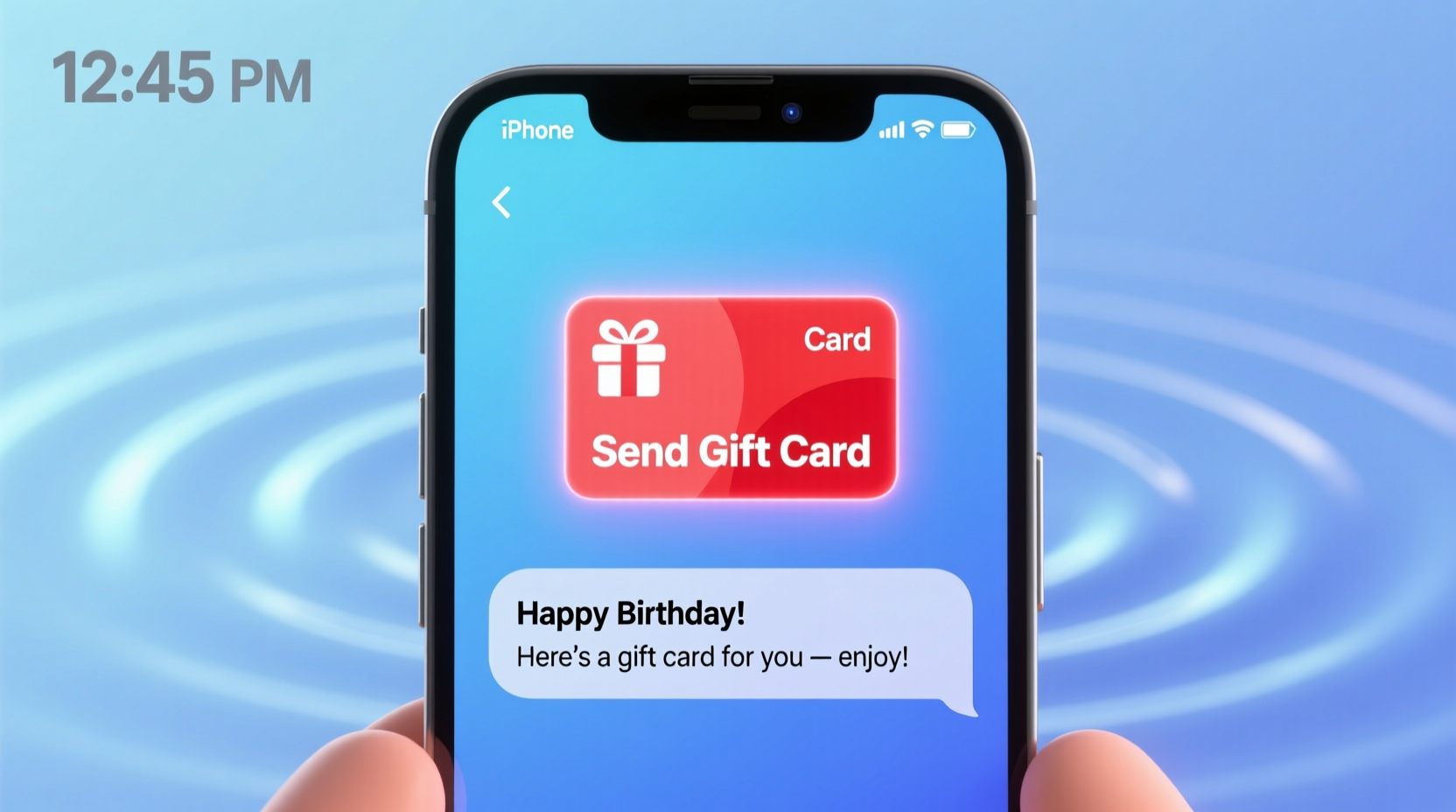
Technically, you’re not sending the physical or even a full digital gift card file through a standard text message. Instead, most services send a redeemable link via SMS. This link directs the recipient to claim or view the gift card, often on a secure platform like the retailer’s website or a third-party app. The process leverages mobile messaging as a delivery channel rather than a hosting medium.
Carriers typically allow links in SMS messages up to a certain length, so long URLs are usually shortened. Security is critical: reputable platforms generate unique, encrypted links that expire after a set period or upon redemption.
Top Apps and Services That Support Text-Based Gift Card Delivery
Several major platforms enable users to send gift cards directly via text message. These services integrate SMS as part of their digital gifting workflow, making the experience seamless for both sender and recipient.
- Apple Wallet (via Messages): iPhone users can send Apple, Starbucks, Sephora, and other compatible gift cards directly through iMessage. The card appears as a tappable wallet pass.
- Google Pay Send: Allows users to attach Google Play, Uber, or specific retail gift cards and send them via SMS-like interface on Android.
- GiftYa: A peer-to-peer gifting app that lets you personalize a video message with a gift card and deliver it via text link.
- Cards.com: Offers e-gifts that can be scheduled and sent via SMS with customizable messages.
- Retailer-Specific Portals: Companies like Amazon, Target, and Walmart allow you to email a gift card—but many also offer “Send via Text” as an option during checkout.
These platforms handle backend logistics such as balance tracking, fraud prevention, and redemption validation, ensuring reliability.
“The shift toward instant digital gifting reflects changing consumer expectations. People want immediacy without sacrificing personalization.” — Laura Simmons, Digital Commerce Analyst at Retail Insights Group
Step-by-Step Guide to Sending a Gift Card via Text
Follow this proven sequence to successfully deliver a gift card through SMS:
- Choose a supported platform: Pick a service that allows SMS delivery (e.g., Apple Wallet, GiftYa, or a retailer with text-sending capability).
- Select the gift card: Browse available brands, enter the desired amount, and customize if needed (add a note, image, or video).
- Enter recipient details: Input the recipient’s phone number. Double-check for accuracy.
- Review and pay: Confirm the total, including any fees. Some platforms charge small convenience fees for expedited or branded deliveries.
- Send and confirm: After payment, the system sends an SMS with a secure link. You may receive a delivery confirmation or tracking ID.
- Follow up: If the recipient hasn’t acknowledged receipt within 24 hours, consider resending or verifying the number.
This method works best when both parties use smartphones capable of rendering rich message formats (RCS or iMessage), though basic SMS links still function on older devices.
Carrier and Device Limitations to Consider
While SMS is nearly universal, there are technical constraints that affect how gift cards are delivered and received.
| Factor | Impact on Gift Card Delivery | Workaround |
|---|---|---|
| Carrier Restrictions | Some carriers block short-code messages or flag promotional links as spam. | Use verified sender services or direct number-to-number apps like WhatsApp. |
| Device Type | Basic phones may not render clickable links properly. | Include clear instructions: “Tap the blue link to claim your gift.” |
| Data Requirement | Redeeming the gift often requires internet access. | Warn recipients if they might need Wi-Fi to access the card. |
| Link Expiry | Many gift links expire in 30–90 days if unclaimed. | Send reminders or choose platforms with renewal options. |
Always assume the recipient may not be tech-savvy. Clarity in communication is just as important as the delivery mechanism.
Mini Case Study: Last-Minute Birthday Surprise
Jamie forgot her sister’s birthday was the next day. With stores closed and shipping too slow, she turned to digital gifting. Using the GiftYa app, Jamie selected a $50 Ulta Beauty gift card, recorded a 20-second birthday message, and entered her sister’s phone number. Within seconds, her sister received a text: “You’ve got a gift from Jamie! Tap to open.”
The link opened a video greeting followed by the gift card code and redemption instructions. Her sister used it that same evening during an online sale. Total time from purchase to delivery: under three minutes. No packaging, no shipping, and maximum emotional impact.
This example highlights how combining personalization with SMS delivery creates a memorable experience—even when time is short.
Best Practices and Common Pitfalls
To ensure your digital gift lands successfully, follow these do’s and don’ts:
- Do use trusted platforms with end-to-end encryption.
- Do include a personal note in the message body.
- Do confirm the recipient’s preferred brand or store.
- Don’t send gift card codes in plain text over unsecured channels.
- Don’t assume automatic balance loading—some cards require manual activation.
- Don’t reuse or forward gift links; most are single-use and tied to one device.
Frequently Asked Questions
Can I send any gift card via text?
No—not all retailers support SMS delivery. Major brands like Amazon, Starbucks, and Apple do, but smaller or regional stores may only offer email or physical cards. Always check the gifting platform’s options before purchasing.
Is it safe to send gift cards through text?
Yes, if done through reputable services that use secure, expiring links. Avoid copying and pasting raw gift card codes into standard SMS messages, as these can be intercepted or accidentally shared.
What happens if the recipient doesn’t have a smartphone?
They can still access the gift if the link opens in a mobile browser. However, features like Apple Wallet integration won’t work. In such cases, provide step-by-step guidance or consider switching to email delivery.
Final Checklist Before You Send
- ✅ Choose a gift card from a supported retailer or platform.
- ✅ Verify the recipient’s phone number.
- ✅ Personalize the message if the service allows.
- ✅ Confirm the delivery method uses a secure, trackable link.
- ✅ Set a reminder to follow up if the gift isn’t acknowledged.
Conclusion: Turn Texts Into Thoughtful Gifts
Sending a gift card via text is not only possible—it’s often the smartest choice for timely, meaningful gifting. With the right tools and awareness of limitations, you can deliver joy instantly, regardless of distance. As digital wallets and messaging evolve, these options will only become more seamless and personalized.




 浙公网安备
33010002000092号
浙公网安备
33010002000092号 浙B2-20120091-4
Comments
No comments yet. Why don't you start the discussion?