
As homes grow smarter, so do the risks. Smart Christmas lights—once a festive novelty—are now internet-connected devices capable of syncing with music, changing colors via smartphone apps, and even responding to voice commands. But convenience comes with exposure. These small, often overlooked gadgets can become entry points for cyberattacks if not properly secured. The reality is that yes, smart Christmas lights can be hacked—and more easily than many homeowners realize.
The Internet of Things (IoT) has expanded rapidly, but security standards haven’t kept pace. Many smart lighting systems are built on minimal encryption, use default passwords, or connect through vulnerable home networks. Once compromised, these devices can expose personal data, allow surveillance through connected cameras, or even serve as launchpads for broader network intrusions. This isn't theoretical: real-world cases have demonstrated how festive cheer can turn into cybersecurity risk.
How Smart Christmas Lights Can Be Hacked
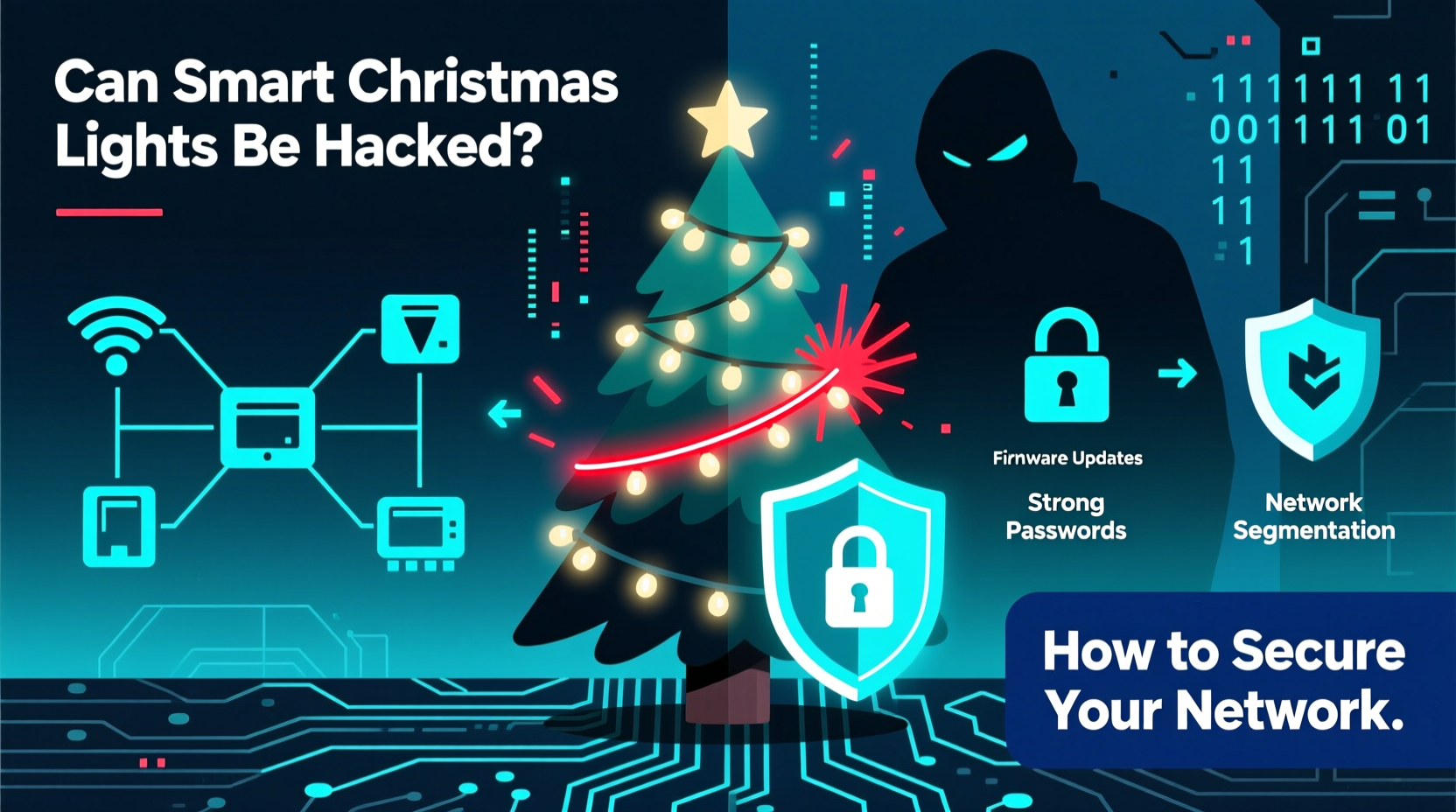
Smart Christmas lights operate like any IoT device—they connect to your Wi-Fi, communicate with a mobile app or cloud server, and receive firmware updates. Each of these connections represents a potential vulnerability.
Hackers typically exploit one or more of the following weaknesses:
- Weak or Default Passwords: Some lights come with preset login credentials like \"admin/admin\" or no authentication at all.
- Insecure Mobile Apps: Poorly coded companion apps may transmit data without encryption or store user credentials insecurely.
- Lack of Firmware Updates: Manufacturers may stop supporting older models, leaving known vulnerabilities unpatched.
- Unencrypted Network Traffic: Data sent between the lights and the app can be intercepted using packet-sniffing tools.
- Bluetooth or Local API Exposure: Some lights use Bluetooth Low Energy (BLE) or local HTTP APIs that remain open after setup, allowing nearby attackers to manipulate settings.
In 2022, researchers at Pen Test Partners demonstrated how certain brands of smart holiday lights could be remotely controlled by sending simple HTTP requests to their local IP addresses. No password required. From there, attackers could scan for other devices on the same network—potentially accessing laptops, smart TVs, or security cameras.
“IoT devices like smart lights are often treated as harmless decorations, but they’re full-fledged computers with network access. If they’re not secured, they’re backdoors.” — Dr. Lina Zhou, Cybersecurity Researcher, University of Maryland
Real-World Example: The Neighborhood Light Takeover
In late December 2021, residents of a suburban neighborhood in Austin, Texas, reported strange behavior from their outdoor smart light displays. One homeowner’s red-and-green display suddenly flashed police sirens (blue and red), while another’s animated reindeer began cycling through psychedelic rainbow patterns at 3 a.m.
Local IT consultants discovered that all affected homes used the same brand of budget-friendly smart lights, which connected via an open 2.4 GHz Wi-Fi band and had not received firmware updates in over a year. A teenager living two streets away admitted to using a freely available hacking tool to send unauthorized commands to nearby devices within range.
No personal data was stolen, but the incident highlighted how easily poorly secured devices can be exploited—even for pranks—with tools accessible to non-experts. More concerning: the same method could have allowed access to other devices on those networks.
Step-by-Step Guide to Securing Your Smart Christmas Lights
Protecting your home doesn’t require advanced technical skills. Follow this timeline before and during the holiday season to reduce risk.
- Before Installation: Research the Brand
Check if the manufacturer has a history of regular firmware updates and responsive customer support. Avoid no-name brands sold exclusively on discount marketplaces unless they’ve been independently reviewed for security. - During Setup: Use Strong Authentication
Change default usernames and passwords immediately. Enable two-factor authentication (2FA) if the app supports it. Never reuse passwords from other accounts. - Connect to a Segmented Network
Create a separate Wi-Fi network for IoT devices. Most modern routers support guest networks or VLANs. This isolates smart lights from computers, phones, and primary data. - Update Firmware Regularly
After installation, check the app for firmware updates. Set a monthly reminder to recheck throughout the season. Outdated firmware is one of the most common attack vectors. - Monitor Network Activity
Use a network monitoring tool (like Fing, GlassWire, or your router’s dashboard) to see which devices are active. Look for unknown connections or unusual traffic spikes. - Disconnect After the Holidays
Unplug smart lights and disable associated apps when not in use. Some devices continue transmitting data even when “off.” Consider storing them in a labeled box with setup notes for next year.
Do’s and Don’ts of Smart Holiday Lighting Security
| Do | Don’t |
|---|---|
| Use a dedicated guest network for all holiday smart devices | Connect smart lights directly to your main home Wi-Fi |
| Enable automatic updates if available | Ignore firmware update notifications |
| Disable remote access when not needed | Leave remote control enabled year-round |
| Review app permissions (e.g., location, contacts) | Grant unnecessary permissions to lighting apps |
| Verify HTTPS in web interfaces and app servers | Assume all connections are encrypted by default |
Essential Security Checklist
Use this checklist annually before powering up your smart holiday display:
- ✅ Confirm the device brand offers firmware updates and security patches
- ✅ Set up a separate Wi-Fi network (guest or IoT-only)
- ✅ Change default login credentials on the app and device
- ✅ Disable UPnP (Universal Plug and Play) on your router
- ✅ Install the latest firmware version before first use
- ✅ Turn off remote access unless actively controlling lights
- ✅ Review privacy settings in the companion app
- ✅ Monitor network logs for unrecognized devices
- ✅ Label cords and save configuration details for next year
- ✅ Power down and disconnect after January 6 (or your preferred end date)
Advanced Protections for Tech-Savvy Users
For those comfortable with networking tools, additional layers of defense can further minimize risk.
Firewall Rules: Configure your router to block outbound traffic from IoT devices to unknown domains. For example, if your lights only need to contact the manufacturer’s server, create a rule allowing only that IP address.
DNS Filtering: Use services like Cloudflare Gateway, NextDNS, or Pi-hole to block malicious domains and log device queries. You’ll receive alerts if a smart light tries to contact a suspicious server.
Port Scanning Prevention: Disable ICMP ping responses and close unused ports on your router to make network discovery harder for attackers.
MAC Address Filtering: While not foolproof, limiting network access to known device MAC addresses adds another barrier—especially useful during temporary holiday setups.
Frequently Asked Questions
Can hackers really access my computer through Christmas lights?
Yes, though indirectly. Smart lights themselves rarely store sensitive data, but once inside your network, attackers can scan for vulnerable devices—such as unpatched computers, outdated NAS drives, or weakly protected cameras. The lights act as the entry point, not the target.
Are all smart Christmas lights equally vulnerable?
No. Higher-end brands like Philips Hue or LIFX generally follow better security practices, including end-to-end encryption and frequent updates. Budget brands, especially those from lesser-known manufacturers, often lack basic safeguards. Always research before buying.
Is it safer to use Bluetooth instead of Wi-Fi?
Bluetooth has a shorter range, reducing remote attack risk, but it introduces proximity-based threats. An attacker within 30 feet could potentially pair with your lights if pairing mode is left active. Wi-Fi enables remote control but increases exposure. Neither is inherently “safe”—both require proper configuration.
Conclusion: Celebrate Safely, Not Blindly
Smart Christmas lights bring joy, creativity, and convenience to the holiday season. But like any connected device, they carry responsibility. The goal isn’t to fear technology, but to use it wisely. By taking a few deliberate steps—segmenting networks, updating firmware, and treating each smart ornament as a potential access point—you preserve both your festive spirit and your digital safety.
Cybersecurity isn’t just for banks and businesses. It belongs in our living rooms, our front yards, and even our twinkling rooftop displays. As smart homes evolve, vigilance becomes part of modern holiday tradition. This season, let your lights shine brightly—but keep your network even safer.




 浙公网安备
33010002000092号
浙公网安备
33010002000092号 浙B2-20120091-4
Comments
No comments yet. Why don't you start the discussion?