
Modern holiday lighting has evolved far beyond the simple plug-and-play string lights of decades past. Today’s homeowners expect precision, personalization, and voice-driven convenience—especially when managing complex outdoor displays with dozens of light strands across different areas: rooflines, trees, porches, garlands, and window frames. The short answer is yes: Amazon Alexa—and compatible ecosystems like Google Assistant and Apple HomeKit—can reliably control multiple Christmas light zones. But “can” isn’t the same as “effortlessly works out of the box.” Success depends on hardware compatibility, network architecture, naming discipline, and system design choices made before the first bulb is hung. This article details exactly what’s required, where pitfalls hide, and how to build a scalable, stable, multi-zone smart lighting setup that responds instantly to voice commands like “Alexa, turn on the front porch lights” or “Alexa, dim the tree lights to 40%.”
How Multi-Zone Smart Light Control Actually Works
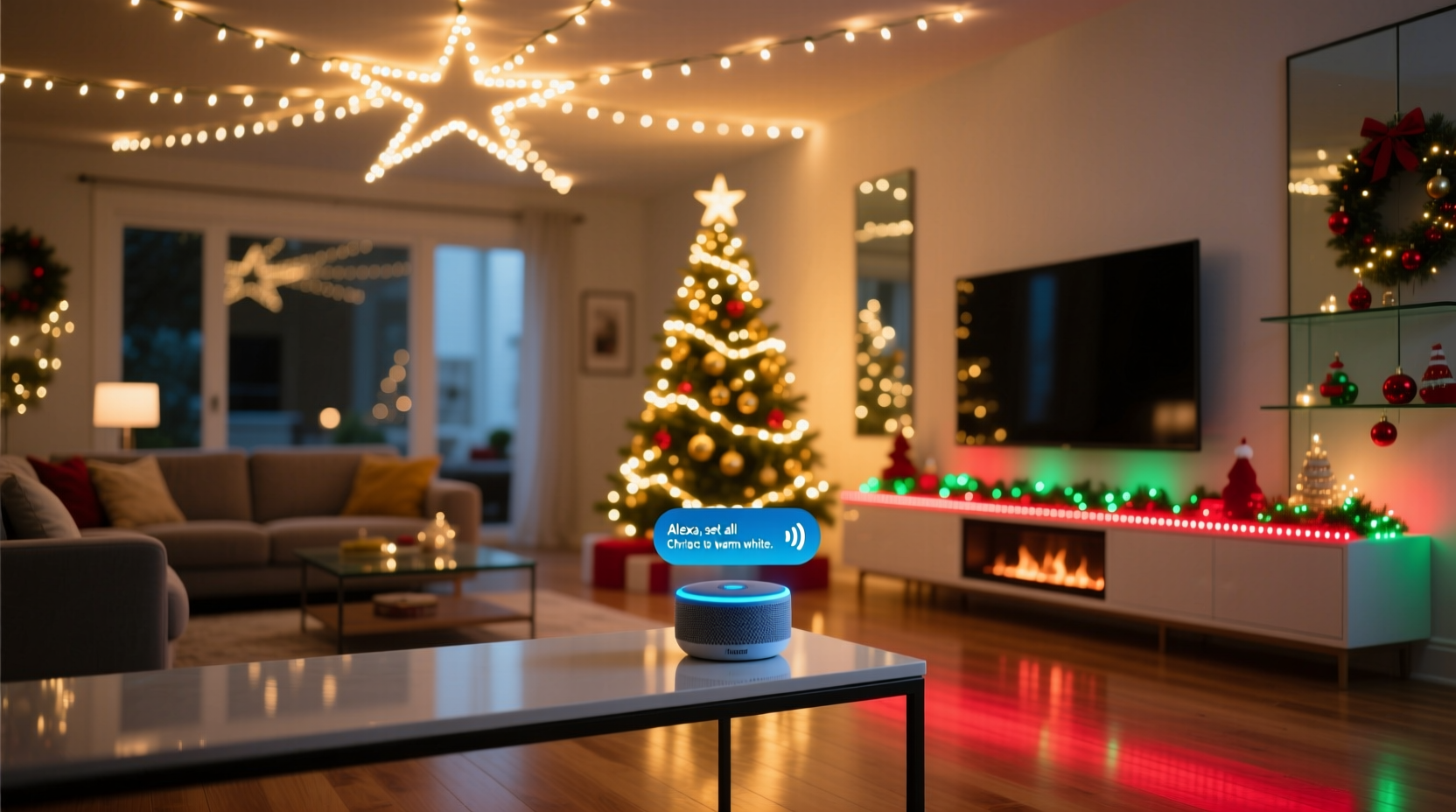
At its core, multi-zone control relies on three interdependent layers: physical devices, communication protocols, and platform integration. Each zone must be assigned to a distinct controllable endpoint—typically a smart plug, smart switch, or Wi-Fi–enabled light strip controller. These endpoints connect to your home network and register individually in the Alexa app. Once registered, they appear as separate “devices” (e.g., “Porch Lights,” “Tree Lights,” “Garage Eaves”) rather than grouped entities—unless explicitly grouped.
Alexa doesn’t natively understand “zones” as a conceptual category. Instead, it interprets user intent through device names, routines, and groups you define. For example, saying “Alexa, turn on the holiday lights” only works if you’ve created a device group named *Holiday Lights* containing all relevant devices—or if you’ve built a routine triggered by that phrase. Crucially, each physical zone must map to at least one uniquely addressable smart device. A single smart plug powering five light strings wired in parallel still counts as *one zone*, not five—even if the strings are in different locations. True multi-zone control requires individual switching points.
This architecture enables granular control: turning off the rooftop lights while keeping the staircase railing aglow, or setting a slow fade across four zones simultaneously. It also introduces complexity—especially around timing consistency, firmware updates, and wireless congestion during peak usage periods (like December evenings, when neighbors’ smart devices may saturate the 2.4 GHz band).
Hardware Requirements & Compatibility Checklist
Not all smart plugs or controllers work equally well for Christmas lighting—particularly under seasonal conditions like cold temperatures, moisture exposure, and high inrush currents from LED transformers. Before purchasing, verify these criteria:
- Outdoor-rated hardware: Indoor-only smart plugs risk failure or fire hazard when used outdoors—even under eaves. Choose models certified for damp or wet locations (e.g., TP-Link Kasa KP400, Wemo Outdoor Switch, Gosund SP112).
- Load capacity matching: Verify the smart device’s maximum wattage exceeds the total draw of all lights in that zone—including startup surge (LED drivers often draw 2–3× rated power for milliseconds). Overloading causes premature relay failure.
- Protocol alignment: Most reliable options use Wi-Fi (no hub required) or Matter-over-Thread (future-proof but currently limited). Avoid Zigbee or Z-Wave unless you own and maintain a compatible hub (e.g., Samsung SmartThings, Hubitat), as Alexa’s native Zigbee support is inconsistent and lacks advanced scheduling.
- Firmware stability: Check manufacturer update logs. Devices with infrequent or abandoned firmware updates often develop voice command latency or drop offline after holiday season firmware pushes.
- Multi-control capability: Ensure the device supports both local control (physical button) and remote/voice control simultaneously—critical for guests or power interruptions.
Step-by-Step Setup for Four Distinct Light Zones
Here’s how to configure a real-world four-zone display—front porch, front yard tree, garage roofline, and living room window frame—with zero overlap and consistent responsiveness:
- Map and label zones physically: Use painter’s tape and a marker to label each outlet, junction box, or transformer location with a unique ID (e.g., “PORCH-01”, “TREE-02”). Photograph the layout.
- Purchase and test devices individually: Set up one smart plug at a time using the manufacturer’s app. Confirm it powers on/off reliably via app *before* connecting to Alexa.
- Assign clear, unambiguous names in Alexa: In the Alexa app > Devices > + > Add Device > Plug, name each device using short, phonetically distinct terms: “Porch Lights”, “Oak Tree Lights”, “Garage Trim”, “Window Frame”. Avoid “Xmas”, “Holly”, or numbers (“Zone 3”)—Alexa mishears them frequently.
- Create device groups for common scenes: Go to Devices > Groups > Create Group. Name groups like “All Outdoor Lights”, “Evening Ambiance”, or “Kids’ Room Only”. Add only the devices intended for that scene. Do not nest groups.
- Build voice-triggered routines: Under Routines > + > Create Routine. Set trigger phrase (e.g., “Good morning lights”), then add actions: “Turn on Porch Lights”, “Set Oak Tree Lights to 60%”, “Set Window Frame to Warm White”. Save and test with exact phrasing.
- Validate timing and sync: Run a routine activating all four zones simultaneously. Observe response lag. If delays exceed 1.5 seconds, reduce Wi-Fi congestion: assign smart devices to a dedicated 2.4 GHz SSID (not your main network), or upgrade to a mesh system with dedicated backhaul.
Real-World Case Study: The Henderson Family’s 12-Zone Display
The Hendersons in Portland, Oregon, manage a residential display spanning 12 distinct lighting zones—including two 30-ft tall firs, a pergola draped in net lights, a custom-built gingerbread house facade, and synchronized musical sequences. Initially, they used six generic Wi-Fi plugs. By late November, three had disconnected daily, and voice commands for “backyard lights” inconsistently activated porch fixtures due to ambiguous naming (“Backyard Left”, “Backyard Right”, “Backyard Tree”).
They rebuilt the system over a weekend: replacing all plugs with outdoor-rated TP-Link Kasa KP400 units; renaming every device using the format “[Location] [Function]” (e.g., “Pergola Net”, “North Fir Top”, “Gingerbread Door”); creating eight scene groups (e.g., “Dinner Mode”, “Caroling Mode”, “Midnight Dim”); and adding a $29 Echo Dot (5th gen) dedicated solely to outdoor routines—placed near their garage Wi-Fi extender. Response time dropped from 3.2 seconds to under 0.8 seconds. Crucially, they documented every device’s MAC address and IP reservation in a shared spreadsheet—preventing DHCP conflicts during December firmware updates.
“We learned the hard way that ‘smart’ doesn’t mean ‘self-managing,’” says David Henderson, an IT infrastructure manager. “The system only performs reliably when every component—from electrical load to Wi-Fi channel width—is deliberately chosen and documented.”
Do’s and Don’ts of Multi-Zone Smart Holiday Lighting
| Action | Do | Don’t |
|---|---|---|
| Naming Devices | Use location + function: “South Deck Rail”, “Entryway Wreath” | Use vague terms: “Christmas 1”, “Lights A”, “Festive” |
| Network Management | Reserve static IPs for all smart lighting devices; use 20 MHz channel width on 2.4 GHz | Let devices grab dynamic IPs; run smart lights on same SSID as video streaming |
| Power Management | Use GFCI-protected outlets; install whole-house surge protection | Daisy-chain more than two smart plugs; power transformers via extension cords |
| Automation Logic | Build routines with explicit per-device actions; test daily for 3 days pre-launch | Rely solely on “all lights” groups without verifying individual device status |
| Maintenance | Update firmware in early November; label all physical connections with weatherproof tags | Wait until December 23rd to check connectivity; skip labeling physical hardware |
Expert Insight: Why Consistency Trumps Complexity
“The biggest misconception is that more features equal better control. In practice, a 12-zone display managed with six well-named devices, static IPs, and three tested routines delivers more reliability than a 20-zone system using auto-discovered, unnamed gadgets and nested voice triggers. Stability comes from constraint—not expansion.” — Lena Torres, Smart Home Integration Engineer, CEDIA Certified
Torres emphasizes that holiday lighting systems operate under unique stress: temperature swings cause micro-fractures in PCB solder joints; seasonal humidity degrades non-IP-rated enclosures; and simultaneous device polling during peak hours overwhelms consumer-grade routers. Her team’s standard recommendation? Cap initial deployments at six zones, validate performance for 72 consecutive hours, then expand only after documenting latency baselines and failover behavior.
FAQ
Can I control different light colors and effects across zones using Alexa?
Yes—but only if each zone uses a smart RGBWW (red-green-blue-warm-white) light strip or bulb *with native Alexa support*. Standard smart plugs can only toggle power or dim brightness; they cannot change color or run chase effects. For dynamic control, choose devices like Nanoleaf Shapes, Philips Hue Lightstrips, or Govee Glide Hexa, and ensure their skill is enabled in the Alexa app. Note: Color synchronization across zones requires manual scene building—Alexa does not auto-sync hues between unrelated devices.
Why do my “all lights” commands sometimes skip a zone?
This almost always stems from one of three causes: (1) A device lost Wi-Fi connectivity and hasn’t reconnected (check device status in the Alexa app), (2) The device name contains homophones Alexa confuses (“North” vs. “Northeast”), or (3) The group was edited but not re-saved in the Alexa app—causing cached metadata to reference a deleted device. Always rebuild groups from scratch after adding/removing devices.
Do I need a smart hub if I’m only using Alexa?
No—Wi-Fi–based smart plugs and lights work directly with Alexa without a hub. However, if you plan to integrate motion sensors, weather triggers, or geofencing (e.g., “turn on pathway lights when I arrive home”), a local hub like Home Assistant (running on a Raspberry Pi) provides greater automation depth and avoids cloud dependency. For pure voice control of static zones, a hub adds unnecessary cost and complexity.
Conclusion
Controlling multiple Christmas light zones with Alexa isn’t theoretical—it’s a proven, repeatable process grounded in thoughtful hardware selection, disciplined naming, network hygiene, and incremental validation. The technology exists to transform your holiday display into a responsive, expressive extension of your home’s personality: soft amber glow on the porch at dusk, vibrant magenta pulses synced to carols, or gentle white fade across the roofline at midnight. But that sophistication emerges only when you treat the system as infrastructure—not decoration. Every outlet, every name, every routine, and every firmware update contributes to whether your voice command succeeds instantly or fails silently in the cold December dark.
Your display deserves reliability as much as beauty. Start small: pick two zones, follow the step-by-step setup, document every decision, and measure response time. Then scale intentionally—not automatically. When neighbors ask how you achieved such seamless control, you’ll know exactly which plug, which name, and which Wi-Fi channel made the difference.




 浙公网安备
33010002000092号
浙公网安备
33010002000092号 浙B2-20120091-4
Comments
No comments yet. Why don't you start the discussion?