
Smart plugs are often marketed as convenient tools for turning devices on and off remotely, but their real value lies in reducing energy waste. While they don’t generate power or alter how much electricity a device consumes when active, they play a crucial role in eliminating “phantom load” — the silent drain of energy from appliances that remain powered even when not in use. When used strategically, smart plugs can lead to noticeable reductions in monthly electric bills. The key is understanding how standby power works and leveraging automation to minimize unnecessary consumption.
A typical U.S. household spends about $100–$200 annually on phantom energy alone, according to the U.S. Department of Energy. Devices like coffee makers, entertainment systems, chargers, and gaming consoles continue drawing power after being turned off. A smart plug gives you control over these loads, allowing you to cut power completely at scheduled times or through voice commands. But simply plugging in a smart device isn’t enough — it’s the habits and routines you build around them that deliver savings.
Understanding Phantom Load and Standby Power
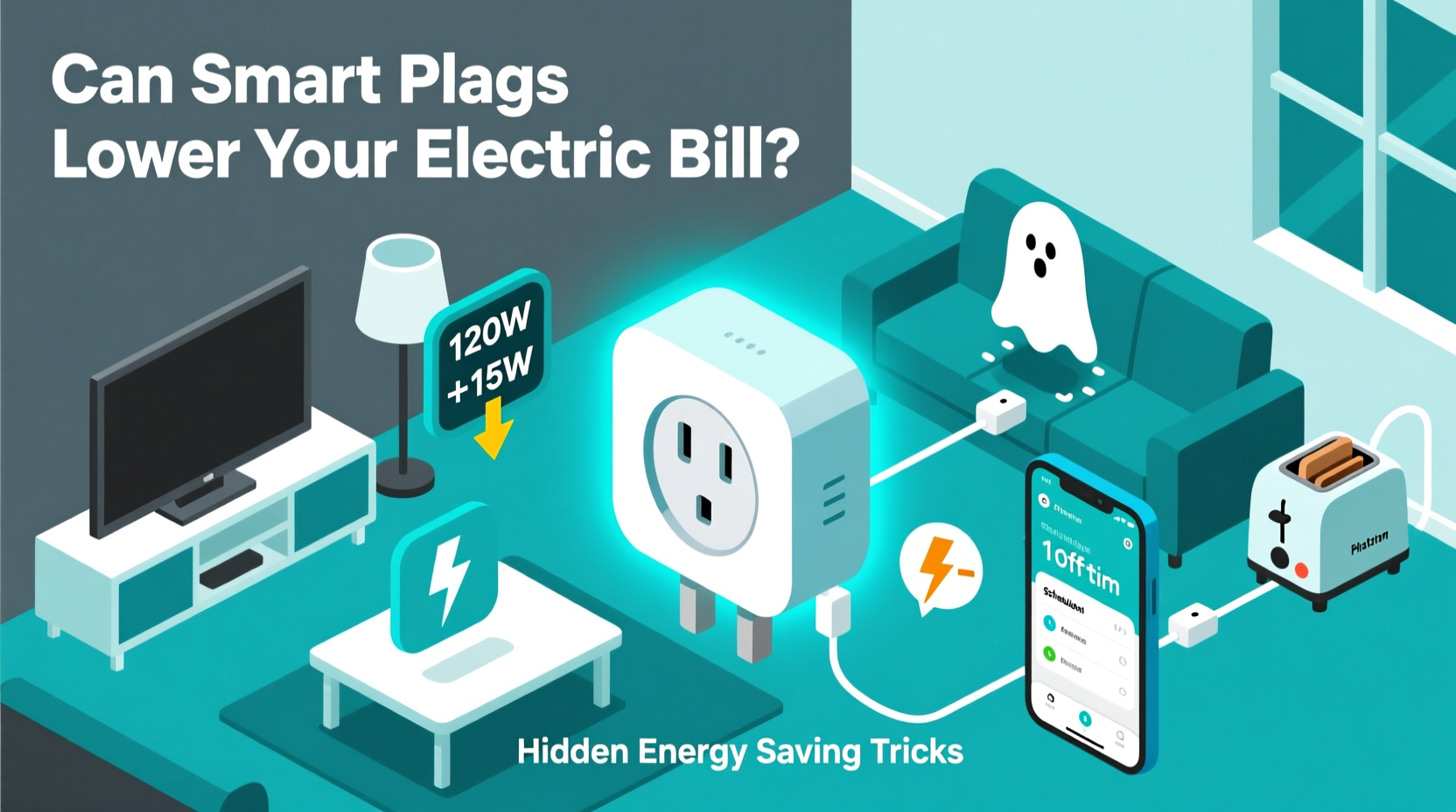
Also known as \"vampire power,\" standby power refers to the electricity consumed by electronics when they’re switched off but still plugged in. Many modern appliances enter a low-power mode rather than fully shutting down. This enables features like remote wake-up, instant-on functionality, or clock displays, but it comes at an invisible cost.
Common culprits include:
- Televisions and streaming devices
- Gaming consoles (e.g., PlayStation, Xbox)
- Computers and monitors
- Coffee makers with digital clocks
- Phone and laptop chargers left plugged in
- Stereo systems and soundbars
While each device may only draw 1–5 watts in standby, the cumulative effect across dozens of devices can add up to hundreds of kilowatt-hours per year. For example, a gaming console consuming 3W continuously uses over 26 kWh annually — roughly $3–$5 in electricity. Multiply this by several devices, and the total exceeds $50–$100 easily.
“Standby power accounts for nearly 10% of residential electricity use. Smart controls like programmable outlets can help reclaim that loss.” — Dr. Sarah Nguyen, Energy Efficiency Researcher at the National Renewable Energy Lab
How Smart Plugs Actually Save Energy
Smart plugs act as intermediaries between your outlet and appliance. They allow you to remotely cut power, schedule on/off times, monitor energy usage (on advanced models), and automate shutdowns. Unlike traditional power strips, many smart plugs offer granular control via smartphone apps or voice assistants.
The most effective energy savings occur when smart plugs are used to:
- Turn off non-essential devices during sleep hours
- Prevent weekend-long operation of office equipment
- Automate seasonal decor like holiday lights
- Shut down entertainment centers after viewing sessions
Advanced models, such as those with built-in energy monitoring, provide real-time data on wattage, voltage, and estimated cost. This transparency helps identify high-draw devices and refine automation schedules.
Step-by-Step Guide to Maximizing Savings
- Inventory Your Devices: Walk through each room and note which electronics stay plugged in 24/7.
- Identify High-Impact Candidates: Focus on items used intermittently but left plugged in (e.g., space heaters, microwaves, printers).
- Install Smart Plugs Strategically: Prioritize multi-device setups like entertainment centers using a smart power strip.
- Set Automation Rules: Program shutdowns during work hours or overnight.
- Monitor Usage Data: Use app insights to adjust schedules and eliminate inefficiencies.
- Review Monthly Trends: Compare utility bills before and after implementation to quantify savings.
Hidden Energy-Saving Tricks Most People Miss
Most users treat smart plugs as simple remote switches. However, deeper optimization reveals greater potential:
Trick #1: Geofencing for Real-Time Control
Enable geofencing in your smart plug app so devices turn off automatically when your phone leaves a set radius (e.g., leaving home). This ensures coffee makers, lamps, or fans aren’t left running unintentionally.
Trick #2: Delayed Start for High-Wattage Appliances
Program devices like water kettles or irons to turn on just before you typically use them. Avoid leaving them powered all morning waiting for a single use.
Trick #3: Seasonal Automation
Use calendar-based rules to disable window AC units in winter or holiday lights after December 26th. Some apps support recurring annual events.
Trick #4: Combine with Solar Production
If you have solar panels, program energy-intensive devices (like aquarium heaters or dehumidifiers) to run only during peak sunlight hours, reducing grid dependence.
Trick #5: Voice Command Triggers for Whole-Room Shutdown
Create voice routines: saying “Goodnight” to Alexa or Google Assistant can shut down bedroom lamps, chargers, and TVs in one command.
Energy Savings Comparison Table
| Device | Standby Power (Watts) | Annual Standby Cost* | Smart Plug Impact |
|---|---|---|---|
| TV + Streaming Box | 8W | $7/year | Auto-off at bedtime saves ~$5 |
| Gaming Console | 10W | $9/year | Geofence off when away saves ~$7 |
| Coffee Maker with Clock | 2W | $2/year | Schedule mornings only, save ~$1.50 |
| Desktop Computer + Monitor | 15W | $13/year | Weekend shutdown saves ~$8 |
| Soundbar & Subwoofer | 5W | $4/year | Sync with TV power state, save ~$3 |
| Total (5 Devices) | 40W | $35/year | Potential savings: $24.50/year |
*Based on average U.S. electricity rate of $0.13/kWh and continuous 24/7 operation.
Real-World Example: The Johnson Family Case Study
The Johnsons, a family of four in Austin, Texas, installed six smart plugs across their home: two for entertainment centers, one for their office printer setup, one for kitchen countertop appliances, and two for outdoor lighting. Initially, they used them for convenience — turning off lights remotely or starting the coffee maker from bed.
After reviewing energy reports in their Kasa app, they discovered their living room system (TV, Apple TV, soundbar) was drawing 7.2W constantly — costing nearly $8 annually. Their office printer and lamp were on 24/7, adding another $6. Using scheduling and geofencing, they programmed all non-essential devices to power down at 10 PM and restart at 7 AM. The office plug shuts off entirely on weekends.
Within three months, their electric bill dropped by an average of $6.50 per month — $78 annually. While this may seem modest, they achieved it without lifestyle changes. As a bonus, they gained peace of mind knowing devices weren’t left on accidentally.
Smart Plug Do’s and Don’ts
| Do | Don't |
|---|---|
| Use smart plugs on devices with high standby consumption | Plug in refrigerators or freezers (risk of spoilage) |
| Group multiple devices on a smart power strip | Use with medical equipment requiring constant power |
| Set schedules aligned with daily routines | Ignore firmware updates (security and feature risks) |
| Leverage energy monitoring to track usage trends | Assume all smart plugs measure power (check specs first) |
| Use voice commands for quick whole-home actions | Overload the plug beyond its wattage rating |
FAQ
Can smart plugs really save money?
Yes, but only when used intentionally. A smart plug alone won’t reduce bills — it’s the behavior change it enables that leads to savings. Cutting phantom loads, automating shutdowns, and optimizing usage patterns are what generate cost reductions. Most households see $50–$100 in annual savings with strategic deployment.
Are all smart plugs energy-efficient?
All smart plugs consume a small amount of power themselves (typically 0.5–1W) to maintain Wi-Fi connectivity. However, this overhead is negligible compared to the standby power they help eliminate. Choose ENERGY STAR-certified models when possible for optimal efficiency and security.
Which rooms benefit most from smart plugs?
Living rooms (entertainment systems), home offices (printers, monitors), kitchens (small appliances), and bedrooms (lamps, chargers) offer the highest return. These areas tend to accumulate multiple devices with persistent standby modes.
Checklist: Optimize Your Smart Plug Setup
- ✅ Identify top 5 standby power consumers in your home
- ✅ Purchase smart plugs with energy monitoring (e.g., TP-Link Kasa, Wemo Mini)
- ✅ Install plugs on high-impact circuits (entertainment, office, kitchen)
- ✅ Set daily schedules to cut power during unused hours
- ✅ Enable geofencing for automatic away-mode shutdowns
- ✅ Create voice commands for routine actions (e.g., “Goodnight”)
- ✅ Review energy reports monthly and adjust settings
- ✅ Expand to additional outlets once initial results are measured
Conclusion: Turn Convenience Into Long-Term Savings
Smart plugs are more than gadgets for remote control — they’re tools for energy awareness and financial efficiency. By targeting the invisible drain of standby power and automating smarter usage habits, homeowners can achieve measurable reductions in their electric bills. The technology pays for itself within a year or two when applied thoughtfully, especially in homes with multiple electronic devices.
The real power isn’t in the plug itself, but in the decisions you make with the data and control it provides. Start small: automate one high-impact circuit, track the difference, and scale from there. With consistent use, smart plugs can become a cornerstone of an energy-smart household.




 浙公网安备
33010002000092号
浙公网安备
33010002000092号 浙B2-20120091-4
Comments
No comments yet. Why don't you start the discussion?