
Modern life runs on mobile devices, and power banks have become essential companions for anyone on the go. Whether you're navigating a busy commute, working remotely from a café, or stuck in a location without access to an outlet, a power bank offers a lifeline. But what happens when your phone is low on battery and you need to keep using it—can you charge it with a power bank while actively using it? The short answer is yes. However, the full picture involves understanding charging dynamics, device performance, heat management, and long-term battery health.
Charging your phone via a power bank while using it is not only possible but increasingly common. Many people rely on this method during travel, outdoor events, or emergency situations. Yet, doing so comes with trade-offs. Charging speeds may slow down, the device might heat up, and prolonged use under charge could impact the longevity of your phone’s battery. Understanding these nuances helps you make informed decisions and avoid unnecessary wear on your devices.
How Power Banks and Phones Interact During Active Use
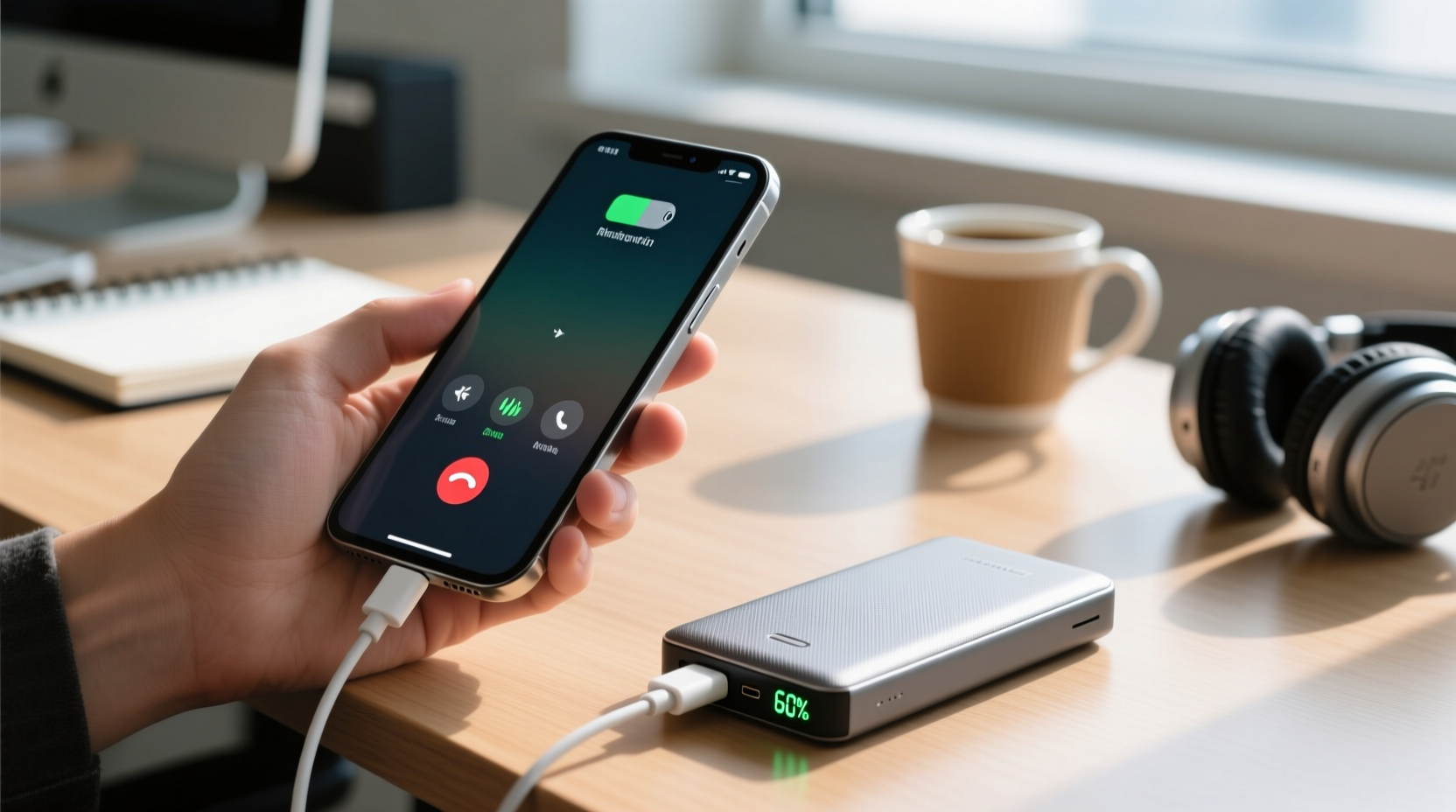
When you connect your phone to a power bank, the external battery supplies electrical current to recharge your phone’s internal battery. Simultaneously, your phone continues drawing power to run apps, display content, process data, and maintain connectivity. This creates a dual demand: one for recharging the battery and another for powering active functions.
The net effect depends on two key variables:
- Power output of the power bank – Measured in watts (W) or milliamps (mA), this determines how much energy is delivered per second.
- Power consumption of the phone – Activities like gaming, video streaming, GPS navigation, or multitasking increase energy draw significantly.
If the power bank delivers more energy than the phone consumes, the battery level will gradually increase. If the phone uses more power than the power bank provides, the battery may drain slowly—or stay stagnant—even while connected. For example, a high-performance smartphone playing a graphics-intensive game might consume 5W, while a basic 10,000mAh power bank outputs only 5W. In this case, the phone isn’t truly charging—it’s merely being powered in real time.
Factors That Affect Charging Efficiency
Several technical and environmental elements influence whether your phone gains charge while in use. Being aware of them allows you to optimize the experience.
Battery Capacity and Output Ratings
Power banks are rated by capacity (measured in mAh or Wh) and output (in volts and amps). A higher-capacity power bank doesn’t necessarily charge faster—it just lasts longer. Fast charging requires sufficient output power. Look for power banks that support USB Power Delivery (PD) or Qualcomm Quick Charge for better performance during active use.
Phone Usage Intensity
Light usage—such as texting, browsing social media, or listening to music—consumes less power and allows for gradual charging. Heavy usage—like streaming HD video, playing games, or using GPS with screen-on—can offset or exceed incoming charge, resulting in no net gain.
Cable and Connector Quality
A damaged or low-quality cable can reduce charging efficiency due to resistance or poor conductivity. Always use certified cables that support the required current (e.g., USB-C cables rated for 3A).
Temperature and Heat Buildup
Using a phone while charging generates heat from both the processor and the battery. Excessive heat degrades lithium-ion batteries over time. Most modern phones include thermal management systems, but enclosing the device in a thick case or using it under direct sunlight worsens the issue.
“Simultaneous use and charging isn’t harmful in the short term, but consistent overheating during these sessions accelerates battery aging.” — Dr. Alan Reyes, Electrical Engineer & Mobile Device Consultant
Do’s and Don’ts When Charging with a Power Bank While Using Your Phone
| Do’s | Don’ts |
|---|---|
| Use a high-output power bank (18W or higher) for faster charging under load | Don’t use cheap, unbranded power banks lacking safety certifications |
| Close unused apps to reduce background power consumption | Don’t play graphics-heavy games while charging if you want net battery gain |
| Remove thick cases to improve heat dissipation | Don’t leave the setup unattended for extended periods, especially overnight |
| Keep the phone in a cool, shaded area during charging | Don’t use the phone under blankets or pillows, which trap heat |
| Charge in airplane mode or disable Wi-Fi/Bluetooth when possible | Don’t daisy-chain multiple devices if your power bank isn’t designed for it |
Real-World Example: Traveler Charging Mid-Flight Delay
Sophia was stranded at an airport during a six-hour flight delay. Her phone was at 15%, and she needed it for boarding passes, messaging family, and entertainment. She pulled out her 20,000mAh power bank with 20W USB-C PD output and connected her phone. Initially, she streamed a movie, and the battery remained steady at 17% after 45 minutes—no gain, but no drop either.
She then switched to lighter usage: reading emails and texting. Within 30 minutes, the battery climbed to 32%. By pausing video playback and enabling airplane mode between messages, she maximized charging efficiency. By gate boarding time, her phone reached 68%, enough to last through the flight.
This scenario illustrates how adjusting usage intensity directly impacts whether a phone charges meaningfully while in use. The quality of the power bank and user behavior were decisive factors.
Step-by-Step Guide: Optimizing Charging While Using Your Phone
To get the most out of your power bank when you must use your phone, follow this practical sequence:
- Assess your immediate needs: Determine whether you need full performance (e.g., GPS navigation) or can switch to low-power activities (reading, calls).
- Select the right power bank: Use one with at least 10W output; ideally 18W or higher with fast-charging support.
- Use a high-quality cable: Prefer original or MFi-certified cables with appropriate current ratings.
- Minimize screen brightness: Lower the brightness manually or enable auto-brightness to reduce power draw.
- Close background apps: Swipe away unused apps in the recent menu to prevent unnecessary processing.
- Enable power-saving features: Turn on battery saver mode if available, which limits CPU performance and background sync. <7> Remove insulating cases: Take off silicone or leather cases that trap heat during charging.
- Monitor temperature: If the phone feels warm, pause intensive tasks and let it cool before resuming.
- Reposition periodically: Avoid placing the phone face-down on surfaces that block ventilation.
- Disconnect once charged: Once your phone reaches a safe level (e.g., 80%), unplug to minimize stress on the battery.
Frequently Asked Questions
Does charging my phone with a power bank while using it damage the battery?
Occasional use under charge does not cause immediate damage. However, frequent charging under heavy load—especially when combined with high temperatures—can accelerate battery degradation over months. Lithium-ion batteries degrade faster when kept at 100% charge or exposed to heat. To preserve longevity, avoid prolonged full-cycle charging under stress.
Why does my phone charge so slowly when I’m using it?
Your phone consumes power while operating. If the power bank’s output is close to or less than the phone’s consumption rate, little or no net charging occurs. For instance, if your phone uses 4W for navigation and your power bank supplies 5W, only about 1W goes toward charging—resulting in very slow gains. Upgrading to a higher-wattage power bank improves this balance.
Can I charge other devices from a power bank while it’s charging itself?
Some advanced power banks support “pass-through charging,” allowing them to charge your phone while they themselves are plugged into a wall outlet. However, many budget models disable output ports while recharging to prevent circuit overload. Check your device manual to confirm compatibility. Even when supported, pass-through charging increases heat and may reduce overall lifespan of the power bank.
Best Practices for Long-Term Device Health
While convenience often takes priority, adopting habits that protect both your phone and power bank pays off over time. Consider the following checklist to maintain optimal performance and extend device life:
- ✔️ Use power banks with built-in safety features (overcharge, short-circuit, and temperature protection)
- ✔️ Avoid letting your phone drop below 20% regularly
- ✔️ Store power banks at 50–80% charge when not in use for extended periods
- ✔️ Keep devices away from extreme temperatures (above 35°C or below 0°C)
- ✔️ Replace swollen or damaged power banks immediately
- ✔️ Charge your power bank fully every few months, even if unused
Manufacturers design modern smartphones and power banks to handle typical usage patterns safely. However, pushing systems to their limits—such as gaming while fast-charging from a high-capacity bank—creates cumulative stress. Moderation and awareness are key.
Conclusion
Yes, you can charge a phone with a power bank while using it—and millions do every day. But true effectiveness depends on balancing power supply and demand. With the right equipment and smart usage habits, you can maintain productivity without sacrificing battery health. Choose reliable gear, manage heat, and adjust your behavior based on urgency and conditions.
Technology should serve you, not create hidden costs down the line. By understanding how charging works under load, you take control of your device’s performance and longevity. Next time you’re running low on juice mid-task, you’ll know exactly how to respond—not just survive the moment, but do it the right way.




 浙公网安备
33010002000092号
浙公网安备
33010002000092号 浙B2-20120091-4
Comments
No comments yet. Why don't you start the discussion?