
The PlayStation 5’s DualSense controller revolutionized gaming with its adaptive triggers and immersive haptics. But like any wireless device, it needs regular charging. Most users reach for the nearest USB-C cable when the battery runs low—but is that always safe or effective? The short answer: yes, you can technically use any USB-C cable, but not all cables deliver the same performance or reliability. Understanding the differences can prevent slow charging, data sync issues, or even hardware strain over time.
With the rise of universal USB-C standards across smartphones, laptops, and consoles, confusion has grown about compatibility. While USB-C is designed to be a universal connector, the reality is more nuanced—especially when it comes to power delivery, data transfer speeds, and build quality. For something as frequently used as a PS5 controller, choosing the right cable isn’t just about convenience; it affects longevity, safety, and user experience.
Understanding USB-C: Not All Cables Are Created Equal
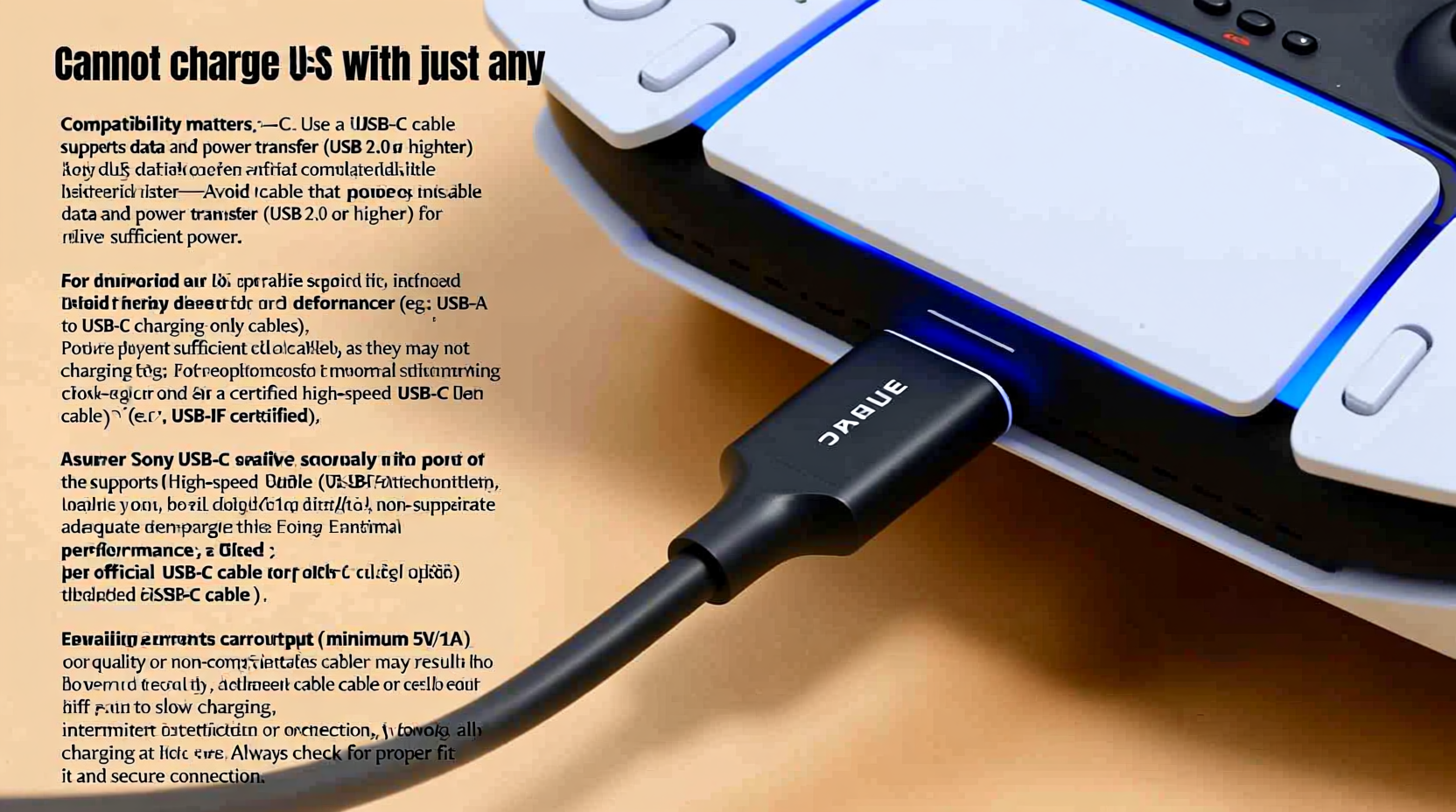
USB-C refers to the physical shape of the connector—a small, reversible oval plug—but it doesn't define speed, power capacity, or supported protocols. Behind the scenes, USB-C cables vary widely in specifications:
- Power Delivery (PD): Determines how much wattage the cable can handle. Higher PD supports faster charging.
- Data Transfer Speeds: Ranges from USB 2.0 (480 Mbps) up to USB 4 (40 Gbps). While controllers don’t need high bandwidth, poor data lines can interfere with charging signals.
- Cable Build Quality: Thicker shielding, reinforced connectors, and certified components impact durability and electrical efficiency.
- Certifications: Look for USB-IF certification, which ensures compliance with industry safety and performance standards.
The PS5 DualSense controller draws around 5V/0.5A (2.5 watts) during charging—well within the capabilities of most modern USB-C cables. However, substandard or damaged cables may have higher resistance, leading to inconsistent voltage delivery, intermittent charging, or complete failure.
“Just because a cable fits doesn’t mean it functions optimally. A poorly made USB-C cable can degrade performance over time—even on low-power devices like controllers.” — Jordan Lee, Electronics Engineer & Peripheral Specialist
What Happens When You Use a Low-Quality Cable?
Using a cheap or uncertified USB-C cable might seem harmless at first, especially since the DualSense requires minimal power. But over time, several risks emerge:
- Slow Charging: Poor conductivity means longer charge times—even doubling them compared to a reliable cable.
- Intermittent Connection: Flimsy internal wiring causes flickering lights or sudden disconnections during charging.
- Overheating: Inadequate insulation or thin gauge wires can lead to heat buildup, damaging both the cable and controller port.
- Battery Degradation: Unstable voltage input stresses the lithium-ion battery, reducing overall lifespan.
- Syncing Issues: Some cables lack proper data line support, preventing firmware updates or controller recognition by the console.
A real-world example illustrates this risk: Sarah, a frequent PS5 player, used a $3 third-party USB-C cable from an unknown brand. After two months, her controller began taking nearly twice as long to charge. She noticed warmth near the USB port after unplugging and eventually had to replace the cable—and later, the controller—due to persistent connectivity problems. A technician confirmed that inconsistent power delivery likely contributed to premature battery wear.
Mini Case Study: Gaming Setup Gone Wrong
Dylan, a streamer who plays 4–5 hours daily, relied on various USB-C cables scattered around his desk. He assumed they were interchangeable. During a live session, his controller died mid-game despite being “plugged in.” Investigation revealed one cable was missing internal data wires entirely—designed only for charging specific Android phones. This “charge-only” cable couldn’t maintain stable communication with the PS5, causing the system to register no connection. Switching to a certified multi-function USB-C cable resolved the issue instantly.
Do’s and Don’ts: Choosing the Right Cable for Your DualSense
| Do’s | Don’ts |
|---|---|
| Use cables labeled USB-IF certified | Use frayed or kinked cables |
| Choose cables with braided nylon coating for durability | Use ultra-long cables (>2m) unless necessary |
| Pick cables supporting at least USB 2.0 and 3A current | Rely on obscure brands without reviews |
| Test new cables for consistent charging behavior | Force the connector if it feels tight |
| Keep a dedicated cable for your PS5 setup | Mix cables between high-power devices and controllers without verification |
While the PS5 includes a standard USB-A to USB-C cable, many users upgrade to USB-C to USB-C versions for wall adapters or docking stations. In such cases, ensure the cable supports at least 5V/3A power profiles and has E-Marker chips if using with high-wattage chargers (e.g., laptop PD chargers), to prevent overcurrent situations.
Step-by-Step Guide: How to Test and Select a Safe USB-C Cable
Follow this process to verify whether your USB-C cable is suitable for charging your PS5 controller reliably:
- Gather potential cables: Collect all USB-C cables you plan to test. Exclude visibly damaged ones immediately.
- Check labeling: Look for printed specs like “USB 2.0,” “5A,” “E-Marked,” or “Certified.” Avoid unlabeled cables.
- Inspect connectors: Ensure the plug fits snugly into the DualSense without wobbling. Loose connections indicate poor manufacturing.
- Charge test: Plug the controller into a powered source (PS5, PC, or wall adapter) and observe the light bar. It should glow steadily orange. Flickering indicates instability.
- Monitor charge time: Time how long it takes from 0% to full. A healthy cable should take 2–3 hours. Significantly longer suggests inefficiency.
- Feel for heat: After 30 minutes of charging, touch the cable near both ends. Excessive warmth signals resistance or overload.
- Game while charging: Play for 15 minutes connected via the cable. If input lag spikes or the controller disconnects, the cable may lack proper signal integrity.
- Repeat with different sources: Test the same cable on a phone or laptop to confirm general functionality.
Frequently Asked Questions
Can I use my phone’s USB-C cable to charge the PS5 controller?
Yes, in most cases. If your phone uses a standard USB-C cable (like those for Samsung Galaxy, Google Pixel, or newer iPhones with USB-C), it will likely work fine. However, avoid using cables specifically designed for fast-charging proprietary systems (e.g.,某些 OnePlus Dash Charge cables) that modify voltage regulation, as they may not negotiate power correctly with the DualSense.
Does charging through a PC USB port work the same as the PS5?
Generally, yes. Most modern PCs provide sufficient power via USB-A or USB-C ports to charge the DualSense. However, older or low-power USB 2.0 ports may charge slowly or fail under load (e.g., while playing). USB 3.0+ or powered hubs are preferable for consistent results.
Is wireless charging possible for the DualSense?
Not natively. The original DualSense does not support Qi or any built-in wireless charging. However, third-party charging docks exist that connect via USB-C and hold the controller upright, simulating wireless charging. These still require a cable internally and do not offer true contactless power transfer.
Recommended Cables and Long-Term Maintenance Tips
To future-proof your setup, consider investing in one or two high-quality USB-C cables specifically for your gaming gear. Here are three types known for reliability:
- Anker PowerLine III Flow USB-C: Durable braided design, USB-IF certified, excellent for daily use.
- Belkin Boost Charge USB-C: Sturdy construction, optimized for stability, widely compatible.
- Official Sony Accessories (when available): Though rare, official-branded cables guarantee compatibility and safety standards.
Once you’ve selected a reliable cable, follow these maintenance practices:
- Unplug gently by gripping the connector—not yanking the cord.
- Avoid sharp bends near the ends where stress fractures occur.
- Store coiled loosely, preferably in a fabric sleeve or organizer.
- Replace cables showing signs of wear before they damage your controller’s port.
“The best accessory for any gaming device is often the most overlooked: a dependable cable. It’s not glamorous, but it’s foundational.” — TechRadar Hardware Review Team
Final Thoughts: Convenience Shouldn’t Compromise Care
Charging your PS5 controller with any USB-C cable works in a pinch, but consistency matters. Using well-built, properly rated cables protects your investment in the DualSense—one of the most advanced gamepads ever made. Over months and years, small efficiencies add up: faster recharge cycles, fewer frustrations, and preserved battery health.
You don’t need the most expensive cable on the market, but you should avoid the cheapest options lacking certification or structural integrity. Prioritize verified performance over aesthetics or price alone. Whether you're a casual player or a competitive gamer logging dozens of hours weekly, a trustworthy cable ensures your controller is ready when you are.




 浙公网安备
33010002000092号
浙公网安备
33010002000092号 浙B2-20120091-4
Comments
No comments yet. Why don't you start the discussion?