
Using GPS navigation while on the move has become an essential part of daily life—whether commuting, road-tripping, or delivering goods. But continuous GPS use drains your phone’s battery quickly. Many people wonder: can you safely and effectively charge your phone with a power bank while actively using GPS navigation? The short answer is yes—but there are important factors that determine whether your phone will actually gain charge, maintain its level, or still lose power despite being connected.
This guide explores the technical realities behind charging a phone during GPS use, identifies the key variables that affect performance, and provides actionable advice to ensure your device stays powered when you need it most.
How GPS Affects Battery Consumption
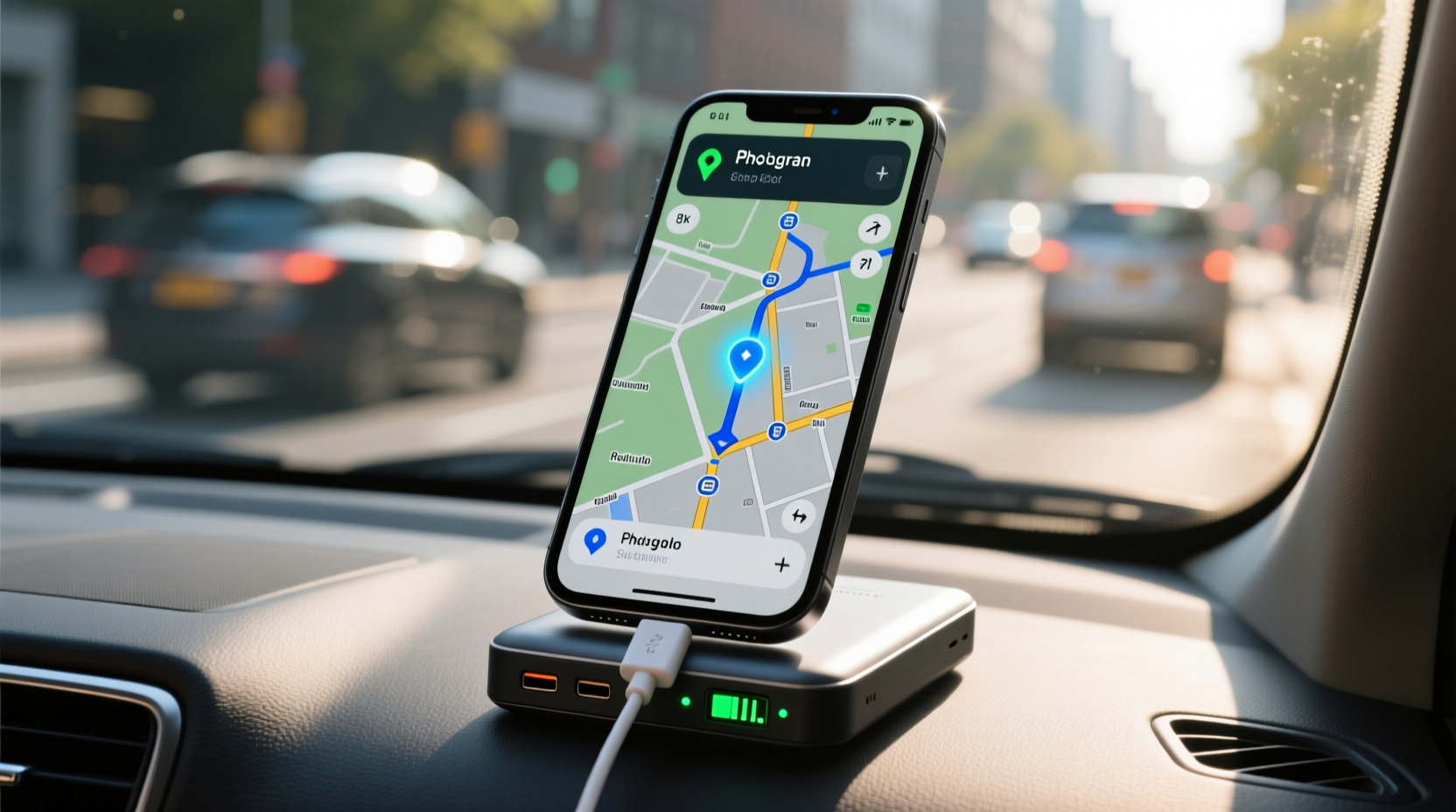
GPS (Global Positioning System) is one of the most battery-intensive features on a smartphone. When active, your phone constantly communicates with satellites, updates location data, processes maps, renders turn-by-turn directions, and often uses cellular data to stream real-time traffic information. This combination of hardware and software activity significantly increases energy demand.
According to testing by Android Authority, using Google Maps for navigation over 4G can consume between 10% and 30% of battery per hour, depending on signal strength, screen brightness, and background app activity. On iOS, Apple reports similar figures under heavy navigation loads, especially when combined with music streaming or voice commands.
The strain isn’t just from GPS alone. Supporting systems like the display (especially at high brightness), cellular connectivity, Wi-Fi scanning, and Bluetooth all contribute to accelerated battery drain. As a result, even a fully charged phone may not last through a long drive without external support.
Can a Power Bank Keep Up With GPS Drain?
The ability of a power bank to sustain or recharge your phone during GPS navigation depends on three main factors: output capacity, input consumption, and efficiency losses.
A typical modern smartphone battery ranges from 3,000mAh to 5,000mAh. Most mid-range power banks offer outputs of 5V/2.4A (12W), which translates to about 12–15 watts delivered to the phone. However, due to conversion inefficiencies (heat loss, voltage regulation, cable resistance), only around 70–85% of the rated power actually reaches the battery.
If your phone consumes 14 watts while running GPS navigation, but your power bank delivers only 10–12 watts, the net effect is continued battery drain—albeit slower than if unplugged. In this scenario, the phone is being charged *while* discharging faster than it’s receiving power.
To truly reverse the trend and see actual charging, the power bank must deliver more energy than the phone is consuming. High-wattage power banks (18W, 30W, or higher) with Power Delivery (PD) or Quick Charge (QC) support are far more likely to succeed in these conditions.
“Many users assume any power bank will stop battery drain, but unless the output exceeds the load, they’re merely slowing the inevitable.” — Dr. Lena Patel, Mobile Energy Systems Engineer
Key Factors That Determine Charging Success
Not all power banks perform equally under load. Several technical and environmental elements influence whether your phone gains charge during GPS use:
- Power Bank Output Wattage: 10W may sustain idle use but struggles under GPS load. Aim for 18W or higher for reliable top-up charging.
- Phone Efficiency: Newer phones with optimized chipsets (e.g., Apple A-series, Qualcomm Snapdragon 8 Gen series) manage power better than older models.
- Cable Quality: Poor-quality cables increase resistance and reduce effective charging speed. Use certified USB-C or Lightning cables.
- Signal Conditions: Weak GPS or cellular signals force the phone to work harder, increasing power draw.
- Background Activity: Running music, calls, or messaging apps alongside navigation adds to the load.
- Temperature: Extreme heat or cold reduces battery efficiency and charging rates.
Recommended Power Bank Specifications for GPS Use
| Feature | Minimum Recommendation | Ideal for Heavy Use |
|---|---|---|
| Battery Capacity | 10,000mAh | 20,000mAh+ |
| Output Power | 12W (5V/2.4A) | 18W+ (PD/QC supported) |
| Port Type | USB-A | USB-C with PD |
| Pass-Through Charging | No | Yes (allows recharging while in use) |
| Efficiency Rating | 75% | 85%+ |
For frequent travelers or delivery drivers, investing in a high-output power bank with GaN (Gallium Nitride) technology offers faster charging, smaller size, and better thermal management—critical when operating in vehicles exposed to temperature extremes.
Step-by-Step Guide to Optimize Charging During Navigation
Follow this sequence to maximize your chances of maintaining or increasing battery level while using GPS:
- Choose the Right Power Bank: Select one with at least 18W output and 10,000mAh capacity. Look for PD or QC logos.
- Use a High-Quality Cable: Avoid frayed or thin cables. Prefer braided, MFi-certified (for iPhone) or USB-IF certified (for Android) options.
- Plug Into the Car First: If available, connect the power bank to a car charger so it recharges while powering your phone (pass-through charging required).
- Reduce Phone Load: Turn off unnecessary features—Bluetooth, hotspot, background app refresh. Use offline maps to minimize data use.
- Lower Screen Brightness: Set brightness manually to 50% or less. Enable dark mode if supported by the navigation app.
- Mount Strategically: Place the phone where it gets good GPS signal but isn’t exposed to direct sunlight, which heats the battery and reduces efficiency.
- Monitor Battery Level: Check every 30 minutes initially to see if the battery is stabilizing, dropping slowly, or actually charging.
- Switch to Airplane Mode (if possible): If using downloaded maps, enable airplane mode and turn on Wi-Fi only for occasional updates—this drastically cuts power use.
Real-World Example: Road Trip Charging Challenge
Consider Sarah, a freelance photographer driving six hours from Denver to Moab for a shoot. She relies on Waze for real-time rerouting due to seasonal road closures. Her phone is a three-year-old Android model with a degraded 3,200mAh battery. She starts with 80% charge and connects a 10,000mAh power bank rated at 12W output.
Within the first hour, her battery drops to 72%, despite being plugged in. By hour three, it’s at 58%. Although the power bank is functioning, the combined load of GPS, screen, and poor rural signal exceeds its delivery capacity. Realizing this, Sarah switches to offline maps, lowers brightness, and disables social media notifications. Over the next two hours, the battery stabilizes at 55%. It doesn’t charge, but it stops declining—enough to reach her destination with navigation intact.
Afterward, she upgrades to a 20,000mAh GaN power bank with 30W PD output. On her next trip, the same route sees her phone gain 15% charge over five hours of continuous navigation—proving that equipment choice makes a measurable difference.
Common Misconceptions About Charging While Using GPS
Several myths persist about mobile charging behavior:
- Myth: “Any power bank will keep my phone charged.” Reality: Low-output models may only slow discharge rather than prevent it.
- Myth: “Charging while using GPS damages the battery.” Reality: Modern phones regulate temperature and charging cycles; moderate use poses no harm.
- Myth: “Wireless charging works the same as wired.” Reality: Wireless is typically slower and generates more heat, making it less efficient during high-load tasks.
- Myth: “More mAh always means longer runtime.” Reality: Efficiency, output wattage, and circuitry matter as much as capacity.
Frequently Asked Questions
Does using GPS while charging damage my phone battery?
No, using GPS while charging does not inherently damage your phone. Modern smartphones include thermal management and charge regulation systems that protect the battery. However, prolonged use in hot environments (like a sunlit car) can accelerate wear over time. Avoid enclosing the phone in tight mounts that trap heat.
Why is my phone still losing battery even when connected to a power bank?
This happens when the power bank’s output is lower than your phone’s power consumption. For example, if your phone draws 15W during GPS use but the power bank supplies only 10W, the deficit comes from the battery. Upgrade to a higher-wattage power bank and use efficient settings to reverse this trend.
Can I charge my power bank while it's charging my phone?
Only if it supports pass-through charging. Most basic models do not. Higher-end units, especially those designed for travel or fieldwork, allow simultaneous input and output. Note: This feature may void warranties or reduce lifespan if used excessively, so consult the manufacturer’s guidelines.
Checklist: Optimizing Your Setup for GPS + Charging
Before hitting the road, verify the following:
- ✅ Power bank has at least 18W output (PD/QC preferred)
- ✅ Cable is high-quality and fully functional
- ✅ Offline maps are downloaded for your route
- ✅ Screen brightness is set below 60%
- ✅ Background apps are minimized or closed
- ✅ Phone is mounted in a cool, ventilated spot
- ✅ Power bank is fully charged (or connected to car charger)
- ✅ Battery saver mode is enabled if available
Final Thoughts: Stay Powered, Stay on Track
Navigating unfamiliar roads shouldn’t come at the cost of a dead phone. Yes, you can charge your phone with a power bank while using GPS navigation—but success depends on choosing the right tools and optimizing your setup. Understanding the balance between power consumption and delivery empowers you to make informed decisions.
Whether you're a daily commuter, a delivery driver, or an adventurer exploring remote areas, a well-matched power bank can be the difference between arriving confidently and getting lost with a black screen. Prioritize output wattage, reduce unnecessary load, and prepare ahead of time. With the right approach, your phone can navigate, communicate, and stay charged—all at once.




 浙公网安备
33010002000092号
浙公网安备
33010002000092号 浙B2-20120091-4
Comments
No comments yet. Why don't you start the discussion?