
As holiday decorating evolves, smart Christmas lights have become a centerpiece of modern festive displays. With features like color customization, scheduling, music sync, and remote control via smartphone apps, it’s no surprise that consumers are investing in these high-tech strands. But as collections grow—often mixing brands like Philips Hue, Govee, Twinkly, and Lumenplay—a common question arises: Can you connect different brands of smart Christmas lights to one app?
The short answer is: sometimes—but not directly. While full cross-brand integration within a single proprietary app remains limited, there are practical workarounds using smart home platforms, universal hubs, and automation tools. Understanding how different lighting systems communicate, what protocols they use, and which ecosystems support interoperability is key to creating a unified, seamless display.
How Smart Christmas Lights Work: Protocols and Ecosystems
Smart Christmas lights rely on wireless communication protocols to send commands from your phone or voice assistant to the light strands. The most common protocols include Wi-Fi, Bluetooth, Zigbee, and Z-Wave. Each has strengths and limitations that affect compatibility across brands.
- Wi-Fi: Most consumer-grade smart lights (like Govee and Twinkly) use Wi-Fi for direct internet connectivity. This allows remote access but can strain home networks when multiple devices are connected.
- Bluetooth: Used for shorter-range control, often requiring proximity to the device. Some lights use Bluetooth Low Energy (BLE) to reduce power consumption.
- Zigbee/Z-Wave: These mesh-networking protocols are more stable and scalable than Wi-Fi but require a central hub (like Samsung SmartThings or Hubitat). They’re less common in seasonal lighting but offer better multi-device management.
Crucially, each brand typically develops its own app and cloud infrastructure. Philips Hue uses the Hue Bridge and its dedicated app. Govee runs on its standalone app with cloud syncing. Twinkly uses its own interface optimized for pixel mapping. Because these apps don’t natively talk to one another, connecting different brands into a single app isn't possible without third-party integration.
Using Smart Home Platforms as a Universal Controller
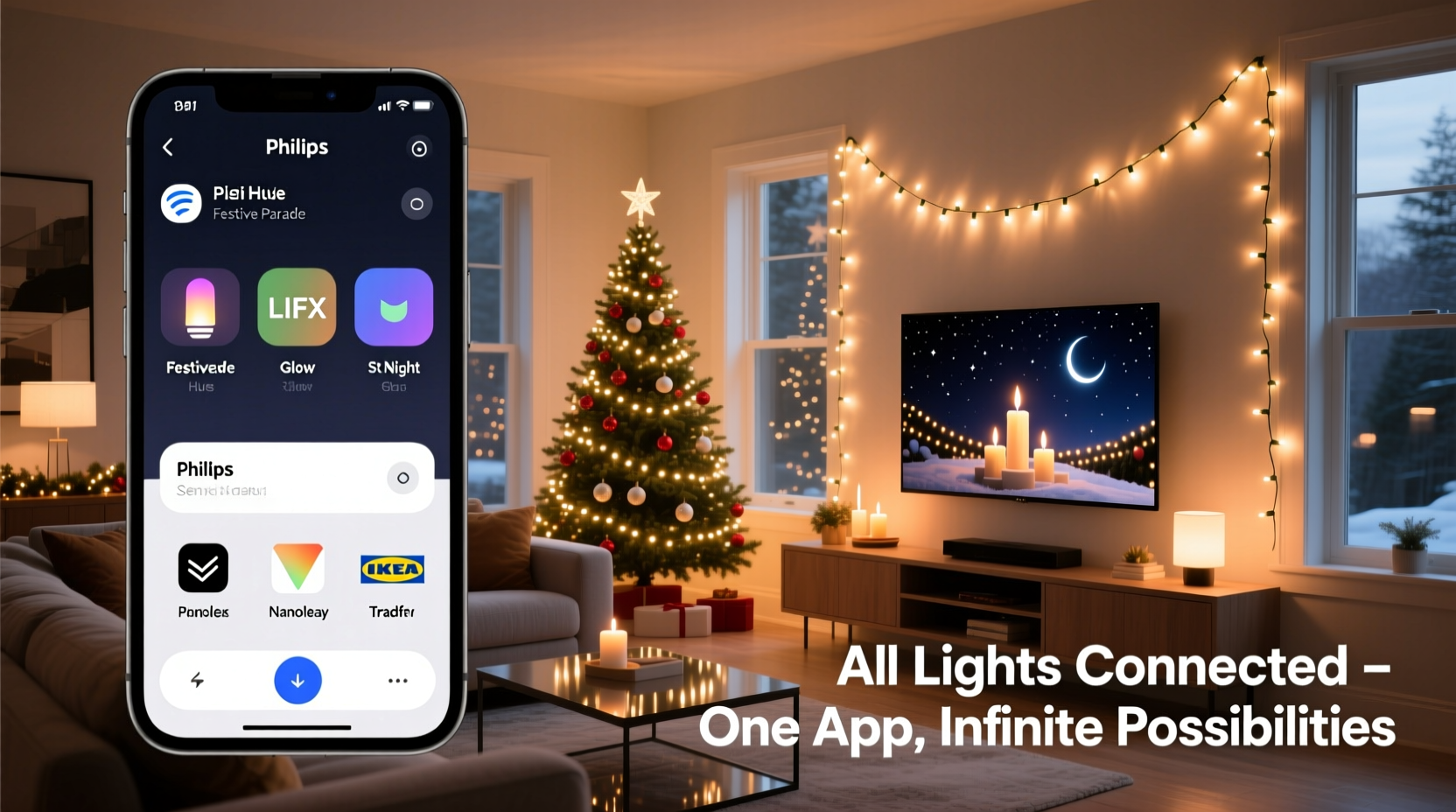
The most effective way to unify different brands of smart Christmas lights under one control system is through a centralized smart home platform. These platforms act as translators between disparate devices and apps, allowing you to manage everything from a single dashboard or routine.
Popular options include:
- Apple HomeKit: Supports select smart lights (e.g., Philips Hue, Nanoleaf) via Home app. Devices must be certified “Works with Apple HomeKit.” While limited in number, integrations are reliable and secure.
- Google Home: Broader compatibility. You can link brands like Govee, TP-Link Kasa, and Lifx directly into the Google Home app and control them with voice or routines.
- Amazon Alexa: Offers extensive support through skills. Many smart light brands—including Twinkly and Govee—have Alexa integrations, enabling unified voice commands and scenes.
- Samsung SmartThings: One of the most flexible platforms, supporting Zigbee, Z-Wave, Wi-Fi, and cloud-connected devices. It can bridge gaps between brands using custom device handlers or community-built integrations.
Once linked, you can create scenes such as “Holiday Glow” that turn on Philips Hue outdoor strips, Govee tree lights, and Twinkly curtain lights simultaneously—all triggered by one command or automation.
“Interoperability is the next frontier in smart lighting. While brands guard their ecosystems, open platforms like SmartThings and Home Assistant are giving users back control.” — David Lin, IoT Integration Specialist
Step-by-Step Guide to Unifying Multiple Light Brands
If you already own lights from different brands and want to control them together, follow this practical sequence:
- Inventory Your Devices: List all your smart light brands, models, and supported protocols (check product manuals or websites).
- Select a Central Platform: Choose a smart home hub or app with broad compatibility (e.g., Google Home or SmartThings).
- Add Devices Individually: Open the chosen platform app and go through the setup process for each brand. This may involve linking accounts (e.g., “Connect Govee”) or pairing via Bluetooth/Wi-Fi.
- Test Individual Controls: Ensure each set of lights responds correctly within the new interface.
- Create Unified Scenes or Routines: In Google Home, create a routine called “Evening Lights” that activates all holiday strands at 5 PM daily. In Alexa, build a scene named “Festive Mode” triggered by voice.
- Automate with Triggers: Set schedules, geofencing (turn on when you arrive home), or sunrise/sunset triggers for hands-free operation.
- Optimize Network Performance: Use a 2.4 GHz Wi-Fi band (most smart lights don’t support 5 GHz), and consider a mesh network if signals are weak outdoors.
This method doesn’t merge the original apps—those will still function independently—but it gives you a single point of control for coordinated effects.
Limitations and Challenges of Cross-Brand Integration
Despite available solutions, several barriers prevent perfect unification:
- No Universal App: No single manufacturer offers an app that controls every brand out of the box.
- Feature Loss: When integrating via third-party platforms, advanced features like Twinkly’s music synchronization or Govee’s RGBIC zone control may not carry over fully.
- Lag and Sync Issues: Cloud-to-cloud integrations (e.g., Govee → Google → Alexa) can introduce delays, making precise timing difficult for dynamic displays.
- Setup Complexity: Older or niche brands may lack official integration, requiring technical workarounds like IFTTT or Home Assistant configurations.
Additionally, firmware updates can break existing integrations, especially with unofficial or community-supported connections. Always check for updated compatibility notes after major software releases.
Real Example: A Multi-Brand Holiday Display
Consider Sarah, a homeowner in Denver who wanted a cohesive holiday lighting scheme across her porch, tree, and window frames. She already owned:
- A string of Govee LED strip lights (Wi-Fi + Bluetooth)
- A Philips Hue Lily outdoor spotlight (Zigbee, requires Hue Bridge)
- Tenkly-compatible fairy lights she purchased last year (now rebranded as Twinkly)
Initially frustrated that each required a separate app, Sarah decided to integrate them into Google Home. She added the Govee lights directly through account linking. The Hue system was automatically detected once her phone was on the same network as the Hue Bridge. The Twinkly lights were added via the “Twinkly” device option in Google Home.
She then created a routine named “Holiday Lights On” that activates all three at dusk. She also set up a morning shutdown at 9 AM. Voice commands like “Hey Google, turn on Festive Mode” now control her entire setup. While she can’t run a unified music-reactive show across all strands, the basic on/off and color adjustments work seamlessly.
Sarah’s experience reflects a growing trend: users leveraging open platforms to overcome proprietary limitations, even if full feature parity isn’t achievable.
Comparison Table: Smart Lighting Integration Options
| Integration Method | Supports Multiple Brands? | Advanced Features Preserved? | Setup Difficulty | Best For |
|---|---|---|---|---|
| Native Brand Apps | No | Yes | Easy | Purists wanting full functionality per brand |
| Google Home | Yes (via linked accounts) | Partial | Moderate | Users seeking voice control and daily routines |
| Amazon Alexa | Yes (via skills) | Partial | Moderate | Voice-first households |
| Samsung SmartThings | Yes (broadest native + community support) | High (with proper configuration) | Advanced | Tech-savvy users building complex automations |
| Home Assistant (self-hosted) | Yes (maximum flexibility) | Very High | Expert | Developers and DIY enthusiasts |
Checklist: How to Connect Different Smart Light Brands Successfully
Use this checklist before setting up your multi-brand smart lighting display:
- ✅ Identify all smart light brands and their connectivity types (Wi-Fi, Bluetooth, Zigbee, etc.)
- ✅ Confirm each brand supports integration with a major platform (Google, Alexa, SmartThings)
- ✅ Choose a central control app based on compatibility and ease of use
- ✅ Ensure all devices are on the same Wi-Fi network (2.4 GHz recommended)
- ✅ Link each brand’s account or pair devices individually within the central app
- ✅ Test each light group for responsiveness
- ✅ Create a unified scene or routine for synchronized control
- ✅ Set up automations (time, location, or sensor-based) for hands-free operation
- ✅ Monitor for firmware updates that could affect integration stability
Frequently Asked Questions
Can I control Govee and Philips Hue lights in the same app?
Not natively, but yes through platforms like Google Home or Amazon Alexa. Add both brands to the respective app, then create a scene that controls them together. Note that advanced Hue features (like formulas) and Govee-specific effects may not be accessible in the unified view.
Why won’t my Twinkly lights show up in SmartThings?
Twinkly primarily uses cloud-based APIs and doesn’t natively support Zigbee or direct local integration with SmartThings. You’ll need to use the Twinkly skill in Alexa or link via Google Home. For deeper control, some users employ Home Assistant with custom integrations, but this requires technical expertise.
Is there an app that works with all smart Christmas lights?
No single app currently supports every brand due to proprietary ecosystems and security restrictions. However, universal smart home platforms like Google Home, Alexa, and SmartThings come closest by aggregating control through account linking and automation.
Future Trends: Toward True Interoperability
The landscape is slowly shifting toward greater compatibility. The Matter protocol, launched in 2022, aims to standardize smart home communication across brands. While adoption in holiday lighting is still emerging, future smart Christmas lights may ship with Matter-over-Wi-Fi or Matter-over-Thread support, enabling plug-and-play compatibility across Apple, Google, Amazon, and Samsung systems.
Once Matter becomes widespread, users could add a Govee strip and a Philips Hue extension light to the same room in the Apple Home app and control them identically—no bridging or workarounds needed. Until then, hybrid solutions remain the best path forward.
Conclusion: Unified Control Is Possible—With Strategy
While you cannot directly connect different brands of smart Christmas lights to one proprietary app, you can achieve unified control using smart home platforms. Google Home, Amazon Alexa, and Samsung SmartThings serve as powerful intermediaries, letting you orchestrate multi-brand displays with routines, voice commands, and automations.
The key is planning: choose compatible devices, invest in a robust hub or platform, and accept that some advanced features may require returning to individual apps. As open standards like Matter gain traction, the dream of a single, universal smart lighting app grows closer to reality.




 浙公网安备
33010002000092号
浙公网安备
33010002000092号 浙B2-20120091-4
Comments
No comments yet. Why don't you start the discussion?