
Wireless earbuds have become essential tools for work, entertainment, and communication. Whether you're listening to music on your phone, taking a video call from your laptop, or watching a show on your tablet, the ability to switch between devices without interruption is more than just convenient—it's increasingly necessary. But can wireless earbuds actually stay connected to multiple devices simultaneously? The short answer is: sometimes. The full picture, however, depends on technology, brand capabilities, and proper setup.
Unlike traditional wired headphones, Bluetooth earbuds rely on wireless protocols that impose limitations on connectivity. While many users assume that pairing an earbud with one device means disconnecting from another, advancements in Bluetooth technology—specifically Bluetooth 5.0 and later—have made dual-device connections possible through a feature known as multi-point pairing. This functionality allows select earbuds to maintain active links with two devices at the same time, switching audio sources intelligently when needed.
How Multi-Point Bluetooth Works
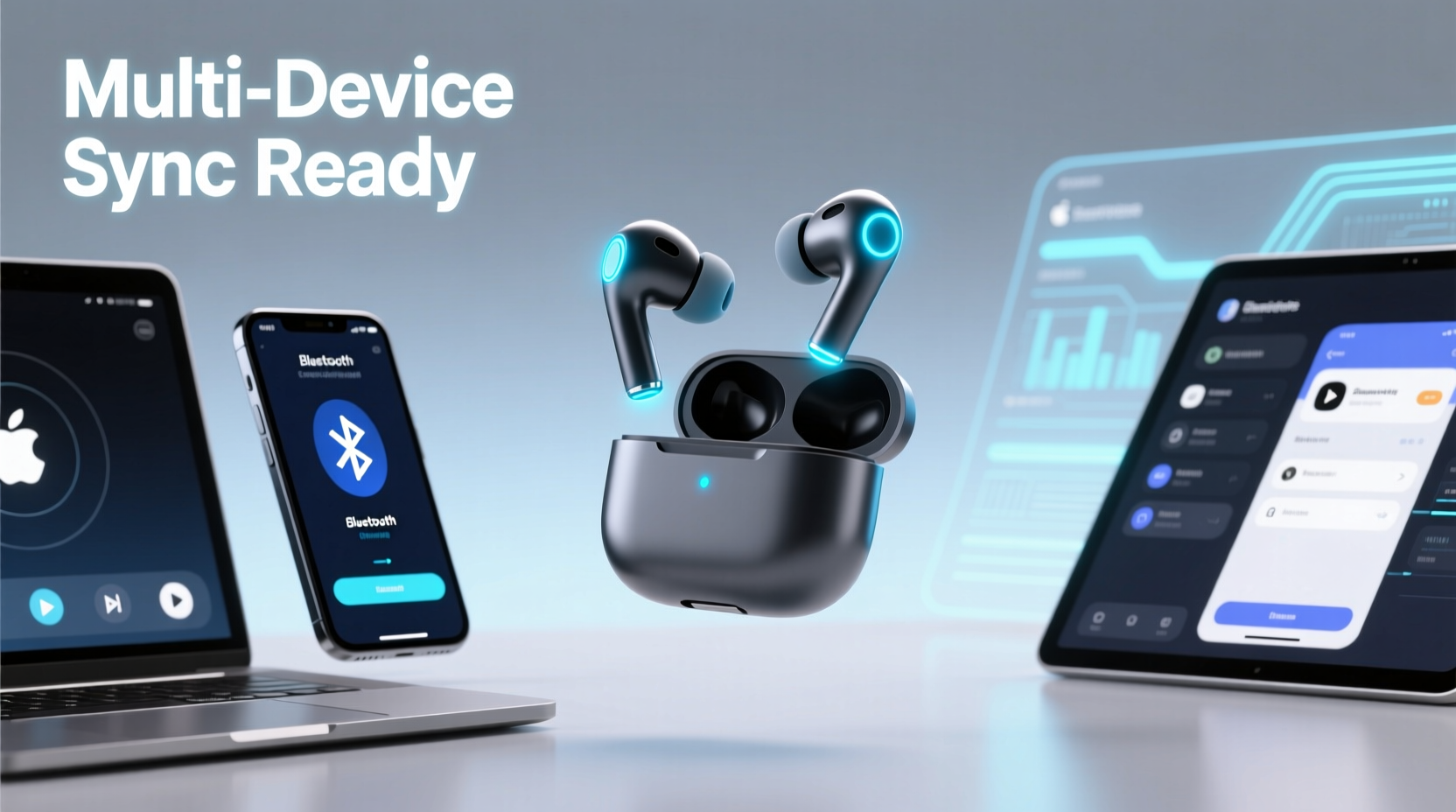
Multi-point pairing is not standard across all Bluetooth earbuds. It’s a feature implemented by manufacturers who design their firmware to support concurrent connections. When enabled, this technology allows your earbuds to remain paired and responsive to two separate devices—such as a smartphone and a laptop—without needing to manually disconnect and reconnect each time.
Here’s how it typically functions:
- The earbuds pair with Device A (e.g., iPhone) and establish a stable connection.
- They then pair with Device B (e.g., MacBook) while maintaining the link to Device A.
- If a call comes in on the iPhone while you’re watching a YouTube video on the MacBook, the earbuds automatically pause audio from the laptop and route the phone call through instead.
- Once the call ends, playback resumes from the laptop.
This seamless handoff mimics the experience of using a single, unified audio hub across platforms. However, not all brands implement this smoothly. Some may require manual toggling in Bluetooth settings, while others drop the secondary connection entirely after inactivity.
Top Earbuds That Support Simultaneous Connections
Not all wireless earbuds offer true multi-point functionality. Below is a comparison of leading models and their ability to connect to multiple devices at once:
| Model | Simultaneous Connection? | Bluetooth Version | Notes |
|---|---|---|---|
| Sony WF-1000XM5 | Yes | 5.3 | Supports multipoint with Android and select Sony apps; iOS limited. |
| Bose QuietComfort Ultra Earbuds | Yes | 5.3 | Seamless switching between phone and computer; excellent call handling. |
| Apple AirPods Pro (2nd gen) | Limited | 5.3 | Uses Apple’s H2 chip; auto-switches within ecosystem but not cross-platform. |
| Samsung Galaxy Buds2 Pro | Yes | 5.3 | Full multipoint on Samsung devices; reduced functionality on non-Samsung Android. |
| Jabra Elite 7 Pro | Yes | 5.2 | Reliable dual connection with PCs and smartphones; ideal for hybrid workers. |
| Anker Soundcore Liberty 4 | Yes | 5.3 | Affordable option with solid multipoint performance across platforms. |
As shown, high-end models from Sony, Bose, Jabra, and Samsung lead in multi-device support. Apple’s AirPods, while powerful within their ecosystem, do not allow true simultaneous Bluetooth connections outside of Apple devices. Instead, they use iCloud-based handoff features that simulate multi-connectivity but don’t operate via standard Bluetooth multipoint protocols.
Step-by-Step: How to Enable Multi-Device Pairing
Setting up simultaneous connections varies by brand, but most follow a similar process. Here’s a general guide applicable to compatible earbuds like Jabra, Sony, and Samsung:
- Charge your earbuds fully and place them in the case.
- Turn on Bluetooth on both devices you want to connect (e.g., phone and laptop).
- Open the earbud case and press the pairing button (if required) until the LED flashes.
- On Device A, go to Bluetooth settings and select your earbuds from the list. Complete pairing.
- Leave the earbuds connected to Device A and repeat step 4 on Device B.
- Wait for confirmation—some models emit a voice prompt like “Connected to [Device Name].”
- Test the connection by playing audio on both devices. Only one will play at a time, but switching should be instant.
Note: If the second device fails to connect, check whether the earbuds support multipoint and if both devices are using compatible Bluetooth profiles (like A2DP and HFP). Also, ensure no third-party app (e.g., Sony Headphones Connect) is blocking background connections.
“True multi-point Bluetooth is a game-changer for professionals juggling laptops and phones. It eliminates the friction of constant re-pairing.” — David Lin, Audio Engineer at TechSound Labs
Limitations and Common Issues
Despite technological advances, several constraints affect real-world usability:
- No three-device support: Most earbuds only allow two simultaneous connections. Attempting to pair a third will usually disconnect the least recently used device.
- Inconsistent behavior across OS: Android generally supports multipoint better than iOS, where Apple restricts low-level Bluetooth access.
- Audio latency during switching: There can be a brief delay (1–2 seconds) when transitioning between devices, especially during calls.
- Battery drain: Maintaining two active connections increases power consumption, reducing overall battery life by up to 15%.
- Firmware bugs: Some models disable multipoint after software updates unless manually re-enabled.
Additionally, certain use cases expose weaknesses. For example, trying to stream audio from both devices at once won’t work—only one source can transmit sound at any given moment. The other remains in standby mode, ready to take priority when its application demands attention (like an incoming call).
Real-World Example: Remote Worker Setup
Consider Maria, a digital marketer working remotely. Her day involves back-to-back Zoom meetings on her Windows laptop, receiving client messages via WhatsApp on her Android phone, and occasionally unwinding with a podcast during breaks.
Before getting Jabra Elite 7 Pro earbuds, she constantly had to disconnect from her laptop to answer urgent calls on her phone, losing audio mid-meeting and disrupting focus. After enabling multipoint pairing, her workflow transformed. Now, when a call comes in, her earbuds automatically mute the Zoom session, announce the caller, and switch seamlessly. Once the call ends, she returns to her meeting audio without missing a beat.
This small change saved her an estimated 12 minutes per day in connectivity management—time she now uses for focused tasks. Her experience underscores how multi-device connectivity isn’t just about convenience; it enhances productivity and reduces cognitive load.
Checklist: Optimizing Multi-Device Use
To get the most out of your wireless earbuds across multiple devices, follow this checklist:
- ✅ Confirm your model supports true Bluetooth multipoint (check manufacturer website).
- ✅ Update earbud firmware via companion app before setting up dual pairing.
- ✅ Pair with primary device first, then secondary while keeping first connected.
- ✅ Test switching by initiating a call on one device while playing media on the other.
- ✅ Disable auto-play features on unused apps to avoid unwanted audio interruptions.
- ✅ Re-pair periodically if connection stability degrades over time.
- ✅ Use a dedicated app (e.g., Samsung Wearable, Jabra Sound+) to customize connection priorities.
Frequently Asked Questions
Can AirPods connect to an iPhone and iPad at the same time?
AirPods cannot maintain two active Bluetooth connections simultaneously. However, thanks to Apple’s iCloud ecosystem, they can instantly switch between your iPhone, iPad, Mac, and Apple Watch using Automatic Device Switching. This isn’t true multipoint Bluetooth but offers a similar user experience within the Apple universe.
Why won’t my earbuds connect to two devices?
There are several reasons: your earbuds may not support multi-point pairing, Bluetooth might be turned off on one device, interference could be present, or outdated firmware may be blocking the feature. Check your model’s official specs and ensure both devices are discoverable.
Does connecting to two devices reduce sound quality?
No, audio quality remains consistent regardless of the number of connected devices. However, frequent switching or poor signal strength on either device can cause temporary stuttering or latency.
Future Trends and Final Thoughts
The demand for seamless multi-device experiences is pushing innovation in Bluetooth standards. The upcoming Bluetooth LE Audio standard promises improved efficiency, lower latency, and enhanced multi-streaming capabilities—potentially allowing future earbuds to handle more than two devices at once with greater reliability.
Manufacturers are also integrating AI-driven context awareness. Imagine earbuds that detect you’ve opened a presentation on your laptop and automatically mute phone notifications—or recognize a calendar event and pre-connect to your conference platform.
For now, though, consumers must carefully choose models designed with multi-point functionality in mind. Don’t assume all premium earbuds offer this feature. Always verify compatibility, test performance in real conditions, and prioritize brands known for robust firmware support.
Understanding the nuances of Bluetooth connectivity empowers you to make smarter choices. Whether you're a busy professional, a student managing multiple gadgets, or simply someone who values smooth tech integration, selecting earbuds that support simultaneous connections can significantly enhance your daily routine.




 浙公网安备
33010002000092号
浙公网安备
33010002000092号 浙B2-20120091-4
Comments
No comments yet. Why don't you start the discussion?