
As the holiday season approaches, many homeowners look for smarter, more convenient ways to manage their Christmas light displays. The good news is that modern smart home technology makes it not only possible but effortless to control Christmas lights using Google Assistant routines. With just a few setup steps, you can turn your lights on or off with your voice, schedule them to activate at sunset, or even sync them with music during gatherings. This guide walks through everything you need to know—from compatible devices to step-by-step automation—and shows how to bring true “smart holiday” magic into your home.
How Google Assistant Routines Work with Smart Lights
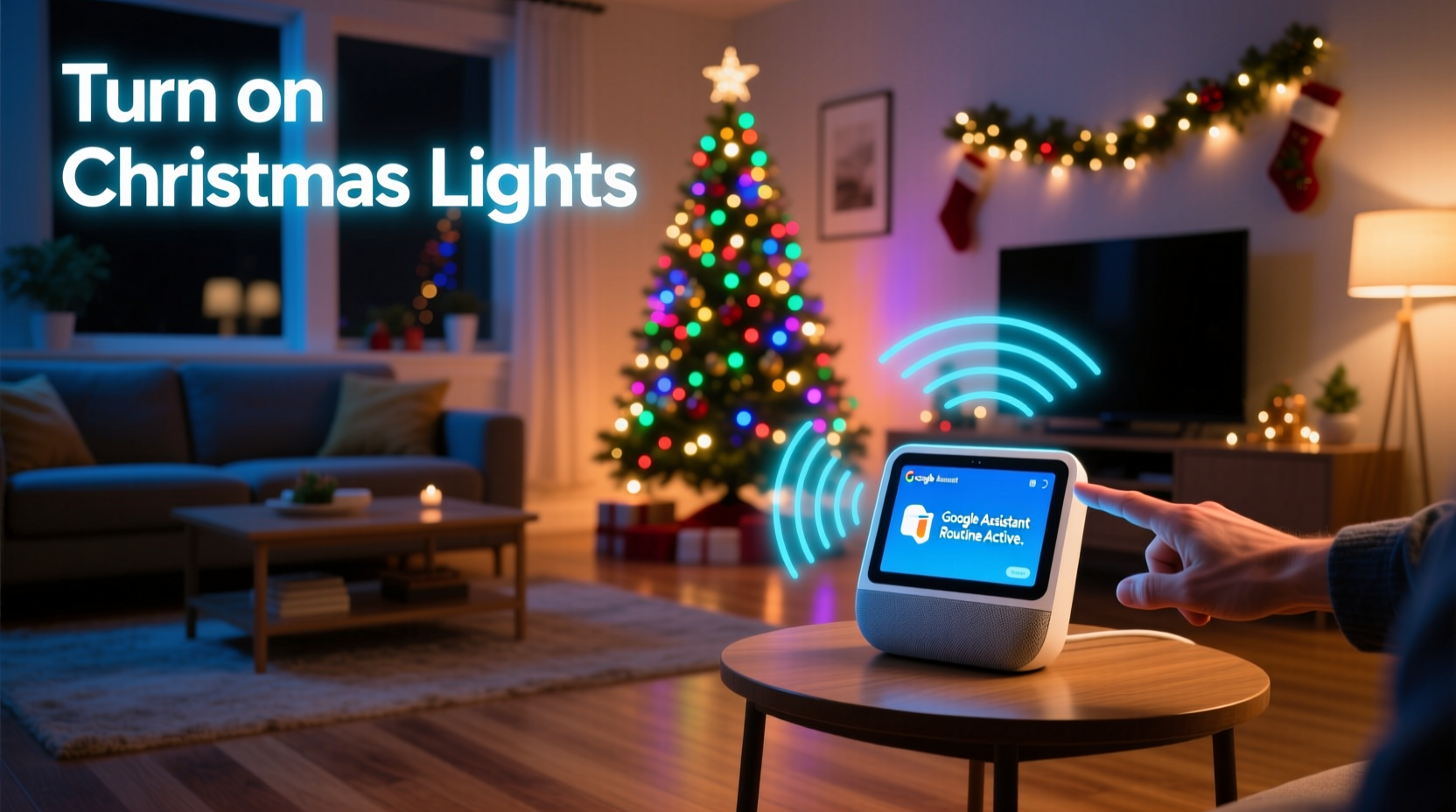
Google Assistant routines are customizable sequences of actions triggered by a single command, time of day, or connected device behavior. When applied to Christmas lights, routines allow you to automate multiple smart devices at once—such as turning on outdoor string lights, adjusting indoor ambiance lighting, and playing holiday music—all through one simple phrase like “Hey Google, start the holiday mode.”
To use this functionality, your Christmas lights must be connected to a smart plug or embedded within a smart lighting system (like Philips Hue, LIFX, or Nanoleaf) that integrates with Google Assistant. Once linked, these devices become part of your Google Home ecosystem and can be grouped, scheduled, and controlled via voice or automation.
The real power lies in combining multiple actions under one routine. For example, a single routine could:
- Turn on all exterior Christmas lights at dusk
- Dim indoor lights to 30% brightness
- Set the thermostat to a cozy temperature
- Play a playlist titled “Holiday Classics” on your smart speaker
This level of integration transforms seasonal decoration from a manual chore into a seamless experience.
Required Equipment and Compatibility
Not all Christmas lights can be controlled by Google Assistant. Only smart-enabled or externally controlled lights work with voice assistants. Below is a breakdown of what you’ll need:
Smart Plugs for Traditional Lights
If you already own conventional incandescent or LED Christmas string lights, you can make them “smart” by plugging them into a Wi-Fi-enabled smart plug such as:
- TP-Link Kasa Smart Plug Mini
- Wyze Plug
- Meross Smart WiFi Plug
- Amazon Smart Plug (with Google Assistant support enabled)
These plugs connect to your home Wi-Fi and appear in the Google Home app, allowing you to toggle power remotely or via voice.
Dedicated Smart Light Strips
For greater control—including color changes, brightness adjustments, and effects—consider investing in programmable LED strips:
- Philips Hue Lightstrip Plus
- Govee LED Strip Lights
- LIFX Z LED Strip
- Nanoleaf Lines or Shapes
These systems often support dynamic colors, patterns, and music synchronization, all controllable through Google Assistant when properly linked.
Bridge Devices (for Certain Systems)
Some smart lighting platforms require a hub or bridge. For instance, Philips Hue needs the Hue Bridge to communicate with Google Assistant. Make sure your chosen system includes—or is compatible with—the necessary gateway hardware.
“Smart lighting has transformed holiday decorating. Families now spend less time fiddling with timers and more time enjoying the glow.” — David Lin, Smart Home Integration Specialist
Step-by-Step Setup Guide
Follow this process to fully integrate your Christmas lights with Google Assistant routines:
- Connect your smart device: Install your smart plug or light strip according to the manufacturer’s instructions. Ensure it powers on and connects to your Wi-Fi network.
- Add to Google Home: Open the Google Home app, tap the “+” icon, and select “Set up device.” Choose the appropriate brand (e.g., TP-Link, Govee, Philips Hue), then follow the prompts to link your account.
- Group your lights: In the Google Home app, go to “Devices,” then tap “Create device group.” Add all holiday-related lights and name the group “Christmas Lights” or similar.
- Create a new routine: Navigate to “Routines” in the app menu. Tap “Add routine,” give it a name like “Turn On Holiday Lights,” and assign a voice trigger.
- Define actions: Under “Add action,” select “Lights” and choose your Christmas Lights group. Set them to “On” or a specific brightness/color if supported.
- Schedule or automate: Optionally, set the routine to run daily at sunset or sunrise using location-based triggers. You can also add conditions like “only on weekends” or “between December 1–31.”
- Test the routine: Say aloud, “Hey Google, turn on Christmas lights,” and confirm all devices respond correctly.
Once configured, your lights will respond instantly to voice commands and operate automatically based on your preferences.
Advanced Automation Ideas
Beyond basic on/off control, Google Assistant routines unlock creative possibilities for enhancing your holiday atmosphere:
Sunset Activation Routine
Set your lights to turn on automatically every day at sunset. This ensures consistent display timing without manual input. To configure:
- In the routine settings, select “At a time” → “Sunset”
- Choose your light group and set desired state
- Optionally limit the schedule to a date range (e.g., Dec 1–Jan 5)
Morning Shutdown
Prevent unnecessary energy use by scheduling lights to turn off at sunrise or a fixed time (e.g., 9:00 AM). Combine this with a weather check so they stay off during snowy mornings when visibility is low.
Vacation Mode Simulation
If traveling over the holidays, use routines to simulate occupancy. Alternate indoor and outdoor lights throughout the evening to deter intruders while maintaining festive cheer.
Music-Synced Displays (Indirect Control)
While Google Assistant doesn’t directly sync lights to music in real time, certain smart light brands offer their own apps with beat detection. You can trigger those modes manually or via IFTTT (If This Then That) integrations tied to a Google Assistant command.
| Feature | Supported? | How to Enable |
|---|---|---|
| Voice Control | Yes | Link device to Google Home app |
| Scheduling (daily/sunset) | Yes | Create time-based routine |
| Color Changing | Depends on device | Use compatible RGB strips (e.g., Govee, Hue) |
| Real-Time Music Sync | No (via Google) | Use brand-specific app or IFTTT |
| Remote Access | Yes | Control via Google Home app anywhere |
Common Issues and Troubleshooting
Even with proper setup, users may encounter occasional hiccups. Here are frequent problems and solutions:
- Lights don’t respond to voice: Confirm the device appears online in the Google Home app. Reboot both the smart plug and your router if needed.
- Routine runs late or early: Check your device’s location settings. Incorrect GPS data can affect sunset/sunrise calculations.
- Device not recognized during setup: Ensure firmware is updated. Some older models lack Google Assistant compatibility.
- Partial response from grouped lights: Remove and re-add problematic devices to the group. Avoid exceeding 10–12 devices per group for reliability.
“We had issues with our first setup because we used a mix of brands that didn’t all support Google. After standardizing on Govee lights and Meross plugs, everything worked flawlessly.” — Rachel Nguyen, homeowner in Denver, CO
Mini Case Study: A Fully Automated Front Yard Display
Rachel and Tom Johnson wanted to elevate their annual Christmas light show without spending hours managing switches and timers. Their home featured roofline lights, tree wraps, and driveway markers—a total of eight separate strands.
They purchased four TP-Link Kasa smart plugs for their traditional lights and added two Govee Wi-Fi LED strips for accent lighting around the porch. All were added to the Google Home app and grouped under “Front Yard Lights.”
Next, they created two routines:
- Holiday Evening: Activated at sunset, turns on all lights and sets pathway LEDs to warm white.
- Good Morning: Runs at 9:00 AM, shutting off all decorative lighting.
They also set up a voice command: “Hey Google, full brightness,” which increased all lights to 100% for evening guests. During a neighborhood tour, visitors were amazed at how effortlessly the display operated—no visible cords, no clunky timers, just voice and automation.
The entire system paid for itself in convenience alone. “We used to wake up early just to turn off the lights,” Tom said. “Now it’s completely hands-free.”
Frequently Asked Questions
Can I control Christmas lights with Google Assistant without a smart plug?
No—not unless the lights themselves are built-in smart devices (like Philips Hue string lights). Standard Christmas lights require a smart plug or switch to gain voice and automation capabilities.
Do I need a Google Nest device to use routines?
You do not need a Nest device, but you do need access to the Google Home app and a Google account. However, having a Nest Hub or Nest Mini allows for better voice interaction and visual feedback when managing routines.
Can multiple people control the lights in my home?
Yes. Anyone with access to your Google account or shared control in the Google Home app can activate routines. You can manage permissions under “Settings” > “Home members.” For security, avoid sharing access with untrusted individuals.
Checklist: Setting Up Voice-Controlled Christmas Lights
Use this checklist to ensure a smooth installation and configuration:
- ☐ Purchase compatible smart plugs or smart Christmas lights
- ☐ Connect all devices to your Wi-Fi network
- ☐ Link devices to the Google Home app via their respective brands
- ☐ Group all holiday lights under one name (e.g., “Christmas Lights”)
- ☐ Create a routine with a clear voice trigger (e.g., “Turn on holiday lights”)
- ☐ Add actions: turn on lights, adjust brightness, play music (optional)
- ☐ Schedule routine for sunset or fixed time
- ☐ Test voice command and automation
- ☐ Share control with family members if desired
- ☐ Monitor performance and adjust as needed
Conclusion: Bring Smarter Cheer This Holiday Season
Controlling Christmas lights with Google Assistant routines isn’t just a novelty—it’s a practical upgrade that saves time, enhances safety, and adds joy to the holiday experience. Whether you’re managing a modest indoor tree or a sprawling outdoor display, automation puts the magic back into the season. No more forgotten lights left on overnight, no more rushing home before dark just to flip a switch. Instead, enjoy peace of mind knowing your home glows beautifully on schedule, activated by nothing more than your voice.
The technology is accessible, affordable, and increasingly user-friendly. With a small investment in smart plugs or LED strips, and about 30 minutes of setup, you can transform your holiday lighting into a seamless, intelligent system. And once you’ve experienced the ease of saying, “Hey Google, merry Christmas,” and watching your home come alive with light, you’ll wonder how you ever managed without it.




 浙公网安备
33010002000092号
浙公网安备
33010002000092号 浙B2-20120091-4
Comments
No comments yet. Why don't you start the discussion?