
Modern holiday lighting has evolved far beyond simple plug-and-play strands that flicker in a single preset pattern. Today’s programmable Christmas lights offer unprecedented control, allowing users to design custom blink sequences, color transitions, and even synchronized light shows. Whether you're aiming for subtle elegance or a full neighborhood spectacle, the ability to customize blinking patterns is not only possible—it's surprisingly accessible.
The short answer is yes: you can absolutely customize the blink sequence on programmable Christmas lights. But understanding how—along with the tools, platforms, and techniques involved—is key to unlocking creative potential without frustration.
How Programmable Lights Work
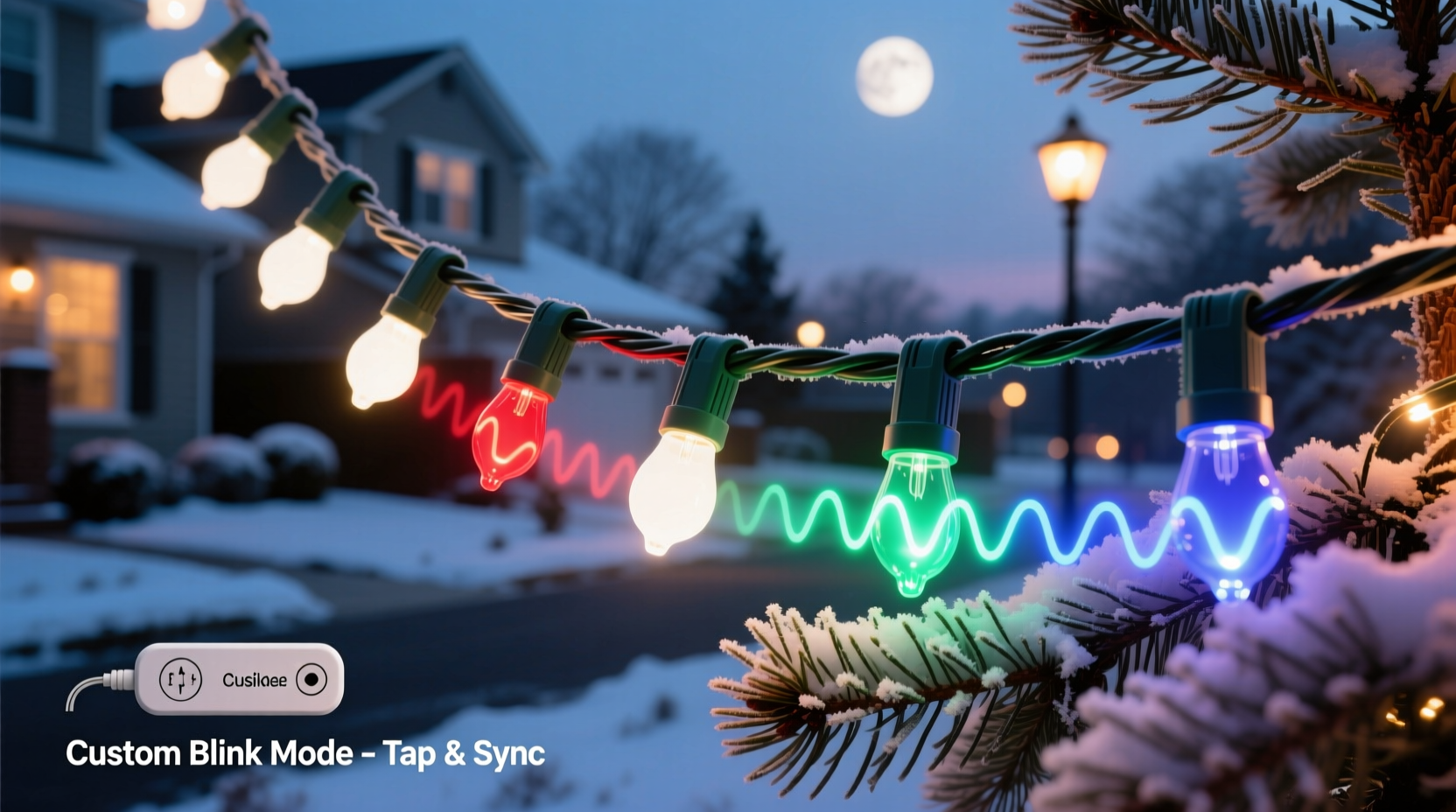
Programmable Christmas lights are typically based on addressable LED technology, most commonly using WS2812B (also known as NeoPixel) or similar digital LEDs. Unlike traditional lights where all bulbs operate in unison, each LED in an addressable strip can be individually controlled for color, brightness, and timing. This allows for complex animations such as chasing effects, fading gradients, and dynamic blink sequences.
These lights connect to a microcontroller—a small computer like an Arduino, ESP32, or Raspberry Pi—or use built-in controllers found in consumer-grade smart light systems like Philips Hue, LIFX, or proprietary brands such as Twinkly or Light-O-Rama. The controller interprets programming instructions and sends signals down the line to each LED, telling it exactly when and how to illuminate.
Customization happens through software. Users write code, use mobile apps, or configure settings via web interfaces to define how lights behave over time. For example, you could program one section of a tree to pulse red and green in alternating waves while another fades softly from gold to white.
Methods for Customizing Blink Sequences
There are several ways to customize blink patterns depending on your technical comfort level and equipment. Below are the three primary approaches used by hobbyists and professionals alike.
1. Mobile App Control (Beginner-Friendly)
Many modern smart light strings come with companion smartphone apps. Brands like Twinkly, Govee, and GE Color Effects allow users to select from dozens of animated effects—including blinking, twinkling, fading, and strobing—and adjust speed, direction, and color combinations.
Users can often draw custom patterns directly on their phone screen, simulating how lights will animate across a physical layout. Some apps even support beat detection for syncing lights to music during holiday parties.
2. Web-Based Programming Platforms (Intermediate)
Platforms such as Xlights or Falcon Player enable more advanced customization. These tools are especially popular among large-scale Christmas display creators who want pixel-level control over thousands of LEDs.
Xlights, for instance, provides a visual timeline interface where users can drag and drop effects onto specific channels or zones. You can set exact durations, overlap animations, and export sequences to run autonomously on compatible hardware. It supports audio synchronization, making it ideal for musical light shows.
3. Code-Level Customization (Advanced)
For maximum flexibility, writing custom code using libraries like FastLED (for Arduino) or rpi_ws281x (for Raspberry Pi) gives complete control. Here's a basic example of a custom blink sequence written in Arduino C++:
#include <FastLED.h>

#define LED_PIN     6
#define NUM_LEDS    50

CRGB leds[NUM_LEDS];

void setup() {
  FastLED.addLeds<WS2812B, LED_PIN, GRB>(leds, NUM_LEDS);
}

void loop() {
  // Alternate between red and green every 500ms
  fill_solid(leds, NUM_LEDS, CRGB::Red);
  FastLED.show();
  delay(500);

  fill_solid(leds, NUM_LEDS, CRGB::Green);
  FastLED.show();
  delay(500);
}
This simple script creates a uniform blink sequence across all 50 LEDs, switching between red and green at half-second intervals. More complex versions can include wave effects, random twinkle algorithms, or responsive behavior based on sensor input.
“With programmable LEDs, the lights aren’t just decorations—they become a storytelling medium.” — Marcus Tran, Interactive Lighting Designer
Step-by-Step Guide to Creating a Custom Blink Sequence
Follow this practical process to design and deploy your own personalized blink pattern.
- Choose Your Hardware: Select programmable LED strips or strings compatible with your desired control method. Ensure voltage, data protocol, and connector types match your controller.
- Select a Controller: Decide whether to use a plug-and-play system (like Twinkly) or a DIY solution (ESP32 + FastLED). Consider range, Wi-Fi capability, and power requirements.
- Install Software: Download the appropriate app or development environment. For coding, install the Arduino IDE and FastLED library.
- Map Your Layout: If using multiple strands or shaping lights around objects (trees, roofs), document the physical arrangement so you can assign pixels correctly in software.
- Design the Sequence: Define the colors, timing, and animation style. Will it be fast strobes? Gentle pulses? Synchronized blinks?
- Test on a Small Scale: Run your sequence on a short segment first to verify logic and timing before deploying to the full display.
- Deploy and Refine: Install the full setup outdoors or in place, then fine-tune brightness, timing, and alignment based on real-world viewing conditions.
What You Can Customize Beyond Blinking
Blink sequencing is just the beginning. Modern programmable lights allow control over multiple parameters:
- Color Palette: Choose static hues or dynamic shifts across millions of colors.
- Brightness Levels: Adjust intensity for daytime visibility or nighttime ambiance.
- Animation Speed: Slow fades or rapid flashes can dramatically change mood.
- Directionality: Make effects move left, right, inward, outward, or randomly.
- Zoning: Divide lights into groups (e.g., roof vs. tree) and apply different behaviors to each.
- Music Sync: Match flash intensity or color changes to beats in holiday songs.
- Scheduling: Automate start/stop times via internal clocks or smart home integration.
For example, a user might program their front yard display to begin each evening with a slow rainbow scroll, transition into a festive blink pattern at dusk, and switch to a gentle candle-flicker effect after 9 PM for a calming finish.
Comparison: Consumer vs. Professional-Grade Systems
| Feature | Consumer Smart Lights | Professional/DIY Systems |
|---|---|---|
| Setup Complexity | Low – plug and play | High – requires wiring and coding |
| Customization Level | Moderate – app-based presets | Full – pixel-level control |
| Cost per Meter | $$ | $–$$$ (depends on scale) |
| Music Sync | Basic beat detection | Frame-accurate audio mapping |
| Best For | Homeowners, small displays | Large displays, public installations |
Real Example: A Neighborhood Favorite Comes to Life
In Portland, Oregon, homeowner Dana Reyes transformed her modest porch display into a local attraction using programmable lights. She started with two 10-meter Govee strips wrapped around her eaves and porch railings. Using the Govee app, she designed a custom blink sequence that alternated diagonal flashes—simulating falling snow—followed by a warm golden pulse mimicking candlelight.
After receiving positive feedback, she upgraded to an ESP32-controlled system with 300 total LEDs. Now, her display runs a nightly 12-minute show synced to classic carols. Each song features unique blink patterns: “Jingle Bell Rock” uses fast red-green strobes, while “Silent Night” glows in slow blue-white pulses. Neighbors gather weekly, and the city even featured her home in its annual holiday guide.
Dana credits her success to starting small and gradually learning through online forums and YouTube tutorials. “I didn’t know what an LED pin was a year ago,” she says. “Now I’m writing my own code. It’s addictive.”
Common Challenges and How to Avoid Them
While customization offers immense creative freedom, certain pitfalls can derail projects.
- Power Issues: Long LED runs require adequate power injection. Without it, lights at the end may flicker or fail.
- Data Signal Degradation: Over long distances (>5m), signal loss can cause erratic behavior. Use logic level shifters or repeaters.
- Overheating Controllers: Enclosed spaces trap heat. Always provide ventilation or use external heatsinks.
- Weather Damage: Even IP65-rated lights need protection at connection points. Seal splices with silicone or waterproof connectors.
- Software Bugs: Incorrect array sizes or timing loops can crash controllers. Always test incrementally.
Frequently Asked Questions
Can I make my lights blink to the rhythm of music?
Yes. Many smart systems offer real-time audio reactivity. For precise synchronization—such as matching individual beats in a song—use software like Xlights with pre-mapped timelines. This requires some setup but delivers professional results.
Do I need to know how to code to customize blink patterns?
No. While coding unlocks full control, many user-friendly apps let you design custom sequences without touching a line of code. Drag-and-drop interfaces, preset editors, and template libraries make personalization accessible to non-programmers.
Can I mix different brands of programmable lights in one display?
It’s technically challenging. Different brands often use incompatible protocols (e.g., Art-Net vs. E1.31). However, if all devices support standard protocols like DMX or MQTT, integration is possible using a central controller like a Raspberry Pi running open-source firmware.
Checklist: Getting Started with Custom Blink Sequences
- ☐ Determine your budget and display size
- ☐ Choose between consumer smart lights or DIY programmable LEDs
- ☐ Purchase necessary components (lights, controller, power supply)
- ☐ Install and test connections indoors first
- ☐ Select or write your desired blink sequence
- ☐ Test animation on a small section
- ☐ Deploy outdoors with weather protection
- ☐ Schedule daily operation and maintenance checks
Conclusion
Customizing the blink sequence on programmable Christmas lights isn’t just possible—it’s one of the most rewarding aspects of modern holiday decorating. From simple color alternations to elaborate musical performances, today’s technology puts creative control directly in your hands. Whether you prefer intuitive apps or deep-code customization, there’s a path that fits your skill level and vision.
The holiday season is about joy, expression, and shared wonder. With programmable lights, you’re no longer limited to what the factory decided. You can craft moments that resonate—blinking in rhythm with memory, tradition, and imagination.




 浙公网安备
33010002000092号
浙公网安备
33010002000092号 浙B2-20120091-4
Comments
No comments yet. Why don't you start the discussion?