
It’s a question that surfaces every November: “Can I plug my Christmas lights into my network switch and make them dance to music?” The short answer is yes—but not the way most people imagine. Ethernet cables themselves don’t “control” lights. Instead, they serve as robust, low-latency physical transport for lighting control protocols—primarily Art-Net and sACN (Streaming ACN)—that translate digital lighting commands from software into precise pixel-level illumination. This isn’t DIY string-light hacking; it’s professional-grade stage lighting infrastructure repurposed for residential holiday displays. Understanding the distinction between cable-as-conduit versus cable-as-controller is essential—and separates functional, scalable setups from flickering frustration.
How Ethernet Fits Into Modern Light Control Architecture
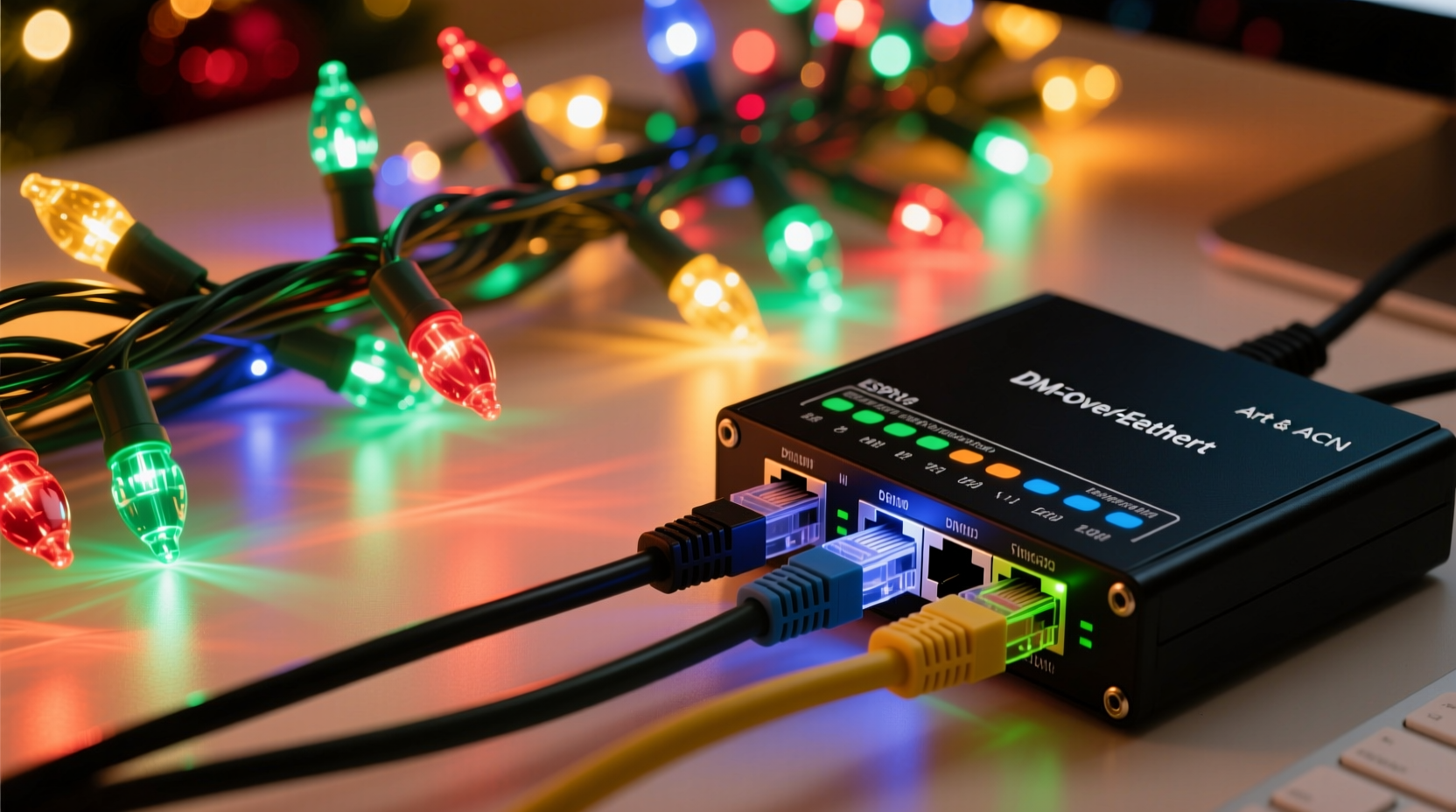
Synchronized Christmas lighting has evolved far beyond simple timer plugs or infrared remotes. Today’s high-fidelity displays—think 50,000+ RGB pixels synced to audio with millisecond timing—rely on distributed control networks. At the core sits a lighting controller (often a dedicated device like an E680, Falcon F16v3, or Raspberry Pi running xLights), which generates frame-by-frame lighting data. That data must reach dozens—or hundreds—of individual light nodes (e.g., ESP32-based controllers, PixLite units, or commercial DMX nodes) across your yard, roofline, and trees.
Ethernet enters this chain not as a “smart cable,” but as a standardized, noise-resistant, 100-meter-per-segment physical layer capable of carrying time-sensitive lighting data at speeds up to 1 Gbps. Unlike consumer Wi-Fi—which suffers from latency spikes, packet loss, and channel congestion—wired Ethernet provides deterministic delivery. When your snowflake animation must trigger *exactly* at frame 4,729 of a 30 fps sequence, Ethernet’s reliability becomes non-negotiable.
Crucially, Ethernet alone does nothing. It requires protocol translation: lighting software (e.g., xLights, Vixen 3, or Light-O-Rama) outputs data using Art-Net or sACN. These are open, UDP-based protocols designed to run over standard IP networks. A compatible controller receives those packets, decodes the universe data (each “universe” carries up to 170 RGB pixels), and converts it into electrical signals—typically via WS2811/WS2812B data lines or DMX-512—driving the actual LEDs.
What You Actually Need (Beyond the Cable)
A working Ethernet-based lighting system is a stack of interoperable layers—not just a cable and some lights. Omitting or mismatching any component breaks synchronization. Here’s the full chain:
- Lighting Software: xLights (free, community-supported) or Light-O-Rama (commercial). Generates sequences and outputs Art-Net/sACN.
- Network Switch: An unmanaged Gigabit switch (e.g., TP-Link TL-SG105) — no smart features needed. Avoid “gaming” switches with QoS that may throttle UDP traffic.
- Controller Hardware: Devices with Ethernet ports *and* native Art-Net/sACN firmware (e.g., J1SYS ESP32-Pico, Sandevices E682, or OpenDMX USB-to-Ethernet gateways).
- Cabling: Cat 5e or better (Cat 6 recommended), shielded if running near motors, pumps, or HVAC systems. Standard RJ45 connectors—no special termination required.
- Pixel Lights: Addressable RGB LEDs (WS2811, SK6812, APA102) wired to controller outputs. Each controller manages one or more “universes.”
The Ethernet cable connects only the software host (PC or Raspberry Pi) to the switch, and the switch to each controller. It does *not* connect directly to lights—those attach via separate 3–5V data wires. Confusing this hierarchy is the single most common setup error.
Art-Net vs. sACN: Which Protocol Should You Choose?
Both Art-Net (developed by Artistic Licence) and sACN (Streaming ACN, ANSI E1.31 standard) transmit lighting data over Ethernet—but they differ in implementation, scalability, and compatibility. Choosing wisely prevents mid-season reconfiguration headaches.
| Feature | Art-Net | sACN (E1.31) |
|---|---|---|
| Origin | Proprietary (but openly documented) | Open ANSI standard |
| Max Universes | Up to 32,768 (in theory) | Up to 63,999 (practically limited by network) |
| Packet Structure | UDP port 0x1936 (6454 decimal) | UDP port 5568 |
| Discovery | Requires manual IP/universe mapping | Supports multicast discovery (sACN Finder) |
| Controller Support | Widely supported in legacy hardware | Becoming default in newer devices (ESP32, Pi-based) |
| Best For | Small-to-mid displays with mixed vintage gear | New builds, large displays (>10 universes), future-proofing |
For new installations, sACN is strongly recommended. Its standardized discovery simplifies adding controllers, and its multicast design reduces network load compared to Art-Net’s broadcast-heavy approach. However, many popular controllers—including older Sandevices units—only speak Art-Net. Always verify protocol support *before* purchasing hardware.
Real-World Deployment: A Suburban Synchronized Display Case Study
In Maple Grove, Minnesota, homeowner and electrical engineer David R. transformed his 1920s bungalow into a neighborhood landmark with a 42,000-pixel display—all controlled via Ethernet. His setup includes:
- A headless Raspberry Pi 4 (running xLights + FPP—Falcon Player) as the central sequencer.
- A Netgear GS305 5-port Gigabit switch mounted in a weatherproof NEMA enclosure on the garage wall.
- Seven Sandevices E682 controllers—one per major zone (roofline, front porch columns, tree wraps, driveway arch, etc.).
- 120 meters of Belden 1583A shielded Cat 6, buried in ½\" PVC conduit alongside low-voltage power feeds.
- All controllers configured for sACN, with universes assigned by physical location (Universe 1 = roofline left, Universe 2 = roofline right, etc.).
David initially tried Wi-Fi for two zones. During peak show times, he observed 12–18% packet loss and visible desync—especially during bass-heavy tracks. Switching to wired Ethernet eliminated all timing drift. “The difference wasn’t subtle—it was professional-grade precision,” he notes. “My neighbor’s Wi-Fi-controlled display flickered during ‘Carol of the Bells’; mine held perfect wave motion across 80 feet of eaves.” Crucially, David used VLAN tagging on his home router to isolate lighting traffic from IoT devices—preventing smart speakers or security cams from interfering with UDP streams.
“Ethernet doesn’t make lights ‘smarter’—it makes them *predictable*. In synchronized lighting, predictability is the foundation of artistry.” — Dr. Lena Torres, Lighting Systems Architect & IEEE Senior Member
Step-by-Step: Building Your First Ethernet-Controlled Light Zone
Start small. Master one zone before scaling. This 7-step process assumes basic networking familiarity and focuses on reliability—not speed.
- Design Your First Zone: Choose a simple, contained area (e.g., 30 feet of roofline). Calculate pixel count (e.g., 150 WS2812B at 30/meter = 150 pixels = 1 universe).
- Select & Flash Firmware: Buy an ESP32-based controller (e.g., J1SYS ESP32-Pico) and flash WLED or xLights-compatible firmware using the official tool. Verify Ethernet LED blinks green after boot.
- Configure Network Settings: Assign a static IP (e.g., 192.168.10.50) and set subnet mask to 255.255.255.0. Disable DHCP on the controller.
- Connect Hardware: Run Cat 6 from your PC (or Pi) → switch → controller. Connect pixel strip to controller’s DATA OUT. Power pixels separately with adequate 5V supply (min. 10A for 150 pixels).
- Configure Software: In xLights, create a new model matching your pixel count and layout. Under Setup > Networks, add sACN output, select your PC’s Ethernet interface, and assign Universe 1.
- Test Synchronization: Play a simple “chase” effect. Use Wireshark (filtered for UDP port 5568) to confirm sACN packets are flowing. If lights don’t respond, check controller IP, firewall settings, and universe mapping.
- Validate Timing: Record video of the lights while playing a metronome track at 120 BPM. Frame-analyze playback: each beat should align within ±1 frame (33ms). Adjust network buffer settings in xLights if jitter exceeds this.
Common Pitfalls and What to Avoid
Even experienced hobbyists stumble here. These aren’t theoretical risks—they’re documented failure points from real deployments:
- Using consumer-grade routers as switches: Home routers often throttle or drop UDP multicast/broadcast traffic. Always use a dedicated, unmanaged switch between sequencer and controllers.
- Running Ethernet and power in the same conduit without separation: Induced noise from 120V AC can corrupt data. Maintain ≥6 inches separation or use shielded Cat 6 with proper grounding.
- Exceeding 100-meter runs without repeaters: Signal degradation begins past 90 meters. For longer runs (e.g., backyard to shed), add a media converter or fiber link—not a second switch acting as repeater.
- Mixing Art-Net and sACN on the same network without isolation: Controllers listening for both protocols may experience buffer overflow. Use separate VLANs or physical networks for hybrid setups.
- Ignoring power injection: Voltage drop over long pixel strips causes color shift (red dims first) and communication errors. Inject 5V power every 3–5 meters—even when using Ethernet for data.
FAQ
Can I use my home Wi-Fi instead of Ethernet cables?
Technically yes—but not reliably for synchronization. Wi-Fi introduces variable latency (20–200ms) and packet loss (3–15% under load), causing visible stutter, missed beats, and universe dropouts. Ethernet delivers sub-1ms latency and <0.01% loss. For background ambiance, Wi-Fi suffices. For choreographed shows, it’s inadequate.
Do I need a separate network for my lights?
Not strictly required—but highly recommended. Isolating lighting traffic via a dedicated switch (or VLAN) prevents bandwidth contention with Zoom calls, streaming, or smart home updates. A $25 5-port switch eliminates 90% of “why did my lights freeze?” issues.
Can I run Ethernet cable outdoors in winter?
Yes—if rated for outdoor/wet locations (look for “CMX” or “UV-resistant” jacket). Avoid standard indoor Cat 5e: moisture ingress causes oxidation at RJ45 contacts, leading to intermittent failures. Seal all outdoor connections with dielectric grease and waterproof enclosures.
Conclusion
Ethernet cables don’t “control” Christmas lights—but they enable the precise, resilient, and scalable control that turns seasonal decoration into immersive storytelling. They transform your display from a collection of blinking strings into a responsive canvas where light bends to music, breathes with narrative, and holds attention through technical excellence. That capability comes not from the cable alone, but from understanding the full stack: protocol choice, hardware compatibility, network hygiene, and disciplined deployment.
You don’t need a studio budget or engineering degree to start. Begin with one zone, validate timing with frame-accurate analysis, and expand deliberately. Every reliable universe you add is a testament to thoughtful infrastructure—not just festive spirit. The technology is accessible. The artistry is yours to define.




 浙公网安备
33010002000092号
浙公网安备
33010002000092号 浙B2-20120091-4
Comments
No comments yet. Why don't you start the discussion?