
Electronics are an inseparable part of modern life—smartphones, laptops, tablets, keyboards, and remote controls are touched hundreds of times a day. With frequent handling comes the inevitable buildup of germs, oils, dust, and grime. It’s natural to want to clean them, and many people reach for what’s convenient: regular household cleaning wipes. But is that safe? The short answer is no—not all wipes are suitable for electronics, and using the wrong kind can lead to permanent damage.
Understanding which cleaning products are safe, how moisture affects sensitive components, and what alternatives exist can save you from costly repairs or replacements. This guide dives deep into the science behind electronic surfaces, the risks of improper cleaning, and practical steps you can take to keep your devices spotless and functional for years.
Why Regular Cleaning Wipes Are Risky for Electronics
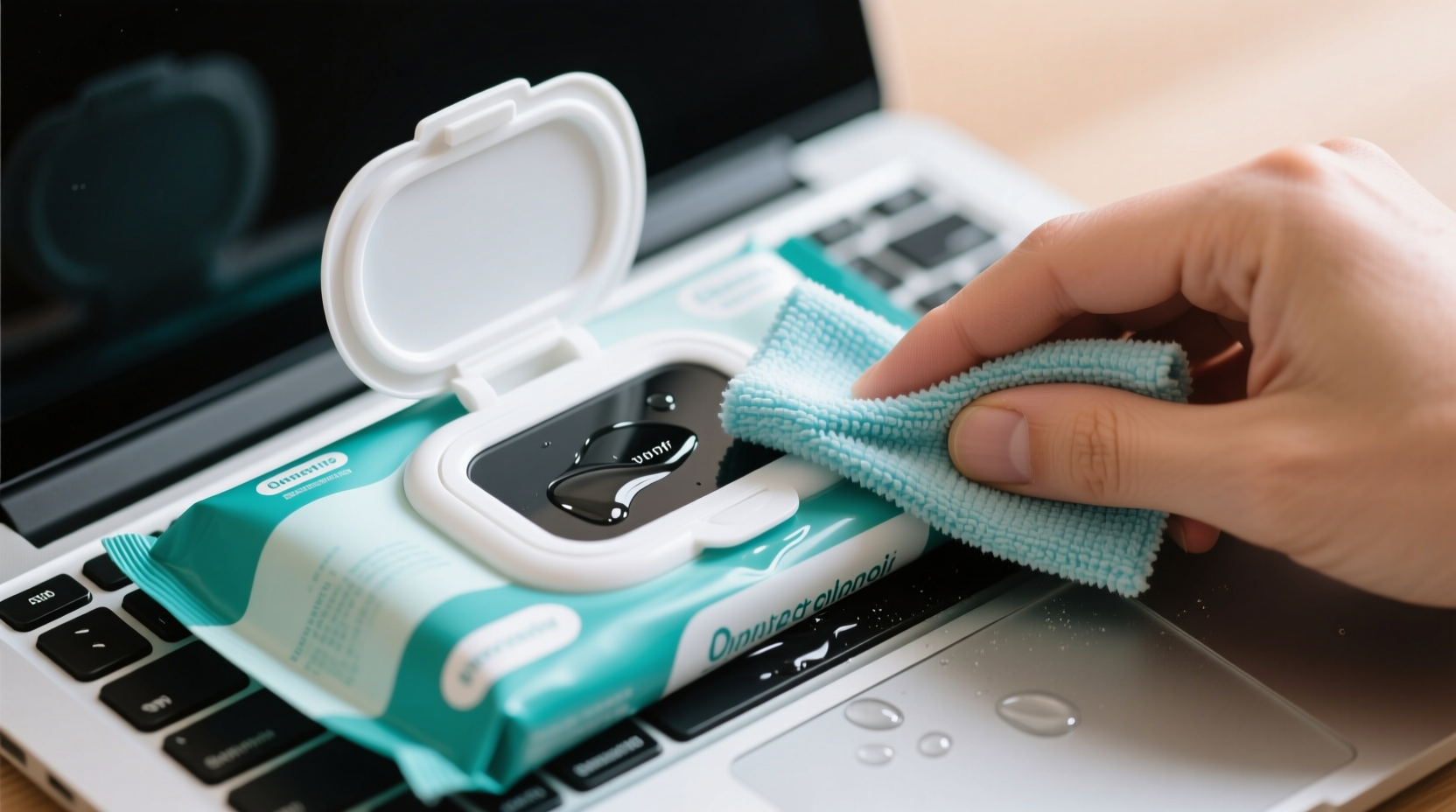
Most standard cleaning wipes—those marketed for countertops, bathrooms, or general household use—contain ingredients that are too harsh for delicate electronic surfaces. These often include alcohol (especially in high concentrations), ammonia, bleach, or other solvents designed to cut through grease or disinfect porous materials. While effective on tile or plastic counters, these substances can degrade anti-glare or oleophobic coatings on screens, discolor plastics, or even corrode internal circuitry if moisture seeps in.
Moisture is the primary concern. Even a slightly damp wipe can allow liquid to enter ports, seams, or speaker grilles. Once inside, it may not evaporate quickly, especially in tightly sealed devices like smartphones or earbuds. Over time, this can lead to corrosion, short circuits, or sensor malfunctions. Apple, Samsung, and other major manufacturers explicitly warn against using products containing acetone, window cleaners, or abrasive cloths on their devices.
What Makes a Cleaning Product Safe for Electronics?
Safe cleaning for electronics involves two key factors: chemical compatibility and physical application. The ideal solution cleans effectively without leaving residue, damaging coatings, or introducing moisture where it doesn’t belong.
Electronics-friendly cleaners typically contain:
- Isopropyl alcohol (IPA) at 70% concentration or lower – Effective at killing germs and evaporating quickly without leaving streaks.
- Deionized or distilled water – Free of minerals that could leave deposits or promote conductivity if spilled.
- No ammonia, bleach, or acids – These can etch glass or degrade plastic housings.
Manufacturers like Dell and HP recommend turning off and unplugging devices before cleaning, then using a microfiber cloth lightly dampened with a 70% isopropyl alcohol solution. Some companies even sell pre-moistened wipes specifically formulated for screens and touch surfaces—these are generally safer than multipurpose household wipes.
“Using consumer-grade disinfectant wipes on electronics is one of the most common causes of preventable damage we see in repair shops.” — Jordan Lee, Senior Technician at TechCare Repair Labs
Do’s and Don’ts: A Practical Comparison
| Do’s | Don’ts |
|---|---|
| Use a microfiber cloth slightly dampened with 70% isopropyl alcohol | Use paper towels or rough fabrics that can scratch surfaces |
| Clean devices when powered off and unplugged | Apply liquids directly to ports, buttons, or speakers |
| Use manufacturer-approved cleaning kits or wipes | Use household cleaners like Windex, Lysol wipes, or Clorox wipes |
| Wipe gently in one direction to avoid spreading debris | Soak the device or let moisture pool around edges |
| Allow devices to air dry completely before powering on | Clean while the device is hot or running |
A Step-by-Step Guide to Safely Clean Your Electronics
Cleaning your devices properly doesn’t require special tools—just patience and the right method. Follow this sequence to minimize risk and maximize effectiveness:
- Power down and unplug: Turn off the device and disconnect it from any power source. For laptops, shut down completely; for phones, power off. Unplug chargers, headsets, or peripherals.
- Remove accessories: Take off cases, screen protectors, or detachable parts to clean them separately.
- Start with dry cleaning: Use a dry microfiber cloth to gently wipe away dust and fingerprints. This removes surface debris without introducing moisture.
- Prepare your cleaning solution: Mix 70% isopropyl alcohol with distilled water in a 1:1 ratio, or use a pre-formulated electronics-safe wipe. Never pour liquid directly onto the device.
- Dampen a corner of the cloth: Lightly moisten a small section of a lint-free cloth—only enough to make it slightly damp, not wet.
- Wipe gently in straight lines: Avoid circular motions that can swirl oils. Focus on the screen, back panel, and frequently touched areas like buttons or trackpads.
- Target crevices carefully: Use a cotton swab lightly dipped in the solution to clean around ports, vents, or keyboard gaps. Do not insert deeply.
- Let it air dry: Allow at least 5–10 minutes for any residual moisture to evaporate before turning the device back on.
- Reassemble and test: Replace any removed components and power up the device to ensure full functionality.
Real Example: How One Office Worker Damaged Her Laptop
Sarah, a project manager at a mid-sized tech firm, wanted to disinfect her laptop after returning from vacation. She used a Lysol wipe—commonly used in her office for shared surfaces—and wiped down the keyboard and screen without hesitation. Within hours, she noticed a faint haze on the display. By the next day, vertical lines appeared across the monitor, and the touchpad became unresponsive.
She brought it to a repair technician who confirmed moisture had seeped under the screen bezel and damaged the display ribbon cable. Additionally, the ammonia in the wipe had degraded the anti-reflective coating. The total repair cost exceeded $300—more than ten times the price of a proper electronics cleaning kit.
Sarah’s case isn’t unique. In a 2022 survey by the Consumer Technology Repair Association, nearly 28% of screen-related service calls were linked to improper cleaning methods, with disinfectant wipes being the leading culprit.
Best Alternatives to Regular Cleaning Wipes
If regular wipes are off-limits, what should you use instead? Fortunately, there are several safe and effective options:
- Microfiber cloth + DIY solution: Combine 70% isopropyl alcohol and distilled water in a spray bottle. Mist lightly onto the cloth, never the device.
- Premade electronics wipes: Brands like Whoosh!, Zagg, or Screen Mom offer individually packaged, non-abrasive wipes designed specifically for screens.
- UV-C sanitizing devices: These portable boxes use ultraviolet light to kill bacteria and viruses without chemicals or moisture. Ideal for phones, earbuds, and remotes.
- Dry compressed air: Useful for removing dust from keyboards, ports, or ventilation fans without physical contact.
For high-touch items like remote controls or gaming controllers, consider using protective silicone covers that can be removed and washed regularly. This reduces direct contact with the device itself and simplifies maintenance.
Checklist: Safe Electronics Cleaning Routine
Keep this checklist handy whenever you plan to clean your devices:
- ✅ Power off and unplug the device
- ✅ Remove cases, covers, or detachable parts
- ✅ Use a dry microfiber cloth to remove dust
- ✅ Dampen a corner of the cloth with electronics-safe solution
- ✅ Wipe screen and surfaces gently in straight lines
- ✅ Use a dry cotton swab for tight spaces
- ✅ Allow 5–10 minutes for drying
- ✅ Reassemble and power on to verify function
- ✅ Store cleaning supplies in a cool, dry place away from children
Frequently Asked Questions
Can I use baby wipes to clean my phone screen?
No. Most baby wipes contain mild soaps, fragrances, and moisturizers that can leave a sticky residue or damage screen coatings. While less aggressive than disinfectant wipes, they still introduce unnecessary moisture and chemicals. Stick to microfiber cloths or approved screen wipes instead.
Is 70% isopropyl alcohol safe for all electronics?
Yes, 70% isopropyl alcohol is widely recommended by manufacturers for external cleaning. Higher concentrations (like 90%+) evaporate too quickly and may not clean as effectively, while also increasing flammability risk. Always apply it to a cloth, not directly to the device.
How often should I clean my electronics?
For personal devices like phones and laptops, a light cleaning once a week helps control germs and oil buildup. Deep cleaning—especially around ports and keyboards—should be done every 4–6 weeks. Shared devices in offices or homes may need more frequent attention, particularly during cold and flu seasons.
Conclusion: Protect Your Investment with Smarter Cleaning Habits
Your electronics represent a significant investment of time, money, and personal data. Treating them with care extends their lifespan and ensures optimal performance. While regular cleaning wipes might seem like a quick fix, they pose real risks that far outweigh their convenience. By switching to safer methods—using microfiber cloths, appropriate solutions, and gentle techniques—you protect both the hardware and your peace of mind.




 浙公网安备
33010002000092号
浙公网安备
33010002000092号 浙B2-20120091-4
Comments
No comments yet. Why don't you start the discussion?