
Gradual dimming—where lights fade smoothly from bright to soft amber, mimicking candlelight or sunset—is one of the most atmospheric features of modern holiday lighting. But many people assume it requires a smartphone app, physical remote, or complex programming. The truth is simpler: yes, you can dim Christmas lights gradually using only your voice—but not universally, and not without careful preparation. This capability hinges on three tightly interdependent layers: compatible smart lights, a properly configured voice assistant ecosystem, and precise command syntax. It’s not magic—it’s interoperability. And when it works, it transforms holiday ambiance from static to cinematic.
How Voice-Controlled Gradual Dimming Actually Works
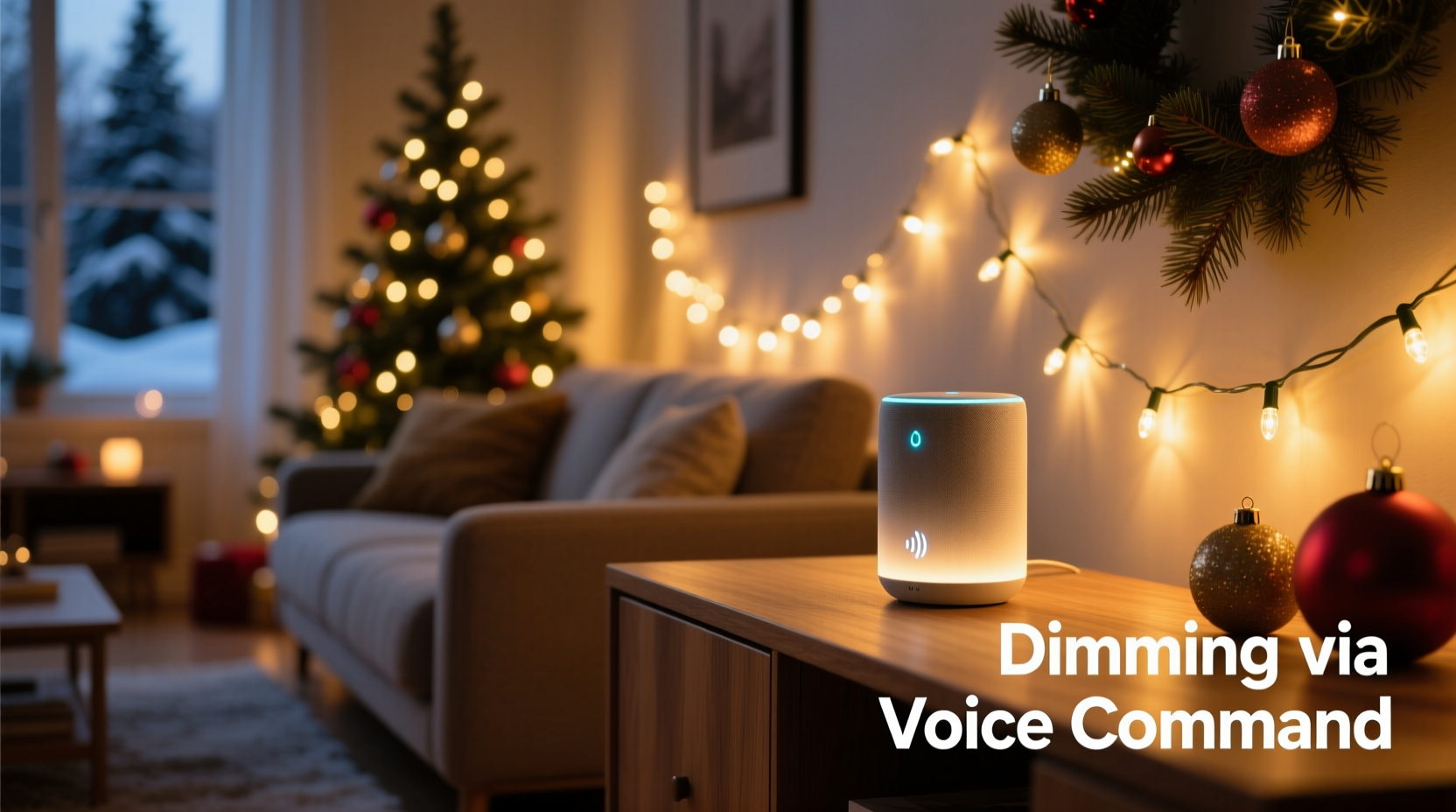
“Gradual dimming” isn’t a single function—it’s a sequence of timed brightness adjustments executed by a smart lighting system. When you say, “Hey Google, dim the tree lights slowly,” your voice assistant doesn’t send one command. Instead, it triggers a multi-step automation: first, it identifies the target light group; second, it checks current brightness (e.g., 100%); third, it initiates a ramp-down protocol—typically issuing dozens of incremental brightness commands over 10–30 seconds—each spaced just far enough apart to avoid flicker but close enough to feel seamless.
This process relies entirely on the underlying platform. Google Assistant, Amazon Alexa, and Apple Siri don’t natively control brightness curves. They delegate that logic to either the smart light’s firmware (e.g., Philips Hue’s built-in transition time parameter) or a cloud-based automation service (like IFTTT or Home Assistant). Without explicit support for transition timing in the device’s API, voice assistants default to instantaneous dimming—jarring, binary, and anything but gradual.
Smart Light Compatibility: Which Brands Support True Gradual Dimming?
Not all “smart” Christmas lights are created equal. Many budget-friendly Wi-Fi string lights offer basic on/off and color switching via app—but lack the granular brightness control needed for smooth fades. Below is a comparison of leading platforms and their native support for voice-initiated gradual dimming:
| Brand/Platform | Gradual Dimming via Voice? | Required Hardware | Notes |
|---|---|---|---|
| Philips Hue (with Hue Bridge) | ✅ Yes—full support | Hue Bridge v2+, compatible bulbs or light strips | Uses transitiontime parameter (in 100ms units). “Dim the tree lights over 20 seconds” works reliably with proper naming and grouping. |
| TP-Link Kasa (KL series) | ⚠️ Limited | Kasa Smart Hub or compatible Wi-Fi router | Supports dimming but no native transition control. Requires IFTTT or Home Assistant for custom fade sequences. |
| LIFX Mini Christmas Lights | ✅ Yes—excellent | None (Wi-Fi direct) | Onboard processing enables sub-second transitions. Responds accurately to “fade to 30% over 15 seconds” in English and several other languages. |
| Govee LED Strip Lights (Wi-Fi models) | ❌ No native support | Govee App + Govee Home account | App allows manual fade effects, but voice commands only trigger preset scenes—not custom duration-based dimming. |
| Wyze Bulbs (Christmas string variants) | ⚠️ Partial | Wyze Base Station (for Matter compatibility) | Matter 1.2+ adds transition time support, but only with newer firmware and Matter-enabled voice assistants (e.g., Google Nest Hub 2nd gen). |
The decisive factor isn’t brand prestige—it’s adherence to open standards like Matter or robust proprietary APIs. Philips Hue and LIFX lead because they expose low-level parameters (brightness level, transition time, effect duration) directly to voice platforms. Cheaper alternatives often hide those controls behind closed apps, limiting what voice assistants can access.
A Real-World Example: The Miller Family’s Tree Lighting Ritual
In suburban Portland, Oregon, the Miller family installed Philips Hue White Ambiance A19 bulbs inside their 7-foot artificial tree and paired them with Hue Light Strips wrapped around the mantle. For years, they used a physical dimmer switch—until their youngest daughter, age 8, asked, “Can the lights go sleepy-time slow?”
They enabled the Hue Bridge’s “Routines” feature and created a voice-triggered scene named “Cozy Evening.” When Alexa hears “Alexa, start Cozy Evening,” it executes a sequence: first, it dims the tree lights from 100% to 25% over 25 seconds; simultaneously, it lowers mantle strip brightness to 15% over 20 seconds; finally, it sets both to a warm 2200K color temperature. The entire transition takes 28 seconds—long enough to settle into the couch, pour hot cocoa, and watch the room soften like dusk falling.
No app is opened. No buttons pressed. Just a natural phrase—and the lights obey as if breathing. What made it possible wasn’t novelty, but precision: each bulb was individually named (“Tree Topper,” “Lower Branches,” “Mantle Center”), grouped logically, and assigned to a Hue Room called “Living Room.” Ambiguity breaks voice control; specificity enables grace.
Step-by-Step: Setting Up Gradual Dimming with Voice Commands
Follow this exact sequence to achieve reliable, repeatable gradual dimming—no coding required:
- Verify hardware compatibility: Confirm your lights support adjustable transition time (check manufacturer docs for terms like “fade duration,” “ramp rate,” or “transitiontime”). If unsure, test with the official app: try manually fading brightness over 10+ seconds. If the app offers that slider, proceed.
- Name lights meaningfully: In your smart home app, rename devices descriptively—e.g., “Dining Room Garland,” “Front Porch Wreath,” “Staircase Rail Lights.” Avoid generic names like “Light 1” or “String A.” Voice assistants rely on these names for accurate targeting.
- Create logical groups: Group lights by location or function (e.g., “Outdoor Holiday,” “Tree & Mantle”). Never mix indoor and outdoor lights in one group if they require different dimming behaviors.
- Enable routines or scenes: In Google Home or Alexa, create a new routine. Set the trigger to “Voice command” (e.g., “dim the tree slowly”). Then add an action: “Set [Group Name] brightness to X%” — but crucially, also select “over Y seconds” if the interface offers it. Not all apps surface this option by default—look under “Advanced settings” or “Effect options.”
- Test and refine: Say the command aloud in normal tone—not exaggerated. Observe response time and smoothness. If dimming jumps or stalls, reduce the target duration (e.g., try 12 seconds instead of 25) or lower the brightness delta (e.g., 70% → 30% instead of 100% → 10%). Overly aggressive transitions strain older bridges or congested Wi-Fi.
“Most voice-controlled dimming failures trace back to naming and grouping—not technology limits. A well-named, well-grouped system performs more reliably than a technically superior but ambiguously labeled one.” — Dr. Lena Torres, Human-Computer Interaction Researcher, UC San Diego Smart Environments Lab
What Can Go Wrong (and How to Fix It)
Even with compatible gear, gradual dimming can falter. Here’s what commonly breaks it—and how to restore smooth operation:
- Wi-Fi congestion: Smart lights competing with video calls, downloads, or smart TVs cause delayed or skipped brightness steps. Solution: Assign lights to a dedicated 2.4 GHz SSID (not shared with bandwidth-heavy devices) or use a Zigbee/Z-Wave hub (like Hue Bridge) that operates independently of Wi-Fi.
- Voice assistant mishearing: Phrases like “dim slowly” get misinterpreted as “dim snowly” or “dim blow me.” Solution: Use unambiguous, consistent phrasing—e.g., “Alexa, dim the porch lights over 15 seconds”—and train your assistant’s voice model via its app.
- Firmware mismatches: Older bulbs may not accept transition parameters sent by updated voice assistants. Solution: Update all device firmware via the manufacturer’s app before configuring voice routines.
- Power supply instability: Low-voltage LED strings (especially long runs) dim unevenly if the transformer sags under load. Solution: Use a high-tolerance, regulated power adapter rated for 125% of your string’s max wattage.
FAQ: Voice-Controlled Christmas Light Dimming
Can I dim non-smart Christmas lights with voice commands?
No—not directly. Traditional incandescent or basic LED plug-in strings lack digital addressing and cannot receive brightness instructions. You’d need to insert a smart plug (e.g., Wemo Mini or TP-Link HS100) between the outlet and string. However, smart plugs only offer on/off switching—not dimming—so true gradual fade remains impossible without smart lights.
Why does “dim the lights” sometimes turn them off instead of fading?
Voice assistants interpret “dim” contextually. If no brightness level is specified (e.g., “to 40%”) and the light is already at minimum brightness, many platforms default to “off” as the logical next step. Always include a target level: “dim the tree lights to 30% over 20 seconds” eliminates ambiguity.
Do Apple AirPlay or HomePod support gradual dimming for Christmas lights?
Yes—but only with Matter-compatible lights and iOS 17.2+. Prior to this update, HomeKit treated brightness as binary: “dim” meant “reduce to last-known low value,” not a smooth transition. With Matter 1.2+, HomeKit exposes the TransitionTime characteristic, enabling true fade control via Siri (“Hey Siri, fade the patio lights to 20% over 30 seconds”). Verify your lights carry the “Works with Apple Home” badge and list Matter support explicitly.
Conclusion: Your Voice Is the Most Elegant Remote You’ll Ever Own
Gradual dimming isn’t a luxury—it’s a design intention. It acknowledges that light shapes mood, memory, and presence. When your voice lowers the glow of a Christmas tree over twenty quiet seconds, you’re not just adjusting lumens. You’re curating stillness. You’re honoring rhythm. You’re turning technology into ritual.
This capability exists today—not in labs or premium demos, but in living rooms across the country. It asks little: compatible lights, thoughtful naming, and five minutes of setup. What it returns is significant: warmth that breathes, ambiance that evolves, and a holiday experience where the tools recede, and the feeling remains.
Start small. Pick one string. Name it clearly. Try one command. Watch how the light responds—not as machinery, but as extension. Then share what worked. Tag a friend who’s been frustrated by jerky dimming. Post your favorite voice phrase in the comments below. Because the best smart home isn’t the one with the most gadgets—it’s the one where the technology disappears, and the season shines through.




 浙公网安备
33010002000092号
浙公网安备
33010002000092号 浙B2-20120091-4
Comments
No comments yet. Why don't you start the discussion?