
As holiday seasons grow smarter, so do our traditions. The days of manually adjusting Christmas lights—fumbling with timers, climbing ladders, or walking across the yard in the cold—are fading fast. With voice assistants like Amazon Alexa and Google Assistant, controlling your festive lighting setup is now as simple as speaking a sentence. But can you actually dim your Christmas lights using voice commands? The short answer is yes—if you have the right equipment and configuration. This guide breaks down everything you need to know to make your holiday lighting smart, responsive, and effortlessly controllable by voice.
How Voice-Controlled Lighting Works
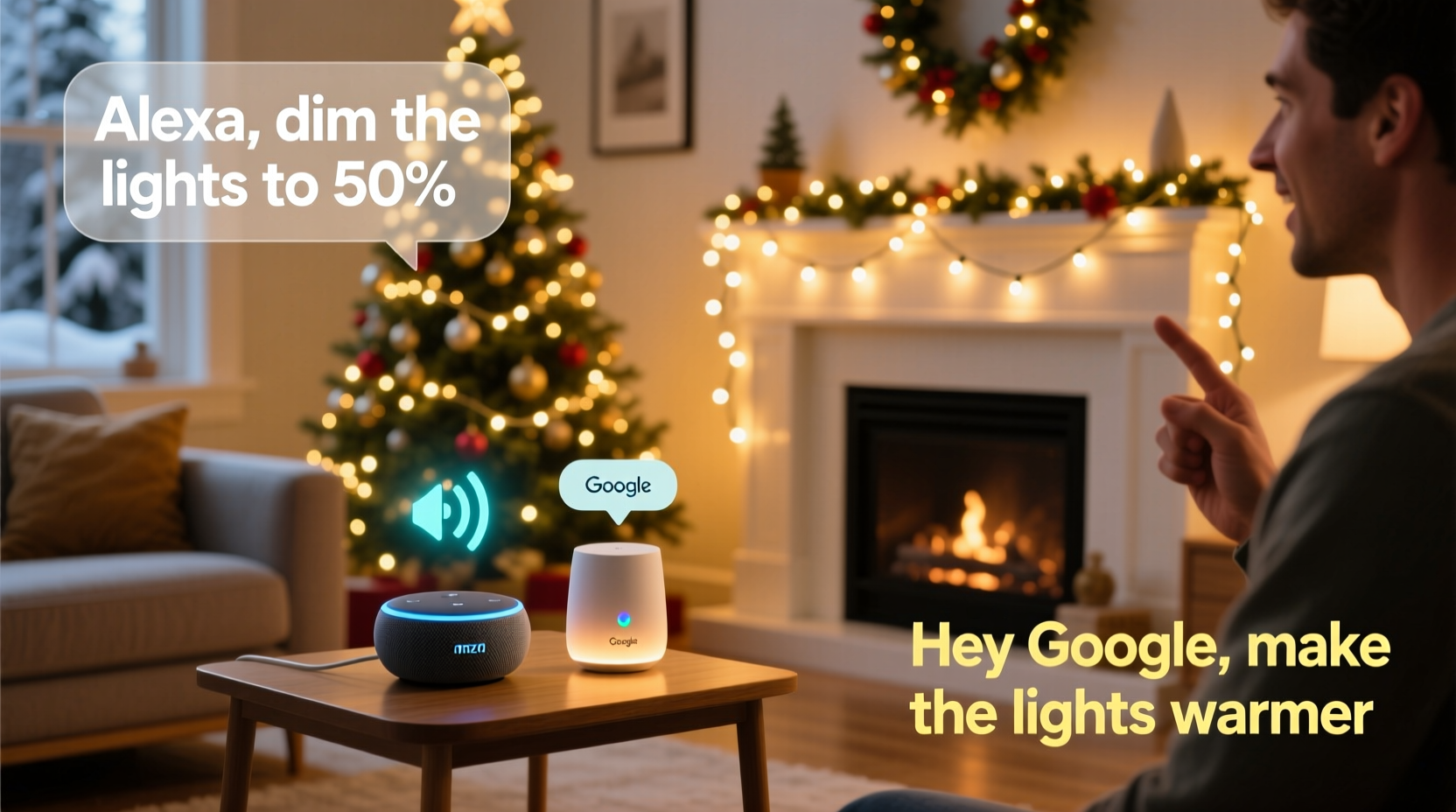
Voice control for Christmas lights isn’t magic—it’s powered by smart home technology. When you issue a voice command like “Alexa, dim the Christmas lights to 50%,” here’s what happens behind the scenes:
- You speak the command into an Alexa-enabled device (like an Echo) or a Google Assistant-compatible speaker (such as a Nest Audio).
- The assistant processes your request, identifies the correct smart device (your Christmas lights), and sends a signal over Wi-Fi or another supported protocol (e.g., Zigbee, Z-Wave, Thread).
- The smart plug or smart light strip receives the instruction and adjusts its brightness accordingly.
This process relies on three key components: a compatible voice assistant platform, a smart lighting device that supports dimming, and a stable internet connection. Without any one of these, voice-controlled dimming won’t work.
Compatible Devices for Dimmable Christmas Lights
Not all Christmas lights can be dimmed. Traditional incandescent or basic LED strings without smart capabilities cannot respond to voice commands. To achieve voice-dimming functionality, you’ll need either smart light strips or smart plugs paired with dimmable bulbs or LED strings.
Smart Light Strips
These are flexible LED strips designed specifically for decorative lighting. Brands like Philips Hue, Govee, LIFX, and Nanoleaf offer outdoor-rated options suitable for Christmas displays. They connect directly to your Wi-Fi or via a hub and support full color and brightness control.
Smart Plugs with Dimming Support
A smart plug acts as a bridge between your existing Christmas lights and your voice assistant. However, not all smart plugs support dimming. Most only turn power on or off. For dimming, you need a plug explicitly labeled as “dimmable” and compatible with dimmable light strings.
| Device Type | Dimming Supported? | Voice Assistant Compatibility | Best Use Case |
|---|---|---|---|
| Philips Hue Lightstrip | Yes | Alexa, Google Assistant | Indoor/outdoor trim lighting |
| Govee RGBIC Strip | Yes | Alexa, Google Assistant | Color-changing eaves or trees |
| Kasa Smart Plug Mini (KP105) | No (on/off only) | Alexa, Google Assistant | Non-dimmable string lights |
| Lutron Caséta Wireless Plug-on Dimmer | Yes | Alexa, Google Assistant (via hub) | Demanding outdoor setups |
| Traditional Incandescent Strings | No | N/A | Manual control only |
When shopping for smart lighting, always check product specifications for “dimmable” and “voice control” features. Look for certifications like “Works with Alexa” or “Works with Google Assistant” on packaging or listings.
Step-by-Step Setup Guide
Getting your Christmas lights ready for voice dimming involves several clear steps. Follow this sequence to ensure seamless integration:
- Purchase Compatible Equipment: Buy either dimmable smart light strips or a dimmable smart plug paired with dimmable Christmas lights.
- Install the Lights: Hang your lights securely outdoors or indoors. If using a smart plug, plug the light string into the smart device.
- Connect to Wi-Fi: Download the manufacturer’s app (e.g., Govee Home, Philips Hue, Kasa). Follow in-app instructions to pair the device with your home Wi-Fi network.
- Link to Voice Assistant: Open the Alexa or Google Home app. Navigate to \"Devices\" > \"Add Device\" > \"Light\" and follow prompts to discover and link your smart lights.
- Test Basic Commands: Say, “Hey Google, turn on the Christmas lights” or “Alexa, turn off the tree lights” to confirm connectivity.
- Use Dimming Commands: Once confirmed, try, “Alexa, dim the porch lights to 30%” or “Hey Google, set the tree lights to 75% brightness.”
“Voice-controlled lighting transforms holiday decorating from a chore into an experience. Families can adjust ambiance instantly, enhancing both safety and celebration.” — Daniel Ruiz, Smart Home Integration Specialist
Troubleshooting Common Issues
Even with the right gear, problems can arise. Here are frequent issues and how to resolve them:
- Lights don’t respond to voice commands: Ensure the device is properly linked in the Alexa or Google Home app. Try removing and re-adding the device.
- Dimming doesn’t work (only on/off): Confirm that both the smart device and the connected lights support dimming. Some LED strings claim to be dimmable but only work with specific dimmers.
- Delayed response or lag: This often stems from poor Wi-Fi signal strength. Place your router closer to the lights or use a Wi-Fi extender.
- Lights appear in the app but not in voice assistant: Check naming conventions. Avoid special characters or overly long names. Use simple, unique identifiers like “Front Yard Lights” instead of “Christmas Lights #3.”
Real-World Example: A Festive Family Experience
The Thompson family in Portland, Oregon, upgraded their holiday display two years ago with Govee smart LED strips wrapped around their front porch railing and roofline. Initially, they used the Govee app to change colors and brightness nightly—a task their kids enjoyed but found tedious after a few weeks.
After linking the lights to their Google Nest Hub, they began using voice commands. Now, every evening, 8-year-old Mia says, “Hey Google, set the Christmas lights to soft gold at 40%,” creating a warm glow before dinner. On weekends, they switch to animated rainbow modes with, “Hey Google, play the jingle mode.”
The real benefit emerged during a neighborhood holiday tour. As guests arrived, Mr. Thompson used his phone to pre-brighten the display, then dimmed it later with, “Alexa, lower the lights to 20% for a cozy feel.” The ease of adjustment impressed visitors—and reduced stress for the hosts.
Expert Tips for Optimal Performance
To get the most out of your voice-controlled Christmas lights, consider these professional recommendations:
- Use consistent naming: Name your lights clearly and consistently. Avoid duplicates like “Lights” and “More Lights.” Instead, use “Tree Lights,” “Porch Lights,” and “Roof Lights.”
- Create routines: Set up automated scenes. For example, create an Alexa routine called “Holiday Evening” that dims the porch lights to 50%, turns on indoor candles, and plays soft carols at 6 PM daily.
- Group devices: In the Google Home or Alexa app, group multiple light strips under one name (e.g., “Exterior Christmas Lights”) for unified control.
- Check weather resistance: Outdoor smart lights must be rated IP65 or higher to withstand rain, snow, and temperature swings.
- Update firmware regularly: Manufacturers release updates that improve stability, add features, and enhance voice assistant compatibility.
Frequently Asked Questions
Can I dim non-smart Christmas lights with Alexa or Google?
No—not directly. However, if your traditional lights are plugged into a dimmable smart plug (like the Lutron Caséta) and the lights themselves are dimmable LEDs, you can achieve indirect voice dimming. Standard incandescent or non-dimmable LEDs will not respond properly.
Why does Alexa say my lights don’t support dimming?
This error usually means one of three things: the smart device doesn’t support dimming, the connected light string isn’t dimmable, or the device wasn’t correctly discovered during setup. Double-check product specs and re-pair the device if needed.
Can I schedule dimming times with voice assistants?
Yes. Both Alexa and Google Assistant allow scheduling through routines. You can set your lights to dim automatically at sunset, bedtime, or during dinner parties. For example: “Every night at 9 PM, dim the Christmas lights to 25%.”
Final Checklist Before You Begin
Before investing in voice-controlled Christmas lighting, run through this checklist to ensure success:
- ✅ Are your Christmas lights dimmable? (Check packaging or product details)
- ✅ Do you have a compatible smart device (smart strip or dimmable smart plug)?
- ✅ Is your Wi-Fi network stable and within range of the lights?
- ✅ Have you downloaded the necessary app (e.g., Govee, Hue, Kasa)?
- ✅ Is your voice assistant (Alexa or Google) updated and logged into the same account?
- ✅ Have you named and grouped your lights for easy control?
- ✅ Tested basic on/off and dimming commands successfully?
Conclusion: Bring Your Holiday Spirit into the Smart Age
Voice-controlled Christmas lights are no longer a futuristic fantasy—they’re accessible, affordable, and surprisingly easy to set up. Whether you're looking to create a serene winter ambiance or dazzle your neighbors with dynamic color shifts, Alexa and Google Assistant give you instant, hands-free control. By choosing the right dimmable hardware and following proper setup procedures, you can transform your holiday lighting into an interactive, responsive part of your smart home ecosystem.




 浙公网安备
33010002000092号
浙公网安备
33010002000092号 浙B2-20120091-4
Comments
No comments yet. Why don't you start the discussion?