
If your phone rings but you don’t hear it, or worse—calls come in completely silently—you’re not just missing notifications; you could be missing important life moments. Whether it’s a job offer, a family emergency, or a friend checking in, silent calls disrupt communication and create unnecessary stress. The good news: most causes of missing incoming call sounds are fixable with the right approach. This guide walks through proven troubleshooting steps to restore your ringtone, covering both Android and iOS devices, hardware checks, software settings, and overlooked system behaviors.
Check Basic Audio Settings First
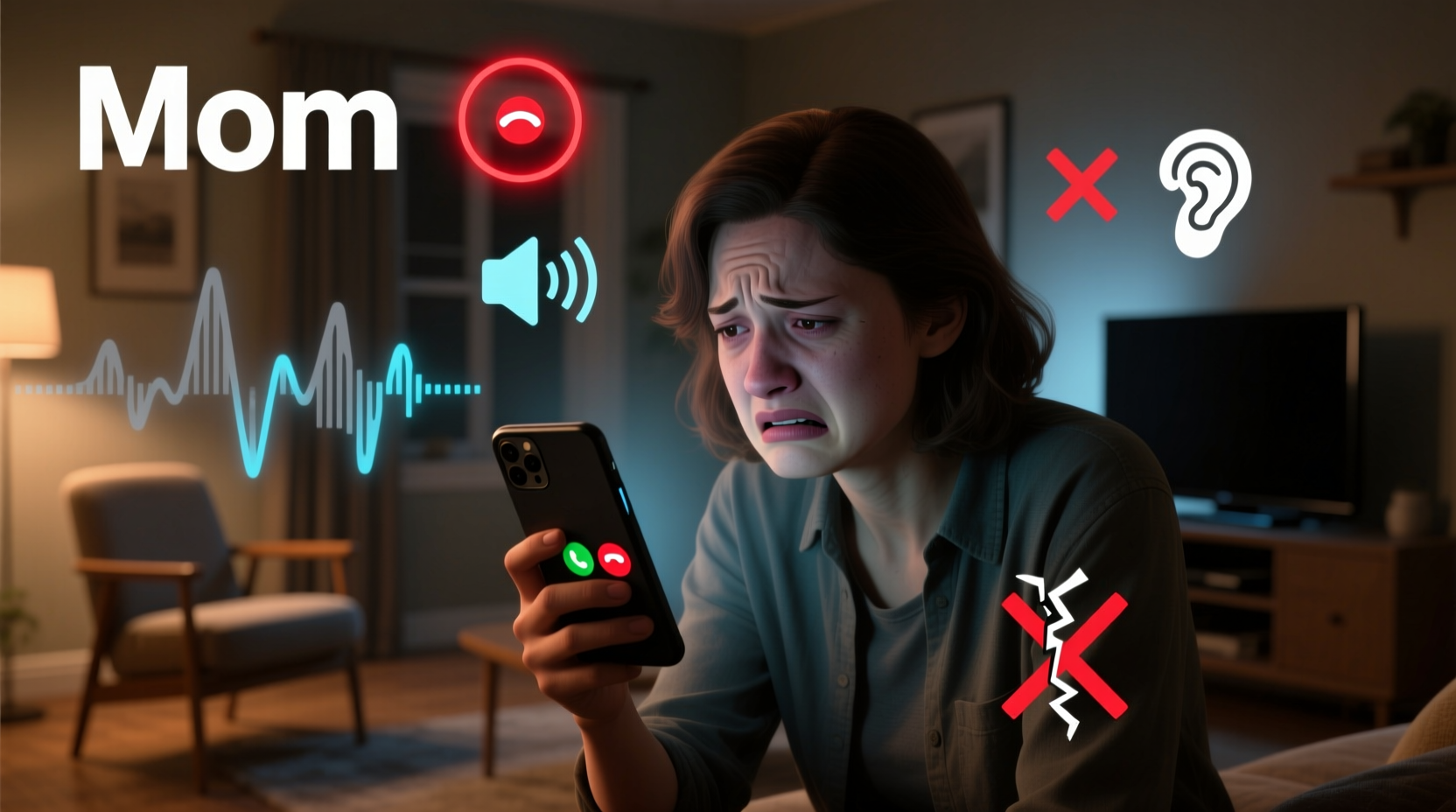
The most common reason for not hearing incoming calls is misconfigured audio settings. Before diving into complex diagnostics, verify these fundamental controls:
- Ringer volume: Ensure the side volume buttons aren’t set to vibrate or silent mode. On iPhones, check the physical mute switch above the volume rocker.
- Do Not Disturb (DND) or Focus Mode: These features silence all or select calls. Verify they aren’t active during times you expect calls.
- Ringtone selection: Confirm a valid ringtone is selected and not set to “None” or “Silent.”
- App-specific settings: If using VoIP apps like WhatsApp or FaceTime, ensure their notification sounds are enabled separately.
Step-by-Step Troubleshooting Guide
Follow this structured sequence to isolate and resolve the issue efficiently:
- Verify physical switches: On iPhones, ensure the mute switch (above volume buttons) isn’t flipped to silent. A red line indicates silent mode.
- Adjust ringer volume: Press the volume up button on the side and confirm the ringer icon appears, not media volume.
- Disable Do Not Disturb / Focus Modes: Go to Settings > Focus (iOS) or Settings > Sound > Do Not Disturb (Android) and disable active modes.
- Check ringtone assignment: Navigate to Settings > Sounds & Haptics > Ringtone (iOS) or Settings > Sound > Phone ringtone (Android). Pick a default tone like “Marimba” or “Retro.”
- Restart the device: A reboot clears temporary glitches affecting sound services.
- Test with headphones and Bluetooth: Disconnect all audio peripherals. Sometimes phones route sound incorrectly after pairing.
- Update the operating system: Install pending OS updates—bugs affecting audio routing are often patched in updates.
Common Hidden Causes and Fixes
Beyond basic settings, several less obvious issues can mute incoming calls:
Call Filtering and Blocked Contacts
Both Android and iOS support call filtering via third-party apps or built-in spam detection. If a number is flagged as spam, the phone may silently reject or divert the call without ringing.
- iOS: Check Settings > Phone > Call Blocking & Identification. Disable any third-party blocking apps temporarily.
- Android: Open Phone app > Settings > Blocked numbers or Spam & Call Screen. Review if legitimate contacts are mistakenly blocked.
Accessibility Features Interfering
Features like “Vibration Only” under Accessibility or “Audio Routing” in Samsung’s Advanced Settings can override standard ring behavior.
“Many users unknowingly activate mono audio or sound balance settings that redirect output away from speakers.” — Lena Park, Mobile Support Specialist at TechAid Labs
Damaged or Obstructed Speakers
Physical damage or dust buildup in the earpiece or bottom speaker grill can muffle or eliminate ring sounds. Use a soft brush or compressed air to clean gently. Avoid sharp objects.
Troubleshooting Table: Android vs iPhone
| Issue | Android Fix | iPhone Fix |
|---|---|---|
| No ringtone plays | Settings > Sound > Phone ringtone – select a default tone | Settings > Sounds & Haptics > Ringtone – choose non-silent option |
| Only vibrates | Check Physical/Vibration mode toggle in Quick Settings | Ensure mute switch is off (no red line visible) |
| Sound comes from earpiece only | Settings > Accessibility > Hearing – disable Mono Audio if on | Settings > Accessibility > Audio/Visual – adjust balance slider |
| Calls go straight to voicemail | Check call forwarding: Dial ##002# to reset |
Settings > Phone > Call Forwarding – turn off |
| Third-party app interference | Review permissions for call control apps (e.g., Truecaller) | Settings > Phone > Call Blocking & Identification – disable suspicious apps |
Mini Case Study: Sarah’s Silent Calls Mystery
Sarah, a freelance designer, began missing client calls despite her phone being nearby. She assumed poor signal, but Wi-Fi calling worked fine. After testing with friends, she realized no ringtone played—only vibration. She checked volume, restarted her Pixel 6, and confirmed the ringtone was set to “Luminous.” Nothing helped. Then, she noticed Truecaller was running in the background. Disabling its “Silence Unknown Callers” feature immediately restored normal ringing. The app had classified new numbers as spam and muted them automatically. Sarah now reviews blocked lists weekly and keeps only essential filters active.
Expert Checklist: Restore Incoming Call Sound
Use this checklist to systematically eliminate causes:
- ✅ Ensure ringer is not on silent or vibrate-only mode
- ✅ Disable Do Not Disturb, Sleep, Work, or Focus modes
- ✅ Confirm a valid ringtone is selected (not “None”)
- ✅ Restart the phone to refresh audio services
- ✅ Disconnect Bluetooth devices and headphones
- ✅ Check for OS updates (iOS 17+, Android 13+)
- ✅ Inspect speaker grills for debris or water damage
- ✅ Review call-blocking apps and spam filters
- ✅ Test with a known contact calling from another number
- ✅ Reset all settings (as last resort—does not erase data)
Frequently Asked Questions
Why does my phone not ring even though the volume is up?
You may be adjusting media volume instead of ringer volume. On most phones, press the volume button during idle and ensure the bell icon appears, not music notes. Also, check if the device is in “Priority Only” or Focus mode, which restricts alerts.
Can a software update cause my ringtone to stop working?
Yes. Occasionally, OS updates reset sound preferences or introduce bugs. For example, iOS 16.4 caused some users to lose custom ringtones due to file compatibility changes. Always back up custom tones and reassign them after major updates.
What should I do if none of the fixes work?
If all settings are correct and the speaker works for media playback but not calls, the issue may be firmware-related. Try resetting all settings (Settings > General > Reset > Reset All Settings on iPhone; Settings > System > Reset Options on Android). If the problem persists, contact manufacturer support—there may be a hardware fault with the main speaker driver.
Conclusion: Regain Control Over Your Connections
Missing incoming calls isn’t just inconvenient—it can impact relationships, opportunities, and safety. Most sound issues stem from simple oversights: a flipped mute switch, an overzealous spam filter, or outdated software. By methodically checking settings, cleaning hardware, and understanding how modern phones manage audio, you can restore reliable ring functionality. Don’t wait until you’ve missed another critical call. Take ten minutes today to run through the checklist, test your ringtone, and ensure your phone works the way it should.




 浙公网安备
33010002000092号
浙公网安备
33010002000092号 浙B2-20120091-4
Comments
No comments yet. Why don't you start the discussion?