
If you've tried to send Bitcoin through Cash App only to be met with an error, delay, or restriction, you're not alone. Thousands of users encounter issues when attempting to transfer cryptocurrency — often at the worst possible moment. Whether you're trying to move funds to another wallet, pay someone, or consolidate assets, being blocked from sending Bitcoin can be frustrating. The good news is that most problems have clear causes and practical solutions. This guide breaks down the real reasons behind sending failures and provides actionable steps to resolve them quickly.
Why You Can’t Send Bitcoin on Cash App: Common Causes
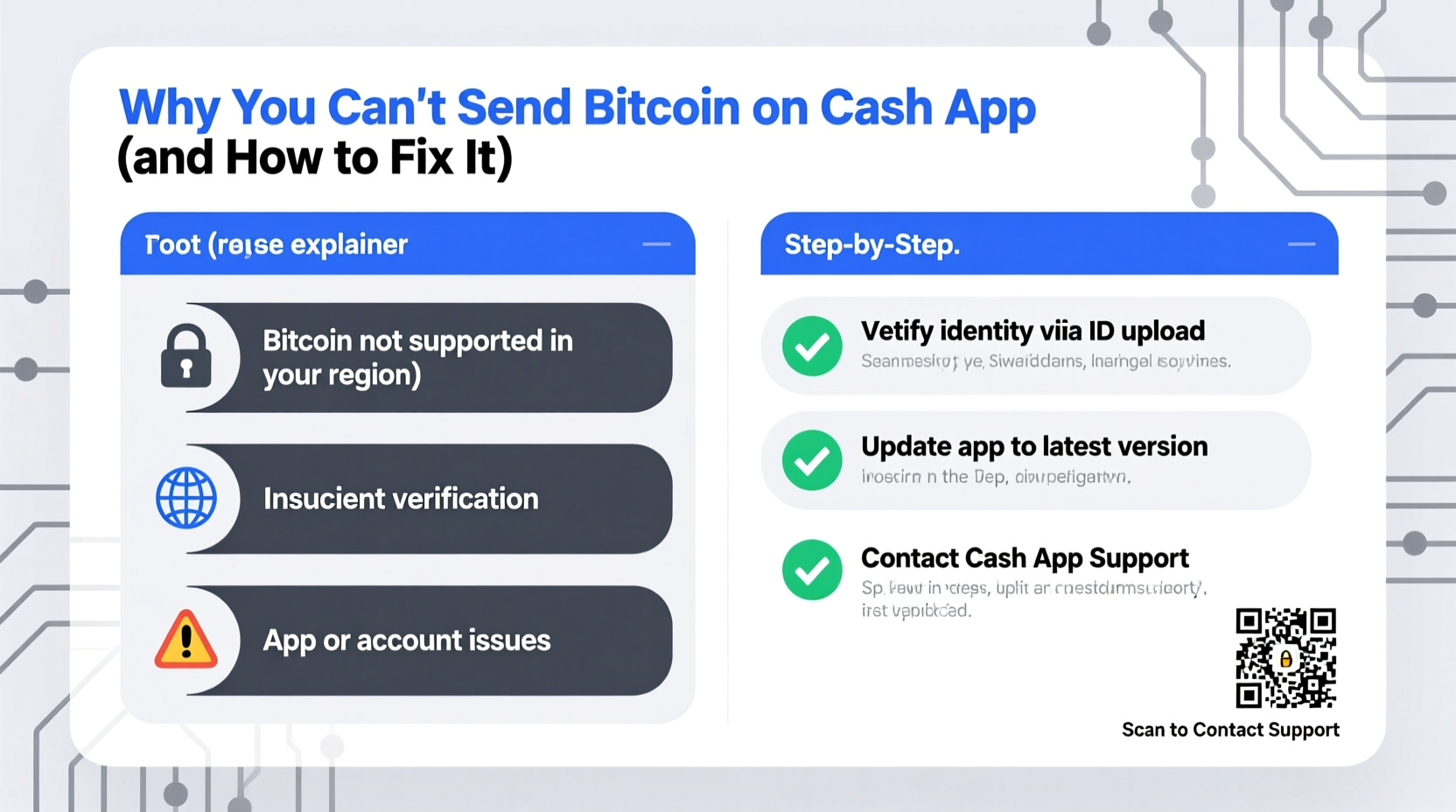
Cash App supports Bitcoin transactions, but with limitations designed for security and compliance. When a send fails, it's rarely random. Most issues stem from account verification status, transaction limits, network conditions, or policy violations. Understanding the root cause is the first step toward fixing it.
- Unverified identity: Without completing ID verification, sending Bitcoin is disabled.
- Daily or monthly transaction limits: Exceeding limits blocks further transfers until reset.
- Pending deposits or holds: Unsettled fiat deposits (like ACH transfers) may restrict crypto activity.
- App or system outages: Temporary server issues can interrupt functionality.
- Suspicious activity flags: Rapid or large transactions may trigger fraud detection.
- Outdated app version: Older versions lack updated security protocols and features.
Step-by-Step: How to Fix Bitcoin Sending Issues
Follow this structured troubleshooting process to identify and resolve the issue preventing you from sending Bitcoin.
- Check your verification status. Open Cash App > Profile icon > \"Personal\" > scroll to \"Verified Status.\" If not fully verified, upload government-issued ID and confirm your address.
- Review your transaction limits. Tap the Bitcoin tab > Settings (gear icon) > “Limits & History.” Look for any warnings about reaching caps on sending volume.
- Wait for pending deposits to clear. If you recently added funds via bank transfer, they may take 3–5 business days to settle. Unsettled funds cannot be used for outgoing crypto transfers.
- Update the Cash App. Visit your device’s app store and install the latest version. Outdated apps frequently fail to process secure transactions.
- Restart the app and device. Close Cash App completely, restart your phone, then relaunch the app. This resolves temporary glitches.
- Check Cash App’s system status. Visit status.cash.app to see if there are known outages affecting Bitcoin services.
- Contact support with specific details. If all else fails, reach out via in-app chat with exact timestamps, error messages, and screenshots.
Do’s and Don’ts When Troubleshooting Bitcoin Transfers
| Do’s | Don’ts |
|---|---|
| Complete full identity verification early | Try sending large amounts immediately after funding |
| Monitor your weekly sending limits | Use public Wi-Fi to initiate transfers |
| Keep the app updated regularly | Ignore verification prompts or alerts |
| Double-check recipient wallet addresses | Reuse Bitcoin addresses frequently |
| Wait 24–48 hours after large deposits before sending | Attempt multiple rapid transactions after inactivity |
Real Example: Why Sarah Couldn’t Send $1,200 in Bitcoin
Sarah had been accumulating Bitcoin on Cash App for months. After selling some holdings, she wanted to send $1,200 worth to her hardware wallet. Each time she pressed “Send,” the app froze, then displayed: “Transaction could not be processed.”
She checked her balance — funds were visible. Her app was up to date. Then she remembered depositing $2,000 via ACH two days earlier. That money was still marked as “Pending” in her Cash App balance. Despite having enough Bitcoin, the system flagged her account due to unsettled fiat inflow. Per Cash App’s risk policies, outgoing crypto transfers are restricted until new deposits clear.
Sarah waited 72 hours. Once the deposit settled, she successfully sent the Bitcoin without further issues. Her experience highlights how backend financial processes impact crypto functionality — even when the problem seems technical.
“Cash App treats Bitcoin transfers like any high-risk financial action. Verification, timing, and funding sources all influence whether a send goes through.” — Marcus Tran, Fintech Security Analyst
Prevent Future Sending Issues: Proactive Checklist
To avoid disruptions, adopt these habits before attempting future Bitcoin transfers.
- ✅ Complete full identity verification (name, DOB, SSN, photo ID)
- ✅ Confirm no pending bank deposits or holds
- ✅ Check current sending limits under Bitcoin settings
- ✅ Ensure your app is updated to the latest version
- ✅ Verify the recipient’s wallet address carefully
- ✅ Avoid sending immediately after large deposits
- ✅ Use a secure, private internet connection
Frequently Asked Questions
Why does Cash App say I’ve reached my Bitcoin sending limit?
Cash App imposes rolling limits based on your account age, verification level, and transaction history. These limits reset every 7 or 30 days. To increase them, maintain consistent, low-risk usage over time. Fully verified accounts typically receive higher allowances within a few months of regular activity.
Can I send Bitcoin instantly after depositing money?
No. Even if funds appear in your balance, Cash App places holds on bank transfers for security. During this period — usually 1–5 business days — you cannot use those funds for Bitcoin purchases or withdrawals. Attempting to send may result in declined transactions or account flags.
What happens if I send Bitcoin to the wrong address?
Bitcoin transactions are irreversible. If you send to an incorrect or invalid address, Cash App cannot recover the funds. Always double-check addresses character by character, or use QR codes to minimize human error. Consider testing with a small amount first.
Conclusion: Regain Control Over Your Bitcoin Transfers
Being unable to send Bitcoin on Cash App doesn’t mean your funds are gone — it usually means a safety protocol is in place. By understanding the underlying rules around verification, funding sources, and limits, you gain control over your financial actions. Most issues resolve within days, especially once identity checks complete and deposits settle. The key is patience, preparation, and proactive account management.
If you’re stuck, don’t keep retrying — that can worsen restrictions. Instead, follow the steps outlined here, give the system time when needed, and contact support with precise details. With the right approach, you’ll be back to sending Bitcoin smoothly in no time.




 浙公网安备
33010002000092号
浙公网安备
33010002000092号 浙B2-20120091-4
Comments
No comments yet. Why don't you start the discussion?