
In today’s fast-paced digital world, sending a message is instantaneous—but so are regrets. Whether it's a typo, an accidental reply-all, or a poorly timed joke, most of us have wished we could retract a message seconds after hitting send. While many messaging platforms now offer an “unsend” or “delete for everyone” function, it doesn’t always work as expected. If you’ve ever encountered the frustration of not being able to unsend a message, you’re not alone. Understanding why this happens—and how to fix it—can save time, embarrassment, and miscommunication.
Why Unsend Fails: The Core Limitations
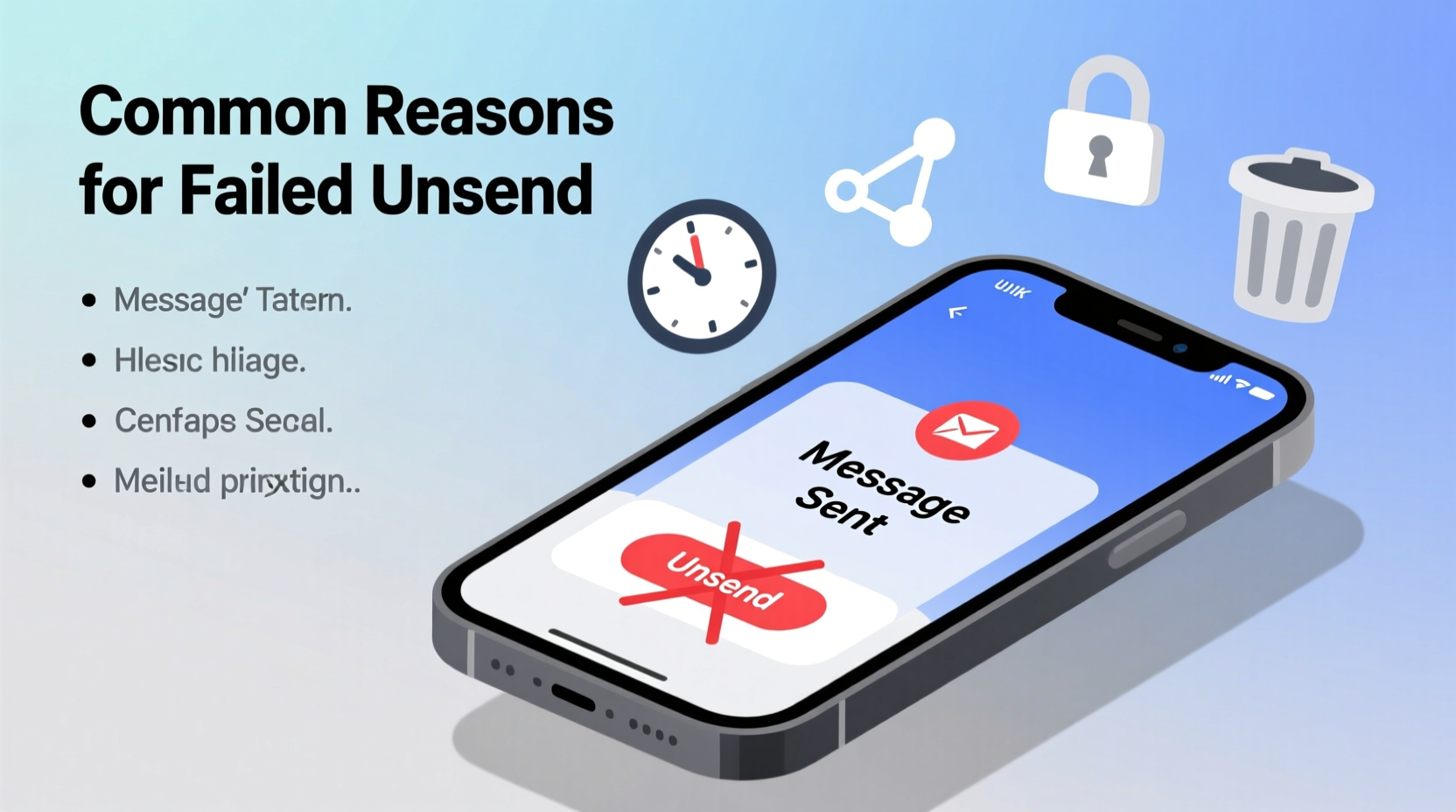
The ability to unsend a message depends on several technical and platform-specific factors. Unlike editing or deleting a draft, unsending requires coordination between your device, the recipient’s device, and the server infrastructure of the messaging app. When any part of that chain breaks down, the unsend command fails.
Most apps only allow messages to be unsent within a limited window—typically ranging from 2 minutes (WhatsApp) to 10 minutes (some enterprise tools). Once that window closes, the option disappears. Additionally, if the recipient has already read the message or their device is offline, the server may not be able to deliver the unsend instruction in time.
Common Reasons You Can’t Unsend a Message
Several factors can prevent a message from being unsent. Recognizing these can help you troubleshoot more effectively.
- Time limit exceeded: Most platforms impose strict time windows. For example, WhatsApp allows unsending within 2 minutes, while Telegram gives up to 48 hours but only under certain conditions.
- Recipient has seen the message: If the recipient opened the chat and viewed your message before you attempted to unsend, some platforms block deletion to preserve transparency.
- App version mismatch: Older versions of messaging apps may not support the latest unsend features. Both sender and receiver need updated software for full functionality.
- Network or sync delays: Poor connectivity on either end can delay message delivery, making it appear unsent when it hasn’t been processed yet—or worse, causing the unsend request to fail silently.
- Platform restrictions: SMS, standard email, and some third-party apps do not support message recall at all. Once sent, they’re permanent unless manually deleted by the recipient.
Troubleshooting Steps by Platform
Different platforms handle unsending differently. Below is a breakdown of major apps and how to maximize your chances of success.
| Platform | Unsend Window | Requirements | Troubleshooting Tip |
|---|---|---|---|
| Up to 2 minutes | Both devices online; app updated | Check internet connection and retry quickly; ensure both users are on v2.23 or later | |
| Telegram | 48 hours (all message types) | Recipient must not have blocked you | Use “Delete for Everyone” immediately; works even if recipient is offline |
| iMessage (Apple) | No native unsend; edit/delete within 2 minutes | iOS 16+ required | Tap and hold message → Edit; only available briefly after sending |
| Gmail (Undo Send) | Up to 30 seconds (configurable) | Feature must be enabled in Settings | Enable “Undo Send” in Gmail settings under General; set delay to 30s |
| Facebook Messenger | Up to 10 minutes | Sent from mobile app | Long-press message → Remove → Remove for Everyone; desktop version lacks this feature |
Step-by-Step Guide to Maximize Unsend Success
- Recognize the error instantly: The moment you realize a message was sent incorrectly, stop typing and focus on recovery.
- Verify platform compatibility: Confirm whether your app supports unsending and what the time limit is.
- Ensure stable internet: A weak signal can delay both the original message and the unsend command. Switch to Wi-Fi if possible.
- Update your app: Go to your device’s app store and install the latest version of the messaging platform.
- Execute the unsend action: Long-press the message and select “Unsend,” “Delete for Everyone,” or equivalent.
- Confirm success: Look for system feedback like “This message was deleted” or a placeholder note in the chat.
Real-World Scenario: The Meeting Invite Mistake
Sarah, a project manager, accidentally sent a meeting invite link to her entire company mailing list instead of just her team. She noticed the error 90 seconds later. Using Gmail’s “Undo Send” feature—which she had previously enabled with a 30-second delay—she was unable to reverse it because the grace period had expired. However, she immediately followed up with a retraction email explaining the mistake and requesting recipients to disregard the link. Though not ideal, her quick damage control minimized confusion and maintained professionalism.
This case highlights two key lessons: first, enabling preventive features ahead of time is crucial; second, when technology fails, clear communication remains your best tool.
Expert Insight on Digital Communication Accountability
“While unsend features offer psychological comfort, they shouldn’t replace mindful communication. Technology can correct errors, but trust is built through accountability.” — Dr. Lena Torres, Digital Ethics Researcher at MIT Media Lab
Dr. Torres emphasizes that reliance on unsend functions can create a false sense of security. Users often send messages more impulsively, assuming they can retract them later. But in professional and personal relationships, transparency and timely apologies often carry more weight than technical fixes.
Do’s and Don’ts of Message Management
| Do’s | Don’ts |
|---|---|
| Enable undo features where available (e.g., Gmail, Outlook) | Assume all messages can be unsent—even on encrypted apps |
| Double-check recipients before sending sensitive content | Wait more than a minute to act after realizing a mistake |
| Use message scheduling to review content before delivery | Rely solely on unsend as a safety net for careless communication |
| Keep your apps updated to access the latest editing tools | Ignore platform-specific limitations (e.g., iMessage edits vs. WhatsApp unsend) |
Frequently Asked Questions
Can I unsend a message after the recipient reads it?
It depends on the platform. WhatsApp allows unsending even if the message was read, as long as it’s within 2 minutes. Telegram permits deletion at any time within 48 hours. However, iMessage does not let you unsend after delivery, only edit within a short window.
Why does “Delete for Everyone” sometimes fail?
This usually happens due to outdated app versions, poor connectivity, or exceeding the time limit. In rare cases, bugs in the app or server-side issues can also prevent the command from processing correctly.
Is there a way to unsend SMS or regular text messages?
No. Standard SMS operates on cellular networks without synchronization capabilities for message recall. Once sent, it cannot be retrieved. Some third-party RCS-enabled services (like Google Messages) offer richer features, but true unsend functionality is still limited.
Final Thoughts and Proactive Prevention
While modern messaging platforms continue to improve with features like unsend, edit, and scheduled delivery, no system is foolproof. Technical constraints, human error, and platform inconsistencies mean that once a message is out, it may be beyond your control.
The most effective strategy isn’t just knowing how to unsend—it’s avoiding the need altogether. Take a breath before hitting send. Use drafts. Enable undo options. And when mistakes happen, address them directly rather than relying on digital erasure.




 浙公网安备
33010002000092号
浙公网安备
33010002000092号 浙B2-20120091-4
Comments
No comments yet. Why don't you start the discussion?