
Sudden phone lag can turn a smooth digital experience into a frustrating series of delays and freezes. One day your device responds instantly; the next, apps take forever to load, scrolling stutters, and even basic tasks feel sluggish. While it’s tempting to blame aging hardware or assume a software update ruined everything, the truth is that most performance drops are caused by fixable issues—many of which you can resolve in minutes.
Understanding what triggers sudden slowdowns is the first step toward restoring your phone’s responsiveness. From background processes to storage overload, multiple factors contribute to lag. The good news? With targeted actions, you can often restore snappy performance without resetting or upgrading your device.
Why Your Phone Suddenly Slows Down
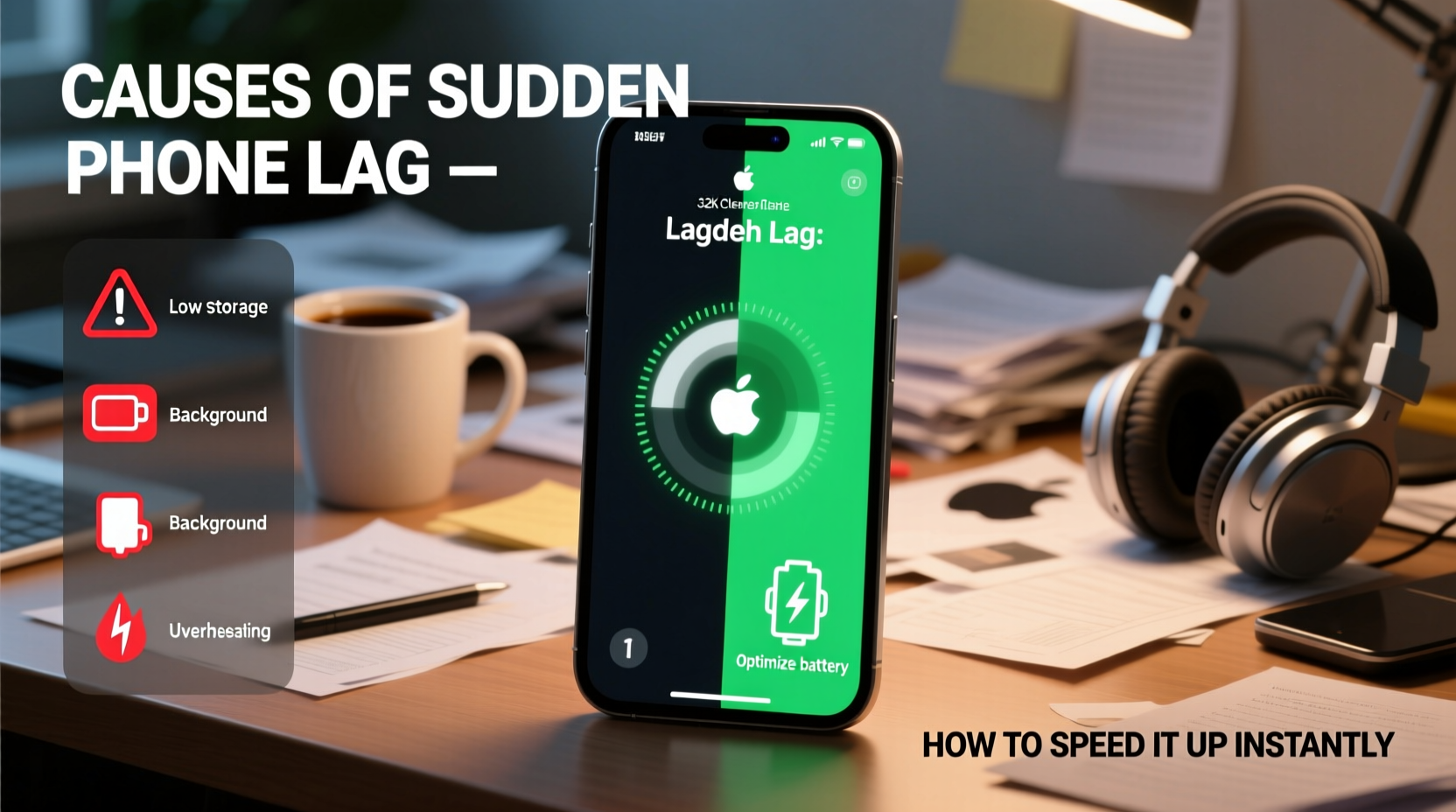
Phone lag doesn’t typically appear out of nowhere. Behind every stuttering interface is a system struggling under invisible pressure. Common culprits include:
- Background app overload: Apps continue running in the background, consuming memory and CPU power even when not in use.
- Storage nearing full capacity: When internal storage is 85–90% full, your phone's operating system struggles to manage temporary files and cache efficiently.
- Poorly optimized updates: OS or app updates sometimes introduce bugs or inefficient code that increases resource usage.
- Overheating: Excessive heat forces the processor to throttle performance to protect hardware.
- Bloatware and auto-starting apps: Pre-installed or third-party apps launching automatically at boot can drain resources before you even unlock your phone.
These issues don’t always manifest immediately. A combination of gradual cache buildup and a recent app update might push your phone past its performance threshold overnight.
Immediate Fixes to Speed Up Your Phone
If your phone has suddenly become unresponsive, try these fast-acting solutions. Most take less than five minutes and can yield noticeable improvements.
- Force restart your device: This clears RAM and stops any rogue processes. On iPhones, press volume up, volume down, then hold the side button. On Androids, hold power + volume down for 10 seconds.
- Close all background apps: Swipe away open apps from the recent apps menu. This frees up active memory and reduces CPU strain.
- Disable animations (Android): Go to Developer Options > Window/Transition/Animator scale and set all to 0.5x or off. This makes UI transitions faster, giving the illusion of greater speed.
- Turn on Performance Mode (Samsung & others): Found in battery settings, this prioritizes processing power over energy savings during intensive tasks.
- Delete recently installed apps: If lag started after installing a new app, uninstall it immediately—it may be poorly coded or running aggressive background services.
These steps address symptoms, but they also buy time to investigate deeper causes.
Diagnostic Checklist: Identify the Root Cause
Use this checklist to systematically determine what’s slowing your phone. Work through each item and note any changes in performance.
- Is available storage below 10%? → Clear cache or delete large files.
- Did the issue start after an OS update? → Check forums for known bugs; consider delaying future updates.
- Are certain apps consistently slow or crashing? → Update or reinstall them.
- Does the phone feel hot? → Avoid direct sunlight; close heavy apps like games or video editors.
- Are notifications arriving nonstop? → Disable unnecessary app alerts to reduce background activity.
- Is battery health below 80% (iPhone)? → Degraded batteries can trigger performance throttling.
Real-World Example: Recovering a Lagging Work Phone
Take the case of Sarah, a sales manager who relies on her Android phone for client calls, email, and CRM access. One Monday morning, her phone became so slow she couldn’t open messages without a 10-second delay. She hadn’t dropped it or spilled anything. A factory reset seemed extreme.
Instead, she checked storage and found only 2% free space—mostly filled with cached data from messaging apps and outdated downloads. She cleared the cache in Settings > Storage, deleted old voice memos, and disabled auto-sync for non-essential accounts. She also turned off “Adaptive Battery” (which was misallocating resources) and rebooted.
Within 15 minutes, her phone responded normally. The root cause wasn’t hardware failure or malware—it was digital clutter compounded by poor background management. This scenario is more common than many realize.
Expert Insight: What Engineers Say About Phone Performance
Mobile performance isn't just about raw specs. How efficiently the system manages resources plays a critical role.
“Users often overlook thermal throttling and memory compression. A phone with 8GB RAM can still lag if half is occupied by dormant apps and the processor is overheating.” — Dr. Raj Mehta, Senior Mobile Systems Engineer at TechInsight Labs
He emphasizes that modern smartphones use dynamic resource allocation, meaning background tasks can silently degrade performance. “The key,” he adds, “is proactive maintenance—regular cleanup and awareness of what’s running behind the scenes.”
Do’s and Don’ts: Managing Phone Speed
| Do | Don’t |
|---|---|
| Clear app cache monthly | Ignore storage warnings until your phone freezes |
| Use built-in optimization tools (e.g., iPhone’s Offload Unused Apps) | Install “cleaner” or “booster” apps from third parties—they often do more harm than good |
| Update apps selectively—wait a few days after release to avoid buggy versions | Keep dozens of tabs open in mobile browsers—each consumes memory |
| Restart your phone after major updates | Run benchmark tests repeatedly—they generate heat and stress the system |
Long-Term Strategies to Prevent Future Lag
While quick fixes restore immediate usability, long-term habits ensure sustained performance. Consider integrating these practices into your routine:
- Enable automatic cache clearing: Some Android phones offer settings to auto-clear app cache when storage runs low. iPhones automatically offload unused apps if enabled in Settings > App Store.
- Limit widgets and live wallpapers: These may look appealing but constantly refresh in the background, consuming CPU cycles.
- Use cloud storage for media: Move photos and videos to Google Photos or iCloud, then delete local copies to free up space.
- Review app permissions: Apps with access to location, camera, or microphone often run background services. Revoke unnecessary permissions in settings.
- Monitor battery health (iOS): In Settings > Battery > Battery Health, check maximum capacity. Below 80%, consider replacement—iOS throttles performance on degraded batteries.
Additionally, avoid charging your phone overnight regularly. Overcharging contributes to battery degradation over time, which indirectly affects performance stability.
Frequently Asked Questions
Can a virus cause my phone to lag?
True viruses are rare on mobile devices due to sandboxed app environments. However, malicious apps or adware can consume excessive resources, mimic virus behavior, and cause slowdowns. Only download apps from official stores and check reviews before installing.
Will factory resetting my phone make it faster?
Yes—but only temporarily if the root cause isn’t addressed. A reset wipes all data and returns the system to a clean state, eliminating software clutter. However, if you reinstall the same apps and fill storage quickly, the lag will return. Use a reset as a last resort, not a permanent fix.
Why does my phone lag only when charging?
This is often due to overheating. Charging generates heat, especially with fast chargers or while using the phone. The system throttles performance to cool down. Avoid using intensive apps while charging, and remove thick cases that trap heat.
Conclusion: Take Control of Your Phone’s Performance
Sudden phone lag is rarely a death sentence for your device. More often, it’s a signal that your phone needs attention—whether it’s freeing up space, managing background apps, or simply restarting to clear digital congestion. By understanding the underlying causes and applying targeted fixes, you can restore speed instantly and prevent future slowdowns.
You don’t need technical expertise or expensive tools. Just awareness and consistency. Start today: check your storage, close unused apps, and perform a quick restart. Small actions lead to big improvements in responsiveness and user satisfaction.




 浙公网安备
33010002000092号
浙公网安备
33010002000092号 浙B2-20120091-4
Comments
No comments yet. Why don't you start the discussion?