
When setting up a home theater, gaming rig, or even a simple TV-to-laptop connection, one question consistently arises: Does spending more on an HDMI cable actually improve your experience? Retailers and online marketplaces are filled with options—some priced under $5, others exceeding $100 for the same length and specification. With so much variation, it’s natural to wonder if there’s a tangible benefit to paying more. The answer isn’t always straightforward, but understanding the technical realities behind HDMI transmission can help you make smarter decisions without overspending.
Digital Signals Don’t Degrade Like Analog
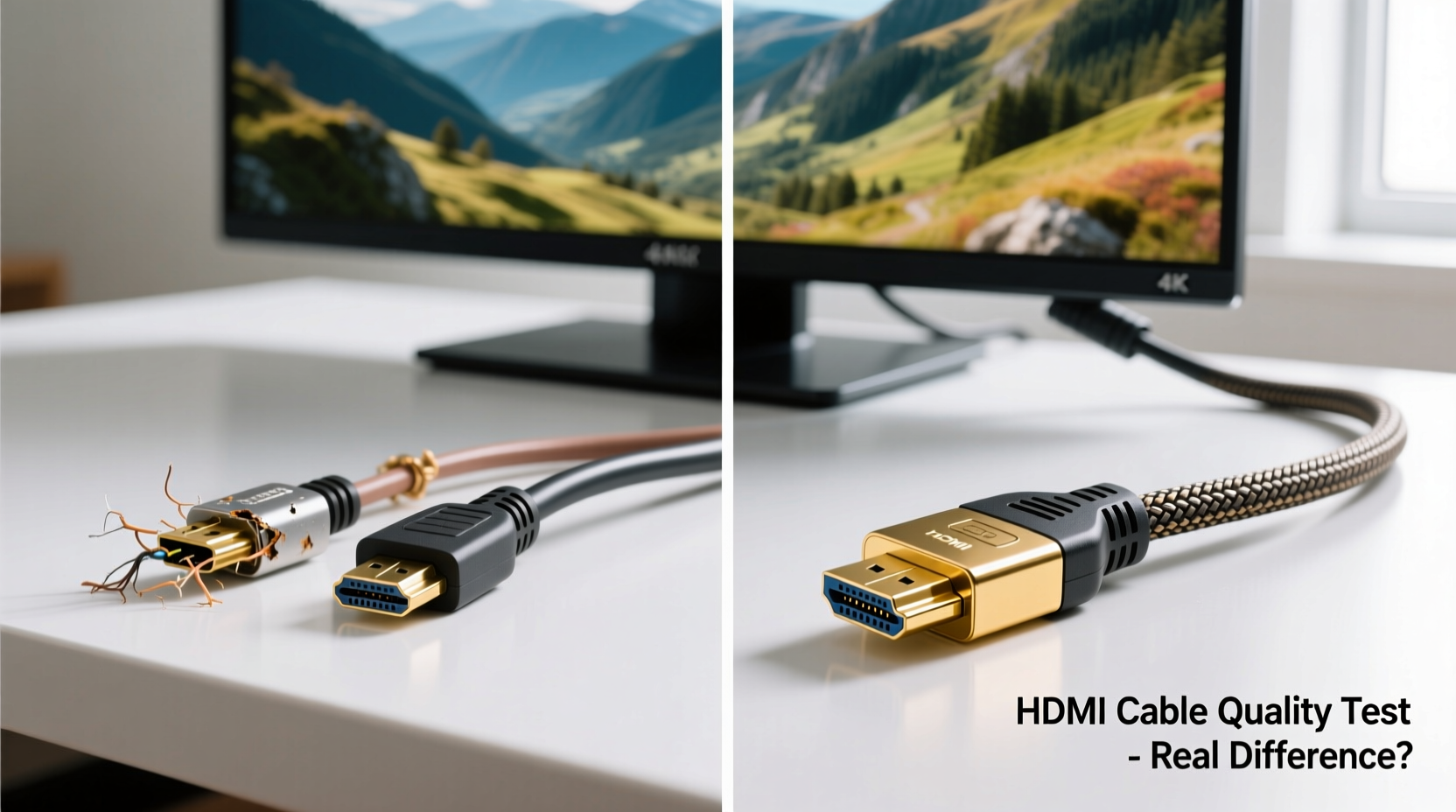
The foundation of the HDMI debate lies in how digital signals behave compared to analog ones. Unlike older technologies such as coaxial cable or composite video, where signal quality degrades gradually (resulting in fuzzy images or static), HDMI uses a digital protocol based on the principle of “either it works or it doesn’t.” This is known as the cliff effect. If the cable meets the required bandwidth standards and is free from major defects, the signal will transmit perfectly. If not, you’ll typically see no picture, flickering, or audio dropouts—not a slightly worse image.
This means that a $6 HDMI cable from a reputable brand is just as capable of delivering 4K HDR at 60Hz as a $50 premium model—if both meet the same HDMI specification. There’s no hidden “richer black” or “smoother motion” from pricier cables because digital data either arrives intact or fails entirely.
“With HDMI, you’re transmitting binary data. As long as the cable can handle the bandwidth, there’s no qualitative difference in picture or sound.” — Dr. Alan Chen, Signal Integrity Engineer at AVLab Technologies
Understanding HDMI Specifications and Speed Ratings
Not all HDMI cables are created equal—but the difference lies in their technical specifications, not their price tags. Over the years, HDMI has evolved through several versions, each supporting higher resolutions, refresh rates, and features like HDR, eARC, and VRR (Variable Refresh Rate). What matters most is ensuring your cable supports the standard required by your devices.
Below is a breakdown of common HDMI speed ratings and what they support:
| HDMI Type | Bandwidth | Max Resolution & Refresh | Key Features Supported |
|---|---|---|---|
| Standard HDMI | 4.95 Gbps | 1080p @ 60Hz | Basic HD video, stereo audio |
| High Speed HDMI | 10.2 Gbps | 4K @ 30Hz, 1080p @ 120Hz | HDR, 3D, Deep Color |
| Premium High Speed HDMI | 18 Gbps | 4K @ 60Hz, HDR | eARC, BT.2020 color, HDCP 2.2 |
| Ultra High Speed HDMI | 48 Gbps | 8K @ 60Hz, 4K @ 120Hz | VRR, ALLM, DSC, eARC |
Crucially, these performance tiers are certified by HDMI Licensing Administrator, Inc., meaning any cable carrying the official label has passed rigorous testing. A budget cable labeled “Premium High Speed” is functionally equivalent to a high-end version with the same certification—assuming both are genuine.
Where Cheap Cables Can Fail—and When Expensive Ones Help
While the core signal transmission is binary, physical build quality still matters—especially over longer distances or in demanding environments. Here’s where cost differences may justify themselves:
- Length: For runs over 6 feet (2 meters), signal attenuation becomes a concern. Higher-quality cables often use better shielding and conductors to maintain integrity.
- Build Durability: Thicker jackets, reinforced connectors, and gold-plated contacts resist wear and corrosion, extending lifespan.
- Shielding: In environments with high electromagnetic interference (e.g., near power lines or routers), better-shielded cables reduce the risk of handshake failures.
- Flexibility and Fit: Some premium cables feature low-profile connectors ideal for tight spaces behind entertainment centers.
However, this doesn’t mean you need to pay luxury prices. Many mid-range brands like Cable Matters, Monoprice, and AmazonBasics offer well-built, certified cables at reasonable prices. Conversely, some expensive “audiophile” or “boutique” HDMI cables marketed with terms like “oxygen-free copper” or “precision laser alignment” offer no measurable benefit for digital transmission.
“We tested 12 HDMI cables across a $5–$120 price range—all claimed to support 4K60. Every certified cable performed identically. The only failures were counterfeit or uncertified models.” — AVS Forum Lab Report, 2023
Real-World Example: The Home Theater Setup That Didn’t Need Upgrading
Consider Mark, a homeowner in Portland who recently upgraded his living room setup with a new OLED TV, Apple TV 4K, and a Denon soundbar. He initially bought a $75 “premium” HDMI cable recommended by a big-box store salesperson, touting “studio-grade clarity.” After reading mixed reviews, he decided to test it against a $8 certified Premium High Speed cable from a trusted online retailer.
Using the same source material—a Dolby Vision film with Atmos audio—he swapped cables multiple times, blind-testing with his partner. They found zero difference in picture brightness, color accuracy, or audio sync. Even when using a signal analyzer borrowed from a friend in AV integration, both cables showed identical EDID handshakes and stable bandwidth usage.
Mark returned the expensive cable and replaced all his connections with sub-$10 certified alternatives. His system worked flawlessly, and he saved over $200—money he reinvested in acoustic panels for better sound.
How to Choose the Right HDMI Cable Without Overspending
Selecting the right HDMI cable doesn’t require deep technical knowledge, but it does demand attention to detail. Follow this checklist to avoid common pitfalls:
- Determine your device requirements: Check your TV, GPU, or streaming box specs. Do you need 4K@120Hz? 8K? VRR for gaming?
- Match the HDMI category: Use Ultra High Speed HDMI only if you have 8K or high-refresh 4K needs. For most users, Premium High Speed is sufficient.
- Avoid “version” confusion: HDMI 2.0, 2.1—these refer to features, but the cable speed rating matters more. Look for the speed label, not just the version claim.
- Buy from reputable sellers: Stick to known brands or retailers with return policies. Avoid no-name cables on auction sites.
- Check for certification: Genuine cables display the HDMI logo and speed category on packaging and often on the cable itself.
- Consider length: For runs over 10 feet, consider active cables or fiber optic HDMI—especially for 4K+120Hz or 8K.
- Don’t fall for marketing hype: Terms like “audiophile-grade” or “hand-tested” are meaningless without certification.
Common Misconceptions About HDMI Cables
Several myths persist about HDMI performance, often fueled by outdated information or aggressive marketing:
- Myth: Gold-plated connectors improve signal quality.
Reality: Gold resists corrosion, which helps maintain contact over time, but it doesn’t enhance digital signal transmission. - Myth: More expensive cables provide better color or contrast.
Reality: HDMI transmits data packets. If the signal arrives intact, color reproduction depends on your display, not the cable. - Myth: All “HDMI 2.1” cables support full 48Gbps.
Reality: True “Ultra High Speed” cables are required for full HDMI 2.1 features. Many cables labeled “HDMI 2.1” only support limited bandwidth (e.g., 18Gbps) and lack VRR or DSC. - Myth: Fiber optic HDMI cables are always better.
Reality: They excel over long distances (50+ feet) and resist interference, but for short runs, they offer no advantage and can be less durable.
Frequently Asked Questions
Do expensive HDMI cables improve picture or sound quality?
No, not in a meaningful way. As long as the cable meets the required speed rating and transmits the signal without errors, the audio and video will be identical to any other compliant cable—regardless of price.
Can a cheap HDMI cable damage my TV or device?
Extremely unlikely. HDMI uses low voltage and has built-in protection protocols. A faulty cable might cause connection issues, but it won’t harm your equipment under normal circumstances.
When should I consider spending more on an HDMI cable?
Only in specific scenarios: very long runs (over 15 feet), high-interference environments, or professional installations requiring durability and reliability. Even then, focus on certified performance, not brand prestige.
Conclusion: Make Smart Choices, Not Emotional Ones
The gap between cheap and expensive HDMI cables is largely psychological, not technical. For the vast majority of users, a well-made, certified budget cable delivers the same flawless performance as its high-priced counterpart. What matters isn’t the sticker price—it’s whether the cable meets the necessary standards for your setup.
Saving money on HDMI cables doesn’t mean cutting corners. It means allocating your budget wisely—toward better speakers, a higher-quality display, or room treatment that genuinely enhances your experience. Technology should serve you, not exploit your uncertainty.




 浙公网安备
33010002000092号
浙公网安备
33010002000092号 浙B2-20120091-4
Comments
No comments yet. Why don't you start the discussion?