
Target gift cards are a popular choice for holidays, birthdays, and everyday rewards. Whether you’re the giver or receiver, knowing the remaining balance is essential before heading to the store or checking out online. While many assume that checking a balance requires creating an account or logging into one, that’s not always necessary. You can quickly verify your Target gift card balance without logging in—saving time and avoiding unnecessary steps.
This guide walks through reliable, no-login methods to check your Target gift card balance, offers practical tips to avoid common pitfalls, and includes real-world examples so you can act confidently. Whether you're standing in line at a checkout or planning a purchase from home, these strategies ensure you stay informed and in control of your funds.
Why You Might Want to Avoid Logging In
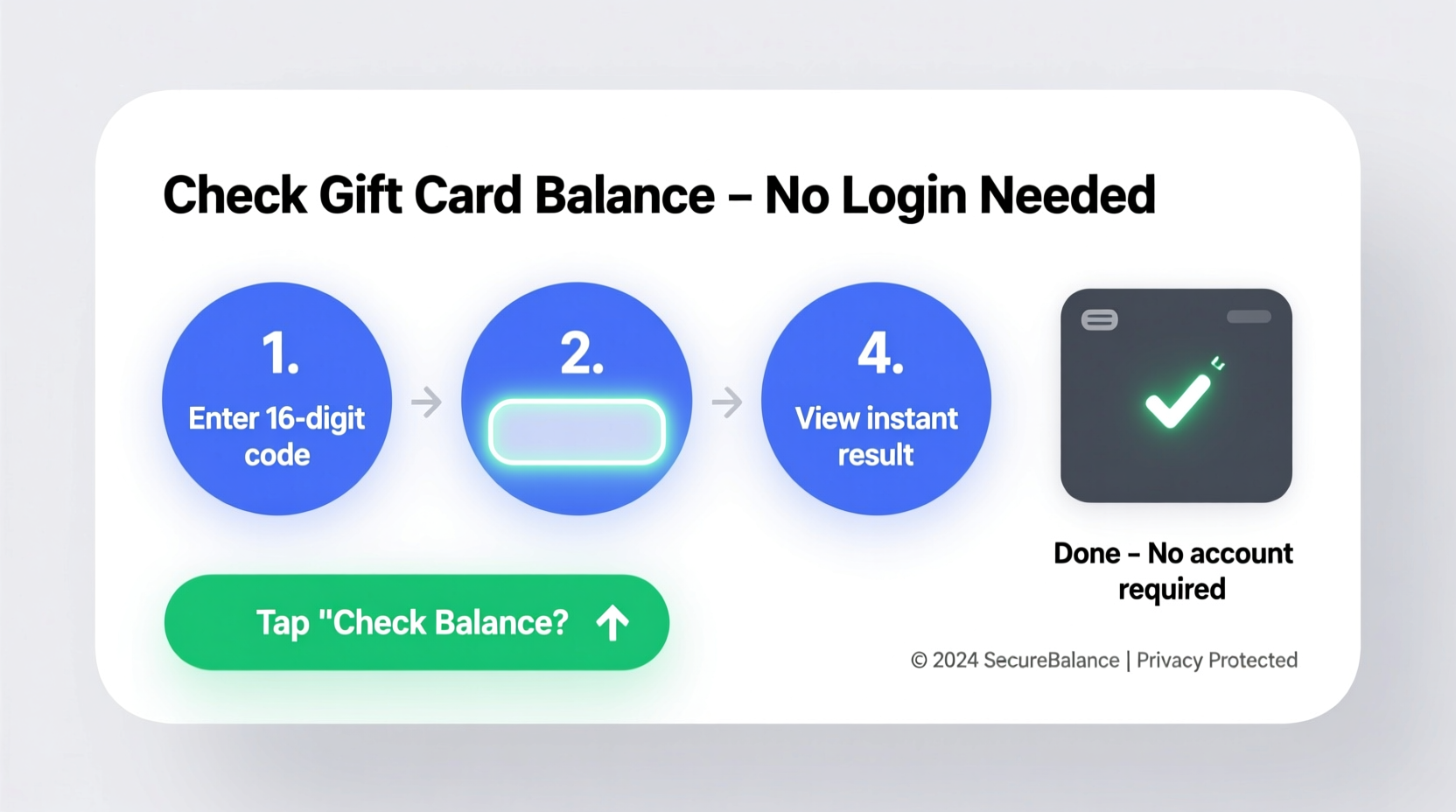
While Target offers a robust online account system where users can register gift cards and track balances, not everyone wants—or needs—to create an account. Some customers prefer privacy, while others simply want a fast answer without navigating registration forms or password resets. Additionally, gift cards received as presents may not be linked to any account at all, making direct access impossible without alternative methods.
Thankfully, Target supports several ways to retrieve balance information without requiring login credentials. These approaches are particularly useful for:
- One-time users receiving a gift card
- Parents buying small gifts for kids
- Shoppers verifying balances before making purchases
- Employees redeeming incentive cards
Step-by-Step Guide: How to Check Your Target Gift Card Balance Without Logging In
The most efficient way to check your Target gift card balance without logging in involves using Target’s official balance lookup tool. This method works for both physical and digital gift cards issued after 2013. Follow these clear steps:
- Locate your gift card number. On the back of a physical card, you’ll find a 15-digit number beneath the barcode. For e-gift cards, this number is included in the email or text message you received.
- Find the security code (CVV). This is a 4-digit code printed on the back of the card, typically located to the right of the magnetic stripe.
- Visit the official Target gift card balance page. Go to target.com/giftcardbalance (or search “Target gift card balance” in any major search engine).
- Enter your card number and CVV. Input both numbers carefully—mistakes here are the most common reason for errors.
- Click “Check Balance.” Within seconds, the site will display your current available balance.
Alternative Method: Call Target Customer Service
If internet access isn’t available or you encounter technical issues, calling Target’s automated phone line is another secure, no-login option.
- Dial 1-800-544-2943, the official Target GiftCard customer service number.
- Follow the voice prompts to select “Check Gift Card Balance.”
- Use your phone keypad to enter the 15-digit card number and 4-digit PIN/CVV.
- Listen as the automated system announces your current balance.
This method works 24/7 and does not require personal identification or account creation. It's especially helpful if you're traveling or shopping in-store and need immediate confirmation.
Where to Find Key Information on Your Gift Card
Understanding what each part of your gift card means helps prevent input errors during balance checks. Below is a breakdown of the critical components:
| Feature | Location | Purpose |
|---|---|---|
| 15-Digit Card Number | Back of card, under barcode | Unique identifier used to access balance |
| 4-Digit Security Code (CVV) | Back of card, right of magnetic strip | Security verification to prevent fraud |
| Activation Sticker | Covers CVV on new cards | Must be removed before first use |
| Barcode | Front or back of card | Scanned at point-of-sale terminals |
Common Issues and How to Resolve Them
Even when following correct procedures, some users encounter problems checking their balance. Here are frequent issues and solutions:
- Error: “Invalid Card Number” – Double-check that you’ve entered all 15 digits correctly. Ensure no extra spaces or missing numbers. If it still fails, inspect the card for damage—if the barcode is scratched, visit a store for assistance.
- Error: “Security Code Incorrect” – Confirm you’re entering the 4-digit CVV, not the last four digits of the card number. Also, make sure the activation sticker has been fully peeled off.
- Balance Shows $0 Despite Funds Expected – The card may not have been activated. Retail-purchased cards are usually activated at checkout, but self-service kiosk cards sometimes require manual activation via the website or by calling customer service.
- Website Not Loading – Clear browser cache or try accessing the page from a different device. Alternatively, use the phone method described earlier.
“We recommend keeping gift cards in protective sleeves and storing them away from heat or moisture. Physical damage remains one of the top reasons for failed balance inquiries.” — Sarah Lin, Target Customer Support Lead
Mini Case Study: Verifying a Birthday Gift Before Gifting
Jamie received a Target e-gift card via email from her sister for her birthday. She planned to use it to buy kitchen supplies but wanted to confirm the balance before visiting the store. Since she didn’t have a Target account, she was initially unsure how to proceed.
She opened the email, copied the 15-digit card number and noted the 4-digit CVV provided below. Then, she visited target.com/giftcardbalance on her phone, entered the details, and clicked “Check Balance.” The screen instantly displayed $75.00.
With confidence in hand, Jamie went to Target, purchased a set of cookware totaling $72.99, and left with change still on the card. Her experience highlights how easy and secure it is to verify a balance without ever needing to log in.
Do’s and Don’ts When Checking Your Target Gift Card Balance
To protect your funds and ensure smooth transactions, follow this simple checklist:
| Do’s | Don’ts |
|---|---|
| ✔ Always verify the balance before making a large purchase | ✖ Never post photos of your gift card online (especially with CVV visible) |
| ✔ Use only the official Target website or phone number | ✖ Don’t respond to unsolicited texts or emails claiming to check your balance |
| ✔ Keep the card in a safe place until used | ✖ Avoid writing down the card number and CVV together |
| ✔ Test the card with a small purchase first if unsure | ✖ Don’t assume the balance is zero if the website glitches—call support instead |
Frequently Asked Questions
Can I check my Target gift card balance without the CVV?
No. The 4-digit security code (CVV) is required alongside the card number to access balance information. This protects against unauthorized balance checks and potential fraud.
What if my gift card was lost or stolen?
Unfortunately, Target gift cards are treated like cash and cannot be replaced if lost or stolen—unless they were registered to an account. That’s why it’s highly recommended to register your card immediately upon receipt, even if you don’t plan to log in regularly.
Does checking the balance cost anything?
No. Checking your Target gift card balance online or by phone is completely free. Target does not charge fees for balance inquiries, usage, or dormancy.
Maximizing the Value of Your Target Gift Card
Once you know your balance, smart spending becomes possible. Consider these strategies to get the most value:
- Combine with coupons: Use digital deals from the Target app or paper coupons at checkout to stretch your dollar further—even if paying partially with a gift card.
- Wait for sales events: Align your purchase with RedCard discounts, seasonal sales, or Circle Week offers to maximize savings.
- Buy essentials first: Use the card for high-utility items like groceries, household goods, or baby supplies, reserving personal spending for later.
- Add to a Target REDcard: If you have a Target debit or credit card, link your gift card balance to it for seamless automatic deductions at checkout.
Conclusion: Stay Informed, Spend Confidently
Checking your Target gift card balance without logging in is not only possible—it’s fast, secure, and accessible to everyone. Whether you use the online balance checker or call the toll-free number, you can verify your funds in under a minute. Understanding where to find your card number and CVV, avoiding common input errors, and protecting your card from fraud ensures a smooth experience every time.
Now that you know the steps, take action today. Verify your balance, plan your next purchase, and enjoy the flexibility that comes with knowing exactly what you have to spend. And if you found this guide helpful, share it with someone who’s ever asked, “How much is left on this gift card?”—because clarity shouldn’t require a login.




 浙公网安备
33010002000092号
浙公网安备
33010002000092号 浙B2-20120091-4
Comments
No comments yet. Why don't you start the discussion?