
Selecting a new computer is no longer just about processing power or storage capacity. Today’s buyers expect elegance in design, seamless functionality, and long-term value—all without paying a premium for features they won’t use. Whether you're a creative professional, remote worker, student, or casual user, the right machine should reflect your lifestyle while delivering reliable performance. The market is flooded with options, making it easy to overspend or overlook critical details. This guide cuts through the noise with real expert insights, practical comparisons, and curated recommendations that balance aesthetics, capability, and cost.
Understanding Your Needs Before You Buy
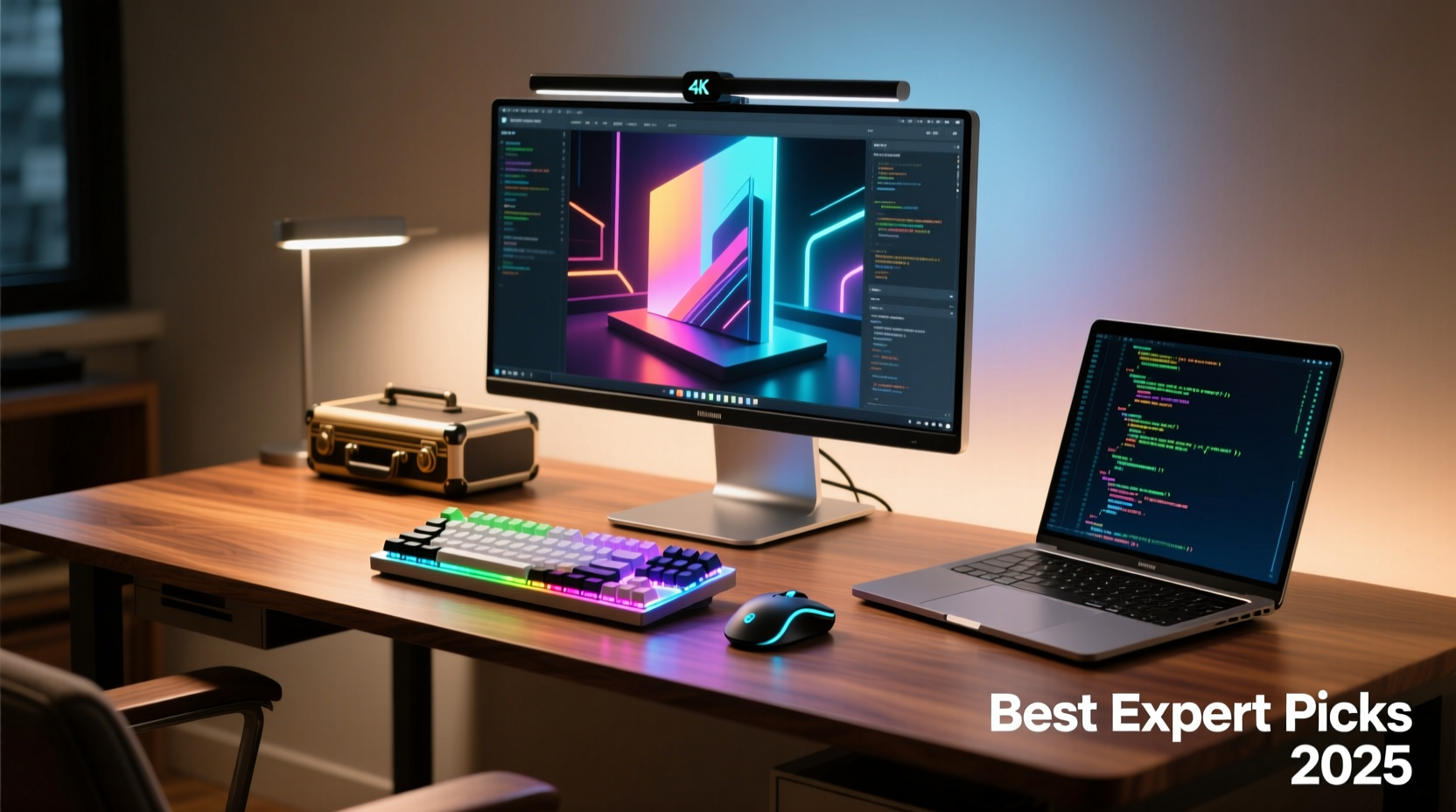
Before diving into specs or brand loyalty, define how you’ll use your computer. A sleek ultrabook may dazzle in a café but falter under video editing workloads. Conversely, a high-powered desktop might be overkill for email and streaming. Experts agree: purpose-driven selection prevents buyer’s remorse.
- Casual users: Web browsing, video calls, light document work—prioritize battery life and portability.
- Students: Need durability, good keyboards, and mid-tier performance for multitasking.
- Creatives: Look for color-accurate displays, fast processors, and ample RAM.
- Gamers: Focus on GPU performance, refresh rates, and thermal management.
- Professionals: Value expandability, security features, and enterprise-grade reliability.
Top Expert Picks: Performance Meets Design
Based on extensive testing by industry analysts and tech reviewers, these models consistently rank highest for balancing style, function, and price-to-performance ratio.
| Device | Best For | Key Strengths | Price Range |
|---|---|---|---|
| Apple MacBook Air (M3) | Creative professionals, mobile workers | Silent fanless design, vibrant Retina display, excellent battery | $1,099–$1,699 |
| Dell XPS 13 Plus | Business users, designers | Minimalist build, edge-to-edge keyboard, strong CPU | $1,299–$2,199 |
| HP Spectre x360 | Hybrid work, versatility | 360-degree hinge, OLED touchscreen, gem-cut design | $1,149–$1,899 |
| Lenovo ThinkPad X1 Carbon | Corporate environments, frequent travelers | Legendary keyboard, durable chassis, strong security | $1,499–$2,299 |
| Framework Laptop 13 | Eco-conscious buyers, tinkerers | Fully modular, repairable, upgradable parts | $999–$1,499 |
“Value isn’t just about upfront cost—it’s longevity, repairability, and how well a device adapts to your evolving needs.” — Dr. Lena Torres, Senior Analyst at TechLife Review
What Specs Actually Matter?
Marketing jargon can obscure what truly impacts daily use. Here’s a breakdown of components worth prioritizing—and those often overhyped.
Processor (CPU)
For most users, an Intel Core i5 or AMD Ryzen 5 (or Apple M1/M2/M3 equivalents) offers more than enough power. Upgrade to i7/Ryzen 7 or higher only if working with large datasets, coding environments, or 4K video.
RAM
16GB is the sweet spot for future-proofing. 8GB suffices for basic tasks but may struggle with multiple browser tabs and apps open simultaneously.
Storage
Opt for SSDs over HDDs—they’re faster, quieter, and more durable. 512GB meets average needs; 1TB recommended for media creators.
Display
A 1080p resolution is standard. Consider OLED or IPS panels for richer colors and wider viewing angles, especially if doing photo or video work.
Battery Life
Look for real-world test results, not manufacturer claims. Anything over 8 hours of mixed usage is solid; 10+ is excellent.
Case Study: How Sarah Found Her Perfect Work-from-Home Machine
Sarah, a freelance graphic designer based in Portland, needed a laptop that could handle Adobe Creative Cloud, look professional during client Zoom calls, and last through full workdays without charging. She initially considered a gaming laptop due to its powerful specs but quickly dismissed it—too heavy, too loud, and the aggressive styling didn’t match her minimalist office.
After consulting a tech advisor, she tested the HP Spectre x360 and Dell XPS 13. While both performed well, the Spectre’s convertible screen allowed her to sketch directly with a stylus, and its deep blue finish stood out elegantly in meetings. Priced at $1,499, it was within her budget and came with a three-year warranty. Two years later, she reports no slowdowns and praises its consistent battery life—even when using Illustrator for hours.
Sarah’s story illustrates a key principle: the best computer isn’t always the fastest—it’s the one that fits seamlessly into your workflow and environment.
Step-by-Step Guide to Choosing Your Next Computer
- Define your primary use case: Will you edit videos, code, write, browse, or present?
- Set a realistic budget: Include peripherals like mice or docking stations if needed.
- Research shortlisted models: Read independent reviews from trusted sources like Wirecutter, PCMag, or Ars Technica.
- Test in person if possible: Visit a retailer to assess keyboard feel, screen brightness, and overall weight.
- Compare total ownership cost: Factor in OS updates, repair costs, and expected lifespan.
- Purchase with warranty: Extended protection is worthwhile for mobile devices.
Common Pitfalls to Avoid
- Chasing specs blindly: A 12-core CPU won’t help if your Wi-Fi is slow.
- Ignoring port selection: Need USB-A, HDMI, or SD card slots? Check before buying.
- Overlooking upgradeability: Most ultrabooks have soldered RAM and non-removable batteries—limiting future repairs.
- Trusting influencer hype: Just because a streamer uses a flashy rig doesn’t mean it suits your needs.
FAQ
Is a Mac better than a Windows PC for long-term value?
Macs often retain performance and resale value longer due to optimized hardware-software integration. However, Windows laptops now offer comparable build quality and longer support cycles, especially from brands like Dell and Lenovo. The choice depends more on ecosystem preference than inherent superiority.
Can I save money by buying last year’s model?
Yes—previous-generation flagships are often discounted by 20–30% and still deliver near-top-tier performance. For example, an M2 MacBook Air remains highly capable even after the M3 release. Just ensure continued software support (typically 5–7 years).
Are Chromebooks a viable option for adults?
For users who rely entirely on web apps (Gmail, Google Docs, Zoom), Chromebooks offer exceptional battery life and security at low prices. However, limited offline functionality and lack of professional software (like Photoshop) make them unsuitable for creatives or power users.
Final Checklist Before Buying
- ✅ Define primary use
- Know whether you need mobility, power, or versatility.
- ✅ Set a firm budget
- Include tax, accessories, and potential upgrade costs.
- ✅ Verify real-world performance
- Check benchmarks and user reviews beyond marketing claims.
- ✅ Assess design and comfort
- Keyboard quality, screen clarity, and weight matter daily.
- ✅ Confirm warranty and support
- Look for at least one year of coverage and accessible service centers.
Conclusion
Finding the best computer isn’t about chasing the latest trend or succumbing to brand allure. It’s about aligning technology with your actual lifestyle—where elegance enhances efficiency, and smart choices deliver lasting value. The experts don’t reach for the flashiest machine; they choose the one that works quietly, reliably, and beautifully over time. Whether you invest in a feather-light MacBook Air, a rugged ThinkPad, or a modular Framework laptop, let intention guide your decision. When form, function, and fiscal sense converge, you don’t just buy a computer—you gain a tool that empowers your days.




 浙公网安备
33010002000092号
浙公网安备
33010002000092号 浙B2-20120091-4
Comments
No comments yet. Why don't you start the discussion?