
Smart glasses have evolved from futuristic novelties into functional tools that blend seamlessly into daily life. Whether you're navigating city streets, tracking your run, or taking hands-free notes during a meeting, the right pair can enhance performance, safety, and convenience. But not all smart glasses are built for the same tasks. Choosing the best model depends on understanding your lifestyle needs, technical expectations, and physical environment. This guide breaks down how to match smart glasses to specific activities with real-world advice and expert insights.
Understanding Smart Glasses: What They Can Do
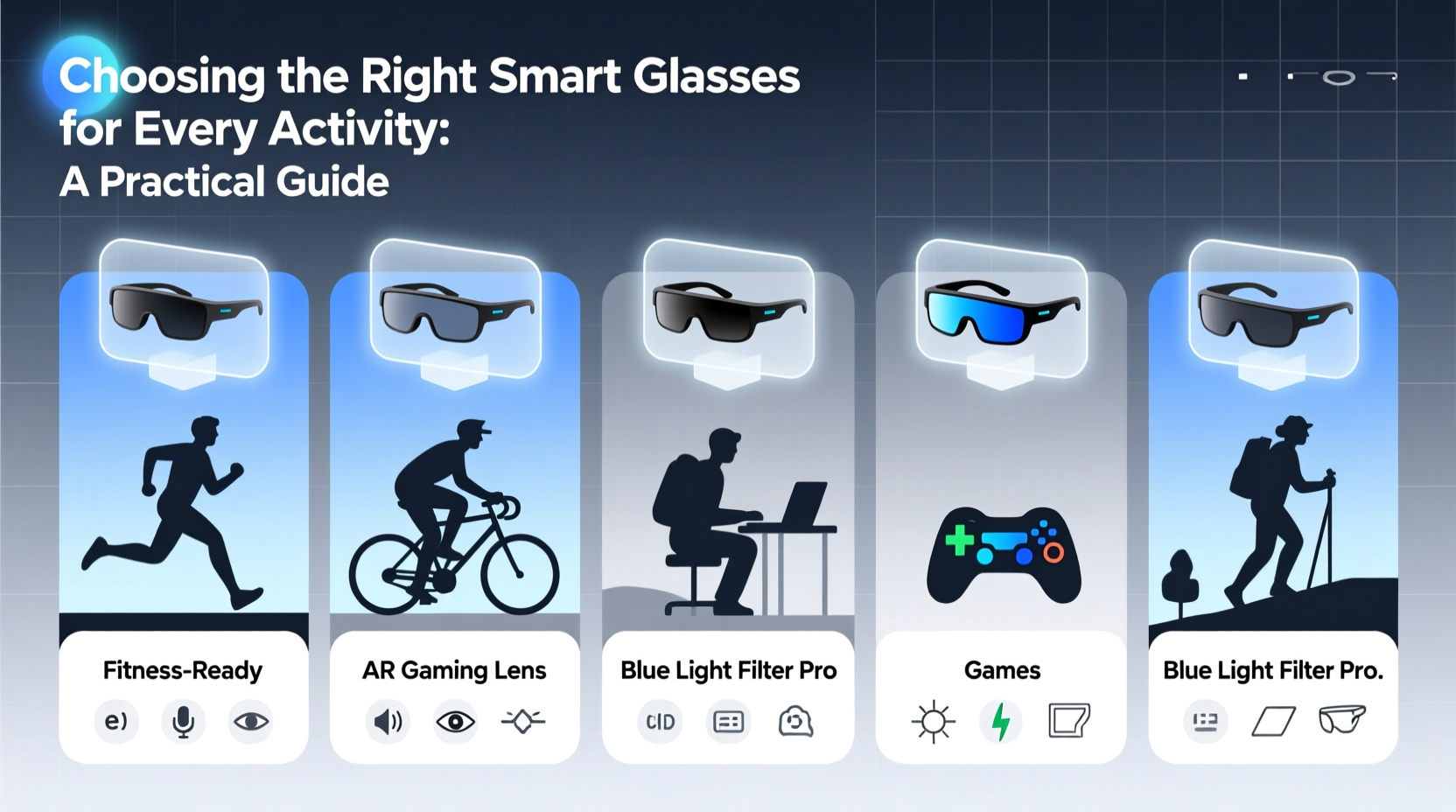
Modern smart glasses integrate technology like audio playback, voice assistants, augmented reality (AR) overlays, fitness tracking, and even camera functionality—all within a wearable frame. Unlike VR headsets, smart glasses don’t block out the world; they enhance it. Key features include:
- Voice-controlled navigation and calls
- Real-time notifications (text, email, calendar)
- Audio streaming without headphones
- Fitness metrics (steps, heart rate, route tracking)
- Photography and video recording
- Augmented reality displays (in advanced models)
The challenge lies in balancing these capabilities with comfort, battery life, durability, and discretion. A pair ideal for outdoor adventures may be overkill—or under-equipped—for office use.
Selecting Glasses by Activity Type
Different environments place different demands on smart glasses. Here’s how to align features with real-life scenarios.
Fitness & Outdoor Activities
For runners, cyclists, and hikers, smart glasses should offer reliable audio guidance, environmental awareness, and sweat resistance. Look for:
- IP-rated water and dust resistance (minimum IPX4)
- Secure, lightweight frames that stay put during motion
- Built-in GPS and fitness sensors
- Open-ear audio so you hear traffic and surroundings
Brands like Ray-Ban Meta and Bose Frames excel here, offering balanced sound and stability without isolating the wearer. For serious athletes, consider prototypes like Mojo Vision’s AR contact lens-integrated glasses, which project performance data directly into the field of view—though currently limited to clinical trials.
Urban Commuting & Navigation
In busy cities, situational awareness is critical. Smart glasses can reduce phone dependency by delivering turn-by-turn directions through subtle audio cues or visual indicators. Ideal traits include:
- Integration with Google Maps or Apple Maps
- Voice-activated search and transit updates
- Long battery life (at least 4–6 hours)
- Compact design with minimal visual distraction
A case in point: a designer in Berlin uses her Nreal Air glasses (worn over prescription lenses) with a Bluetooth earpiece to navigate subway transfers while listening to podcast summaries of her morning emails. She avoids pulling out her phone in crowded stations, reducing both fumbling and theft risk.
“Smart glasses are most effective when they reduce cognitive load, not add to it.” — Dr. Lena Torres, Human-Computer Interaction Researcher at TU Munich
Professional & Office Use
In knowledge-based jobs, smart glasses can streamline workflows. Engineers, architects, and remote support technicians benefit from AR overlays that display schematics or annotate live video feeds. However, mainstream adoption in offices remains limited due to social norms and privacy concerns.
If considering smart glasses for work, focus on:
- Discreet design resembling regular eyewear
- Compatibility with collaboration tools (Zoom, Teams, Slack)
- Privacy safeguards (camera disable switches, indicator lights)
- Text-to-speech transcription for note-taking
Microsoft HoloLens 2 remains a leader in enterprise AR, though its bulk makes it impractical for all-day wear. For subtler options, look to Vuzix Blade or XREAL One, which support productivity apps while maintaining a minimalist profile.
Comparison Table: Top Smart Glasses by Use Case
| Model | Fitness | Commuting | Work/AR | Battery Life | Price Range |
|---|---|---|---|---|---|
| Ray-Ban Meta | ✔️ Excellent audio & durability | ✔️ Good for calls & music | ❌ Limited professional features | 4 hours | $299 |
| Bose Frames (Sunglasses) | ✔️ Superior audio & fit | ✔️ Strong GPS integration | ❌ No display or AR | 3.5 hours | $279 |
| XREAL One | ⚠️ Lightweight but fragile | ✔️ Great for media & maps | ✔️ Supports AR apps | 5 hours | $499 |
| Microsoft HoloLens 2 | ❌ Too heavy for exercise | ❌ Not designed for public use | ✔️ Industry-leading AR | 3 hours | $3,500 |
| Apple Vision Pro (Speculative) | ❌ Overkill for fitness | ⚠️ Socially conspicuous | ✔️ Expected pro-grade AR | ~2 hours (external battery) | $3,499 |
Step-by-Step Guide: How to Choose Your Pair
Follow this five-step process to ensure your smart glasses deliver real value:
- Define your primary use case. Is it fitness tracking, navigation, hands-free communication, or AR visualization? Rank your top three needs.
- Test for comfort and fit. Wear trial frames for at least 30 minutes. Check for pressure points, slippage, and balance.
- Evaluate battery demands. If using for full-day commuting or work, aim for at least 5 hours of active use or support for portable charging.
- Assess ecosystem compatibility. Ensure the glasses work with your smartphone OS (iOS/Android), preferred apps, and cloud services.
- Review privacy and social acceptance. In public or team settings, visible cameras can cause discomfort. Opt for models with clear indicators and easy disable options.
Checklist: Before You Buy Smart Glasses
- ☐ Identify your top 2–3 use cases (e.g., running, navigation, video calls)
- ☐ Confirm compatibility with your smartphone and operating system
- ☐ Verify water and impact resistance ratings (IPX4 or higher recommended)
- ☐ Test audio quality in noisy environments
- ☐ Ensure firmware updates are regularly provided by the manufacturer
- ☐ Check if prescription lens options are available
- ☐ Evaluate weight—anything over 50g may cause fatigue during extended wear
Frequently Asked Questions
Can I wear smart glasses with prescription lenses?
Yes, many models—including Ray-Ban Meta and Bose Frames—offer prescription inserts or magnetic adapters. Some brands partner with LensCrafters or online opticians to provide custom fits. Alternatively, wear them over your existing glasses if frame size allows.
Are smart glasses safe for driving?
While not illegal in most regions, displaying AR content or interacting with screens while driving is strongly discouraged. Audio-only functions (like voice navigation) are safer and often permitted. Always prioritize road attention over tech interaction.
How do I protect my privacy with smart glasses?
Choose models with physical camera shutters or software toggles. Enable permission controls for microphone and camera access. Be transparent with others when recording—ethical use builds trust and reduces social friction.
Making the Right Choice for Your Lifestyle
Smart glasses aren’t one-size-fits-all. The best choice reflects your daily rhythm, physical demands, and technological comfort level. A cyclist benefits most from durable, audio-focused frames, while a field engineer gains more from AR-enabled visual overlays. Even small details—like temple width or nose pad material—can determine long-term satisfaction.
Technology should serve life, not complicate it. By matching features to function, you transform smart glasses from gadgets into genuine tools. Whether you're hiking mountain trails or leading virtual meetings, the right pair keeps you informed, connected, and in control—without missing a moment of the world around you.




 浙公网安备
33010002000092号
浙公网安备
33010002000092号 浙B2-20120091-4
Comments
No comments yet. Why don't you start the discussion?