
The holiday season brings joy, connection, and—inevitably—a growing list of people to buy gifts for. Whether you're managing a family of four or coordinating presents across extended relatives, keeping track of who’s getting what can quickly spiral into chaos. One of the most common frustrations? Duplicate gifts. Imagine two siblings buying the same toy for their nephew or parents unknowingly purchasing identical sweaters from different children. These overlaps not only waste money but also dilute the thoughtfulness behind gifting.
Thankfully, modern organization tools offer solutions. The central debate isn’t about whether to track gifts—it’s how. Should you use a digital Christmas gift tracker app with syncing capabilities and reminders, or stick to the trusted reliability of a well-structured spreadsheet? Both have merits, and the right choice depends on your lifestyle, tech comfort, and gifting complexity.
Why Duplicate Gifts Happen—and How Tracking Prevents Them
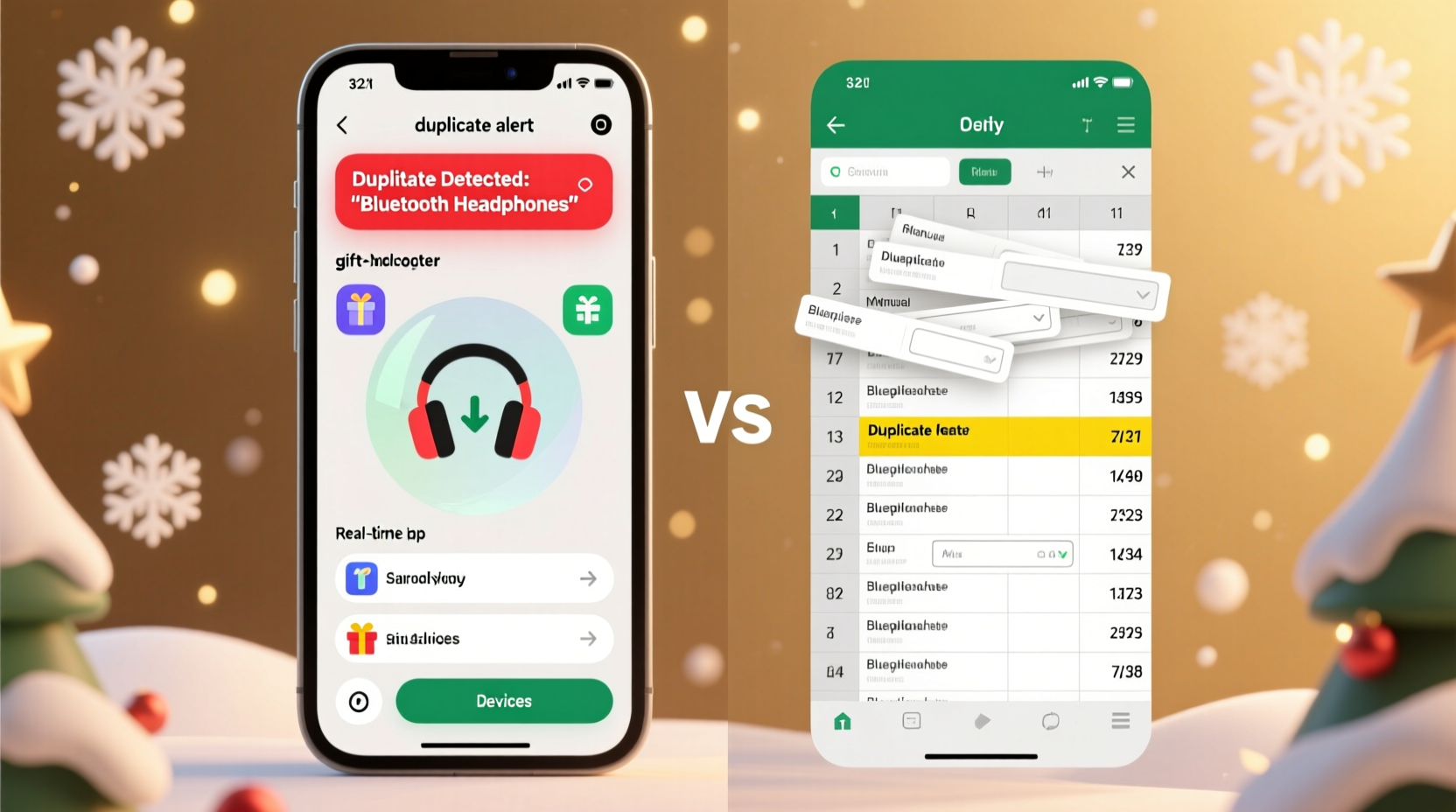
Duplicates occur when communication breaks down. In families where multiple members contribute to one person’s gift list, lack of visibility leads to overlap. Even couples shopping separately can end up with two copies of the same board game. The root cause isn’t carelessness—it’s poor coordination.
A centralized tracking system solves this by creating transparency. When everyone involved can see what’s already been purchased, planned, or budgeted, redundancy drops dramatically. This is especially crucial in blended families, large friend groups, or workplaces doing Secret Santa exchanges.
Tracking isn’t just about avoiding repeats. It also helps balance spending, ensures no one is overlooked, and reduces last-minute panic. Whether through an app or spreadsheet, the goal is clarity.
How Spreadsheets Work as Gift Trackers
Spreadsheets are among the most flexible and accessible tools for gift tracking. Platforms like Google Sheets allow real-time collaboration, automatic calculations, and custom formatting—all without requiring new software.
To build an effective gift spreadsheet, start with core columns: Recipient, Relationship, Gift Idea, Status (e.g., “Planned,” “Purchased,” “Wrapped”), Price, Where to Buy, and Notes. You can add conditional formatting so that “Purchased” items turn green, making progress instantly visible.
One major advantage of spreadsheets is control. You decide the structure, layout, and data points. Need a column for gift receipt links? Add it. Want to calculate total spending per person or overall holiday budget? Use built-in formulas like SUMIF or VLOOKUP.
Google Sheets also supports sharing via link or email invitation. Family members can view or edit based on permission settings. Comments and cell notes allow side conversations (“I’m getting the Lego set—please don’t buy another toy”), reducing miscommunication.
However, spreadsheets require manual upkeep. If someone forgets to update the status after buying a gift, others won’t know. There are no push notifications or automated reminders. Success depends on discipline and consistent input.
“Spreadsheets give you full ownership of your data and unparalleled customization—but they only work if everyone commits to updating them.” — Laura Nguyen, Productivity Consultant
How Gift Tracker Apps Improve Coordination
Dedicated Christmas gift tracker apps take automation a step further. Designed specifically for seasonal gifting, they often include features like shared lists, due date alerts, budget calculators, and even integration with online retailers.
Popular apps such as **Giftster**, **Santa’s List**, and **Elfster** allow users to create private gift lists, invite contributors, assign items, and mark purchases in real time. Some send email or mobile notifications when someone buys a gift, ensuring instant awareness across the group.
These apps often support photo uploads (so you can attach an image of the sweater you bought), price tracking, and wishlist imports from Amazon or Etsy. Elfster, for example, includes Secret Santa drawing tools with email delivery and group polling features.
Apps shine in usability. They’re designed for non-technical users, feature intuitive interfaces, and minimize manual entry. Most sync across devices, so checking your list at the mall is seamless.
But there are trade-offs. Many apps limit advanced customization. You can’t add arbitrary fields like “Last year’s gift” unless the app supports it. Privacy is another concern—your data lives on third-party servers, and some free versions display ads or upsell premium features.
Additionally, adoption can be a hurdle. Convincing less tech-savvy relatives to download an app and create an account may take more effort than sharing a simple spreadsheet link.
App vs Spreadsheet: A Detailed Comparison
| Feature | Spreadsheet (e.g., Google Sheets) | Gift Tracker App (e.g., Giftster) |
|---|---|---|
| Setup Time | Moderate (requires initial structuring) | Fast (templates available) |
| Customization | High (full control over format and fields) | Limited (fixed categories and layout) |
| Real-Time Updates | Yes (with cloud sync) | Yes (often with notifications) |
| Offline Access | Yes (via desktop or mobile app) | Varies by app |
| Budget Tracking | Flexible (formulas, totals, charts) | Basic (total spent vs. limit) |
| Privacy & Data Control | High (you own the file) | Medium (depends on provider policy) |
| User Adoption | Easy (familiar interface) | Harder (requires app download) |
| Cost | Free (with Google account) | Freemium (paid upgrades common) |
This comparison shows that neither option is universally superior. Spreadsheets win on flexibility and privacy; apps win on convenience and engagement.
Real Example: The Thompson Family’s Holiday Upgrade
The Thompsons, a family of six including two teenagers, used to rely on memory and sticky notes for gift planning. Every December, at least two duplicates slipped through—usually video games or clothing items. One year, both parents bought the same jacket for their daughter, unaware of each other’s plans.
In 2022, they switched to a shared Google Sheet. Each member added their intended gifts, prices, and purchase dates. They color-coded rows by giver and used a formula to tally individual and total spending. By mid-December, they’d avoided all duplicates and stayed $75 under budget.
Last year, they tried Giftster at their teens’ urging. The app’s reminder feature helped them finish shopping earlier, and photo uploads made wrapping easier. However, the grandparents struggled with login issues and preferred the old spreadsheet. The family now uses a hybrid model: the app for active tracking and the spreadsheet as a backup reference.
Step-by-Step: Building a Foolproof Gift Tracking System
Regardless of tool choice, a structured approach increases success. Follow these steps to implement a reliable system before shopping begins:
- Inventory Your Gifting Circle
Create a master list of everyone you plan to buy for—family, friends, coworkers, teachers, etc. - Define Roles
Decide who will manage the tracker. For families, appoint one organizer. For friend groups, rotate responsibility yearly. - Choose Your Tool
Evaluate based on group size, tech fluency, and need for automation. Prefer simplicity and accessibility over bells and whistles. - Set Up the Tracker
Include essential fields: Name, Relationship, Gift Idea, Target Price, Purchase Status, Notes. If using a spreadsheet, add a “Last Year’s Gift” column to inspire variety. - Share and Train
Send clear instructions. Show how to add, edit, or comment. Emphasize the importance of timely updates. - Monitor Progress Weekly
Check in every Sunday to review pending items, spot potential duplicates, and adjust budgets. - Lock In Purchases Early
Encourage buying by mid-December to avoid shipping delays and stress. - Post-Holiday Review
After Christmas, note what worked and what didn’t. Update templates for next year.
Essential Checklist for Avoiding Duplicate Presents
- ✅ Create a master recipient list by November 15
- ✅ Choose and set up your tracking method (app or spreadsheet)
- ✅ Share access with all relevant shoppers
- ✅ Include price ranges and deadlines
- ✅ Assign unique identifiers for similar names (e.g., “Uncle Mike – Dad’s Side”)
- ✅ Use status tags: “Planning,” “Purchased,” “Shipped,” “Wrapped”
- ✅ Enable notifications or set calendar reminders
- ✅ Conduct weekly check-ins with co-shoppers
- ✅ Archive the final list post-holidays for future reference
Frequently Asked Questions
Can I use a spreadsheet on my phone while shopping?
Yes. Google Sheets and Microsoft Excel have mobile apps that sync in real time. You can update gift statuses, scan barcodes for price checks, and add notes directly from stores or websites.
Are gift tracker apps safe for personal data?
Most reputable apps use encryption and do not sell user data. However, always review the privacy policy. For sensitive information (like exact addresses or credit details), avoid entering them. Stick to names, gift ideas, and general notes.
What if someone refuses to use the tracker?
Designate a proxy—someone else can update the tracker on their behalf. Alternatively, have them text or email their purchases daily during peak shopping weeks. The key is centralization, not perfection.
Final Recommendation: Match the Tool to Your Lifestyle
For tech-savvy households or groups already using collaborative tools, a gift tracker app offers efficiency and peace of mind. Automated alerts and sleek interfaces reduce friction and keep everyone engaged.
For smaller families, budget-conscious planners, or those wary of app overload, a well-maintained spreadsheet remains a powerful, cost-free solution. Its adaptability and offline access make it resilient and trustworthy.
The best system isn’t the most advanced—it’s the one that gets used consistently. Whether you choose a minimalist table in Google Sheets or a feature-rich app with Santa avatars, the outcome is the same: fewer duplicates, smarter spending, and more meaningful gifts.




 浙公网安备
33010002000092号
浙公网安备
33010002000092号 浙B2-20120091-4
Comments
No comments yet. Why don't you start the discussion?