
As holiday lighting displays grow increasingly sophisticated, the demand for precision in timing and synchronization has never been higher. Homeowners, hobbyists, and professional installers alike are faced with a critical decision: Should they rely on dedicated Christmas light animation controllers or depend solely on smartphone apps to manage their sequences? While both options offer convenience, only one provides the level of timing accuracy required for complex, choreographed light shows synced to music or dynamic effects.
The difference between a dazzling, perfectly timed display and a disjointed flicker often comes down to hardware architecture, latency, signal consistency, and real-time processing capabilities. This article breaks down the technical realities behind each method, compares performance under real-world conditions, and reveals why dedicated controllers dominate when precision matters most.
Dedicated Controllers: Engineered for Timing Accuracy
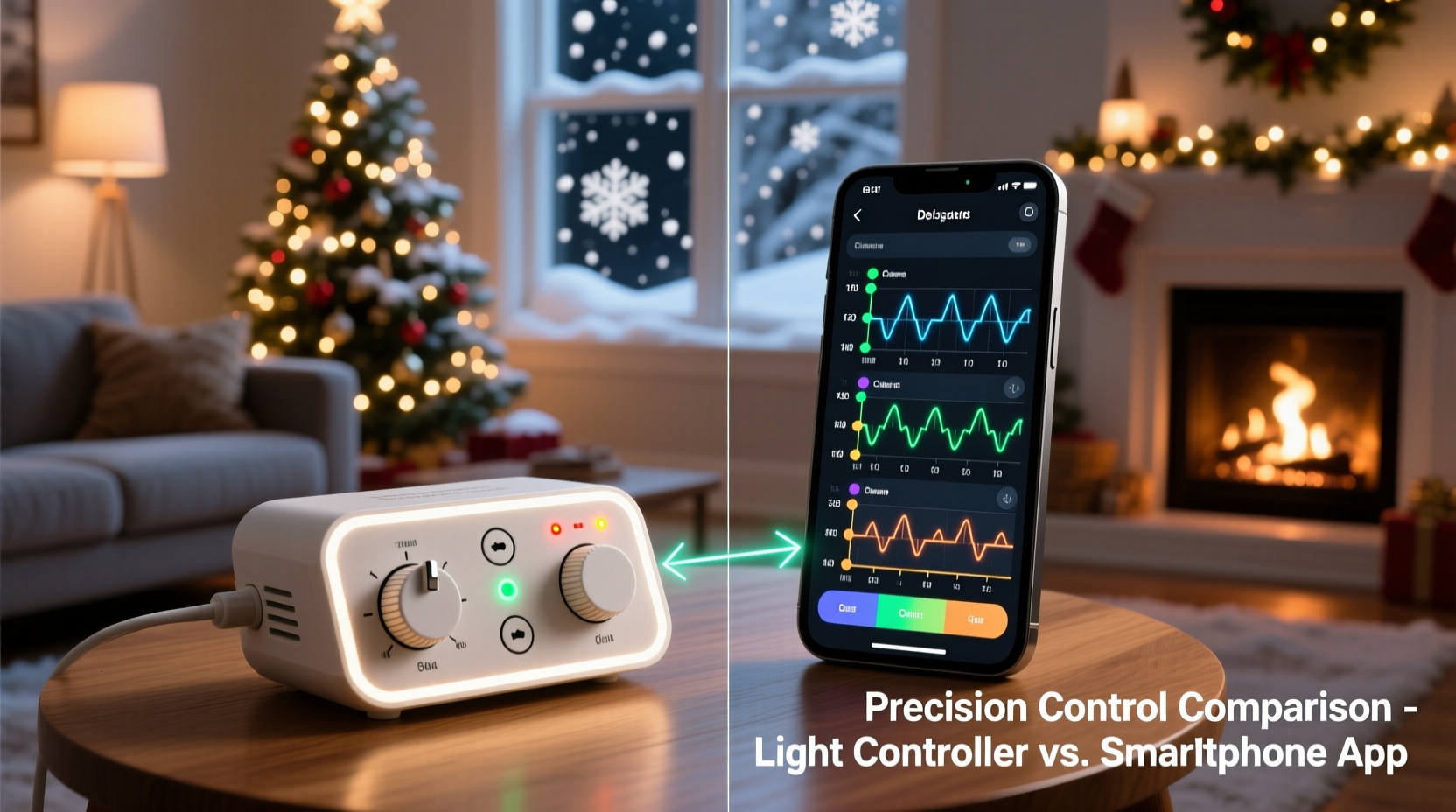
A Christmas light animation controller is a physical device designed specifically to manage electrical signals sent to individual light channels. These units range from simple 8-channel relays to advanced systems supporting hundreds of individually addressable LEDs (like WS2812B strips) using protocols such as DMX, E1.31 (sACN), or proprietary firmware.
What sets them apart is their deterministic behavior—each command executes at a predictable time, unaffected by background processes, network congestion, or battery-saving algorithms. Unlike general-purpose smartphones, these devices run lightweight, real-time operating systems optimized for low-latency output.
For example, a typical ESP32-based controller running xLights or Falcon Player firmware can send data packets every 20–50 milliseconds with sub-millisecond jitter. This means if you schedule a red flash to occur exactly at 1 minute and 47 seconds into a song, it will happen within a fraction of that moment—every single time.
Smartphone Apps: Convenience Over Precision
Smartphone apps have made controlling holiday lights accessible to beginners. With intuitive interfaces, drag-and-drop sequencing, and Bluetooth or Wi-Fi connectivity, they allow users to toggle colors, set patterns, and even create basic animations directly from their phones.
However, relying solely on a smartphone introduces several layers of unpredictability. Modern mobile operating systems prioritize power efficiency and multitasking, meaning background tasks—including light control services—can be delayed, paused, or throttled without warning. A notification pop-up, GPS update, or screen timeout might interrupt a scheduled light cue by 100ms or more—enough to break the illusion of synchronization during fast-paced musical numbers.
Additionally, wireless communication via Bluetooth Low Energy (BLE) or consumer-grade Wi-Fi adds variable latency. Signal strength fluctuations, interference from other devices, and router queuing all contribute to inconsistent delivery times. In live demonstrations, BLE-connected strings have shown delays ranging from 40ms to over 300ms—far too erratic for lip-syncing Santa’s dance moves to “Jingle Bell Rock.”
“Consumer apps are great for ambiance lighting, but when you need frame-accurate control—especially for video capture or public exhibitions—you must move beyond smartphones.” — Daniel Reeves, Lighting Systems Engineer & Holiday Display Designer
Performance Comparison: Controllers vs Smartphones
| Feature | Dedicated Controller | Smartphone App Only |
|---|---|---|
| Timing Jitter | < 1 ms | 40 – 300+ ms |
| Signal Reliability | High (dedicated firmware) | Variable (OS-dependent) |
| Latency Consistency | Consistent | Inconsistent |
| Multi-Channel Sync | Precise (microsecond-level) | Moderate to poor |
| Real-Time Updates | Immediate | Delayed due to polling |
| Battery/Power Impact | None (external power) | Drains phone battery |
| Suitability for Music Sync | Excellent | Limited |
This table illustrates why dedicated controllers are preferred in high-fidelity installations. The ability to maintain microsecond-level coordination across dozens of zones enables seamless transitions, wave effects, and beat-matched flashes that appear professionally produced.
Mini Case Study: Neighborhood Lights Competition
In suburban Denver, two neighbors entered an annual holiday lights contest. Both used similar equipment: RGB LED strips, inflatables, and sound-enabled displays. One used a smartphone-only setup with a popular consumer app; the other invested in a four-node Falcon F16v3 controller system running synchronized sequences via sACN over Wi-Fi.
The smartphone user spent hours designing sequences on his iPhone, previewing smooth fades and pulsing beats. But during the actual playback, viewers noticed slight lag between speakers and lights—especially during drum hits. Some strobes fired late, breaking rhythm.
In contrast, the controller-based display played flawlessly. Each snare hit triggered an instant white flash across the roofline. Color waves flowed down the driveway in perfect progression. Spectators recorded videos, amazed at how tightly the lights matched the music.
Judges scored the controller-driven display 98/100 for synchronization, versus 76 for the app-only version. The key differentiator wasn’t creativity—it was timing precision.
Step-by-Step: Building a Precision-Timed Light Show
Creating a complex display with accurate timing involves more than choosing hardware—it requires planning and execution. Follow this sequence to ensure your lights perform exactly as intended:
- Analyze Your Audio Track: Import your music into software like xLights or Light-O-Rama S5. Identify beats, lyrics, crescendos, and pauses.
- Map Your Channels: Assign physical light zones (e.g., front roof, tree base, window outline) to virtual channels in your software.
- Create Sequences Frame-by-Frame: Work in 10–50ms increments to align effects precisely with audio cues. Use waveform visualization to pinpoint exact moments.
- Export to Controller Format: Generate output files compatible with your controller (e.g., E1.31 stream, LOR sequence file).
- Test Locally First: Run short segments on-site to verify wiring, polarity, and response time.
- Deploy with Stable Network: Connect controllers via wired Ethernet or a dedicated 5GHz Wi-Fi band to avoid interference.
- Run Full Playback Test: Execute the entire show multiple times, checking for drift or missed triggers.
- Monitor During Operation: Use logging tools to detect packet loss or timing anomalies in real time.
This workflow is impractical with smartphone-only solutions because most lack support for frame-accurate editing, multi-universe streaming, or external triggering.
When Smartphone Apps Are Acceptable
It's important to acknowledge that smartphone apps do serve valuable roles in holiday lighting. They excel in scenarios where absolute precision isn't required:
- Indoor mood lighting (e.g., fireplace glow simulation)
- Simple outdoor accent lighting (porch outlines, path markers)
- Remote on/off scheduling (via smart plugs paired with apps)
- Quick adjustments when not near a computer
Many professionals use smartphone apps as supplementary tools—for remote monitoring or emergency shutdown—not as primary timing engines. The best approach often combines both: a dedicated controller handles the heavy lifting of choreography, while a companion app allows convenient status checks or manual overrides.
Checklist: Choosing the Right System for Precision Control
- ☐ Do you need frame-accurate timing (within ±10ms)? → Choose a dedicated controller.
- ☐ Will your display exceed 16 channels? → Controllers scale better.
- ☐ Is your show synced to music with rapid beats? → Avoid smartphone-only.
- ☐ Are you filming or live-streaming the display? → Precision is essential for viewer experience.
- ☐ Do you plan to expand next year? → Invest in scalable controller platforms now.
- ☐ Is Wi-Fi unstable in your yard? → Consider wired Ethernet adapters for controllers.
- ☐ Are you comfortable with basic networking and IP configuration? → Required for advanced controllers.
Frequently Asked Questions
Can I use my smartphone to program sequences but still use a controller?
Absolutely. Many systems allow you to design sequences on a PC or tablet, then deploy them to standalone controllers. Once loaded, the controller runs independently—no phone needed during playback. This gives you the ease of app-based design with the precision of hardware execution.
Do any smartphone apps offer reliable timing?
While some premium apps claim low-latency performance, none can bypass the limitations of mobile OS scheduling and wireless protocols. Even the best apps exhibit variability under real-world conditions. For non-critical applications, they’re sufficient—but don’t expect studio-grade sync.
Are dedicated controllers expensive?
Entry-level models start around $60–$100 (e.g., ESP32 with WLED), while professional units (Falcon, Light-O-Rama) range from $200–$600. However, consider longevity: a single season of reliable performance justifies the cost compared to repeated troubleshooting with unreliable app setups.
Conclusion: Hardware Wins When Timing Matters
For complex Christmas light displays requiring precise timing control, dedicated animation controllers are unmatched. Their deterministic operation, minimal latency, and resistance to environmental variables make them the standard in professional installations. Smartphone apps, while convenient, operate on unpredictable platforms ill-suited for millisecond-level accuracy.
If your goal is a breathtaking, choreographed spectacle that captivates audiences and holds up under scrutiny—especially in recordings or competitions—a standalone controller isn’t just preferable; it’s necessary. The investment pays off in reliability, scalability, and sheer visual impact.




 浙公网安备
33010002000092号
浙公网安备
33010002000092号 浙B2-20120091-4
Comments
No comments yet. Why don't you start the discussion?