
As holiday traditions evolve, so do the tools we use to celebrate them. The flicker of Christmas lights no longer has to rely solely on timers or manual switches. With smart home technology, you can now automate your festive display so that your house lights up the moment you're within range—literally as you pull into the driveway. At the heart of this convenience is geofencing: a location-based feature that triggers actions based on your smartphone’s GPS. But can a Christmas light app with geofencing actually turn on your lights when you arrive? The answer is yes—and it's easier than most people think.
Geofencing turns your smartphone into a digital key for your holiday lighting system. When you approach a defined geographic boundary—your property, for example—the app detects your proximity and sends a command to your smart outlets or light controllers. This creates a seamless, welcoming experience without lifting a finger. Whether you're coming home from work, returning from vacation, or arriving late after a holiday party, your home greets you in full seasonal splendor.
How Geofencing Works with Smart Christmas Lights
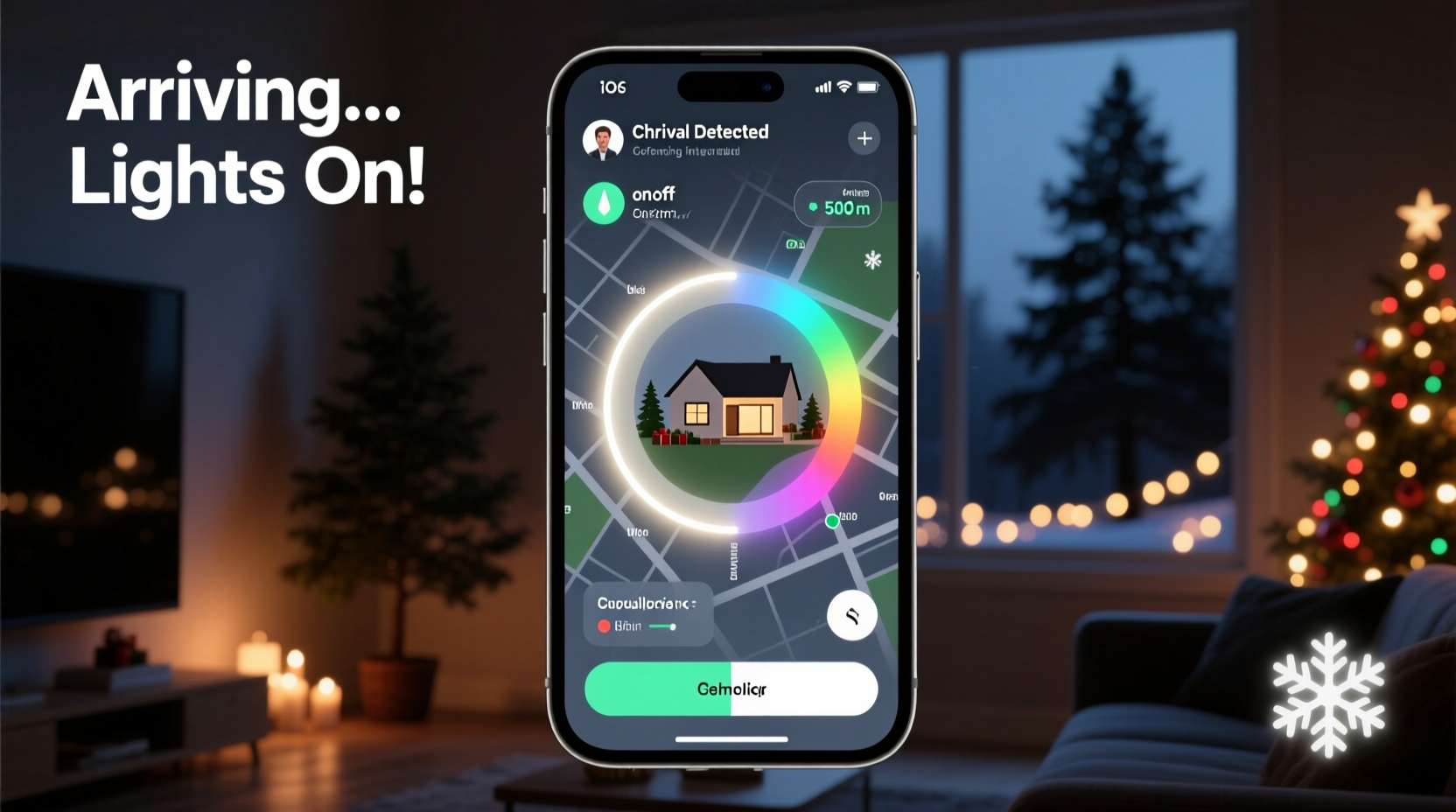
Geofencing operates by creating a virtual perimeter around a real-world location. In practical terms, you set a radius—say, 500 feet—around your home using a mobile app. When your smartphone crosses that invisible boundary, the app receives a signal and executes a predefined action. For Christmas lights, that action is typically turning on (or off) connected smart devices.
The process relies on three core components:
- Smart lighting hardware: This includes Wi-Fi-enabled string lights, smart plugs, or addressable LED controllers compatible with apps like Philips Hue, LIFX, or third-party platforms such as Wemo or TP-Link Kasa.
- A mobile app with geofencing support: Not all lighting apps offer geofencing natively, but many integrate with automation platforms like IFTTT (If This Then That), Apple Shortcuts, or Google Home routines that support location-based triggers.
- Your smartphone’s GPS: Your phone acts as the beacon. As long as location services are enabled and the app has permission to access them, the system can detect when you’re approaching.
Once configured, the sequence unfolds automatically. You drive within the geofence, your phone communicates with the cloud service, which then signals your smart hub or outlet to power up the lights. The entire process takes seconds, often before you’ve even parked the car.
Setting Up Geofenced Christmas Light Automation: A Step-by-Step Guide
Turning on your Christmas lights via geofencing doesn’t require advanced technical skills, but it does involve careful setup. Follow these steps to get your system running smoothly.
- Choose compatible smart lighting equipment. Use smart plugs if you have traditional Christmas lights, or invest in Wi-Fi-enabled LED strings. Brands like Twinkly, GE Color Effects, or Holiday Coro offer strong app integration.
- Install and configure your smart device. Connect your lights to a smart plug or controller, then pair it with its companion app via Wi-Fi.
- Select an automation platform. If your lighting app doesn’t support geofencing directly, connect it to IFTTT, Apple Shortcuts (iOS), or Google Assistant routines (Android).
- Create a new applet or routine. In IFTTT, for example, create an applet where the trigger is “Location → Entered area” and the action is “Turn on device.” Define the geofence radius around your home.
- Test the automation. Walk or drive toward your home from outside the geofence to verify the lights turn on. Adjust the radius if activation happens too early or too late.
- Set fallback rules. Combine geofencing with time-based conditions to prevent lights from turning on during daylight hours. For instance: “Only turn on if geofence is triggered after 5 PM.”
Keep in mind that accuracy depends on GPS signal strength, network latency, and battery-saving settings on your phone. Some users report delays of up to a minute, especially in areas with weak cellular coverage.
Benefits and Real-World Applications
The appeal of geofenced Christmas lights goes beyond convenience—it enhances safety, ambiance, and energy efficiency.
For families, it means walking up to a well-lit porch instead of fumbling for keys in the dark. For elderly homeowners, it reduces fall risks during winter months. And for those who travel frequently during the holidays, it creates the illusion of occupancy, deterring potential intruders.
One homeowner in Minnesota shared their experience: After installing a Twinkly light strip on their front porch and linking it to an IFTTT geofence, they noticed an immediate improvement in evening arrivals. “Coming home from night shifts used to feel lonely and dark,” they said. “Now, the second I turn onto our street, the house starts glowing. It feels like the home is waiting for me.”
This emotional impact shouldn’t be underestimated. The holidays are as much about feeling welcome as they are about decoration. Automating that first visual cue—the warm glow through the trees—can significantly boost mood and sense of belonging.
“Automation isn’t just about saving time—it’s about designing experiences. A home that responds to your presence creates psychological comfort.” — Dr. Lena Patel, Behavioral Technologist at MIT Media Lab
Comparison of Popular Platforms for Geofenced Lighting
Not all systems handle geofencing equally. Here’s a comparison of leading platforms based on compatibility, ease of use, and reliability.
| Platform | Geofencing Support | Compatible Lights | Setup Difficulty | Best For |
|---|---|---|---|---|
| IFTTT | Yes (via Location applet) | Broad (Wemo, Kasa, Philips Hue, etc.) | Moderate | Users with mixed-brand devices |
| Apple Shortcuts | Yes (iOS Location trigger) | Hue, Nanoleaf, HomeKit-enabled | Easy | iOS users seeking native integration |
| Google Home Routines | Yes (Arrive/Leave triggers) | Nest, TP-Link, Cync, others | Easy | Android users or Google ecosystem fans |
| Smart Life / Tuya | Limited (basic geo-rules) | Tuya-based brands only | Moderate | Budget-friendly smart lighting |
| Twinkly App | No native support, but works via IFTTT | Twinkly products only | Moderate | Premium LED strip users |
While native geofencing remains rare in dedicated lighting apps, integration with broader automation ecosystems fills the gap effectively. Choose the platform that aligns with your existing devices and mobile operating system.
Common Challenges and How to Overcome Them
Despite its advantages, geofencing isn’t foolproof. Several factors can interfere with consistent performance.
GPS drift occurs when your phone misreports your location due to poor satellite signal, tall buildings, or dense tree cover. This can cause false triggers—lights turning on when you’re not actually near home—or missed activations.
Battery optimization settings on modern smartphones may restrict background app activity, delaying or preventing geofence detection. To mitigate this, disable battery saver for your automation app or add it to the “unmonitored” list in settings.
Overlapping triggers can happen if multiple automations are set up. For example, a timer might turn lights on at dusk, while geofencing activates them again when you arrive. This redundancy wastes energy and diminishes the surprise factor.
Do’s and Don’ts of Geofenced Holiday Lighting
| Do | Don't |
|---|---|
| Test the geofence with a walk/drive test | Assume it works perfectly the first time |
| Use high-accuracy GPS mode on your phone | Run aggressive battery-saving modes |
| Combine location triggers with time windows | Let lights turn on during daylight |
| Secure your smart home account with two-factor authentication | Share login details over unsecured channels |
| Update firmware on smart devices regularly | Ignore software update notifications |
Mini Case Study: The Johnson Family’s Smart Holiday Display
The Johnsons, a family of four in Colorado, wanted to make their holiday lighting both festive and functional. They installed Kasa smart plugs on their outdoor light circuits and linked them to Google Home routines. Using the “When I arrive home” trigger, they programmed their front yard display to activate every evening after 5 PM.
Initially, the lights turned on too early—sometimes while Mr. Johnson was still five miles away. After adjusting the geofence radius from 1 mile to 0.3 miles, the timing improved dramatically. They also added a sunset delay so lights wouldn’t come on during winter afternoons when arriving home early.
By combining geofencing with voice control (“Hey Google, turn off the reindeer lights”), they created a flexible, low-effort system. Neighbors began stopping by to ask how they managed such a responsive display. “It’s not magic,” Mrs. Johnson said. “It’s just smart planning.”
Frequently Asked Questions
Can geofencing work if my phone is in airplane mode?
No. Geofencing requires active GPS, Wi-Fi, or cellular data to detect location. If your phone is in airplane mode, the app cannot determine your position, and the trigger won’t fire.
Will my Christmas lights turn on for visitors or delivery drivers?
Only if they carry a device that’s part of your automation setup. Geofencing typically uses your personal smartphone as the trigger. Unless someone else has access to your logged-in device, accidental activations are unlikely.
Is geofencing safe for smart home devices?
Yes, when implemented securely. Always use strong passwords, enable two-factor authentication, and avoid public Wi-Fi when configuring your system. Reputable platforms encrypt communication between your phone and devices.
Maximizing the Experience: Pro Tips for Better Results
To get the most out of your geofenced Christmas lights, consider layering automation for greater impact.
- Staggered activation: Turn on pathway lights first, then the main display 10 seconds later, creating a dramatic reveal.
- Music sync: Pair your lights with a holiday playlist that starts playing indoors via a smart speaker when you arrive.
- Weather awareness: Use advanced platforms like IFTTT to cancel activation during heavy snow or storms, protecting delicate displays.
- Guest mode: Create a temporary rule that disables geofencing during parties so lights don’t turn off when you step outside.
These refinements transform a simple automation into a personalized holiday ritual—one that adapts to your lifestyle rather than dictating it.
Conclusion: Welcome Home with a Glow
Christmas light apps with geofencing aren’t just a novelty—they’re a meaningful upgrade to how we experience the holiday season. By syncing your home’s ambiance with your daily rhythm, you create moments of warmth and welcome that go beyond aesthetics. The ability to have your lights turn on the moment you arrive isn’t just convenient; it’s emotionally resonant.
With the right tools and a bit of setup, anyone can bring this experience to life. Start small: connect one strand of lights to a smart plug, build a single geofence routine, and refine from there. The technology is accessible, affordable, and increasingly reliable.




 浙公网安备
33010002000092号
浙公网安备
33010002000092号 浙B2-20120091-4
Comments
No comments yet. Why don't you start the discussion?