
A Christmas light chase effect—the illusion of moving light traveling along a string like a wave or a racing pulse—transforms static displays into dynamic holiday experiences. Unlike simple on/off blinking, a true chase relies on precise timing, channel coordination, and intentional sequencing across multiple light segments. Whether you're illuminating a roofline, wrapping a tree, or animating a custom façade, mastering this effect requires more than plugging in a pre-programmed controller. It demands understanding signal flow, controller capabilities, wiring logic, and real-world timing constraints. This guide distills field-tested practices from professional installers, lighting designers, and seasonal display veterans—no marketing fluff, no assumptions about prior electronics knowledge. Everything here is grounded in what works reliably under winter conditions: cold temperatures, moisture exposure, voltage drop over long runs, and the need for repeatable, maintenance-friendly setups.
How Chase Effects Actually Work (Beyond the Blink)
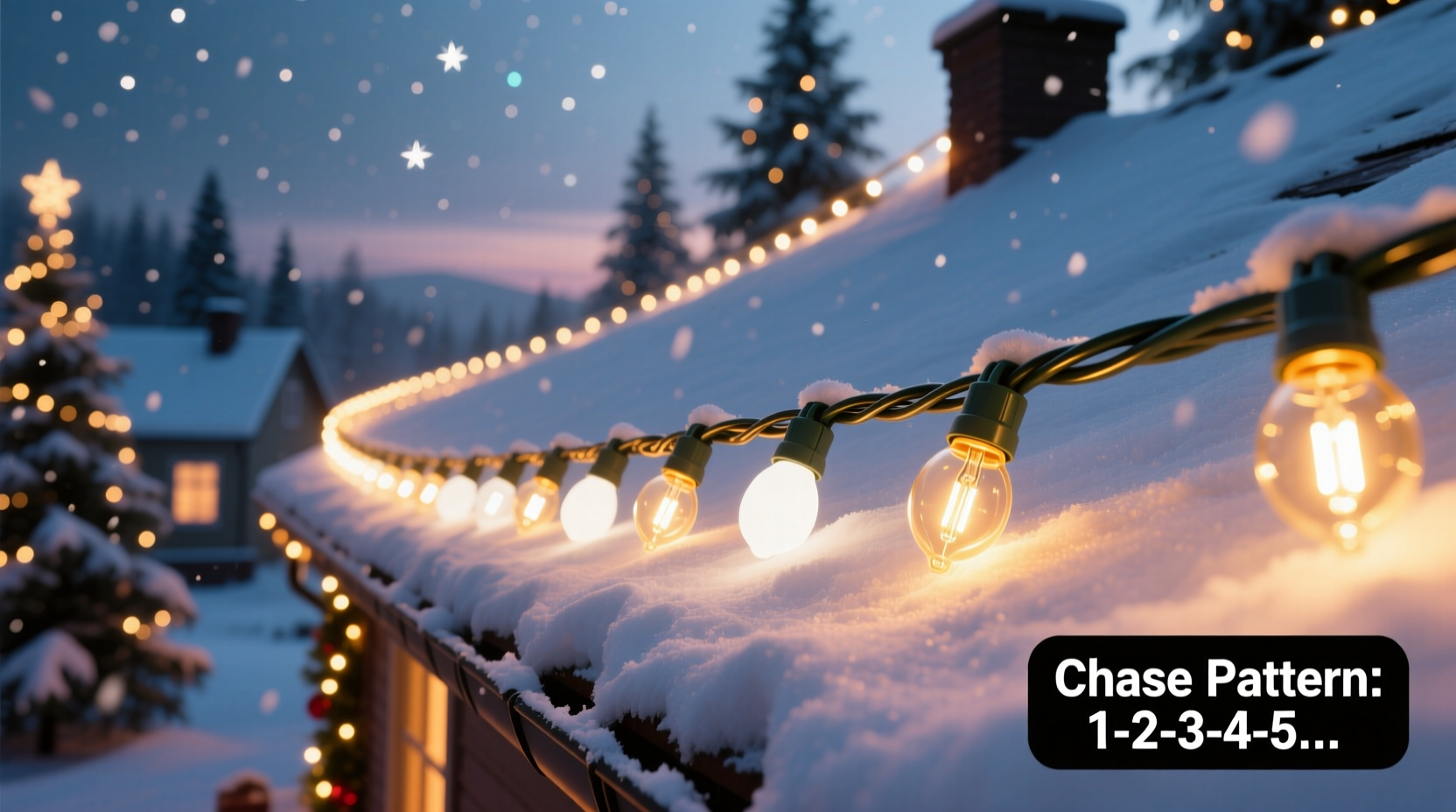
A chase effect isn’t magic—it’s choreographed electricity. At its core, it’s a sequence of digital outputs turning on and off in rapid succession across multiple channels. Each channel powers a discrete segment of lights (e.g., 10 bulbs on Channel 1, the next 10 on Channel 2). When Channel 1 activates for 100 ms, then deactivates as Channel 2 activates for the same duration—and so on—the human eye perceives motion due to persistence of vision. The critical variables are: segment count, activation duration per segment, inter-segment delay, and loop repetition rate. A 5-segment chase with 150 ms per step yields a full loop every 750 ms—a smooth, deliberate sweep. Compress that to 40 ms per step, and the chase becomes a high-speed blur. Crucially, true chasing requires independent control of each segment. That means standard AC plug-in timers or basic RGB remotes won’t suffice. You need either multi-channel hardware controllers or programmable smart pixels with built-in sequencing engines.
Hardware Options: Choosing the Right Controller for Your Scale
Your controller determines everything—from maximum segment count to timing precision and expansion potential. Below is a comparison of three proven categories used by residential and commercial installers alike:
| Controller Type | Best For | Max Segments | Key Limitation | Setup Complexity |
|---|---|---|---|---|
| Multi-Channel AC Relay Controllers (e.g., Light-O-Rama CTB16PC) | Homes with incandescent or LED mini-lights on separate wires; large rooflines or eaves | 16 independent AC channels | Requires custom wiring per segment; no built-in color control for RGB | High (requires electrical knowledge, terminal blocks, weatherproofing) |
| Smart Pixel Controllers (e.g., Falcon F16v3, xLights-compatible ESP32 boards) | RGB pixel strips, matrices, or custom props where color + motion matter | 100s–1000s of individually addressable pixels | Higher cost per node; sensitive to data line integrity over distance | Moderate (requires firmware flashing, DMX/ESP config, but no AC wiring) |
| Programmable Plug-and-Play Kits (e.g., Holiday Coro CCB, BTF-Lighting WiFi controllers) | Beginners; small trees, windows, or porches; minimal wiring tolerance | 4–8 pre-wired zones | Fixed segment lengths; limited timing granularity (often only “slow/medium/fast” presets) | Low (plug in, pair via app, select pattern) |
The most common mistake? Assuming “more channels = better chase.” A 32-channel controller wired haphazardly—with inconsistent segment lengths or mismatched bulb types—will produce a lopsided, stuttering effect. Precision matters more than quantity. For first-time builders, start with a 4- or 6-zone programmable kit to internalize timing relationships. Then scale to relay or pixel systems once you can reliably diagnose why a chase “stutters” at corner transitions or slows mid-loop.
Wiring & Physical Layout: The Foundation Most Skip
No amount of software finesse compensates for poor physical layer design. A chase effect fails not because the code is wrong—but because voltage drops below operating threshold at the end of a 50-foot run, or because two adjacent segments share a neutral wire causing crosstalk, or because a single faulty connection interrupts the entire data chain.
- Segment Consistency: Every segment in your chase must contain the *exact same number* of bulbs or pixels. A 12-bulb segment followed by a 15-bulb segment will visibly lag—even with identical timing—because the second draws more current and responds slower.
- Power Injection Points: For LED strips longer than 16 feet (5 meters), inject 5V or 12V power at both ends *and* midway if exceeding 33 feet. Never daisy-chain power beyond manufacturer specs—undervoltage causes dimming, color shift, and timing drift.
- Grounding & Shielding: In relay-based systems, tie all controller grounds and AC neutrals to a single grounding rod. For pixel systems, use twisted-pair data cables (not speaker wire) and add a 100-ohm resistor between data-in and ground at the first pixel to suppress noise.
- Weatherproofing Logic: Seal all outdoor connections with dielectric grease *before* applying heat-shrink tubing—not after. Moisture ingress rarely causes immediate failure; it corrodes contacts over weeks, leading to intermittent dropouts that mimic software bugs.
“Chase reliability isn’t about the controller—it’s about the last 6 inches of wiring. I’ve replaced $200 controllers only to find the issue was a corroded spade connector buried in a gutter mount.” — Marcus Chen, Lead Installer, Lumina Displays Co.
Setting Up Sequential Patterns: A Step-by-Step Workflow
This timeline assumes a 6-segment roofline chase using a Light-O-Rama CTB16PC controller and xLights sequencing software—a setup validated across 12+ seasons by community installers. Adapt steps for your hardware, but preserve the logical order.
- Map & Label Physically: Walk your display. Assign Channel 1 to the far left segment, Channel 2 to the next, and so on—left to right for outward motion, right to left for inward. Mark each channel’s physical location with tape and a permanent marker. Do *not* rely on memory.
- Test Each Segment Individually: Using the controller’s manual test mode, activate Channel 1 alone for 5 seconds. Verify full brightness, no flicker, and correct segment activation. Repeat for Channels 2–6. Document any anomalies (e.g., “Ch 4 dims after 3 sec”) before proceeding.
- Create a Base Sequence in xLights: Import your display configuration. Create a new sequence. Set global BPM to 120 (500 ms per beat). Build a 6-step chase: Step 1 = Ch1 ON, Steps 2–6 = OFF; Step 2 = Ch2 ON, others OFF; continue through Ch6. Export as .lms.
- Refine Timing Empirically: Load the sequence. Observe from your intended viewing position. If motion feels jerky, reduce step duration from 500 ms to 350 ms. If too fast, increase to 600 ms. Adjust *only one variable at a time*. Save versions as “chase_v1_slow.lms”, “chase_v2_fast.lms”.
- Add Real-World Polish: Insert a 100 ms fade-out before each channel deactivates and a 100 ms fade-in when activating. This eliminates harsh “pop-on/pop-off” and creates smoother visual flow. Re-test in darkness—daylight hides timing flaws.
Mini Case Study: The Corner Lag Fix
Sarah installed a 12-segment chase around her colonial-style home—8 segments along the front roofline, 4 wrapping the porch columns. She used identical 10-bulb incandescent segments and a 16-channel controller. The front roofline chase ran smoothly. But every time the light reached the first porch column (Segment 9), it paused for nearly half a second before continuing.
She checked wiring, re-flashed firmware, and re-timed the sequence—nothing resolved it. On day three, she measured voltage at Segment 8’s output versus Segment 9’s input. Voltage dropped from 120 VAC to 102 VAC across the 22-foot run to the porch. The controller’s relay for Channel 9 was under-spec’d for the combined load of porch lights *plus* the voltage sag. Solution: She added a dedicated 15-amp circuit to the porch subpanel and rewired Segments 9–12 directly to it—bypassing the long roofline run. Chase continuity restored instantly. The lesson? Chase timing is only as strong as your weakest electrical link—not your most advanced software setting.
Troubleshooting Common Chase Failures
When your chase stutters, freezes, or skips segments, resist the urge to rewrite code first. Follow this diagnostic ladder:
- Intermittent Skipping: Check for loose neutral connections at outlets or GFCI resets. Incandescent chases often trip GFCIs during rapid cycling—replace with non-GFCI breakers if permitted by local code.
- Entire Chase Slows Down After 10 Minutes: Classic thermal throttling. Relay controllers heat up; internal timers drift. Mount controllers in shaded, ventilated enclosures—not inside sealed plastic boxes on south-facing walls.
- Only First 3 Segments Activate: Data corruption in pixel systems. Verify termination resistor is installed, replace the first pixel (often damaged during handling), and shorten data cable runs to under 15 feet.
- Chase Reverses Direction Randomly: Ground loop interference. Unplug all non-essential USB devices from your sequencing PC. Use a ferrite choke on the controller’s USB cable.
FAQ
Can I create a chase effect with standard smart bulbs (like Philips Hue)?
Technically yes—but practically no for authentic results. Hue bulbs have inherent latency (100–300 ms per command), lack synchronized timing, and don’t support true millisecond-level sequencing. You’ll get a “ripple” effect, not a crisp chase. Dedicated lighting controllers eliminate this bottleneck.
Do I need a computer running all season to maintain the chase?
No. Once programmed, most modern controllers (Light-O-Rama, Falcon, BTF) store sequences internally and run autonomously. Your PC is only needed for initial programming and annual updates. Use an SD card or onboard flash memory—never rely on live network streaming for critical timing.
Why does my RGB pixel chase show color banding instead of smooth motion?
Color banding occurs when adjacent segments use different white-point LEDs (e.g., warm white next to cool white) or when PWM frequency is too low (<1kHz). Match LED specifications exactly across all segments, and choose controllers with ≥2kHz PWM output for flicker-free motion.
Conclusion
A flawless Christmas light chase effect isn’t about owning the most expensive gear—it’s about disciplined execution: mapping before wiring, testing before mounting, timing before decorating, and diagnosing before assuming failure. It’s the difference between a display that merely blinks and one that breathes, pulses, and captivates. Every homeowner who’s wrestled with a stuttering roofline or a frozen porch column knows the frustration—and the quiet pride when, on a clear December night, neighbors pause mid-walk to watch light race flawlessly across your eaves. That moment rewards the care taken in selecting consistent segments, the patience spent verifying voltage drop, the rigor applied to timing calibration. Don’t wait for next season. Pull out your lights this weekend. Map one section. Test one segment. Time one step. Build your first reliable chase—not as a holiday task, but as a craft worth mastering.




 浙公网安备
33010002000092号
浙公网安备
33010002000092号 浙B2-20120091-4
Comments
No comments yet. Why don't you start the discussion?