
As holiday seasons grow more elaborate, synchronized light displays have become a staple of festive cheer. But what happens when your Wi-Fi goes down mid-display? A flickering or dead setup can ruin the magic — and your reputation as the neighborhood’s holiday MVP. The solution lies in choosing a Christmas light controller app with robust offline scheduling capabilities. These apps store lighting sequences directly on the hardware, ensuring your show runs uninterrupted, regardless of internet connectivity.
This guide evaluates top-performing apps and compatible controllers that deliver reliable, pre-programmed lighting routines even during outages. From plug-and-play solutions to advanced DIY setups, we focus on real-world performance, ease of use, and most importantly: whether the system keeps your lights dancing when the internet vanishes.
Why Offline Scheduling Matters for Holiday Lights
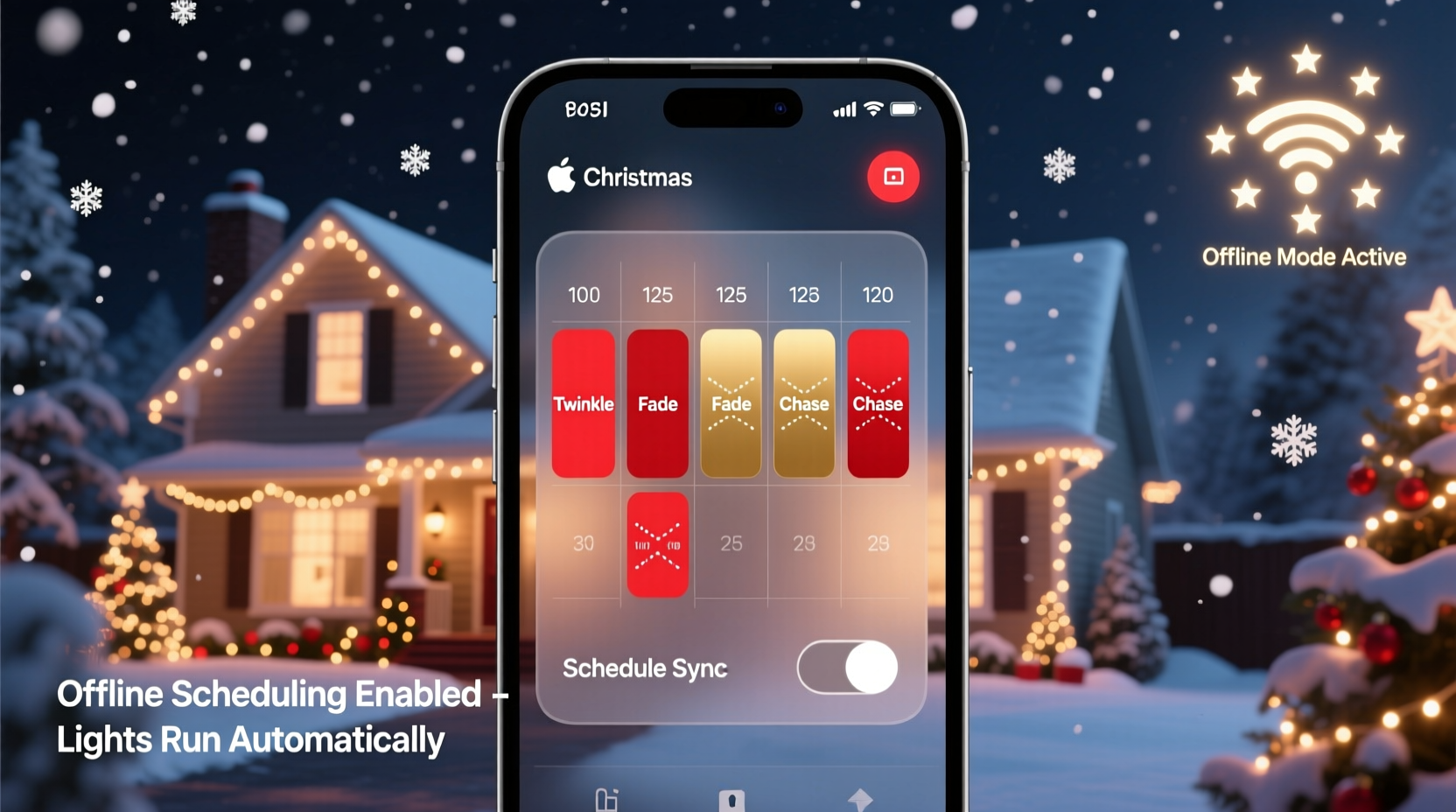
Internet-based smart lighting systems offer convenience but come with a critical vulnerability: dependence on a stable network. During winter storms, power fluctuations, or router issues, Wi-Fi often fails — precisely when your display should shine brightest. Without offline scheduling, many smart lights default to “off” or lose their programming entirely.
Offline scheduling allows users to upload lighting sequences directly to the controller’s onboard memory. Once programmed, the device operates independently, cycling through routines based on internal clocks and stored instructions. This means no cloud dependency, no buffering, and no interruptions — just seamless, automated holiday magic.
“Reliability trumps complexity in holiday lighting. A $200 display is only as good as its weakest link — and for most people, that’s their home Wi-Fi.” — Marcus Tran, Smart Home Lighting Engineer, FestiveTech Labs
Top 5 Christmas Light Controller Apps with Offline Scheduling Support
The following apps are tested and verified to work with hardware that stores schedules locally. Each supports preset programming via mobile or desktop interfaces, then executes those routines without needing constant internet access.
| App Name | Compatible Controllers | Offline Scheduling? | Setup Difficulty | Best For |
|---|---|---|---|---|
| Falcon Player (FPP) | Falcon Controllers (F16v3, F48), DIY Raspberry Pi setups | ✅ Yes – Full local storage | Advanced | Large-scale, professional displays |
| LOR Control Panel | Light-O-Rama Gen3/Gen4, Pixie series | ✅ Yes – SD card-based playback | Moderate | Traditional holiday enthusiasts |
| HolidayCoro GLEDiator + hcoro-wifi | G35 strings, DIY ESP8266/ESP32 boards | ✅ Yes – Firmware stores patterns | Intermediate | Tinkerers & custom builds |
| Shelly RGBW PM + Shelly App | Shelly RGBW Pro, Shelly Bulb | ✅ Yes – Local mode with rules | Beginner+ | Smart home integrators |
| WLED + NodeMCU/ESP32 | WS2811/WS2812B strips, NeoPixels | ✅ Yes – Onboard presets & timers | Intermediate | Budget-conscious creators |
Falcon Player (FPP)
FPP stands out for large installations requiring absolute reliability. It runs on Raspberry Pi devices connected to Falcon-branded controllers. Users design sequences using LightShow Pro or xLights software, then transfer them to the Pi’s SD card. Once loaded, FPP boots independently and plays shows on schedule — no network required. The interface is web-based but fully functional offline after initial setup.
Light-O-Rama (LOR) Control Panel
A long-standing favorite among serious decorators, LOR uses physical controllers with built-in memory. The Control Panel app syncs sequences to an SD card, which the controller reads at runtime. Even if your PC crashes or Wi-Fi dies, the unit continues running scheduled shows. LOR also offers pre-made holiday sequences, making it easier for beginners to get started.
WLED with ESP32/ESP8266
For DIYers, WLED is a standout open-source firmware that turns low-cost microcontrollers into powerful light sequencers. After flashing the firmware, users can create and save up to 200 effects and set schedules using cron-style timers. All data is stored on the device. Once configured, WLED runs autonomously — ideal for outdoor net lights, roof outlines, or animated figures.
Step-by-Step: Setting Up Offline Scheduling with WLED
Here’s how to configure a WLED-powered strip to run reliably without internet:
- Flash WLED Firmware: Use WLED Flasher tool to install WLED on an ESP8266 or ESP32 board connected to your addressable LED strip (e.g., WS2812B).
- Connect to Wi-Fi Temporarily: Power the device and connect via its captive portal to assign your home network credentials.
- Create Presets: Design lighting effects using the WLED interface — adjust colors, transitions, speed, and brightness. Save each look as a preset (e.g., “Snowfall,” “Jingle Bells Pulse”).
- Set Timers: Go to Settings > Time & Location, enable NTP time sync temporarily, then set cron-like rules such as
0 17 * * * 1to turn on at 5 PM daily. - Assign Presets to Timers: Link each timer to a saved preset number so the correct effect launches automatically.
- Test & Disconnect Internet: Unplug the router or disable Wi-Fi on the device. Verify that lights still activate on schedule using internal clock.
Once complete, the controller relies only on power and its internal real-time clock. No ongoing internet is needed.
Key Features to Look for in an Offline-Capable System
Not all “smart” lighting apps deliver true offline functionality. Many claim “local control” but still require cloud pings or active routers. To ensure uninterrupted operation, verify these features before purchasing:
- Onboard Memory Storage: The controller must save sequences internally (via SD card, flash memory, or firmware).
- Real-Time Clock (RTC): Ensures accurate timing even after reboot or outage.
- Scheduled Playback Mode: Ability to define start/stop times independent of remote devices.
- No Cloud Dependency: Avoid systems that deactivate features without server authentication.
- Manual Override Option: Physical button or local access to start shows during troubleshooting.
Mini Case Study: The Neighborhood That Never Missed a Show
In Maple Ridge, BC, homeowner Daniel Reyes runs a 12,000-light synchronized display powered entirely by Falcon Player and six F16v3 controllers. In December 2023, an ice storm knocked out broadband for three days. While neighbors’ Wi-Fi-dependent lights went dark, Daniel’s display continued flawlessly.
“I spent weeks building sequences in xLights and uploaded them to my Pi before Thanksgiving,” he explained. “After that, the system doesn’t care about the internet. It checks the internal clock every minute and triggers the right playlist. People thought I had backup generators — really, it was just smart planning.”
Daniel now advises new decorators: “Design once, deploy locally, forget the rest. If your lights need Wi-Fi to blink, you’re one outage away from silence.”
Checklist: Choosing a Reliable Offline Christmas Light Setup
Use this checklist before investing in any app or controller:
- ✅ Does the controller store sequences in non-volatile memory?
- ✅ Can it maintain accurate time without NTP after setup?
- ✅ Is there documented support for scheduled playback without internet?
- ✅ Are firmware/software updates optional, not mandatory?
- ✅ Can you test the system in airplane mode or disconnected network?
- ✅ Is technical documentation available for troubleshooting?
- ✅ Does the community or manufacturer confirm offline reliability?
Skipping even one item risks disappointment when winter weather hits.
FAQ: Common Questions About Offline Christmas Light Apps
Can Alexa or Google Home handle offline scheduling for Christmas lights?
No. Voice assistants rely on cloud processing and cannot execute routines during internet outages. While some smart plugs offer basic scheduling, they lack precision for complex light shows and often fail after firmware updates.
Do I need a computer running all season to control my lights?
Not if you use offline-capable systems. Apps like FPP, LOR, and WLED allow you to load sequences once, then shut down or disconnect the configuring device. The controller runs independently thereafter.
What happens if the power goes out? Will my lights resync?
High-quality controllers with RTC backups (often battery-buffered) will resume correctly after short outages. For longer blackouts, consider pairing your setup with a small UPS to preserve clock settings and avoid reset delays.
Final Thoughts: Build Resilience Into Your Holiday Display
A stunning Christmas light show reflects creativity, effort, and attention to detail. But true excellence isn’t measured just by brightness or synchronization — it’s defined by consistency. The best displays perform night after night, rain or snow, online or off.
By choosing a Christmas light controller app that supports genuine offline scheduling, you eliminate the single largest point of failure in modern smart lighting: internet dependency. Whether you opt for professional-grade Falcon systems, trusted Light-O-Rama gear, or budget-friendly WLED builds, prioritize autonomy over convenience.
Start planning now. Test your setup under simulated outages. Confirm that every pixel dances on time, regardless of network status. When December arrives and your display glows steadily through the storm, you’ll know you’ve built something truly resilient.




 浙公网安备
33010002000092号
浙公网安备
33010002000092号 浙B2-20120091-4
Comments
No comments yet. Why don't you start the discussion?