
When the holiday season arrives, few things bring more joy than a vibrant, synchronized Christmas light display. Behind every dazzling show is a sophisticated system of controllers, timers, and programmed sequences—often managed through smart software or embedded firmware. But what happens when the lights go out? Literally.
Power outages during winter storms are common, and they can disrupt not only your electricity but also your meticulously timed light routines. If your controller loses power and fails to recover its schedule, your display may remain dark—or worse, behave unpredictably—when power returns. That’s why setting up a robust backup schedule sync system is essential for uninterrupted holiday magic.
This guide walks through the technical and practical steps to ensure your Christmas light controllers automatically restore their programming after a power outage, so your neighborhood’s favorite display stays on time, every time.
Why Power Outages Disrupt Light Controllers
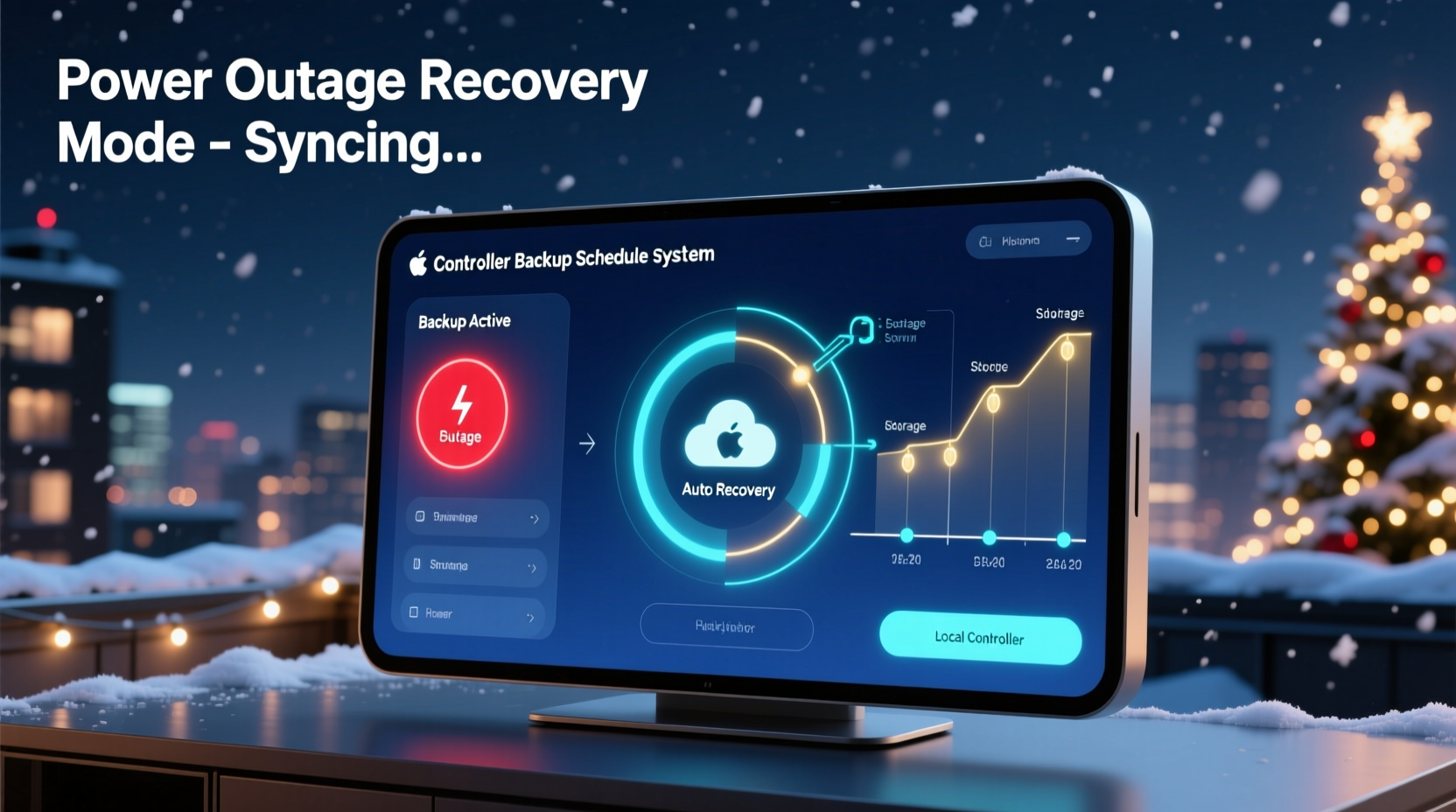
Most modern Christmas light controllers rely on internal clocks and stored schedules to execute lighting effects at precise times. Whether you're using standalone hardware like the Light-O-Rama CTB16PC, Falcon F16v3, or a Wi-Fi-enabled platform such as Twinkly or DIY ESP-based setups (e.g., WLED), timing accuracy depends on consistent power and memory retention.
When power drops:
- The controller may reset to factory defaults if volatile memory isn’t preserved.
- The real-time clock (RTC) might lose track of date and time without a backup battery.
- Scheduled sequences could fail to resume unless auto-restart logic is enabled.
- Network-dependent systems may struggle to reconnect before syncing schedules.
Without safeguards, even a brief outage can leave your display offline until manually reprogrammed—a frustrating setback mid-season.
How Backup Schedule Sync Works
Backup schedule sync refers to the process by which a light controller restores its operational timeline after a power interruption. This involves three key components:
- Timekeeping Resilience: Maintaining accurate time via an onboard RTC with battery backup (like a CR2032 coin cell).
- Configuration Persistence: Storing show schedules in flash memory rather than RAM so they survive reboot cycles.
- Automated Recovery Logic: Enabling features that detect power restoration and trigger resumption of the correct sequence based on current time.
High-end controllers often include these capabilities natively. For example, the Falcon F16v3 supports NTP (Network Time Protocol) synchronization and retains schedules across reboots. Similarly, WLED-powered nodes can be configured to reconnect to Wi-Fi and fetch updated times from an internet source upon restart.
The goal is to create a “set it and forget it” system where no human intervention is needed post-outage.
Step-by-Step Guide to Enable Reliable Power Outage Recovery
Follow this sequence to harden your Christmas light setup against disruptions:
- Choose the Right Controller Hardware
Select models known for reliability and memory retention. Look for:- Integrated RTC with battery holder
- Flash storage for configuration
- Support for scheduled playback without constant PC connection
- Install a Backup Battery
If your controller has an RTC module, insert a fresh CR2032 or equivalent battery. This keeps the clock running during extended blackouts. Replace annually to prevent drift. - Configure Auto-Start on Boot
In your controller’s firmware settings (via web UI or configuration tool):- Enable “Auto Play Last Sequence” or similar option.
- Set startup mode to “Run Schedule” instead of “Idle” or “Manual.”
- Synchronize with External Time Sources
For network-connected systems:- Enable NTP client functionality.
- Point to a reliable server like
pool.ntp.org. - Ensure the device rejoins Wi-Fi automatically using saved credentials.
- Upload and Verify Your Master Schedule
Use software like xSchedule (for Light-O-Rama), Vixen Lights, or Node-RED flows to define daily start/stop times and effect sequences. Confirm the schedule is saved directly to the controller—not just controlled remotely. - Test the Recovery Process
Simulate a power failure by unplugging the controller for 5–10 minutes. Reconnect and verify:- Clock displays correct time.
- Controller resumes appropriate sequence based on current time.
- No manual input required to restart the show.
Best Practices for Long-Term Reliability
Maintaining a resilient display requires ongoing attention. Consider these long-term strategies:
| Practice | Benefit | Frequency |
|---|---|---|
| Replace RTC batteries annually | Prevents clock drift and incorrect scheduling | Once per year (before holidays) |
| Verify NTP sync status monthly | Ensures time accuracy over long periods | Monthly during active season |
| Back up configuration files offsite | Enables quick restoration if firmware corrupts | After each major update |
| Use surge protectors with battery backup | Reduces risk of hardware damage during outages | Ongoing |
| Label all controllers and ports | Speeds troubleshooting after failures | One-time setup |
Real Example: A Neighborhood Display That Survived Three Storms
In rural Vermont, homeowner Daniel Reyes runs a 12-controller synchronized display spanning his roofline, trees, and driveway. During the winter of 2023, three separate ice storms caused power interruptions ranging from 2 hours to 18 hours.
Daniel had taken several precautions beforehand:
- Each Falcon F16v3 controller was equipped with a functioning RTC battery.
- All devices were connected to a central Wi-Fi access point backed by a small UPS.
- The master schedule was uploaded directly to each unit via the Falcon Player interface.
- NTP synchronization was enabled with automatic retry on disconnect.
After each outage, every controller rebooted, synced time within 30 seconds, and resumed the correct animation sequence based on local time. Neighbors reported the display never missed a beat—even during midnight shows.
“I didn’t lift a finger,” Daniel said. “The system handled everything. People thought we were home every night, but we were actually visiting family for two weeks.”
Expert Insight: What Industry Leaders Recommend
“Reliable recovery starts with redundancy—both in power and data. A controller should know what time it is, where it is in the schedule, and how to get back online—all without user input.” — Mark Sullivan, Senior Engineer at Lighting Systems Inc.
“Too many people assume their app or laptop controls the show. But true automation means independence from any single point of failure.” — Lena Park, Smart Holiday Lighting Consultant
Checklist: Power Outage Recovery Readiness
Before the holiday season begins, complete this checklist to ensure your system will survive blackouts:
- ✅ All controllers have working RTC batteries installed
- ✅ Firmware is updated to latest stable version
- ✅ Auto-start on boot is enabled in settings
- ✅ NTP or time-sync feature is activated and tested
- ✅ Master schedule is stored locally on each device
- ✅ Wi-Fi credentials are saved and signal strength is strong
- ✅ Surge protection is in place for all outdoor electronics
- ✅ Full power cycle test completed with successful recovery
- ✅ Configuration backups saved to cloud or USB drive
- ✅ Labels applied to all controllers and circuits for fast diagnosis
Frequently Asked Questions
Can I rely solely on my phone app to restart the lights after an outage?
No. Mobile apps require your phone, internet access, and active interaction. If the controller itself doesn’t resume autonomously, the display may stay dark indefinitely. Always configure local schedule storage and auto-play features first.
Do all Christmas light controllers support backup schedule sync?
No. Entry-level RGB pixel strips with basic remotes often lose settings during power loss. Invest in professional-grade or DIY smart controllers (like those using WLED, ESPixelStick, or commercial LOR/Falcon units) for reliable recovery features.
What if my controller doesn’t have an RTC battery?
You’ll need to manually set the time after each outage, or rely entirely on network-based time sync. If Wi-Fi is down, timing will be inaccurate. Upgrading to a model with RTC support is strongly recommended for large or public displays.
Conclusion: Build a Display That Keeps Going, No Matter What
A breathtaking Christmas light show isn’t just about colors and music—it’s about consistency, reliability, and resilience. When snow falls and storms roll in, your display should endure, delighting viewers night after night without requiring nightly resets or emergency fixes.
By implementing proper backup schedule sync protocols, investing in quality hardware, and testing recovery procedures ahead of time, you future-proof your holiday tradition. The effort pays off when your lights come back on exactly as planned—no intervention needed—while others scramble to debug their darkened yards.




 浙公网安备
33010002000092号
浙公网安备
33010002000092号 浙B2-20120091-4
Comments
No comments yet. Why don't you start the discussion?